
Toda mesa tem o mesmo problema. Algo extraordinário acontece na sessão 14 — o bardo convence um dragão a não comê-los, o paladino quebra seu juramento, alguém tira três 20s naturais seguidos — e dois meses depois ninguém consegue se lembrar exatamente como foi. A campanha vive em anotações espalhadas e memória compartilhada, e então ela se desvanece.
Um quadrinho resolve isso de uma forma que um resumo de texto nunca faz. Ele dá um rosto à campanha.
Por Que Campanhas São Difíceis de Ilustrar à Mão
O obstáculo nunca foi a imaginação. É o volume e a consistência.
Uma campanha não é uma história — são quarenta sessões, cada uma de três a cinco horas de duração, com um elenco recorrente de quatro a seis personagens, além de dezenas de NPCs. Ilustrar isso à mão significa ou encomendar arte a um custo real por peça, ou desenhar você mesmo em um ritmo que fica imediatamente atrás da campanha.
E a barra de consistência é incomumente alta. Leitores de um quadrinho comum conhecem o elenco uma vez. Seus jogadores são o elenco. Eles sabem exatamente como seu personagem se parece, e notarão se a capa do ranger mudar de cor entre os capítulos.
Esse é o problema específico em torno do qual este fluxo de trabalho é construído: muitas cenas, produzidas rapidamente, com um grupo que permanece reconhecidamente o mesmo.
Como Funciona
1. Crie seu grupo uma vez. Crie um personagem para cada jogador — espécie, classe, armadura, arma, paleta de cores, detalhes distintivos. Este é o passo que compensa nas próximas quarenta sessões, então vale a pena ser específico.
2. Cole suas anotações de sessão. Um parágrafo por batida é suficiente. Você não precisa de um roteiro formatado; o pipeline lê prosa.
3. Gere a sequência. As páginas são renderizadas em ordem com seu grupo bloqueado renderizado consistentemente. Gere novamente qualquer página que não esteja boa.
4. Compartilhe ou arquive. Exporte o capítulo e coloque-o em seu bate-papo em grupo, wiki da campanha ou um volume impresso no final do arco.
O Que Renderiza Bem — e O Que Não Renderiza
Ser honesto sobre isso economiza seus créditos.
Renderiza bem:
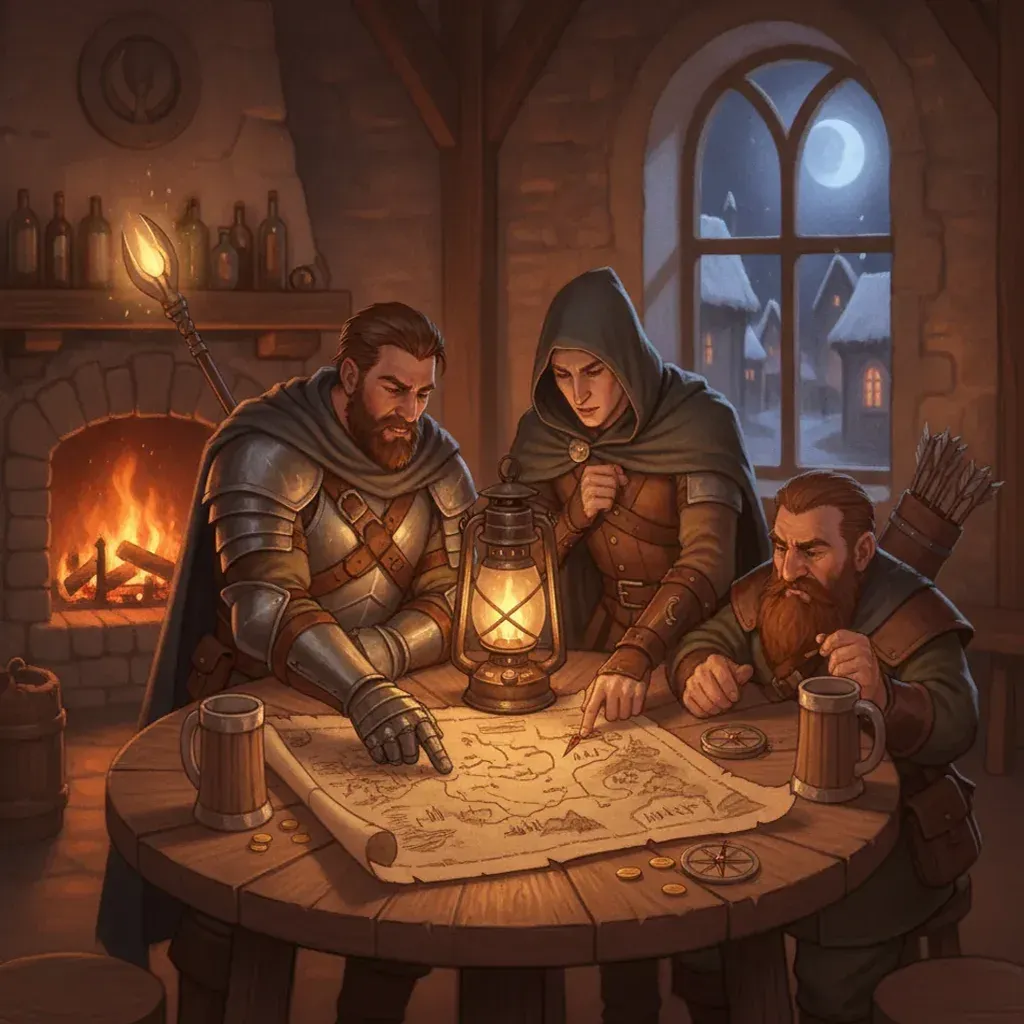
- Cenas de taverna e acampamento, conversas de planejamento, encontros sociais
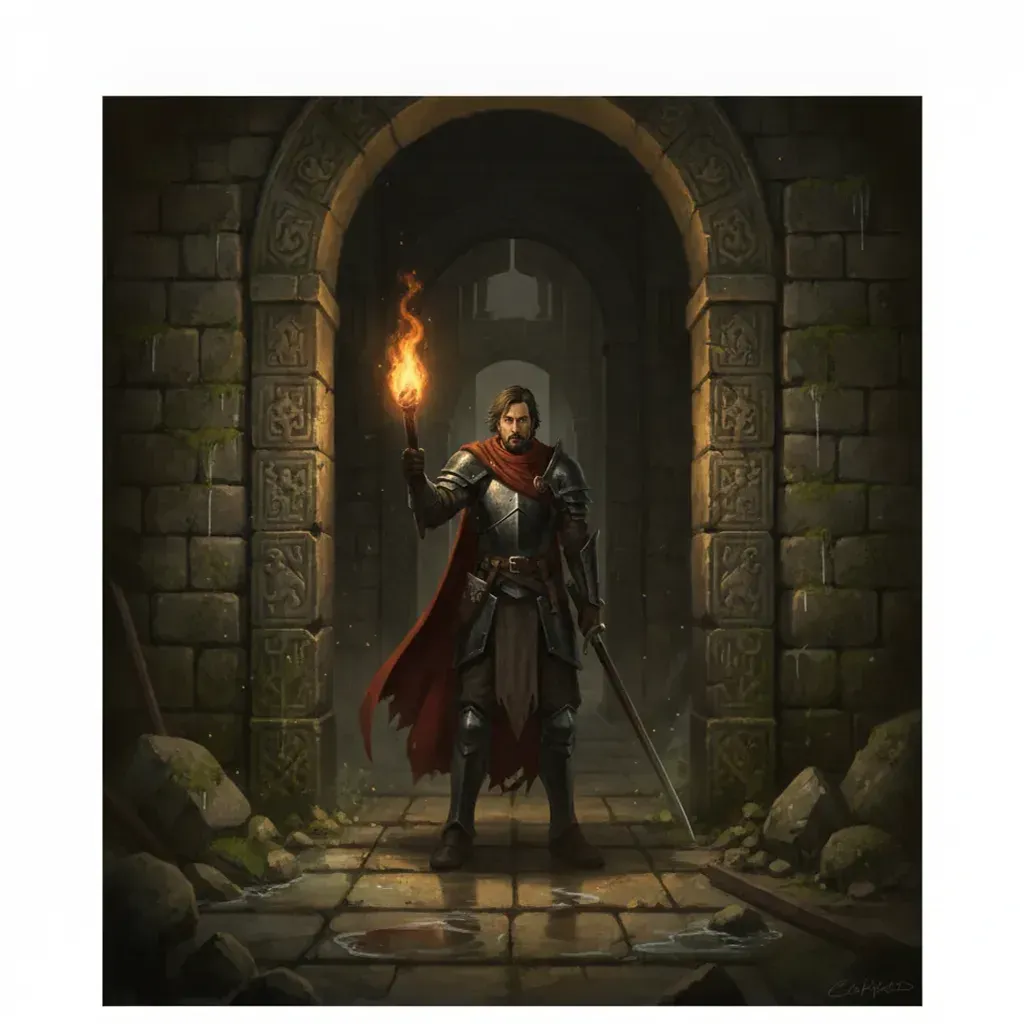
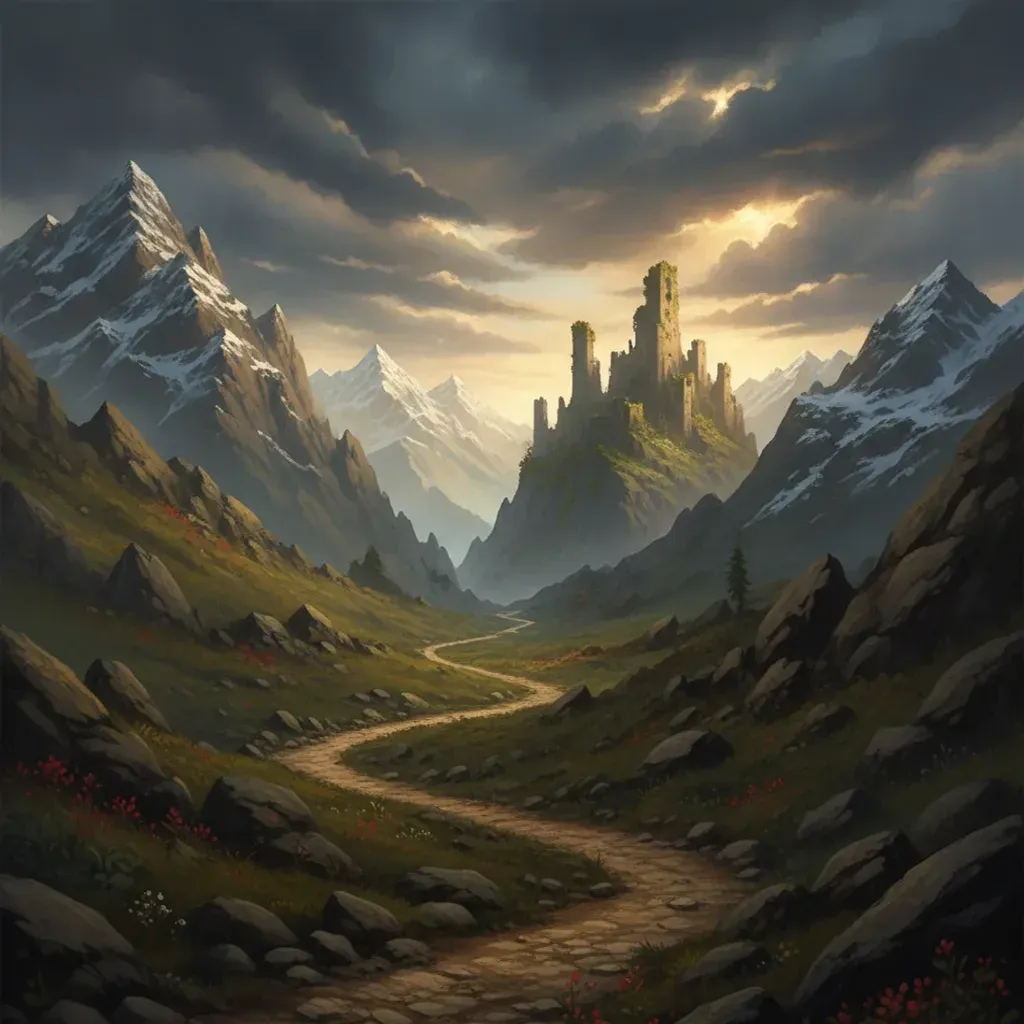
- Corredores de masmorras, ruínas, florestas, salas do trono, passagens de montanha
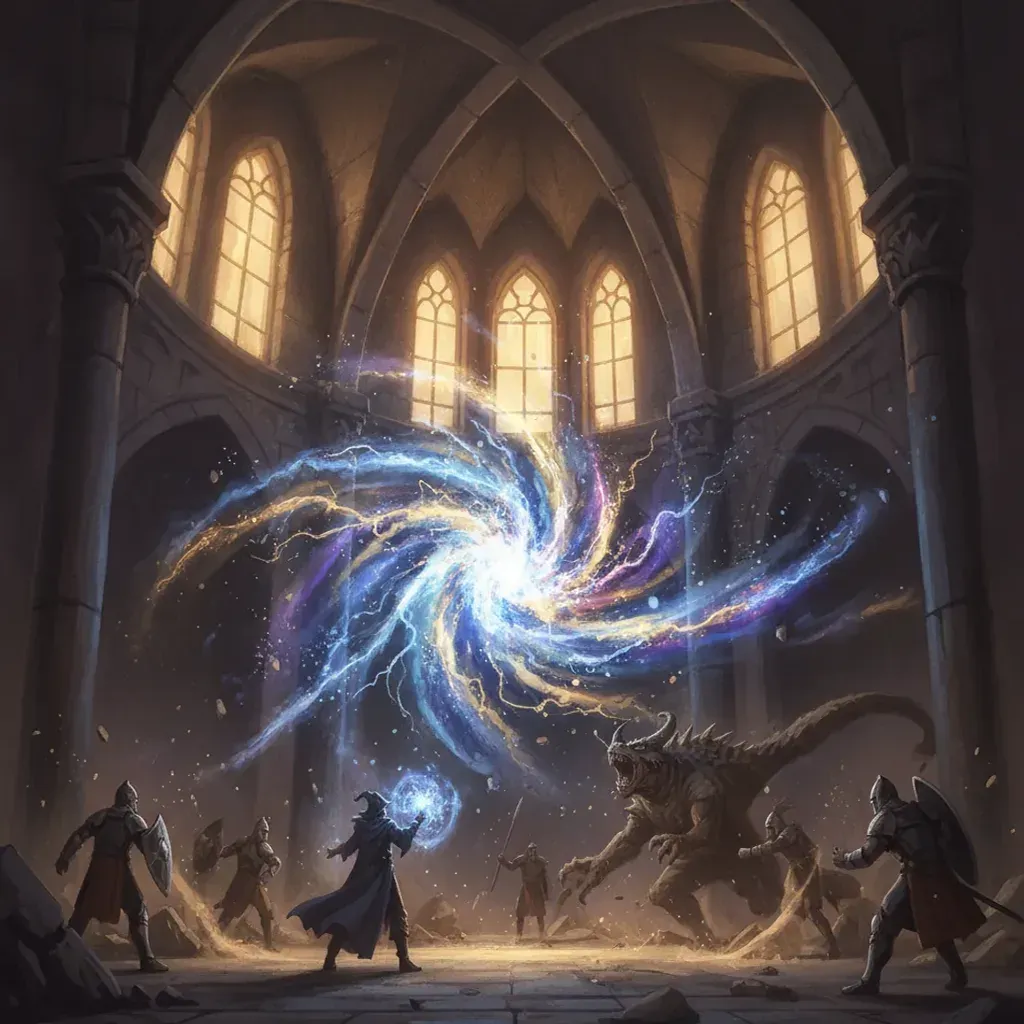
- Momentos dramáticos únicos — um feitiço sendo lançado, uma porta se abrindo, uma traição
- Retratos de personagens e formações de grupo
Renderiza mal:
- Geometria tática precisa. Se importar exatamente quem estava onde em uma grade de 30 pés, um painel de quadrinhos não preservará isso — um mapa sim.
- Longas sequências mecânicas. Seis rodadas de combate com jogadas específicas se comprimem mal em painéis. Escolha o momento que importou.
- Arte de cenário protegida por direitos autorais. Descreva sua própria versão de uma cena em vez de reproduzir arte de monstros ou aventuras publicadas.
A regra prática: ilustre os momentos, não os minutos. Uma sessão tem três ou quatro batidas que valem a pena desenhar. Tentar panelar as quatro horas inteiras produz preenchimento.
Dicas de Prompt para Quadrinhos de Campanha
- Comece com a batida emocional, não com a mecânica. “A paladina percebe que o prisioneiro é seu irmão” produz um painel melhor do que “a paladina faz um teste de Percepção CD 15”.
- Nomeie a fonte de luz. Luz de tocha, brilho de lanterna, luar através de um telhado quebrado — os interiores de fantasia são principalmente definidos de onde a luz vem.
- Mantenha as descrições de NPCs curtas, mas reutilizáveis. Se um NPC for recorrente, defina-o corretamente e bloqueie-o. Se ele aparecer uma vez, uma única frase é suficiente.
- Diga do que o cômodo é feito. “Pedra cortada úmida”, “madeira podre”, “mármore polido” muda todo o painel mais do que qualquer adjetivo sobre o humor.
- Use planos amplos para abrir um capítulo. Um painel de estabelecimento por sessão orienta o leitor antes que a ação comece.
Para Quem É Isso
- GMs produzindo resumos entre as sessões para manter a mesa engajada
- Jogadores documentando o arco de seu próprio personagem em uma longa campanha
- Grupos que encerram uma campanha que desejam um volume impresso como lembrança
- Construtores de mundos homebrew ilustrando regiões, facções e entradas de lore
- Criadores de “actual-play” produzindo material visual complementar para um podcast ou stream
Sistemas, Direitos e Publicação
Nada aqui é específico de regras — Pathfinder, Call of Cthulhu, Blades in the Dark e sistemas homebrew funcionam, porque você está descrevendo cenas em vez de blocos de estatísticas. Cenários fora da fantasia podem parecer melhores em uma predefinição de estilo diferente; uma campanha de horror cósmico, por exemplo, geralmente se adapta mais às predefinições de noir ou horror do que à fantasia pintada.
Compartilhar resumos privadamente com seu próprio grupo é simples. Se você pretende publicar publicamente ou vender um volume impresso, você precisa de direitos comerciais — incluídos no plano Elite, e nos planos Starter e Pro quando faturado anualmente — e mantenha o conteúdo seu — descreva suas cenas em vez de reproduzir texto de aventura publicado, ilustrações de monstros ou arte de cenário. O guia de uso comercial aborda isso em mais detalhes.
Comece com sua última sessão. Um capítulo leva minutos, e geralmente é o suficiente para convencer a mesa.