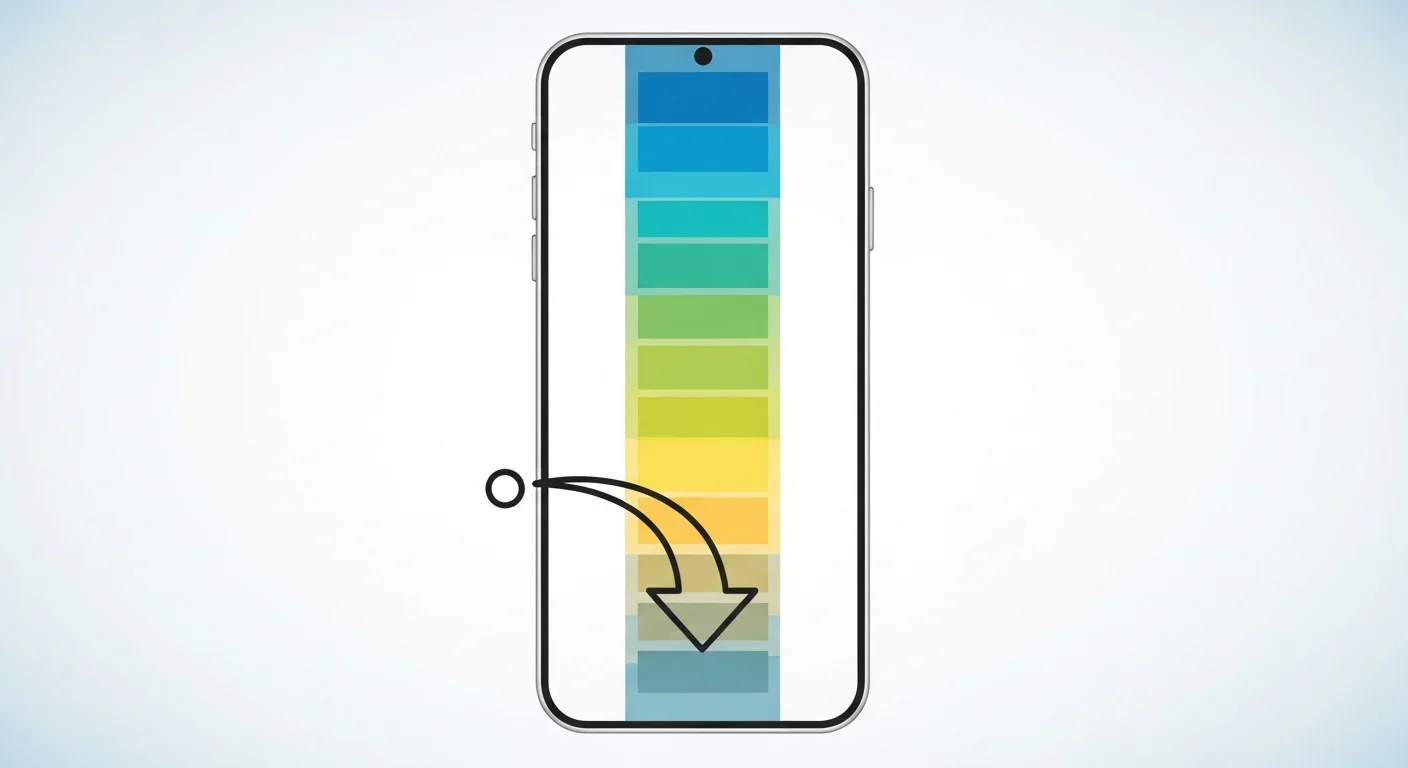
“Toon scroll” is a casual term for the vertical swipe-down reading motion used by webtoon apps — panels stack in one continuous strip instead of page grids. Most people searching it are looking to read something they’ve seen before, not to learn the format. If you want to build your own vertical-scroll comic instead, Comistitch generates one from a text script in minutes.
In short: Toon scroll isn’t an official format name — it’s shorthand for the continuous vertical-swipe reading motion webtoon apps use. If you’re here to make one, not just read one, an AI webtoon tool is the fastest path.
What Does “Toon Scroll” Mean?
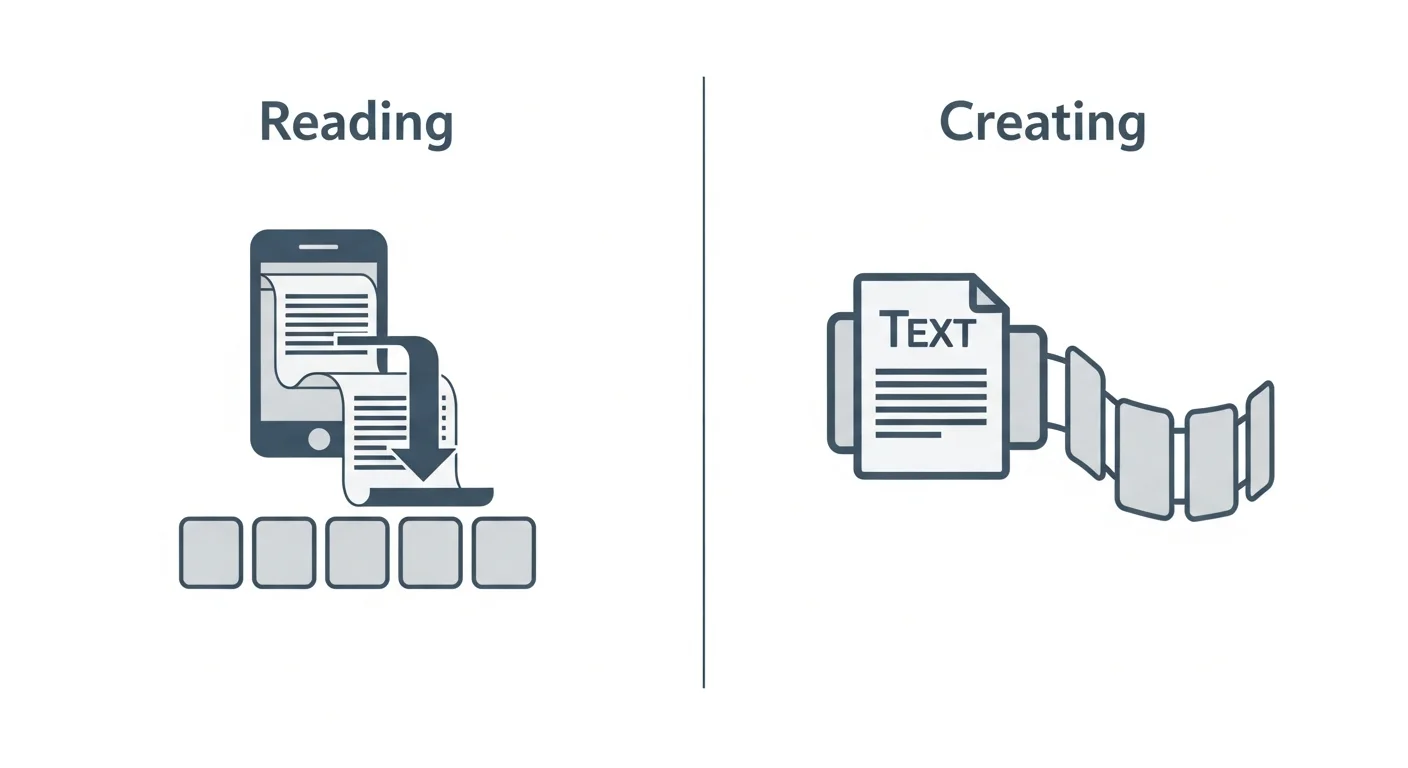
“Toon scroll” combines “toon” (short for cartoon or webtoon) with “scroll” (the reading motion). Put together, it casually describes the act of scrolling continuously through a vertical comic strip on a phone — the defining reading experience of the webtoon format. It isn’t a formal industry term the way “webtoon” or “manhwa” are; it shows up mostly in casual conversation and search queries rather than in platform documentation or creator terminology.
Because it’s an informal phrase, its exact meaning shifts depending on who’s using it and where. Some people use it to describe the reading interface of a specific app. Others use it as a general nickname for any vertical-scroll comic they’re reading. If you landed here searching for a specific app feature by that name, your best bet is to check that app’s own official help documentation directly, since app features and their names change over time and this article can’t reliably track every platform’s current terminology.
Is Toon Scroll an App Feature or a Comic Format?
Both interpretations show up in real search behavior, which is part of why the term is ambiguous. For some searchers, “toon scroll” refers to a reading interface or navigation feature inside a specific webtoon app. For others, it’s simply a colloquial way to describe the vertical-scroll comic format itself — the same thing this site calls a vertical scroll comic.
This guide focuses on the format interpretation, since that’s the piece creators can actually act on. If your intent was app-navigational — finding your way back to a reading feature you’ve used before — the format explainer and the AI webtoon tools guide won’t answer that specific question, but they will show you how the underlying format works and how to build your own version of it. Search data suggests a meaningful share of people typing this phrase are doing exactly that — navigating back to a familiar app rather than researching the format from scratch. That’s a completely reasonable reason to search the term, and if that’s you, the best next step is simply reopening the reading app you already use rather than digging through format explainers.
How Is Toon Scroll Related to Webtoons?
Functionally, toon scroll describes the exact same reading motion that defines webtoons: continuous downward scrolling through a single strip of panels, with no page turns and no left-right reading convention. Webtoon is the established, formal name for this comic format and the ecosystem of platforms built around it (LINE Webtoon, Tapas, Lezhin). Toon scroll is best understood as an informal variant phrase orbiting the same concept, not a separate or competing format. This relationship — an informal nickname sitting alongside an established industry term — isn’t unusual. Genres and formats often accumulate casual variant names once they reach mainstream popularity, and webtoon’s rapid global growth over the past decade is exactly the kind of breakout moment that produces search-term variants like this one.
Toon Scroll vs Vertical Scroll Comic: Same Thing?
| Term | Formality | What it typically means | Best place to learn more |
|---|---|---|---|
| Toon scroll | Casual, informal | The scroll reading motion, sometimes a specific app feature | This article |
| Vertical scroll comic | Standard, descriptive | The structural comic format — panels in a continuous strip | Format guide |
| Webtoon | Industry-standard | Full-color, mobile-native comics using the vertical scroll format | AI Webtoon Creator style page |
For creation purposes, treat all three as pointing at the same underlying format. The differences are in formality and context, not in what gets built.
What Are Common Misconceptions About “Toon Scroll”?
A few misunderstandings come up repeatedly around this term, worth clearing up directly.
Misconception 1: It’s a distinct comic genre. It isn’t. Toon scroll describes a reading motion and layout, not a story genre, art style, or content category. A romance story, an action story, and a slice-of-life story can all be “toon scroll” in the same sense that they can all be webtoons.
Misconception 2: It’s the official name of a specific product. The term is used inconsistently across search queries and social conversation, and doesn’t map to one single official product name in any authoritative, verifiable way. Treat it as descriptive slang rather than a brand name.
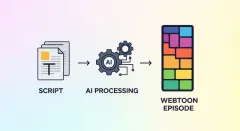
Misconception 3: You need a specific app to make one. You don’t. Any tool that generates or arranges panels in a continuous vertical strip produces a “toon scroll” experience for the reader — including AI webtoon generators like Comistitch, which build the strip directly from a text script rather than requiring you to manually assemble reading-app content.
Clearing up these points matters because search intent for the term is genuinely mixed: some readers want to find an app, some want to understand a phrase they saw somewhere, and a smaller group actually wants to create vertical-scroll content. This article, and the format guide it links to, are written for that last group. If you fall into that last group, the good news is that the barrier to entry has dropped considerably in the past few years — what used to require months of illustration practice can now start with a text description and a free account.
How Do I Make My Own Vertical-Scroll Comic Instead of Just Reading One?
If you came here as a reader and are now curious about becoming a creator, the path is more accessible than most people expect — you don’t need illustration skills to start:
- Pick an AI webtoon tool that generates full-color, vertical-strip panels from text, like Comistitch.
- Describe your characters once, and let the tool lock that design across every panel so nothing drifts between scenes.
- Write your story scene by scene in plain language — who’s present, the setting, the mood, any dialogue.
- Generate the strip and review it on your own phone, scrolling through exactly the way a reader would.
- Export and share — post to a webtoon platform, a personal site, or social media.
The builder handles the vertical-strip formatting and character consistency automatically, so the creative work is entirely in the scripting, not the drawing.
Can I Read or Make Toon Scroll Comics for Free?
Both, but they are two different questions and the answers differ.
Reading free. Most webtoon apps run a free-with-limits model: current episodes free, back catalogue or early access behind coins or ads. That is the platform’s decision, not a property of the format, and it changes often enough that any list published here would be stale within a season. Check the app you actually use.
Making free. This is the part that genuinely changed. Producing a vertical-scroll comic used to require either illustration skill or paying an artist per episode. AI webtoon tools removed that floor — Comistitch has a free tier with included credits and no credit card required, which is enough to script a short strip, lock a character design, and scroll the result on your own phone before deciding whether it is worth continuing.
What the free tier is good for: testing whether your story reads well in a continuous strip, checking that pacing survives the scroll, and seeing your character rendered consistently across a few panels. What it is not: a full serialised episode run. Long-form output is where credits get consumed, and that is the honest boundary of any free tier — ours included.
If you are only here to find something to read, none of this applies to you and the app you were looking for is a better use of your time than a creator tool.
Try It: Comistitch Prompt Example
Paste this into Comistitch Studio’s episode script box:
Scene 1: Wide panel — a quiet study desk at night, lamp light pooling on an open notebook, rain visible through the window behind it.
Scene 2: Medium panel — a hand sets down a pen, notebook now full of handwriting.
Scene 3: Close-up panel — the last line of the notebook, written larger than the rest, a decision finally made.
Scene 4: Tall panel — the desk empty now, chair pushed back, morning light beginning to replace the lamp glow.
Style: vertical scroll, full color, quiet contemplative pacing, warm-to-cool color transition.
This generates a short four-panel vertical strip in under a minute — a genuinely good, low-cost way to test pacing and color mood before committing to a full episode script.

Where Should You Go Next?
For the full format explainer — history, panel conventions, and how it compares to page-based comics — read what a vertical scroll comic is. For the complete tool-evaluation and creation workflow, start with the AI webtoon tools guide. The AI Webtoon Creator style page covers the specific style settings Comistitch applies automatically for this format.
Want to build your own vertical-scroll comic? Start free at Comistitch — no credit card, no drawing skills required, and no long onboarding process. The builder handles panel formatting and character consistency automatically, from your very first script.
External reference: Webtoon — Wikipedia overview