
What Makes AI-Generated Manga Different?
Manga is one of the most recognisable visual storytelling formats in the world. Its distinctive traits — high-contrast black-and-white linework, dynamic panel compositions, exaggerated expressions, and iconic screentone shading — have defined comics culture in Japan and inspired creators globally for decades.
Until recently, producing manga-quality artwork required years of illustration training or a significant budget for professional artists. AI manga generators like Comistitch change that equation completely.
Comistitch’s manga generation is steered by prompts built specifically for manga’s visual grammar (not copyrighted works), so every panel respects the medium’s conventions: confident inking, tonal shading via screentones, deliberate negative space, and expressive character faces.
How Comistitch’s Manga Generator Works
1. Write Your Scene
Start with a plain-text scene description. You don’t need technical art vocabulary — just describe what’s happening: who is present, the mood, the action, and any dialogue.
Example prompt:
“A teenage swordsman faces a giant armoured knight in a ruined courtyard. Extreme wide shot. Tension. The knight raises his hammer.”
2. Choose Your Layout
Pick a panel layout that suits your narrative pace:
- 4-koma — vertical strip, ideal for comedy and slice-of-life
- Action grid (6-panel) — cinematic pacing for fights and drama
- Full-page splash — single dramatic reveal
Each layout is a fixed panel template — pick the one that fits your beat, and the AI fills it.
3. Generate & Refine
The AI produces the whole page in one generation run. If a page doesn’t land, reroll it for a small credit cost and the AI tries again — all without leaving the browser.
4. Export
Download your finished pages in PNG, WEBP, or multi-page PDF, ready for Webtoon upload, print-on-demand, or sharing on social media.
Keeping Manga Characters Consistent
Every character starts from one hero reference image — built from a short description, or from a reference photo’s face and outfit. Comistitch reuses that same reference automatically in every panel where the character appears, so you don’t re-describe hair, outfit, or face shape scene by scene, and your protagonist looks the same on page one and page thirty. If you want a dedicated way to build that reference before you touch a single panel, the AI manga character generator is built specifically for that step — it outputs one manga-style hero portrait, not a multi-view turnaround sheet.
Generate a Manga Cover
Once your interior pages are finished, generate a dedicated cover as a separate step. Cover generation costs 20 credits and can pull in up to three of your cast members as visual references, so the cover face matches the characters inside — useful before uploading to Webtoon or a storefront listing. Want the full script-to-pages pipeline explained end to end, cover included? The AI comic book maker walks through it for any style, manga or otherwise.
Key Techniques Behind Great Manga Panels
Screentone Shading
Traditional manga artists apply physical screentone sheets (adhesive dot-pattern film) to create grey tones in what is otherwise a black-and-white medium. Comistitch simulates this digitally, giving shadows and mid-tones the characteristic dotted or lined texture that defines the look.
Speed Lines and Impact Frames
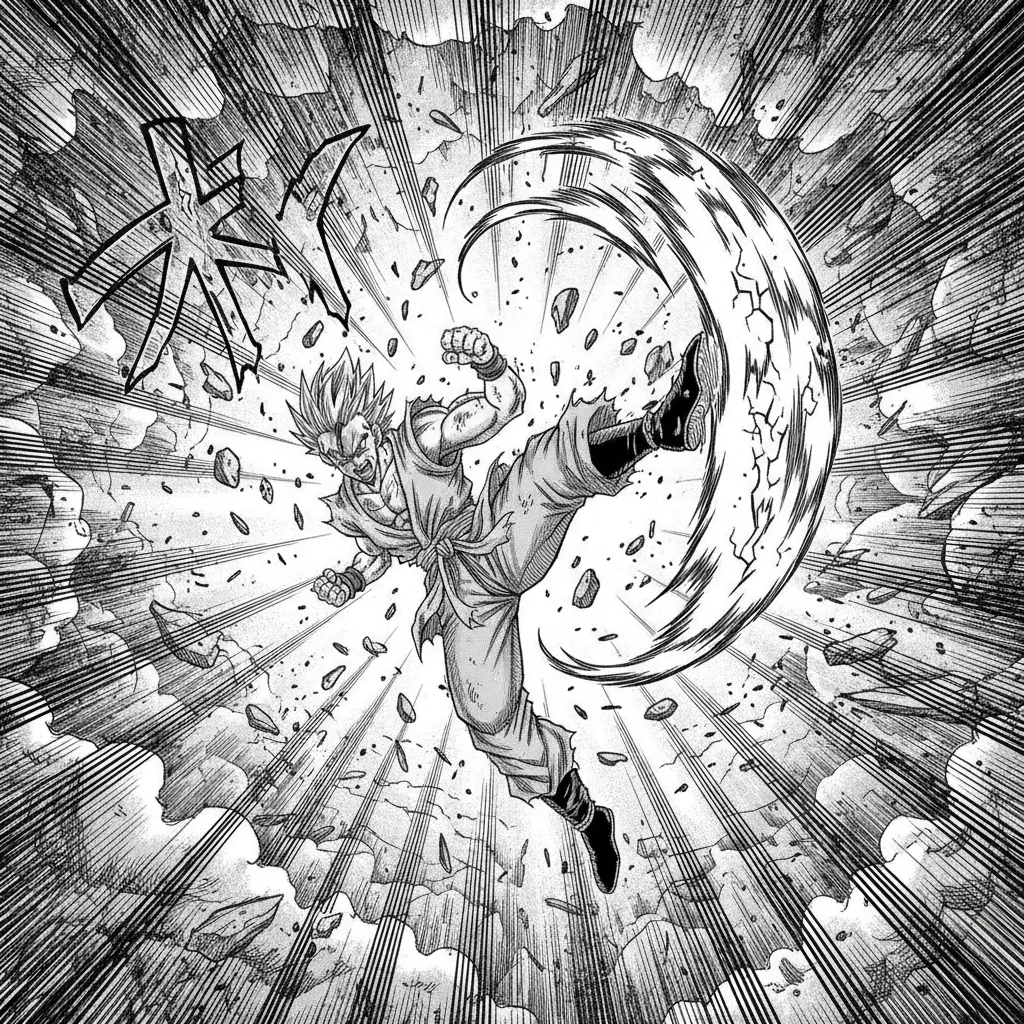
Action scenes in manga rely on radial speed lines that draw the eye to the point of impact. Comistitch automatically detects action verbs in your prompt (“punch”, “leap”, “explode”) and layers appropriate motion graphics — speed lines, shockwave rings, impact stars.
Panel Gutters and Pacing
The white space between panels (the “gutter”) controls how fast the reader moves through a scene. Each of Comistitch’s panel layouts — from tight action grids to wide splash pages — ships with gutter spacing tuned for that composition, so picking the right layout for the beat matters more than any manual adjustment.
Expressive Faces
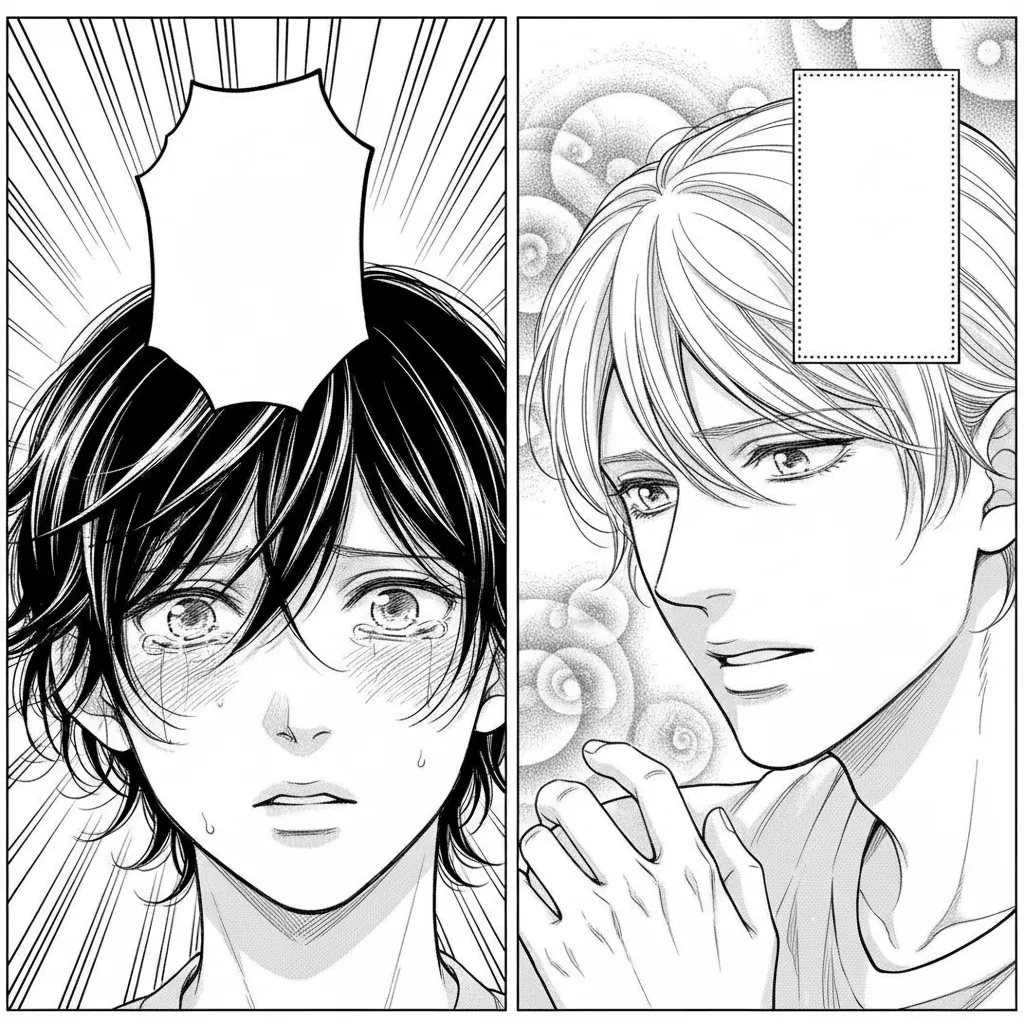
Manga is famous for its expressive face catalogue — sweat drops, vein pops, sparkle eyes, chibi reactions. The AI incorporates these when appropriate based on emotional cues in your prompt.
Manga vs Manhwa vs Webtoon — Which Should You Generate?
These three terms get used interchangeably online, but they describe genuinely different formats, and picking the wrong one means fighting your tools the whole way.
| Manga | Manhwa | Webtoon | |
|---|---|---|---|
| Origin | Japan | Korea | Format, not a country |
| Colour | Black-and-white with screentone | Full colour | Usually full colour |
| Reading direction | Right-to-left | Left-to-right | Top-to-bottom scroll |
| Page structure | Fixed pages, multi-panel | Fixed pages or scroll | Continuous vertical strip |
| Best for | Print, tankōbon volumes, PDF export | Serialized romance and fantasy drama | Mobile-first serial publishing |
Choose manga when you want the classic inked look and the tonal control that screentone gives you. If you are aiming at Korean-style full-colour serials instead, start from the AI manhwa generator. If your target platform is mobile vertical scroll, the AI webtoon creator sets the right canvas from the beginning.
You are not locked in. The same script can be regenerated in a different style, so prototyping a chapter in manga and re-rendering it as a webtoon is a normal workflow rather than a restart.
Manga Genres and How They Change the Output
Manga is not one visual register. Genre conventions change linework weight, screentone density, panel rhythm, and even face proportions — and naming the genre in your prompt shifts all of these at once.
- Shōnen — bold inking, high-contrast blacks, large impact panels, aggressive speed lines. Action beats get full-width panels.
- Shōjo — delicate line weight, airy compositions, decorative screentone (flowers, sparkles, tonal gradients), frequent close-ups on expression.
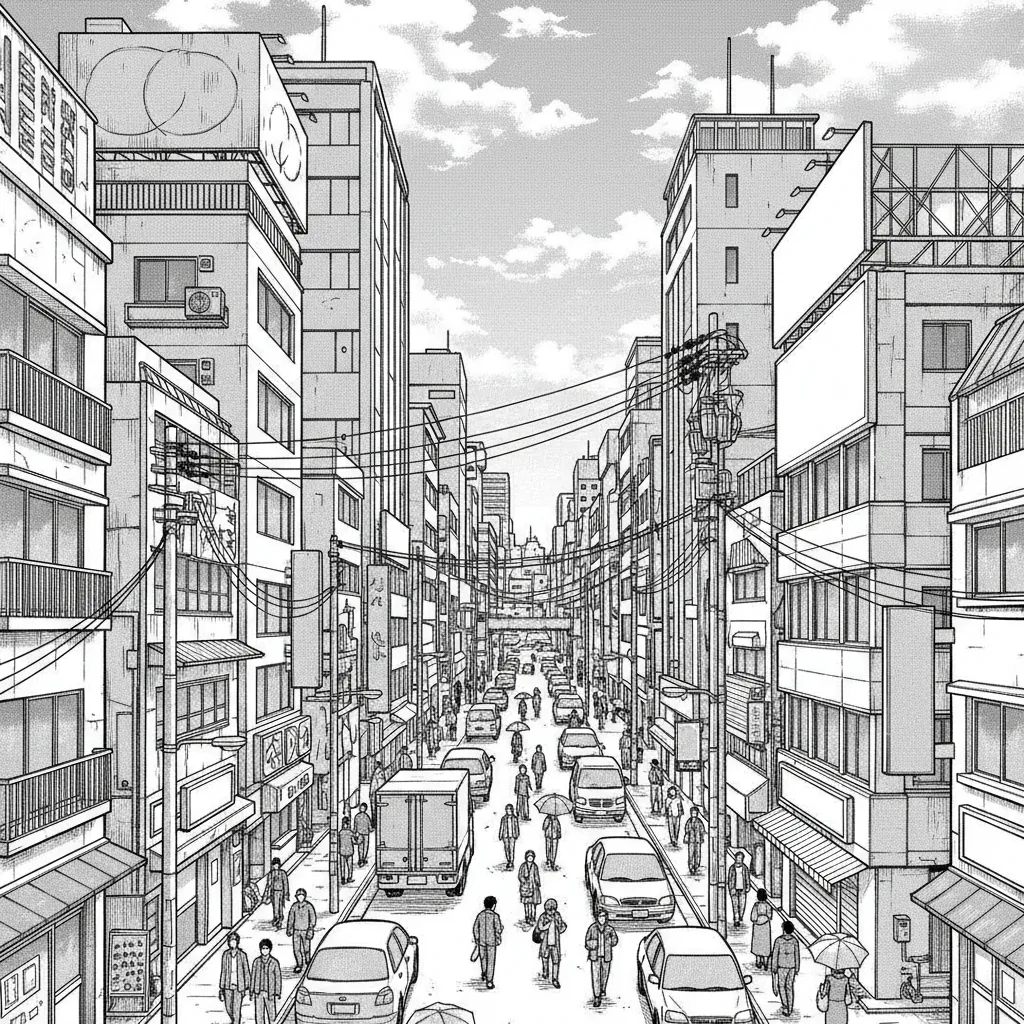
- Seinen — denser hatching, detailed backgrounds, restrained expressions, tighter and more cinematic panel grids.
- 4-koma — vertical four-panel strip with a strict setup/development/turn/punchline rhythm. Comedy timing lives in panel four.
- Horror — heavy blacks, irregular panel borders, uncomfortable negative space, extreme close-ups on detail.
- Slice-of-life — soft tone, wide establishing shots, generous gutters, minimal action graphics.
Genre presets are a starting point, not a cage: you can request “seinen linework with shōjo screentone” and the model will honour the combination.
Export and Commercial Use
- PDF multi-page export for reading, sharing, or taking to a print-on-demand service yourself — it’s an 800px-wide web-resolution export, not a DPI-calibrated print file.
- PNG for lossless archival and further editing in Clip Studio or Photoshop.
- WEBP for fast web and social upload.
Commercial rights follow your plan: they’re included on Elite, and on Starter and Pro when billed yearly — covering self-publishing, platform uploads, merchandise, and client work. Monthly Starter/Pro output and the free tier are personal/non-commercial. If you are planning to sell, read the commercial-use guide before you build a catalogue.
Who Uses Comistitch for Manga?
- Aspiring manga-ka who want to prototype chapters before committing to hand-drawing
- Writers translating light novel chapters into visual form for reader previews
- Educators creating engaging visual study materials
- Game developers producing in-engine cutscene storyboards in manga style
- Social media creators making manga memes, reaction comics, and episodic series
Tips for Better Manga Prompts
- Specify shot type: “extreme close-up”, “bird’s-eye view”, “over-the-shoulder” — the AI respects cinematography language.
- Name the emotion: “nervous”, “furious”, “awestruck” — expression quality improves significantly with explicit emotional cues.
- Reference manga tropes: “shōnen battle stance”, “shōjo flower background”, “4-koma punchline panel” — the model understands genre conventions.
- Describe the background separately: “foreground: character; background: neon-lit Tokyo alley, rain” keeps the AI from merging figure and setting.
- Use contrast directives: “high contrast, bold inking, minimal screentone” vs. “soft shading, delicate lines” shifts the visual register significantly.
Frequently Asked Questions
See the FAQ section above for answers to the most common questions about Comistitch’s AI manga generator. For further help, visit our Help Centre or contact support.
Start Your Manga Today
Comistitch is free to try — no credit card required. Sign up and describe your first scene to see your manga panels generated. Whether you’re building a full serialised series or creating a one-shot for fun, the AI manga generator gives you professional-quality output from your very first panel.
Need a script before you generate panels? Try the free manga script generator to draft scene-by-scene beats first.