A vertical scroll comic is read by scrolling straight down through one continuous strip of panels — no page turns, no left-or-right convention. It’s the native format of webtoons and the dominant way people read digital comics on mobile today. AI tools like Comistitch generate this strip directly from a text script, handling panel composition and color automatically.
In short: Vertical scroll is a layout, not a genre — panels stack top to bottom in one continuous strip instead of sitting in a page grid. It’s the format behind webtoons, and AI can build one from a script in minutes.
This is one piece of the broader AI webtoon tools guide. Start there for the full tool-evaluation and workflow picture; keep reading here for the format itself.
What Is a Vertical Scroll Comic?
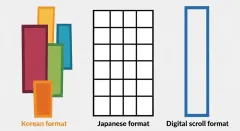
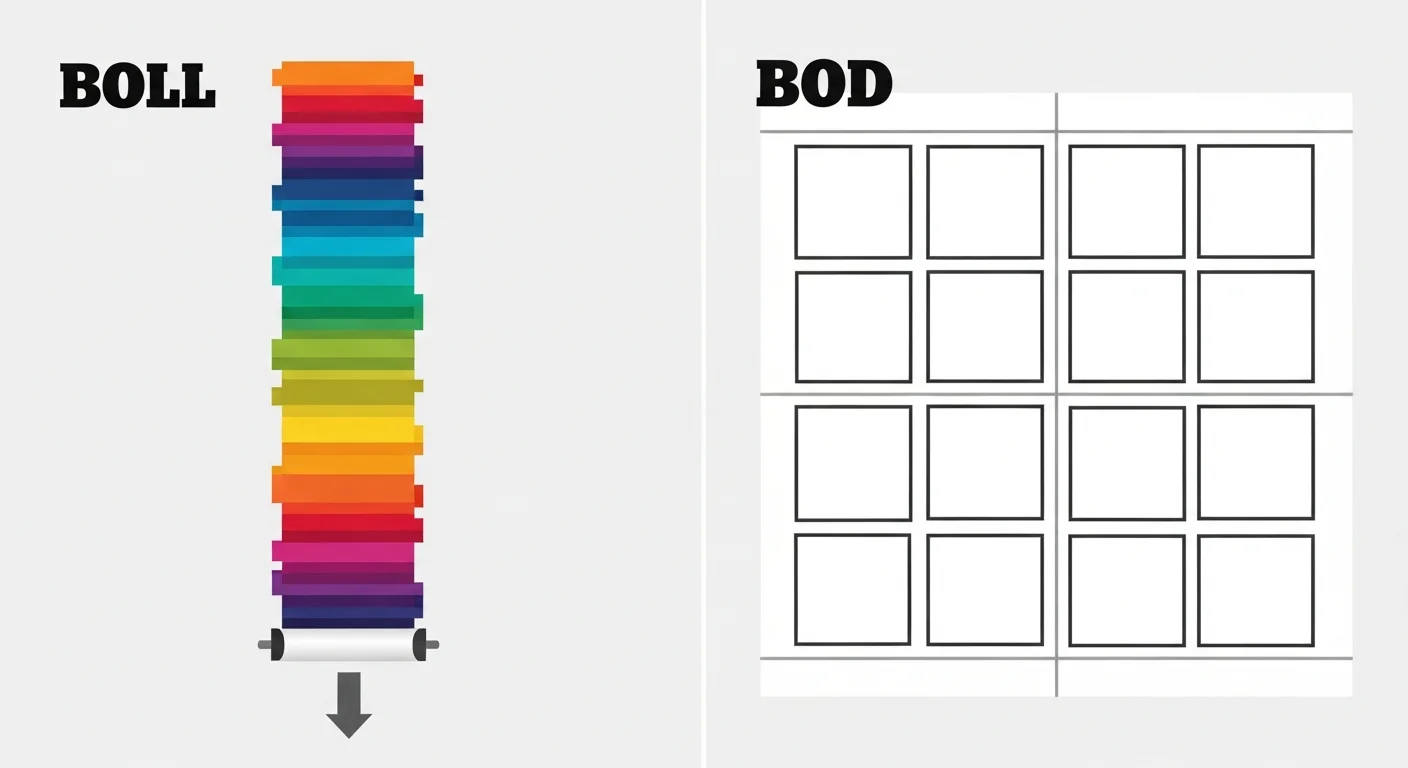
A vertical scroll comic arranges panels in a single tall strip that a reader scrolls through continuously, rather than a fixed page grid you flip through. There’s no page-turn moment and no directional reading convention (left-to-right or right-to-left) — you simply swipe or scroll downward, and the story unfolds panel by panel as you go.
The term is often used interchangeably with “webtoon,” since webtoons are by far the most visible example of the format. But vertical scroll is really a structural description — it’s possible to build a vertical scroll comic in a manga-influenced black-and-white style or a Western-comic style, even though the overwhelming majority of vertical scroll comics use the full-color, mobile-native webtoon look.
Where Did the Vertical Scroll Format Come From?
The format traces back to South Korea in the early 2000s, when portal sites like Naver and Daum began hosting comics for readers browsing on early mobile phones and desktop browsers with limited horizontal space. A single continuous strip was simpler to build, load, and scroll through than a page-based layout designed for print. What started as a technical workaround became the format’s defining visual signature once it scaled globally through platforms like LINE Webtoon.
That history matters for creators today because it explains why the format’s conventions exist: wide establishing panels stacked above tighter close-ups, blank separators marking scene shifts, and cliffhanger-shaped final panels that end an episode on a hook. Those aren’t arbitrary style choices — they evolved specifically to keep readers scrolling on a small screen. For the full craft breakdown of these conventions, see webtoon vertical-scroll paneling.
How Is a Vertical Scroll Comic Different From a Page-Based Comic?
| Attribute | Vertical scroll comic | Page-based comic (manga/Western) |
|---|---|---|
| Reading motion | Continuous downward scroll | Discrete page turns |
| Panel arrangement | Single-column tall strip | Multi-panel grid per page |
| Reading direction | Top to bottom only | Left-right or right-left, page by page |
| Color convention | Full color, standard | Often black-and-white (manga) or full color (Western) |
| Native device | Mobile phone screen | Print or desktop/tablet screen |
| Comistitch support | Webtoon style — automatic vertical canvas | Manga/comic styles — automatic page-grid canvas |
The core difference isn’t cosmetic — it changes how you pace a story. A page-based comic can reveal an entire page at once, letting a reader’s eye roam and discover a twist in panel order. A vertical scroll comic reveals information strictly in sequence, one scroll-length at a time, which is why cliffhanger pacing and reveal timing matter so much more in the format. That single difference in information control is why webtoon creators obsess over episode-ending cliffhangers in a way page-based creators rarely need to — the platform’s algorithm and the reader’s thumb both reward a strong scroll-stopping final panel. For a full comparison across all three major comic traditions, see manhwa vs manga vs webtoon.
What Makes a Panel Work in a Vertical Scroll Comic?
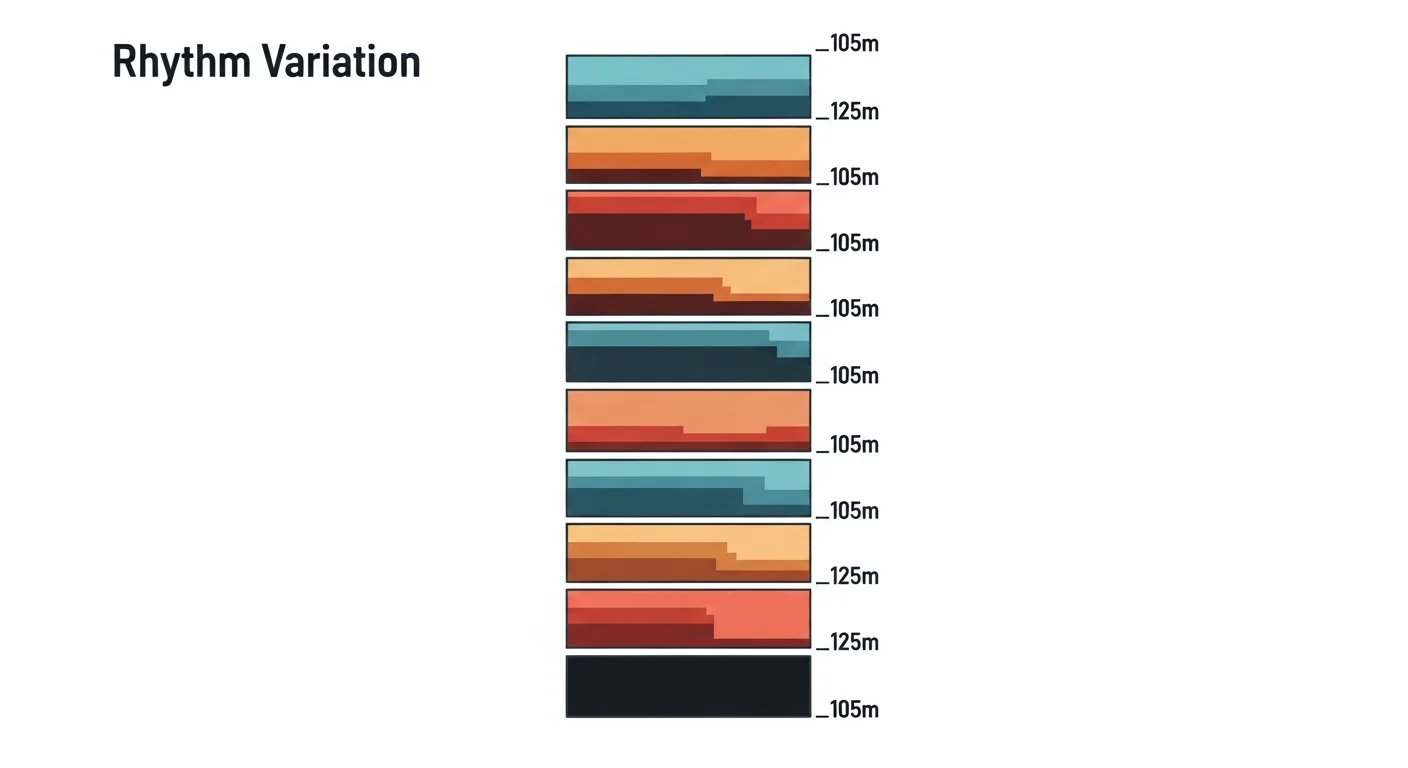
Panel height variation is the single biggest craft skill specific to the format. A sequence of identically sized panels feels monotonous when you’re scrolling continuously — there’s no page-turn to naturally break up the rhythm the way there is in print. Effective vertical scroll panels vary deliberately:
- Wide establishing panels set a scene and give the eye room to breathe before dialogue starts.
- Tall panels work well for vertical motion — falling, climbing, a dramatic reveal moving down the frame.
- Tight close-ups punctuate emotional beats between wider panels.
- Blank separators — narrow empty space between panels — signal a time or location shift without needing a caption.
From inside the builder, Comistitch varies panel height automatically based on scene intensity, though you can override any suggestion manually if you want tighter creative control.
What Genres Suit Vertical Scroll Best?
Some story types fit the format’s downward-reveal pacing better than others. Romance and slice-of-life stories thrive because long emotional exchanges and quiet character beats read naturally as a slow scroll — readers linger on a moment the way they would on a page, just vertically. Fantasy and portal-isekai stories benefit from the tall canvas, which can render sweeping establishing shots of a new world without needing multiple panels to convey scale.
Action and combat sequences also work well, since a tall panel gives a falling or leaping character room to move down the frame in a single continuous motion, creating a sense of momentum that horizontal panel grids struggle to replicate. Genres built around wide simultaneous group scenes — courtroom dramas, large ensemble-cast battles — tend to read more naturally in a page-grid format where several characters can share the frame at once. If that’s your story, the manga paneling pillar may fit better than vertical scroll.
How Do I Make a Vertical Scroll Comic With AI?
- Choose the webtoon output format in your builder — this locks in vertical-strip canvas dimensions and full-color rendering.
- Describe your scenes in order — the AI paces panel breaks from your scene structure, so write scenes the way you’d want them to unfold on scroll.
- Let the AI vary panel height — trust the automatic pacing suggestions first, then override specific panels if a moment needs more visual weight.
- Review the full strip before export — scroll through it yourself on a phone screen to check the pacing actually feels right, not just each panel individually.
- Export at mobile-ready dimensions — typically 800px wide, sized for the platform you’re publishing to.
For the complete step-by-step workflow with character setup and publishing, the AI webtoon tools guide covers the full pipeline end to end.
Is a Webtoon the Same Thing as a Vertical Scroll Comic?
Practically, yes — “webtoon” is the common name people use for vertical scroll comics, especially full-color ones built for platforms like LINE Webtoon, Tapas, and Lezhin. Technically, “vertical scroll” describes the layout mechanics while “webtoon” carries a stronger association with Korean platform conventions and full-color style. In everyday conversation and search behavior, treat them as synonyms — most people typing “vertical scroll comic” are looking for the same thing as people typing “webtoon.”
Try It: Comistitch Prompt Example
Paste this into Comistitch Studio’s episode script box to generate a short vertical-scroll test strip:
Scene 1: Tall establishing panel — a rain-soaked city street at night, neon signs reflecting in puddles, camera looking straight down the street.
Scene 2: Medium panel — a figure in silhouette steps out from under an awning, umbrella opening.
Scene 3: Close-up panel — raindrops hitting the umbrella fabric, slow-motion feel.
Scene 4: Wide panel — the figure walks away down the street, city lights fading into the distance.
Style: vertical scroll webtoon, full color, moody blue-and-neon palette, slow contemplative pacing.
The builder handles panel height variation and vertical assembly automatically — you’ll see the full scroll-ready strip in under a minute.

Where Should You Go Next?
If you’re new to the format, start with the AI webtoon tools guide for the full workflow, or go deeper on paneling craft with the vertical-scroll paneling guide. If you searched specifically for “toon scroll,” you may be looking for something slightly different — see what toon scroll means and how it relates to AI comics for clarification. The AI Webtoon Creator style page covers the specific style settings the builder applies automatically for this format.
Ready to build your first vertical scroll comic? Start free at Comistitch — no credit card required. The builder handles panel height, color, and scroll pacing automatically.
External references: Webtoon — Wikipedia overview · Webtoons market topic — Statista