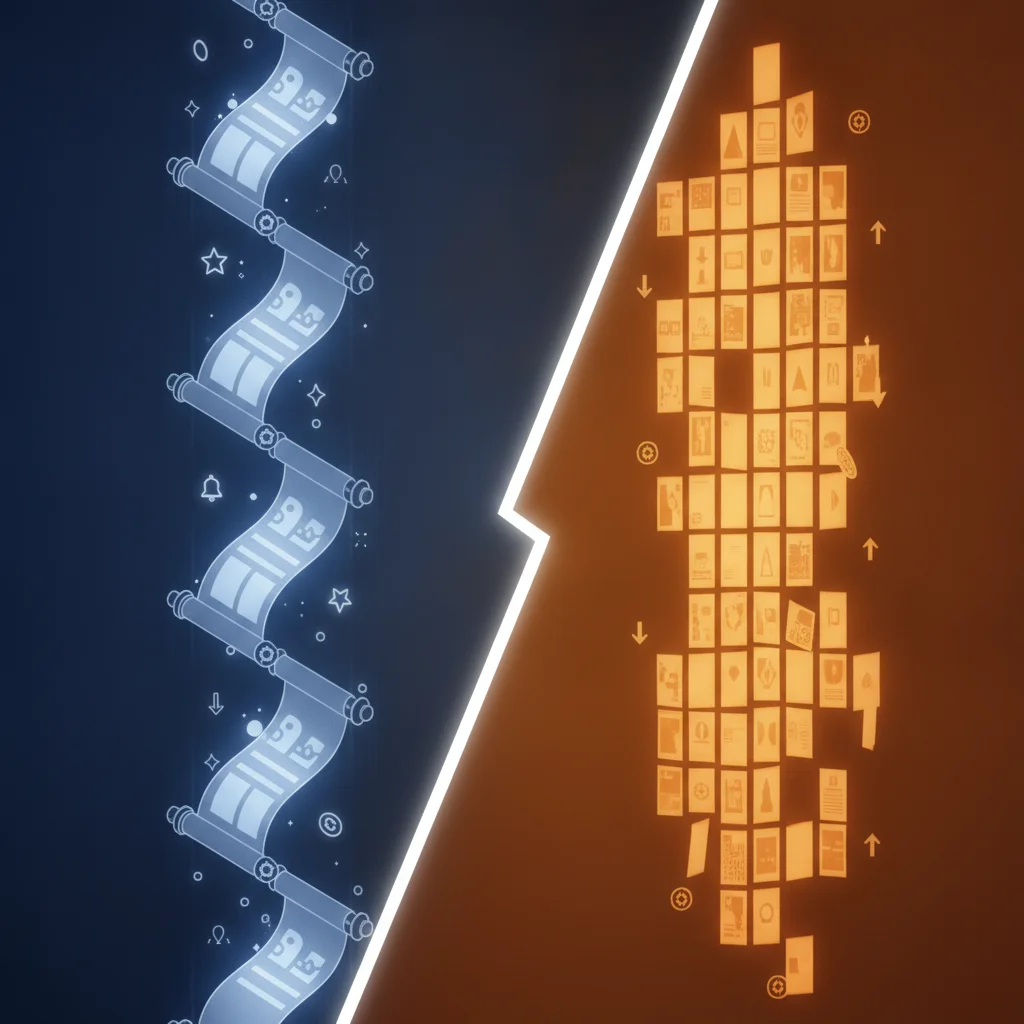
Making a manhwa with AI comes down to five steps: write a premise, build character cards, lock your style and palette, generate panels scene by scene, then export. Comistitch’s AI manhwa generator handles all the rendering; you supply the creative direction. No drawing skills required.
In short:
- A manhwa is made with AI in five steps: premise, character cards, style/palette, panel generation, export
- Character cards are the single most important consistency tool — paste them unchanged into every panel
- The builder handles sizing, line weight, and cel-shading automatically; you control the creative layer
- One episode takes two to four hours once your reusable assets are locked
- This is Part 1 of the Manhwa Creator Playbook — Part 2 covers publishing
What Is the Fastest Path to a First Manhwa Episode?
The fastest path skips the common mistake of generating panels before locking your reusable assets. Creators who jump straight into generation spend most of their time regenerating because characters look different in every panel. The five-step workflow below front-loads the cheap decisions — premise and character cards — so every generation call after that is efficient and consistent.
A standard 20-panel episode, with assets already locked, takes around two to three hours from first prompt to export. The first episode takes longer because you are building the assets for the first time; from Episode 2 onward, the character cards and palette note are already written and your generation speed roughly doubles.
In short: lock your character cards and palette before generating anything. Two hours of preparation saves six hours of regeneration.
Step 1: How Do You Write a Manhwa Premise?
Your premise is a single paragraph — roughly 60–80 words — that answers four questions: what genre is this, who is the protagonist, what do they want, and what stands in the way. It sounds simple, but it does a lot of structural work. Every scene description, every panel layout decision, and every palette choice will reference it.
Here is an example premise for a romance-fantasy manhwa:
A 19-year-old apprentice botanist discovers that the rare moonflower she has been cultivating contains the sealed memory of a spirit lord. To break the seal safely she must work alongside the spirit world’s cold-mannered archivist — who does not remember that he is the one who sealed it. Genre: romance-fantasy. Tone: soft, wistful, slow-burn.
Notice what the premise fixes: the protagonist’s role (apprentice botanist), the central object (moonflower), the conflict (seal must be broken), the second lead (the archivist), and the emotional tone (slow-burn romance). That tone line alone tells you to use a soft rose-and-lavender palette rather than saturated action colors.
Write your premise before touching the builder. Paste it at the top of a working document you will reference throughout the whole episode.
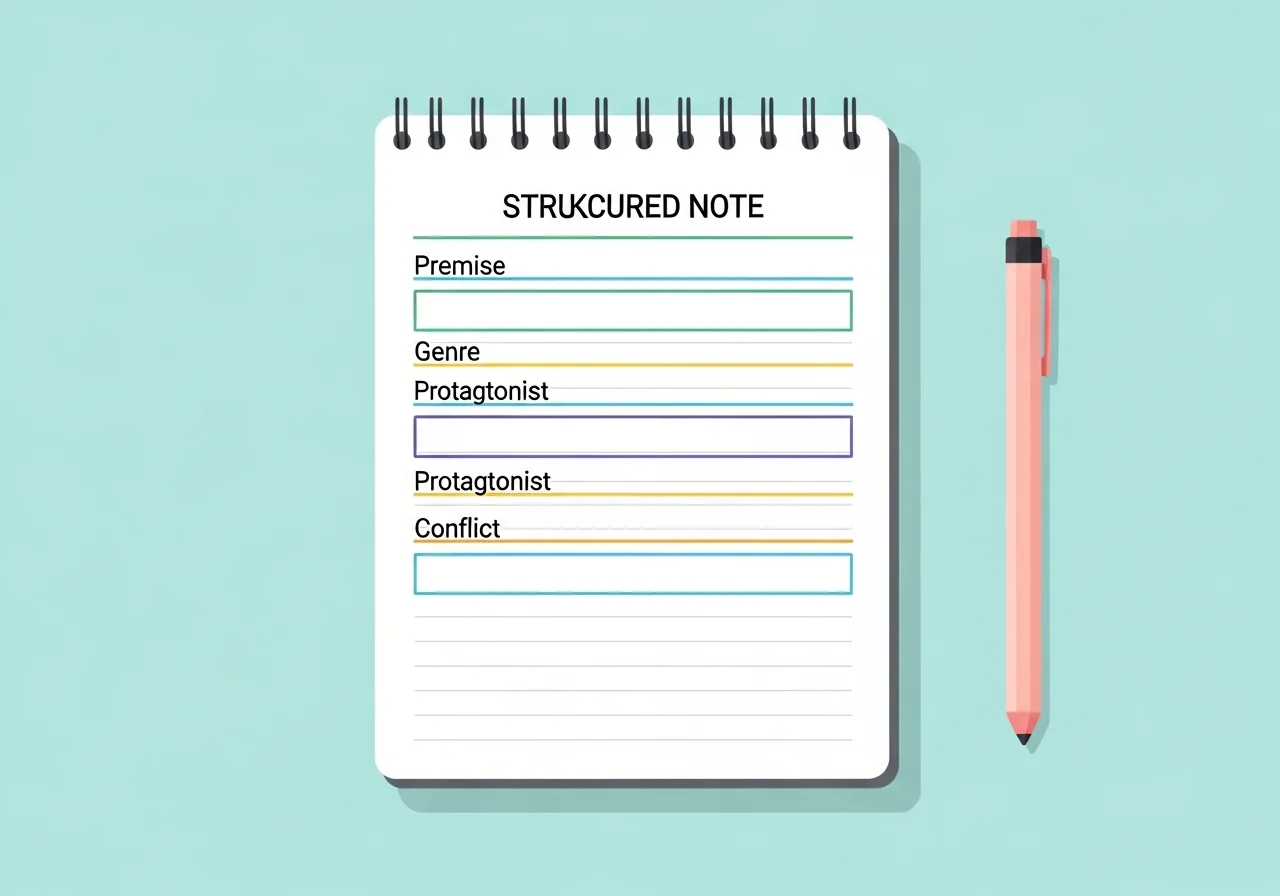
In short: a 60–80-word premise fixes genre, protagonist, conflict, and tone — the foundation every later decision builds on.
Step 2: How Do You Build a Manhwa Character Card?
A character card is a 40–60-word text block that you paste unchanged into every panel prompt that includes that character. It must be precise enough to regenerate the same design from words alone, every time.
For the romance-fantasy premise above, a character card for the protagonist might read:
Young woman, early 20s, straight dark brown hair to mid-back,
warm amber eyes, light olive skin, slim build with relaxed posture.
Wears a soft cream linen apron over a pale lavender long-sleeved
dress. Carries a small leather-bound herbarium notebook.
No exaggerated proportions. Grounded, natural design.
The discipline is in the phrasing: “straight dark brown hair to mid-back” is a regenerable descriptor. “Pretty brown hair” is not — it will look different every panel. Write every detail the way a costume designer would write a wardrobe note.
Write one card per main character. Two leads, two cards. The builder treats each card as a fixed anchor — shipped from the panel canvas with the same descriptors every time, so the AI has the strongest possible signal to hold the design stable.

For a deeper look at keeping characters consistent across a full episode arc, the character consistency in manhwa guide covers advanced techniques including scene-to-scene anchoring and mid-series design corrections.
In short: a character card is a 40–60-word block with precise regenerable descriptors. Paste it unchanged into every prompt — paraphrasing causes drift.
Step 3: How Do You Set Up Your Manhwa Style and Palette?
Manhwa has a recognizable visual signature: clean cel-shading, expressive faces, and a vertical-scroll panel format. Comistitch’s manhwa style preset handles all of that automatically — the builder applies the correct line weight, cel-shading depth, and panel aspect ratio without any configuration. What you control is the color palette.
Write a short palette note (3–5 lines) that names your base colors, your shadow tone, and your highlight tone:
Palette: soft rose (#f2b8c6), lavender (#c4b5f5), sky blue (#a8d4f5).
Shadow: cool mid-grey (#9ba3b0).
Highlight: warm near-white (#fdf6ee).
Background scenes: desaturated versions of the above, 40% saturation.
Paste this palette note alongside your character card in every scene prompt. The builder handles cel-shading from your color choices; your note ensures the mood stays consistent across scenes set in different lighting conditions.
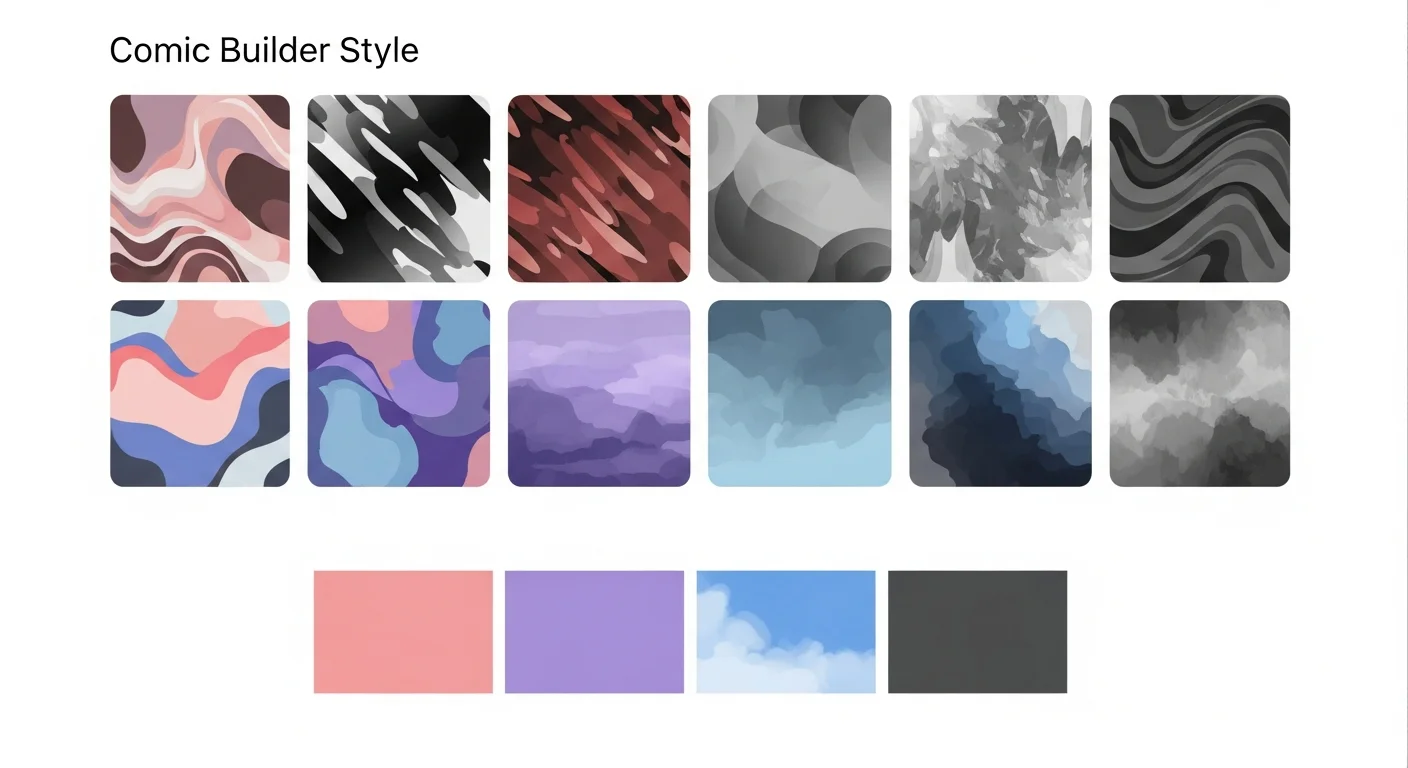
For detail on how manhwa coloring conventions differ from manga — and how to handle vertical panel spacing for different emotional beats — the manhwa coloring and vertical panels guide covers both theory and practical prompt adjustments.
In short: select the manhwa preset and write a 3–5-line palette note. Paste it in every scene prompt; the builder handles rendering from there.
Step 4: How Do You Generate Manhwa Panels Scene by Scene?
Break your episode into scenes before generating anything. A typical 20-panel episode has four to six scenes: an opening establishing shot, one or two dialogue exchanges, an action or emotional beat, and a closing reaction panel. Map this out on paper or in a simple list before you open the builder.
For each scene, combine three elements into your prompt:
- Character card (paste unchanged)
- Scene description (what is happening, camera angle, emotional beat)
- Palette note (paste unchanged)
Here is an example prompt for an opening establishing shot:
Style: manhwa, cel-shaded, vertical panel, soft romance palette.

Character anchor: [paste character card verbatim here]

Scene: exterior shot of a moonlit rooftop greenhouse at dusk,
glass panels glowing with soft blue-green light, potted plants
visible through the glass, no figures in frame, wide angle,
tranquil and wistful mood.

Palette: [paste palette note verbatim here]

Panel type: establishing wide shot. No speech bubbles.
Generate two to three variants per key panel and choose the strongest. For panels where characters appear, always include the full character card even if the character is small in the frame — partial anchors produce inconsistent results.
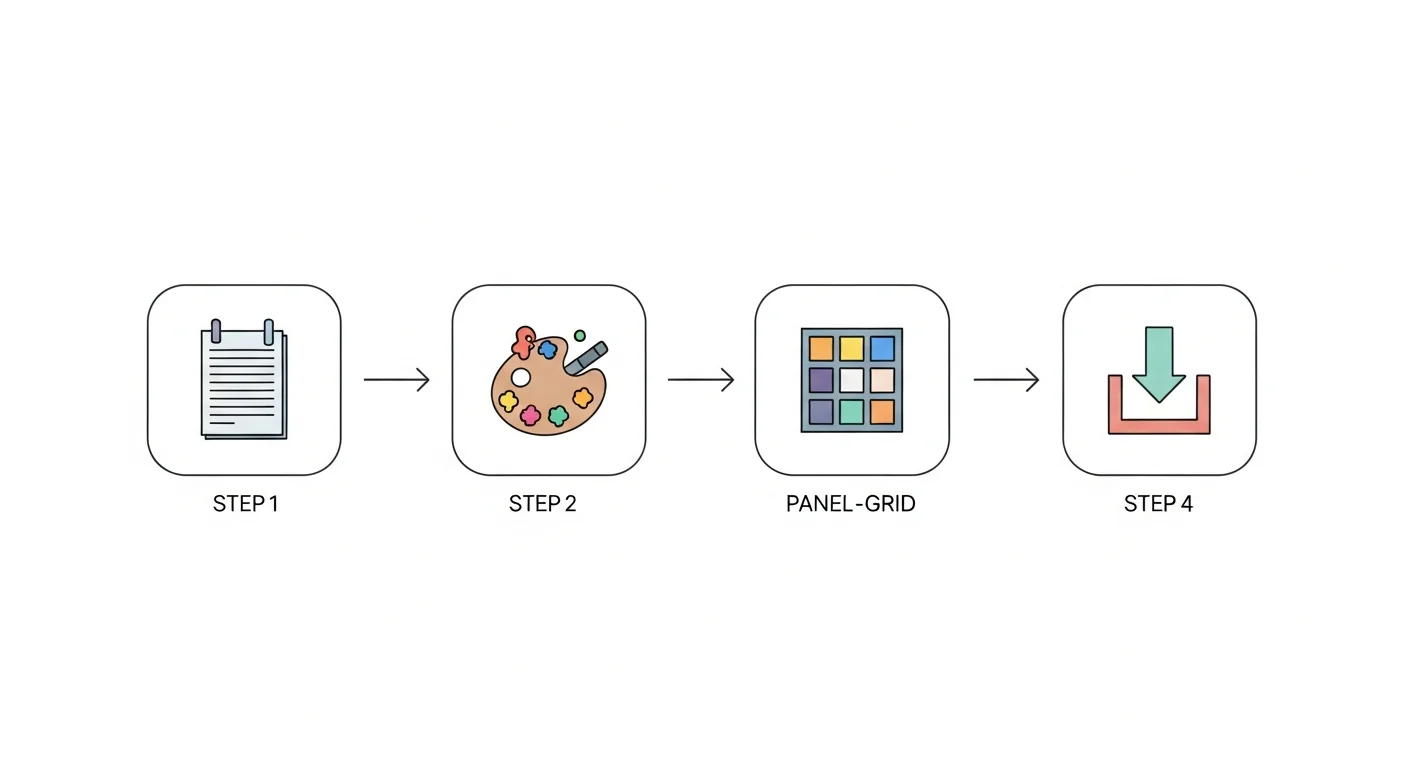
The complete workflow for the full AI manhwa pipeline, including episode-length generation and quality-checking passes, is covered in the complete AI manhwa generator guide. Read it before you start your second episode.
In short: prompt = character card + scene description + palette note. Generate 2–3 variants per key panel and select the strongest.
Panel Type Reference
| Scene Type | Camera | Panel Ratio | Emotional Function |
|---|---|---|---|
| Establishing shot | Wide, high angle | 16:9 horizontal | Set location, mood, scale |
| Dialogue exchange | Medium close-up | 4:5 or square | Character reaction, tension |
| Action / emotional beat | Close-up or extreme close-up | 9:16 vertical | Peak moment, impact |
| Transition panel | Medium, low angle | 4:3 horizontal | Pacing, scene change |
| Closing reaction | Close-up, eye-level | 1:1 square | Emotional resolution, hook |
Step 5: How Do You Export and Prep a Manhwa for Publishing?
Once all panels pass your quality check, export the episode through the builder’s export function. Comistitch outputs vertical-scroll panels as high-resolution WebP or PNG files — the format expected by platforms like Webtoon Canvas.
Before exporting, run a consistency check:
- Do the protagonist’s hair color and outfit match across all panels where they appear?
- Does the palette feel cohesive — no panels that look significantly brighter or darker than the rest?
- Are panel proportions consistent within each scene type?
- Are there any panels where a character has noticeably different proportions?
If you find issues, reroll the page with the problem — Comistitch rerolls at the page level, not per panel, but a targeted description fix beats redoing the whole episode. Paste the character card and palette note exactly as written earlier, add a constraint (“same proportions as prior panels, no exaggeration”), and reroll. The previous version stays in your page history, so you can revert if the new roll is worse.
After the visual check, add any speech bubbles and sound effects in your preferred lettering tool, then export the final merged vertical-scroll file. Commercial rights on Comistitch Elite, and on Starter and Pro when billed yearly, cover you for platform uploads and sales. Webtoon’s creator terms allow AI-assisted work as long as you disclose it, which the Webtoon Canvas creator documentation covers in detail.
In short: run a four-point consistency check before exporting, reroll the pages that fail it, then export as a vertical WebP stack. Commercial rights are included on Elite and on yearly Starter/Pro.
What Does the Full Manhwa Workflow Look Like at a Glance?
| Step | Task | Time estimate | Output |
|---|---|---|---|
| 1 | Write premise paragraph | 15–20 min | 60–80-word premise |
| 2 | Build character cards | 20–30 min per character | 40–60-word card per character |
| 3 | Set style and palette | 10–15 min | Palette note + style preset selected |
| 4 | Generate panels (20 panels) | 60–90 min | Panel image set |
| 5 | QA check + export | 30–45 min | Final vertical-scroll episode file |
| Total | First episode | ~2.5–3.5 hours | Publishable episode |
What Are Common Manhwa Generation Pitfalls?
Skipping character cards. The single most common mistake. Without a fixed card, each panel generates a slightly different version of the character. Fix: write the card before generating panel one.
Palette drift between scenes. Changing the palette description between scenes — even slightly — produces visible color inconsistency. Fix: keep a copy-paste palette note and never paraphrase it.
Over-describing the scene at the expense of the character anchor. When scene descriptions get long, creators often shorten the character card. The AI prioritizes longer text — so if the character card is cut, character consistency suffers. Fix: paste the full card first, then append the scene description below it.
Generating all panels before reviewing any. Discover a character consistency issue on page 3 and you may need to reroll pages 4–20. Fix: generate and approve panels in scene groups of three to five before moving to the next scene.
In short: write the character card first, never paraphrase the palette note, keep the character card full-length, and review scene groups before moving on.
Frequently Asked Questions
How do I make a manhwa with AI step by step? Start by writing a one-paragraph premise that names the genre, protagonist, and central conflict. Build a character card locking colors, silhouette, and wardrobe. Set your style and color palette in the builder, then generate panels scene by scene. Once satisfied, export as a vertical-scroll PDF or image stack for publishing.
Do I need drawing skills to make a manhwa? No. AI manhwa tools like Comistitch handle all rendering from text prompts and style presets. Your job is to write clear scene descriptions and maintain consistency through character cards and locked palette descriptors — no illustration experience required.
How do I keep my manhwa characters consistent across panels? Write a character card that fixes hair color, eye color, silhouette, outfit signature, and one distinguishing accessory. Paste that card unchanged into every panel prompt. The builder processes it as a fixed anchor so the same design regenerates reliably across episodes.
How long does it take to make one manhwa episode with AI? A 15–25-panel episode typically takes two to four hours from premise to polished export, once your character cards and style are locked. The first episode takes longer because you are building reusable assets; subsequent episodes are significantly faster.
Can I export my AI manhwa to publish elsewhere? Yes. Comistitch exports vertical-scroll panels as high-resolution WebP or PNG stacks you can upload directly to platforms such as Webtoon Canvas, Tapas, or your own site. Commercial rights are included on Elite, and on Starter and Pro when billed yearly. For a full breakdown of where and how to publish, see the platform publishing guide.
Can I use AI-generated manhwa for commercial purposes? Yes, on Elite, and on Starter and Pro when billed yearly. The platform acts as the merchant of record and grants commercial rights to output on those plans. Your story and character designs must be original — not based on existing IP or real-person likenesses — which the character card workflow naturally enforces by keeping all designs fictional.
What’s Next: Publishing Your Manhwa
You now have a complete workflow: premise, character cards, style and palette setup, scene-by-scene panel generation, and export. The five steps above are fully repeatable — each episode you create with the same character cards gets faster and more consistent.
Make it in Comistitch. The manhwa generator style page shows the full visual range of the style preset before you commit to it — worth reviewing if you are choosing between manhwa and webtoon aesthetics.
Part 2 of this series covers what happens after export: choosing a platform, formatting your episode for each platform’s upload specs, building an update schedule, and growing an audience from episode one. In the meantime, the where to publish your AI comic guide covers every major platform’s requirements in one reference.
Ready to start? Open Comistitch Studio and paste your premise paragraph into the first scene.