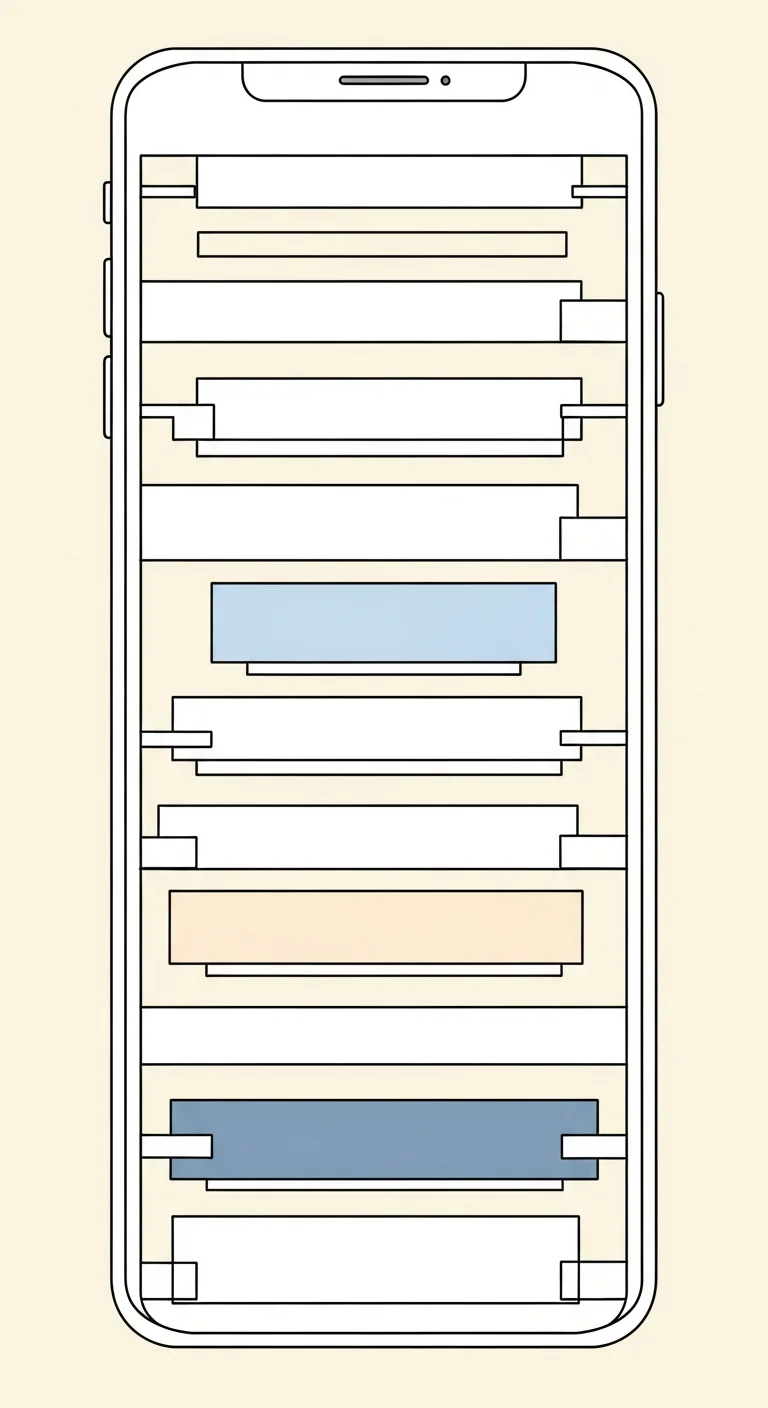
Webtoon vertical scroll paneling means dividing a tall canvas into top-to-bottom panels separated by gutters that control pacing. Unlike manga’s right-to-left grid, webtoon optimizes for mobile scrolling, where readers thumb through scenes one tap at a time. Comistitch’s vertical canvas mode generates a complete chapter layout from your script in about 60 seconds, then you tune gutter heights and drop in characters to ship a finished chapter in 30 minutes.
In short
- Vertical canvas, 800px wide, auto-extending tall (6,000–12,000px per chapter)
- Gutters are time: 100px = heartbeat, 800px = held breath
- Auto-paneling turns a 50-100 beat script into a paneled chapter in ~60 seconds
- Character consistency locked once → propagates across 100+ chapters
- Ship a finished chapter in 30 minutes; no drawing skills required
What is webtoon vertical scroll paneling?
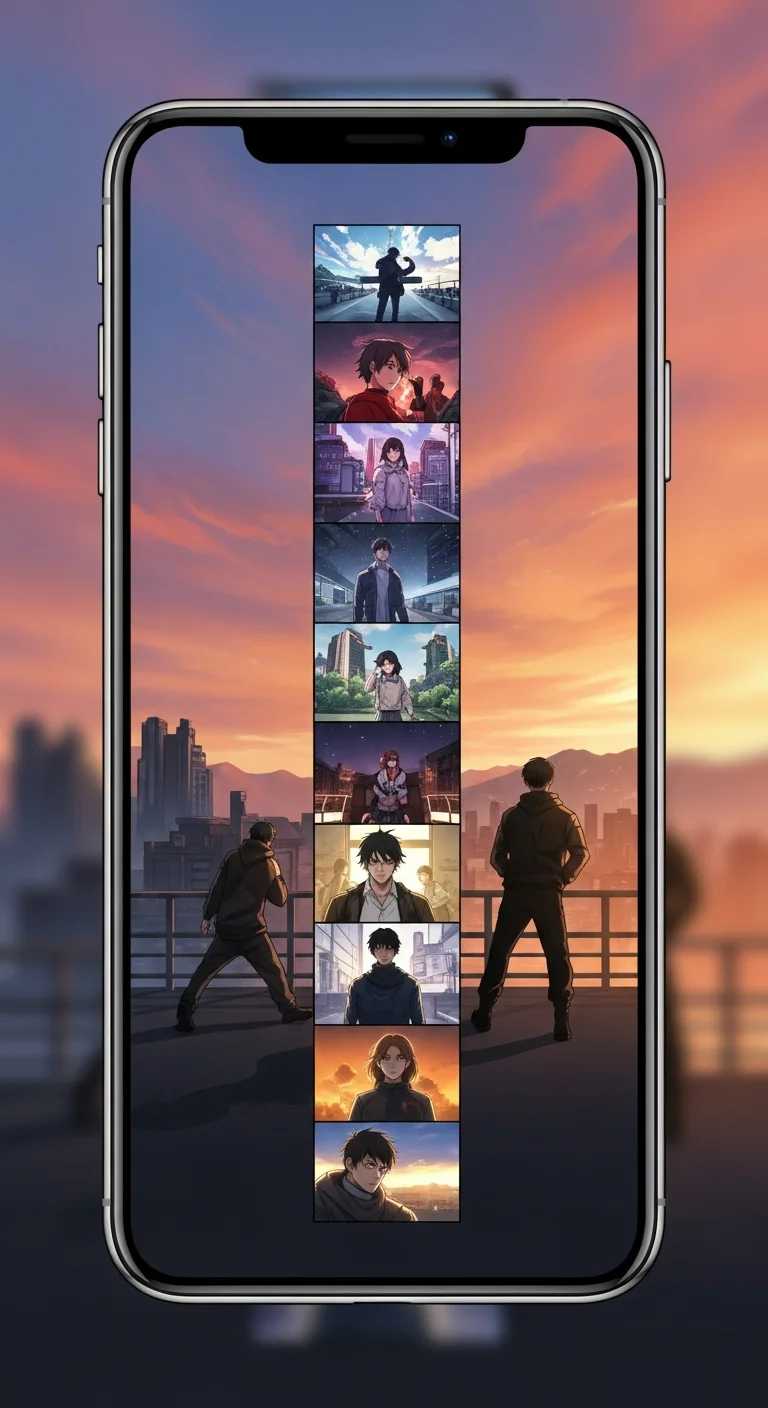
Webtoon vertical scroll paneling is a comic format engineered for the mobile thumb. Instead of laying out panels across a printed page, you stack them top to bottom on a tall canvas — readers scroll through scenes the way they scroll a feed, one beat at a time. The format originated on Korean platforms like Naver Webtoon and Lezhin, then exploded globally on Webtoons, Tapas, and Webcomics. Per Webtoon Entertainment’s 2026 creator report, over 80% of digital comic readers consume webtoons on phones, which makes vertical paneling the dominant native digital comic grammar.
What separates webtoon from a stack of comic pages is the gutter — the empty space between panels. In webtoon, gutters are not just blank dividers; they are time. A 100-pixel gutter is a heartbeat. An 800-pixel gutter is a held breath before a reveal. Master the gutter and you master pacing. Comistitch’s AI webtoon creator bakes this thinking into its auto-paneling engine so first-time creators get the rhythm right by default.
The format also changes how you write. Where a manga page can support five or six interlocking panels with overlapping action, a webtoon scroll wants one beat per panel. That constraint is freeing for new creators — you don’t need to compose a complex page; you need to write a sequence of clear moments. A confession, a reaction, a punch, a rain-soaked rooftop. Each gets its own panel, its own gutter, its own thumb-flick.
How is webtoon different from manga paneling?
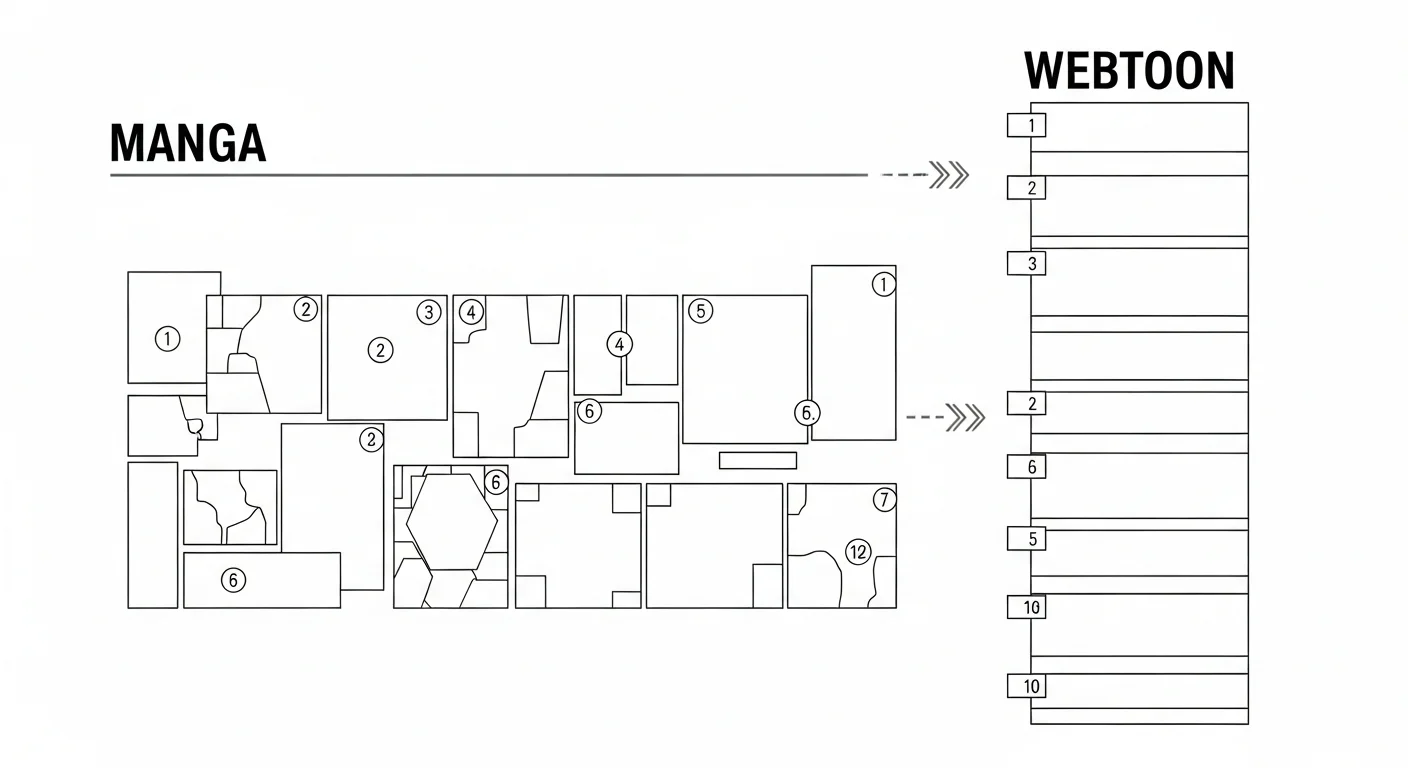
Webtoon and manga share a comic vocabulary — speech bubbles, panels, sound effects — but the layout grammar diverges hard.
| Dimension | Manga | Webtoon |
|---|---|---|
| Reading direction | Right-to-left, top-down | Top-to-bottom, single column |
| Format ratio | Print page (2:3) | Tall vertical strip (1:8 or longer) |
| Color | Mostly black & white | Full color expected |
| Platform | Print, MangaDex, viz.com | Webtoons, Tapas, Lezhin, Webcomics |
| Comistitch support | Native manga template | Native vertical canvas mode |
Manga paneling rewards dense, asymmetric grids — readers scan a whole page and absorb composition. Webtoon paneling rewards a single sustained scroll: each panel is its own moment, the gutter sets tempo, and the reader rarely sees more than 1-2 panels on screen at once.
Practically, this means a manga creator who switches to webtoon often over-packs panels at first. Old habits — three-panel rows, splash pages, panel overlap — fight the format. Webtoon wants one panel per beat, full canvas width, gutters that breathe. Comistitch’s vertical canvas mode enforces these defaults visually so the format guides the storytelling instead of working against it.
In short: Manga = dense asymmetric grid (right-to-left). Webtoon = one beat per panel, single column, top-to-bottom — gutters carry pacing.
What canvas size should webtoon use in 2026?
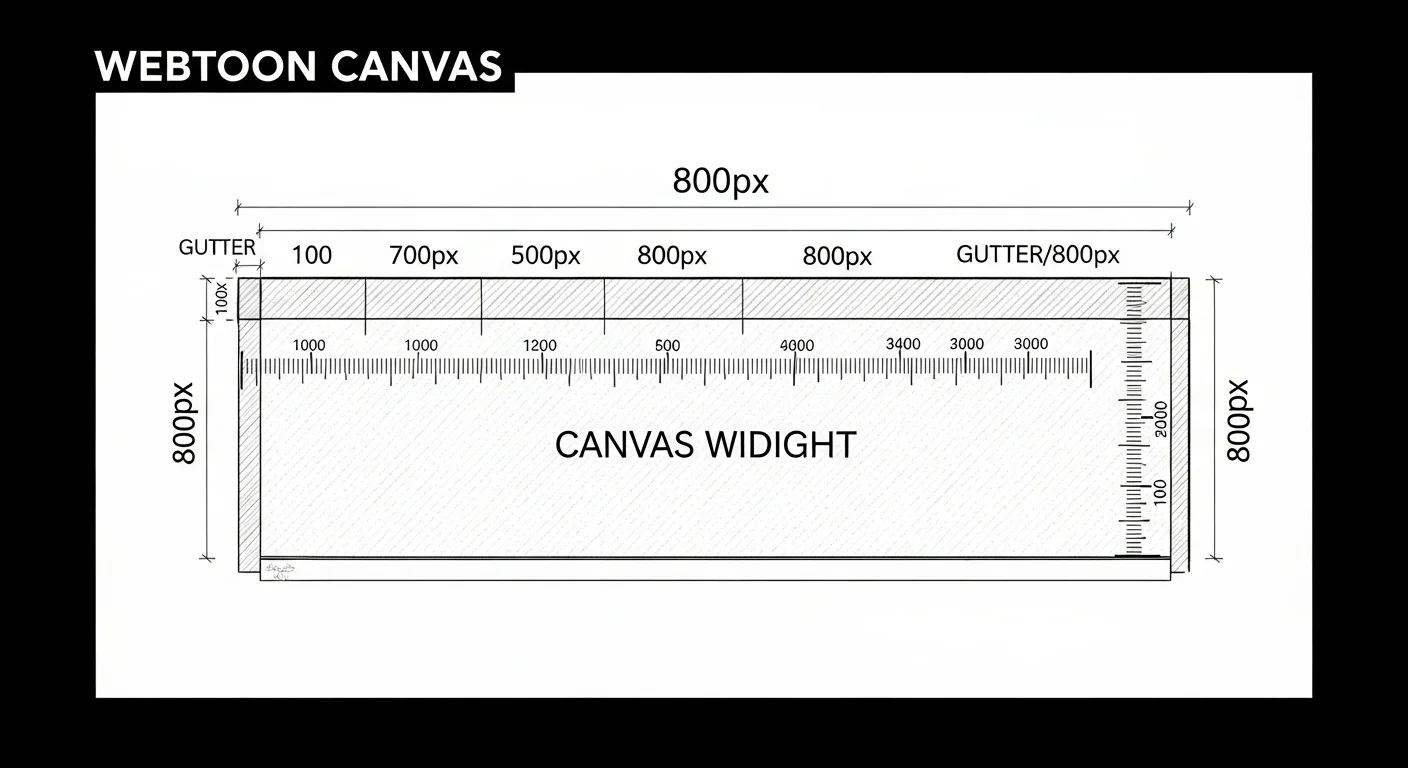
Canvas dimensions are platform-specific, but the modern webtoon standard has converged on 800 pixels wide. That width displays cleanly on every common mobile breakpoint without scaling artifacts.
- Webtoons (LINE): 800px wide, individual panel images max 1280px tall, full chapter unlimited (split into stacked panel files).
- Tapas: 720-800px wide, max image height 9000px per uploaded file. Long chapters split into multiple parts.
- Lezhin: 720px wide, supports HD strip format up to 12000px tall.
- Webcomics: 800px wide, no hard upper limit per file but recommends 8000px max for performance.
Most chapters in 2026 run 6,000 to 12,000 pixels of total height — that translates to roughly 8 to 15 mobile screens worth of scroll, or about 5 to 10 minutes of reading time. Comistitch’s vertical canvas defaults to 800px wide and auto-extends vertically as you add panels, so you never need to manually resize.
A common rookie mistake is exporting a chapter at print resolution (300 DPI, 2400px wide) and shipping that to a webtoon platform. Mobile readers see a slow-loading, pixel-blurry mess because the platform downsamples on the fly. Stick to 800px wide at 72 DPI native — file sizes stay under 2MB per chunk, panels render crisp, and uploads finish in seconds rather than minutes.
In short: 800px wide, 72 DPI native, 6,000–12,000px tall per chapter. Never export at print resolution.
How do gutters control pacing?
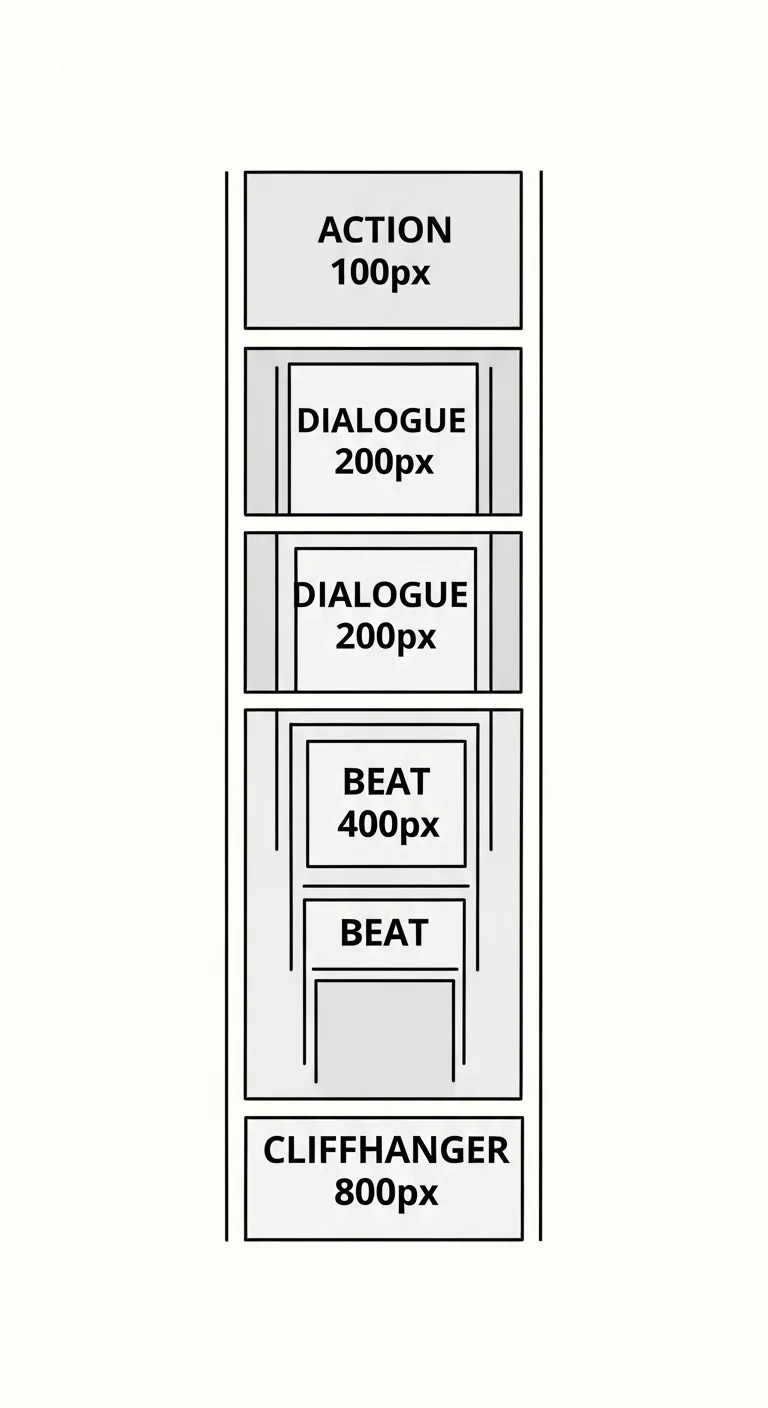
The gutter is webtoon’s most underrated tool. Think of it as the rest note in a music score — the silence that gives the next beat its impact. Sizing gutters intentionally is the difference between a chapter that feels alive and one that feels like a slideshow.
Use these rough defaults and adjust to taste:
- 100-150px gutters — fast action. Punches, chase sequences, rapid dialogue. The reader’s thumb keeps moving without pausing.
- 200-300px gutters — emotional beats. A character’s reaction shot, a meaningful glance, a one-liner that needs to land.
- 400-600px gutters — scene transitions. Moving from outdoor to indoor, day to night, past to present.
- 600-800px gutters — cliffhanger pauses. The blank space before a reveal panel forces the reader to stop scrolling, anticipate, then thumb-flick into the payoff.
Describe your target gutter size directly in each beat, then check the scroll-rhythm preview on the right to see how the pacing feels on a phone-shaped frame before you ship. You’re not guessing — you’re seeing the rhythm before you commit to it.
In short: Gutter scale = 100px action, 200-300px dialogue, 400-600px scene change, 600-800px cliffhanger pause.
How do I create webtoon panels with AI?
The traditional workflow — sketch thumbnails, line art each panel, color, place on a vertical canvas, hand-tune every gutter — runs 8 to 20 hours per chapter for a solo creator. The AI workflow compresses that to under 30 minutes:
- Write 50-100 chapter beats (one to two sentences each).
- Paste them into the vertical canvas.
- The auto-paneling engine slices the script into panels and pre-sizes gutters by emotional weight.
- Drop in characters from your library — consistency is locked.
- Add dialogue and sound effects.
- Tune gutter heights to fine-tune pacing.
- Export as platform-ready PNG.
For a deeper end-to-end script-to-publish walkthrough, see our text-to-webtoon AI complete workflow guide. The whole pipeline lives in Comistitch Studio — no separate tools, no exporting between apps. The builder handles canvas math, layout, and consistency so you spend your time on story, not pixel-pushing.
What does the Comistitch vertical canvas look like?
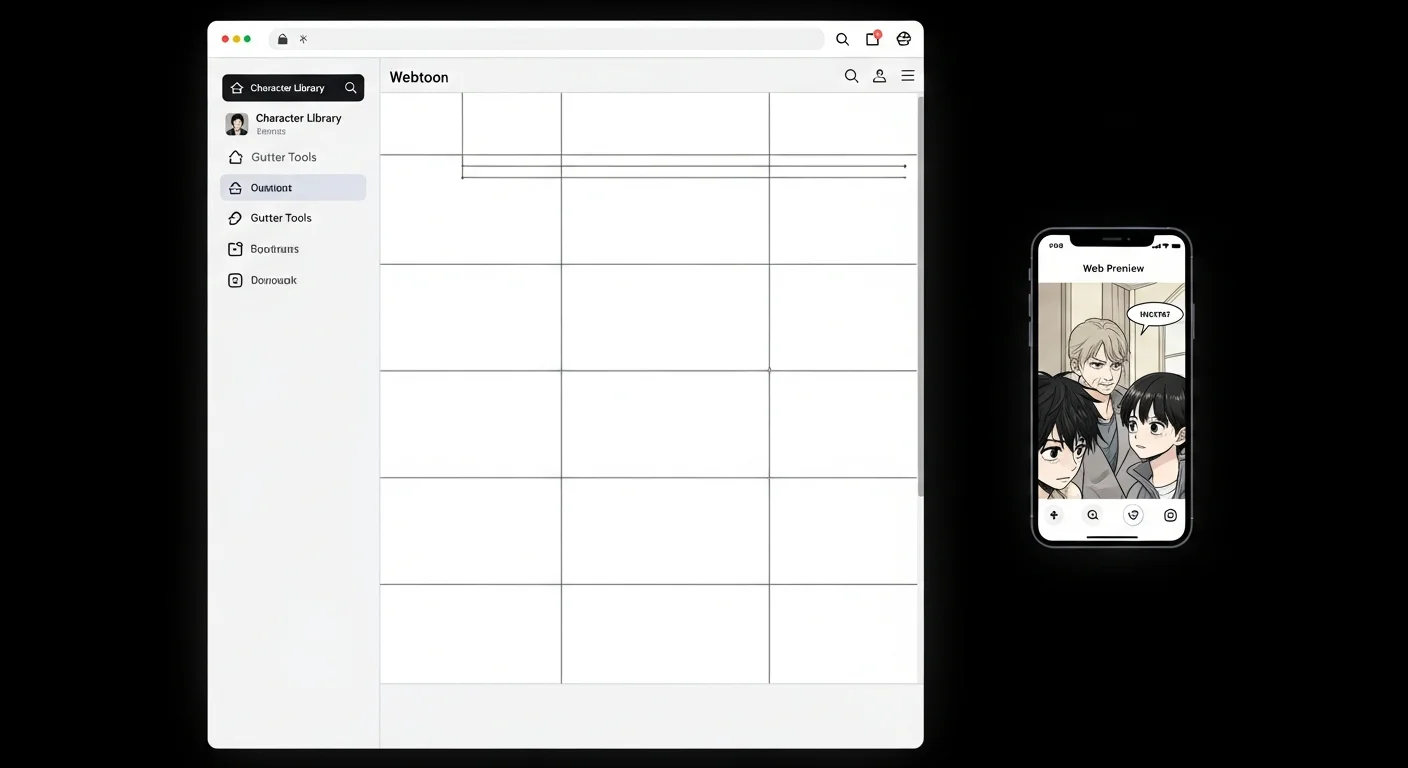
When you open Comistitch Studio and click New Webtoon Chapter, the workspace opens with three zones:
- Center: the 800px-wide vertical canvas with your panels stacked top to bottom, generated from your labeled script.
- Left sidebar: character library, sound-effect library, and the chapter script box.
- Right sidebar: live mobile scroll preview at iPhone-15 dimensions, plus a mini-map showing where you are in a 12,000px chapter.
The toolbar across the top has Undo, Redo, Save, and Export. The whole interface is designed for fast iteration — rewrite a beat and regenerate the page to see the new panels without redoing the rest of the chapter.
How does mobile scroll preview help pacing decisions?
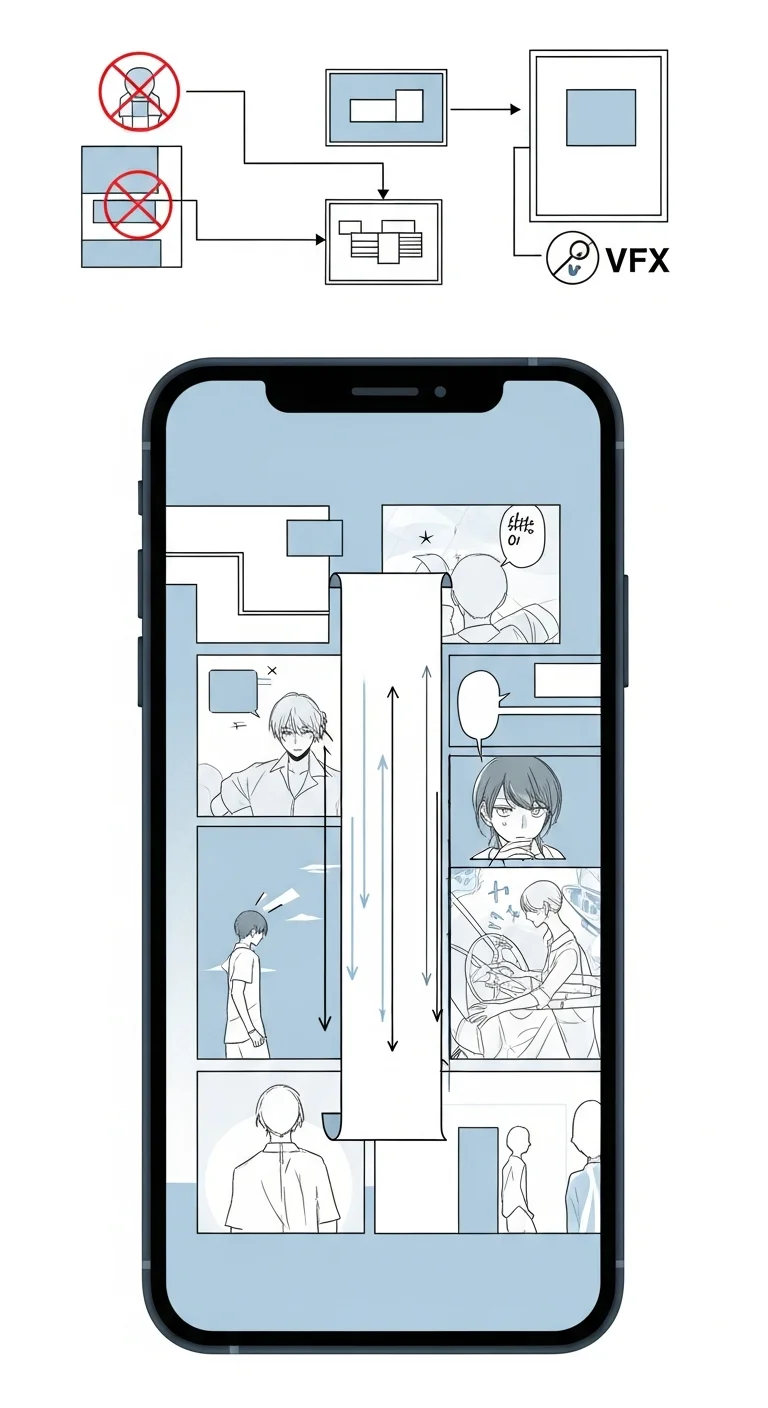
Pacing on a desktop monitor is a lie. A 12,000-pixel chapter looks compressed when zoomed out to fit a 1080p screen — every gutter feels short, every panel looks balanced. On a phone, that same chapter unfolds at full-resolution scroll and suddenly the rhythm reveals itself.
The Comistitch scroll-rhythm preview animates your chapter inside an iPhone-shaped frame at exact mobile resolution. Hit play and the preview scrolls at average reader speed (about 800 pixels per second). You see exactly which gutters work, which feel sluggish, and which cliffhangers fail to land because the preceding gutter was too small. From inside the builder, you can pause the preview, click directly to that moment in the canvas, and adjust the gutter without losing context.
How do I keep characters consistent across long chapters?
Character drift is the silent killer of long-form webtoons. By chapter 8 your protagonist’s hair color has subtly shifted, their face shape is rounder, their outfit changed without the story addressing it. Readers notice — and bounce.
Comistitch’s character consistency engine locks face geometry, hair, outfit, and proportions the moment you define a character. Every reference to that character — across panels, across chapters, even across different art styles — pulls from the locked spec. For the deep dive on how this works under the hood, see our webtoon character consistency with AI 2026 guide. The short version: define once, reference forever, no drift.
The same engine handles outfit changes intentionally — if your script calls for a wardrobe shift between chapters, you flag it once and the lock updates from that point forward. Background characters (extras, crowds) get a lighter consistency pass that prevents obvious clones without burning the budget on faces that appear for one panel. The combined effect is that a 100-chapter series stays visually coherent without you maintaining a single style sheet.
How does webtoon compare with traditional creation?
| Dimension | Traditional webtoon | AI-assisted (Comistitch) |
|---|---|---|
| Time per chapter (50 panels) | 8-20 hours | 20-30 minutes |
| Cost | $0 software / 200+ hours/year skill investment | Free tier or from $12.99/month Starter |
| Skill required | Drawing, color, digital painting, layout | Writing, pacing intuition |
| Consistency | Manual reference sheets, frequent drift | Auto-locked engine, no drift |
The AI-assisted column isn’t free — pacing, dialogue, and emotional beats still require a writer who knows what they’re doing. But the drawing labor, which historically gates 95% of would-be webtoon creators, drops out of the workflow. You become a director, not an illustrator.
Try it now: paste this chapter script into Comistitch Studio
A figure in a soaked hoodie sprints down a neon-flooded alley.
Rain hammers the pavement. They check their phone — three missed calls.
Behind them, three silhouettes round the corner.
The runner skids into a 24-hour laundromat. The bell jingles.
Inside, fluorescent lights flicker. An old woman folds towels and doesn't look up.
The runner ducks behind a dryer, breathing hard, watching the door.
The silhouettes pass. One stops. Looks in the window. Moves on.
The runner exhales. Pulls out the phone. The screen shows a single text:
"They know about the package. Don't go home."
The old woman looks up. Smiles. "Tea, dear?"
Paste that 80-word premise into the vertical canvas chapter script box, hit Auto-Panel, and in about 60 seconds you’ll have a 30-panel webtoon chapter with gutters pre-sized by emotional weight — short and tight during the chase, wider and held during the laundromat tension, full-screen blank before the old woman’s reveal. From inside the builder, drop in your characters, tune the dialogue, and you’re ready to export.
What are common webtoon paneling pitfalls?
Even with AI, a few traps catch new creators repeatedly. Watch for these:
- Gutter monotony — every gutter the same size flattens the chapter. The reader stops feeling pacing because there is none. Vary gutters intentionally; the color palette and mood design guide covers how mood shifts pair with gutter changes.
- Panel-too-tall syndrome — panels exceeding 1280px get awkwardly sliced by mobile viewports. Keep individual panels under 1200px tall and let the gutter do the breathing work.
- Ignoring scroll-fold cliffhangers — the most powerful gutter is the one before a reveal panel. New creators rush through these. The pacing and cliffhanger techniques guide breaks down the math of perfect gutter timing.
- Character drift — even with consistency tools, mixing AI-generated and hand-edited characters can introduce subtle inconsistencies. Pick a workflow and stick with it. For a comparison of how different platforms handle this, see Dashtoon vs Comistitch AI webtoon comparison 2026.
In short: Avoid gutter monotony, oversized panels (>1280px), lazy cliffhanger placement, and mixed character workflows. The auto-paneling engine defaults guard against all four.
What’s next? Master the full webtoon workflow
Vertical scroll paneling is the foundation, but a finished webtoon needs more — locked characters, mood-aware color, and a publishing pipeline that hits the right platforms. These cluster guides cover the rest of the stack:
- Webtoon character consistency with AI 2026 — lock characters across long-running series.
- Webtoon color palette and mood design — build palettes that match your story’s emotional arc.
- Publish webtoon on Webtoons and Tapas platforms — file specs, metadata, and submission workflow.
Start free at Comistitch Studio — your first chapter ships in 30 minutes.
Searching for “toon scroll” specifically? That is the informal name for the vertical swipe-down reading motion, not a paneling technique — what toon scroll means and how to make one with AI covers it directly.