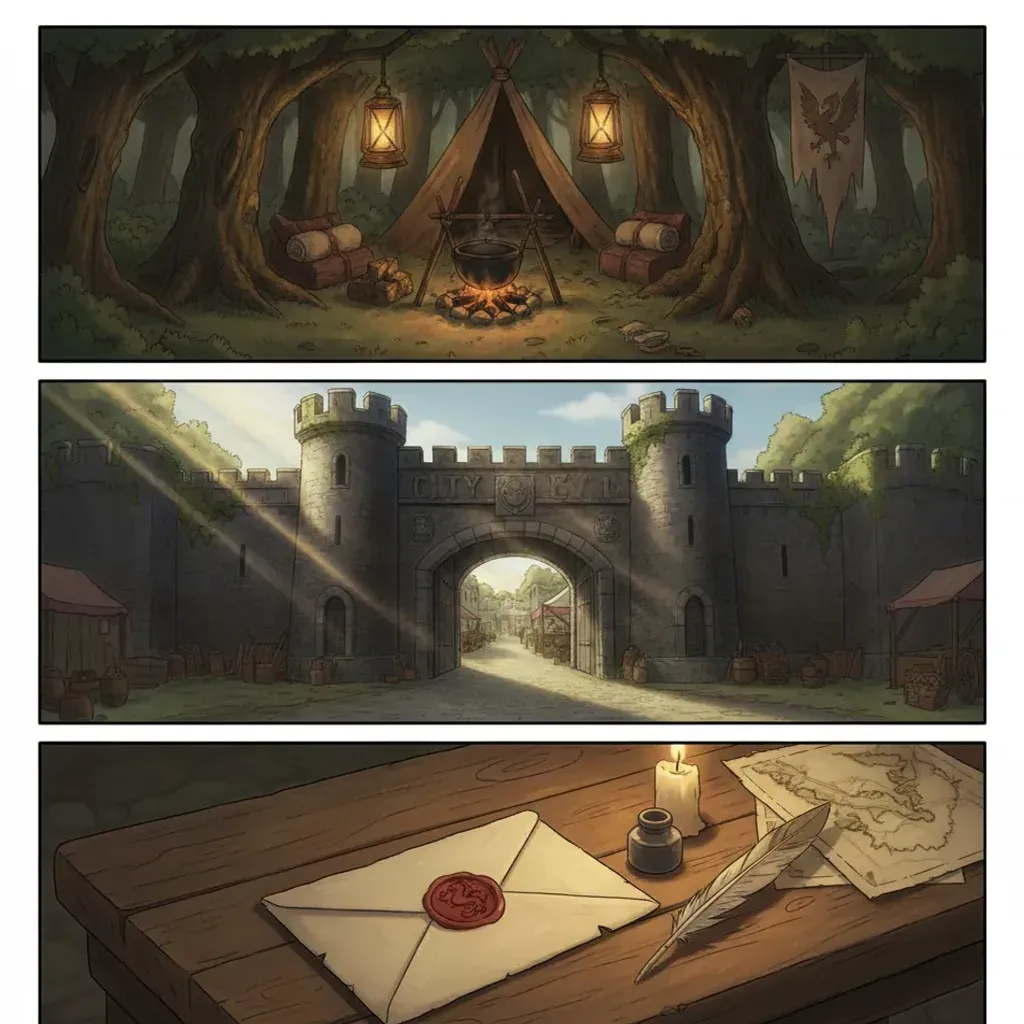
Parts 1 and 2 built the concept and the city for Nightshore — a worn PI, the Adler case, rain-locked Mercer City. Part 3 writes the story into that world and panels it. This is where the build stops being setup and starts being a comic: turning the Adler case into noir script beats and laying them out for tension and reveal. Paneling is the genre’s secret weapon, and noir paneling has its own rhythm.
The short answer: noir comic paneling builds tension by alternating wide atmospheric panels with tight beat panels and pacing every reveal with delay — a sparse, visual script that names location, light, and position per panel, thumbnailed into a page grid before any art is generated. Panel size is your timing tool: large panels slow the reader, tight panels accelerate them into the reveal.
In short
- Noir paneling alternates slow wide panels with tight beat panels, ending unresolved
- The script is sparse and visual — name location, light, position; keep dialogue hard-boiled and minimal
- Thumbnail the page as a panel grid before generating any art
- Pace reveals with delay: withhold, reveal in its own panel, hold on reaction
- Panel size controls reading speed — it is the genre’s primary timing tool
- Same MoR-safe, AI-original, commercial foundation as the rest of the build
How Do You Write Noir Script Beats?
A noir script is the opposite of a wordy one. Each panel line is a tight set of visual instructions plus, occasionally, a line of hard-boiled dialogue. The discipline carried from Parts 1 and 2: every panel names its location, weather, light, and the detective’s position and orientation, so nothing is left for the model to guess.
A working Adler-case page from Nightshore in script form:
Panel 1 (wide): Mercer City harbor warehouse exterior, 2 a.m., steady rain, single sodium lamp above a roll-up door. No figure. CAPTION: “The ledger said she worked late. The harbor said otherwise.” Panel 2 (tight): the detective’s gloved hand on the wet door handle, sodium light raking across. No dialogue. Panel 3 (tight): boots stepping into dark water pooled on the warehouse floor, faint amber from outside. No dialogue. Panel 4 (medium): the detective, seen from behind, facing rows of shipping crates fading into fog. CAPTION: “Somebody had been here first.”
Notice the sparseness — two captions across four panels — and the sequential-art logic: each panel advances the read by one concrete visual step. The painted atmosphere from Part 2 carries the mood; the script just locks the variables.
In short: noir scripts are sparse and visual — each panel names location, light, and position with minimal hard-boiled dialogue. The atmosphere carries mood; the script locks variables.
How Do You Panel for Tension?
Noir tension is a rhythm of panel sizes. The genre lives on contemplative beats punctuated by sudden revelation, and the layout has to support that. A working Nightshore page template:
- Establishing beat (1 wide panel). The rainy warehouse, the empty office, the harbor at 2 a.m. Wide, atmospheric, often no figure.
- Approach beats (2–3 tight panels). Following the detective in — hand on a door, boots in water, half-face in shadow. Tight panels accelerate the read.
- Encounter / reveal beat (1–2 panels). The moment something turns — a body, a missing ledger, a watcher in the dark.
- Reaction beat (1 held panel). Close on the detective’s hands or back. The page ends on the unresolved beat.
The size contrast is the tension. A wide slow panel followed by tight fast panels creates acceleration; a held reaction panel after a reveal creates the pause that lets it land. The comic-noir style renders each panel; you direct the rhythm.
In short: alternate a wide establishing panel, tight approach panels, a reveal beat, and a held reaction. Panel-size contrast is the tension; the page ends unresolved.
How Do You Pace the Reveal?
The reveal is noir’s payoff, and rushing it kills it. Three timing tools pace it across a page:
Withhold through approach. The panels before the reveal show the detective getting closer without showing what they will find. Anticipation is built by what you don’t draw yet.
Give the reveal its own panel. The moment of revelation gets a dedicated panel — never crammed into a corner of a busy one. A splash page is the extreme version, reserved for the biggest beats: a major turn in the Adler case, the first full view of a key location.
Hold on the reaction. After the reveal, a beat on the detective’s reaction — hands, posture, a turned-away face — lets the reader sit with it. The reader should arrive at the reveal a fraction after the detective does.
When generating, build each beat with the anchors prepended, from inside the builder:
[Character anchor: worn male PI, charcoal trench, fedora low, grounded.]
[Location anchor: Mercer City harbor warehouse interior, near-black shadow,
sodium amber from the door, low fog, wet floor.]
Scene: the detective stands over an open, empty shipping crate, seen from
behind, sodium light from the doorway behind him, long shadow forward.
Panel: medium reveal panel, held composition, no text.
The builder handles the painted reveal; you control the order and the held beat that paces it.
In short: withhold through approach panels, give the reveal its own panel, and hold on the reaction. The reader should arrive at the reveal just after the detective.
How Do You Thumbnail a Noir Page?
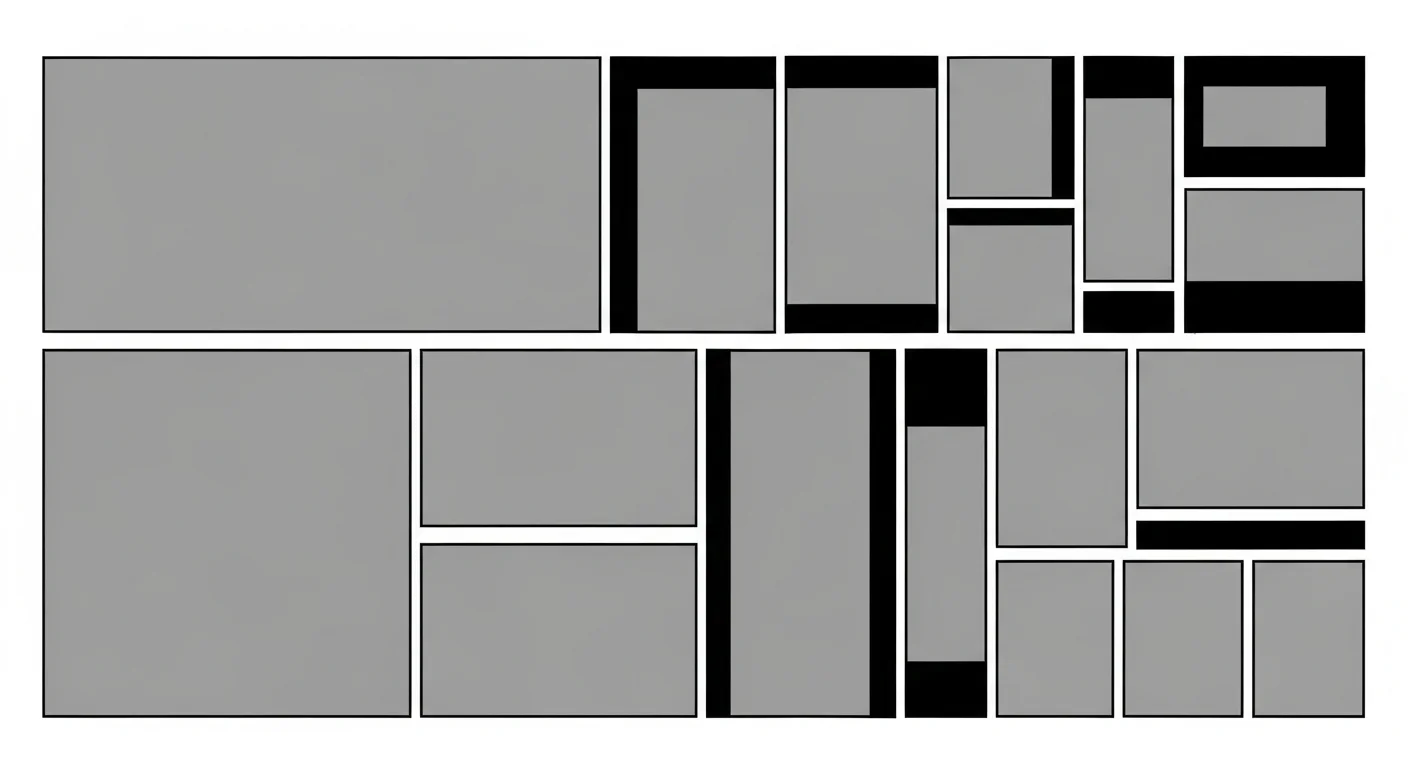
Thumbnailing is planning the page as a rough panel grid before generating any art — the single highest-leverage habit in the whole build. For each page you sketch panel count, relative sizes, and beat order. It costs seconds and saves whole pages.
For Nightshore, every page got a six-thumbnail planning pass: rough grids marking which panel is the wide establish, which are the tight approaches, where the reveal lands, and how the page ends. Fixing a sagging middle in a thumbnail is free; fixing it after the painted panels exist means regenerating them. The broader storyboarding discipline — applicable to noir as much as manga — is in the manga storyboarding step-by-step guide.
In short: thumbnail every page as a rough panel grid before generating art. It is seconds of work that prevents whole pages of regeneration.
Noir Pacing vs Action Pacing: What’s the Difference?
Noir does not pace like an action comic, and confusing the two flattens the genre.
| Action pacing | Noir pacing | |
|---|---|---|
| Default panel size | Many tight panels | Fewer, larger, breathing panels |
| Rhythm | Constant high energy | Slow beats, sudden punctuation |
| Dialogue density | Higher | Sparse, hard-boiled |
| Page goal | Momentum | Mood, then revelation |
| Reveal handling | Fast cut | Withhold, then hold |
Action keeps the reader’s pulse up; noir lowers it, then spikes it. The vertical-scroll equivalent of these pacing choices — where gutters replace panel size as the timing tool — is covered in the webtoon vertical-scroll paneling guide.
In short: action pacing keeps energy constant; noir pacing runs slow with sudden punctuation. Larger, sparser panels and withheld reveals are the noir difference.
How Do You Write Noir Dialogue and Captions?
Noir is famous for its voice, and the writing is as much a craft as the lighting. Two registers carry it: sparse dialogue and first-person captions.
Dialogue in noir is hard-boiled — short, clipped, loaded with subtext. Characters say less than they mean, and the gaps do the work. Two or three exchanges per page is plenty. The rule of thumb: if a line could appear in any genre, it is too generic; noir dialogue carries weariness, threat, or evasion under a flat surface. For the Adler case, a line like “The ledger’s missing a week. So’s the bookkeeper.” says everything with nothing spare.
Captions are noir’s signature — first-person, past-tense, often wry or fatalistic. They are where the detective’s interior voice lives, and they bridge the silent visual beats. A caption over a wide establishing panel (“The harbor kept its secrets the way it kept everything — wet and cold”) sets mood the art alone cannot. The trick is restraint: captions punctuate, they do not narrate every panel. Let the painted page breathe between them.
The interplay matters too. A common, effective rhythm: a caption over the establishing panel, silence through the tight approach beats, a single line of dialogue at the encounter, then a caption to close the page on reflection. Words and silence alternate the same way panel sizes do — and both are pacing tools.
Keep the bubble layer light. Because dialogue composits over the finished art in the builder, your painted panels are never modified by placement — which means you can letter sparingly and trust the visuals to carry the weight between lines. Overstuffed bubbles are the fastest way to smother a noir page; the genre wants white space as much as it wants shadow.
In short: noir dialogue is clipped and loaded with subtext; captions are first-person, past-tense, and used to punctuate, not narrate. Alternate words and silence the way you alternate panel sizes.
What Paneling Pitfalls Should You Avoid?
Three paneling mistakes undercut noir pages:
The cram pitfall. Packing too many panels and too much dialogue per page kills the contemplative breath noir needs. Fix: fewer, larger panels; trust the art.
The flat-rhythm pitfall. Every panel the same size reads as monotone. Fix: deliberately contrast wide and tight panels to create acceleration.
The wasted-splash pitfall. Spending a splash page on a minor beat drains its impact. Fix: reserve splashes for the biggest turns in the case.
Clear these and the page rhythm carries the reader. With the script and paneling locked, the next part generates the actual pages.
In short: avoid cramming, flat rhythm, and wasted splashes. Fewer panels, deliberate size contrast, and splashes saved for big beats keep noir pages breathing.
Frequently Asked Questions
How do you panel a noir comic for tension? Alternate wide atmospheric panels with tight beat panels, pace the reveal with delay, and end on an unresolved beat. Panel size is the timing tool.
What does a noir script look like? Sparse and visual — each panel names location, light, and position with minimal hard-boiled dialogue.
How long per page? Four to six panels, two or three lines of dialogue total. Noir pages breathe.
When should I use a splash page? Only for the biggest beats — a major reveal or a key location’s first view. A handful per book.
How do I pace a reveal? Withhold through approach panels, give the reveal its own panel, hold on the reaction.
Can AI generate consistent paneling? AI generates panel art; you design the layout. Thumbnail the page first, then generate each beat from the script.
Next: Generating the Pages
The Adler case is scripted and the pages are thumbnailed. Part 4 generates the actual art — running the workflow at volume, locking the seed for consistency, and fixing drift with before-and-after passes. Continue to Part 4 — Generating the Pages, or revisit Part 2 — World-Building the Rain City. Open Comistitch Studio → to thumbnail your first page. Need snappier interrogation-scene lines? The free comic dialogue generator drafts noir-voiced exchanges you can drop straight into a panel.