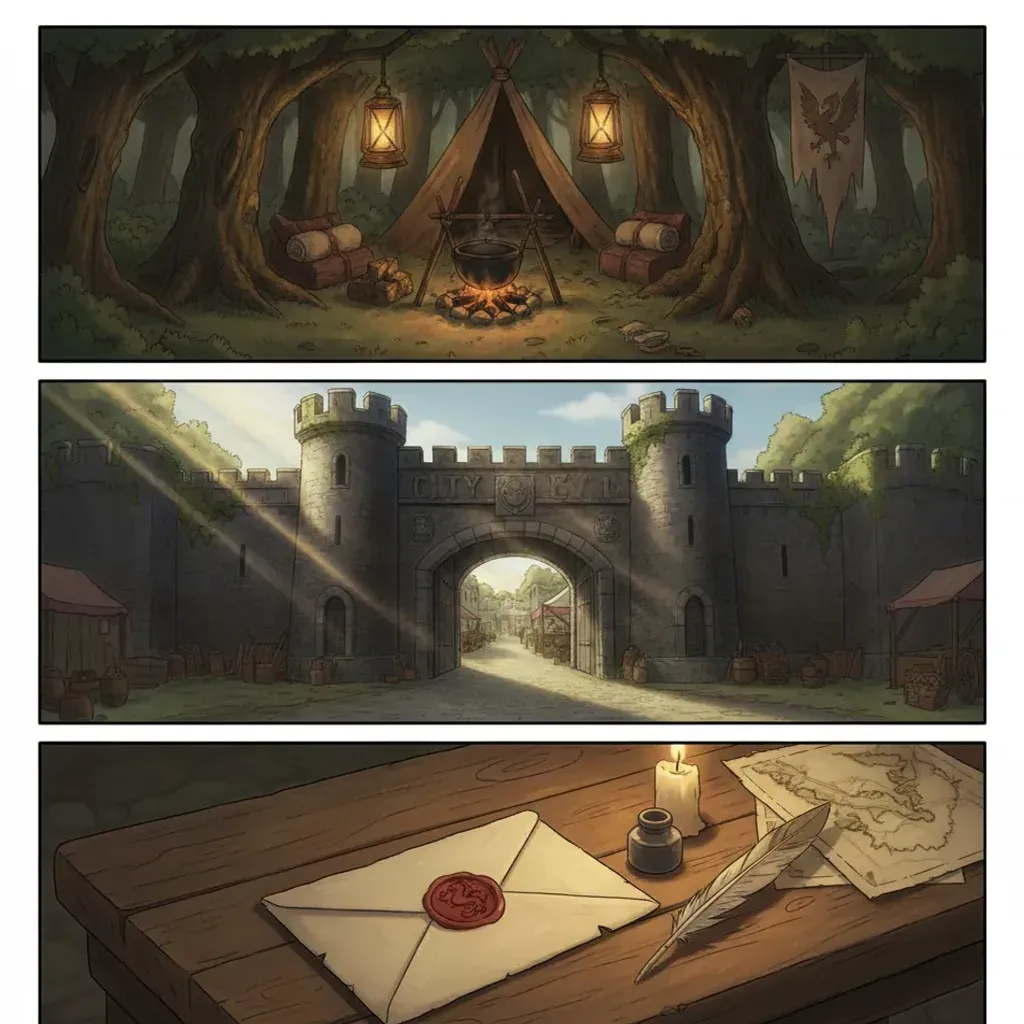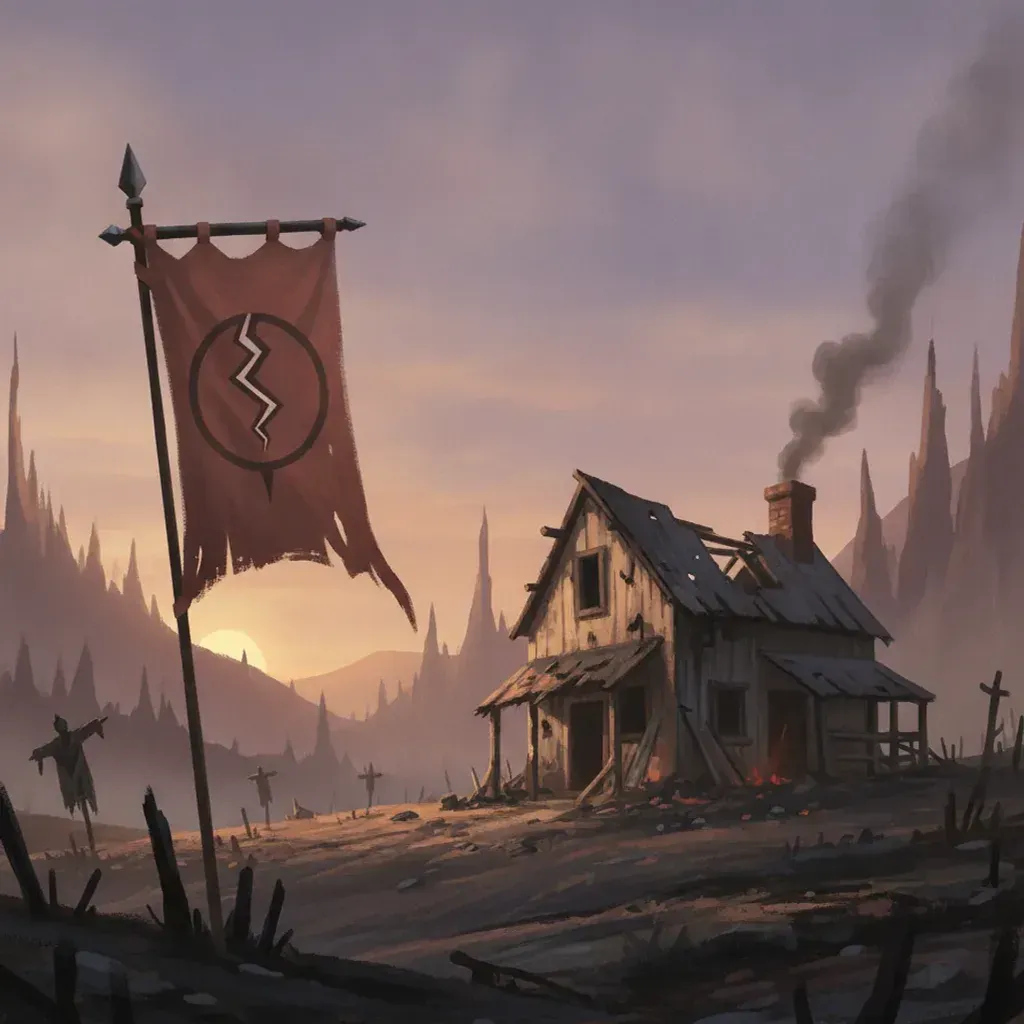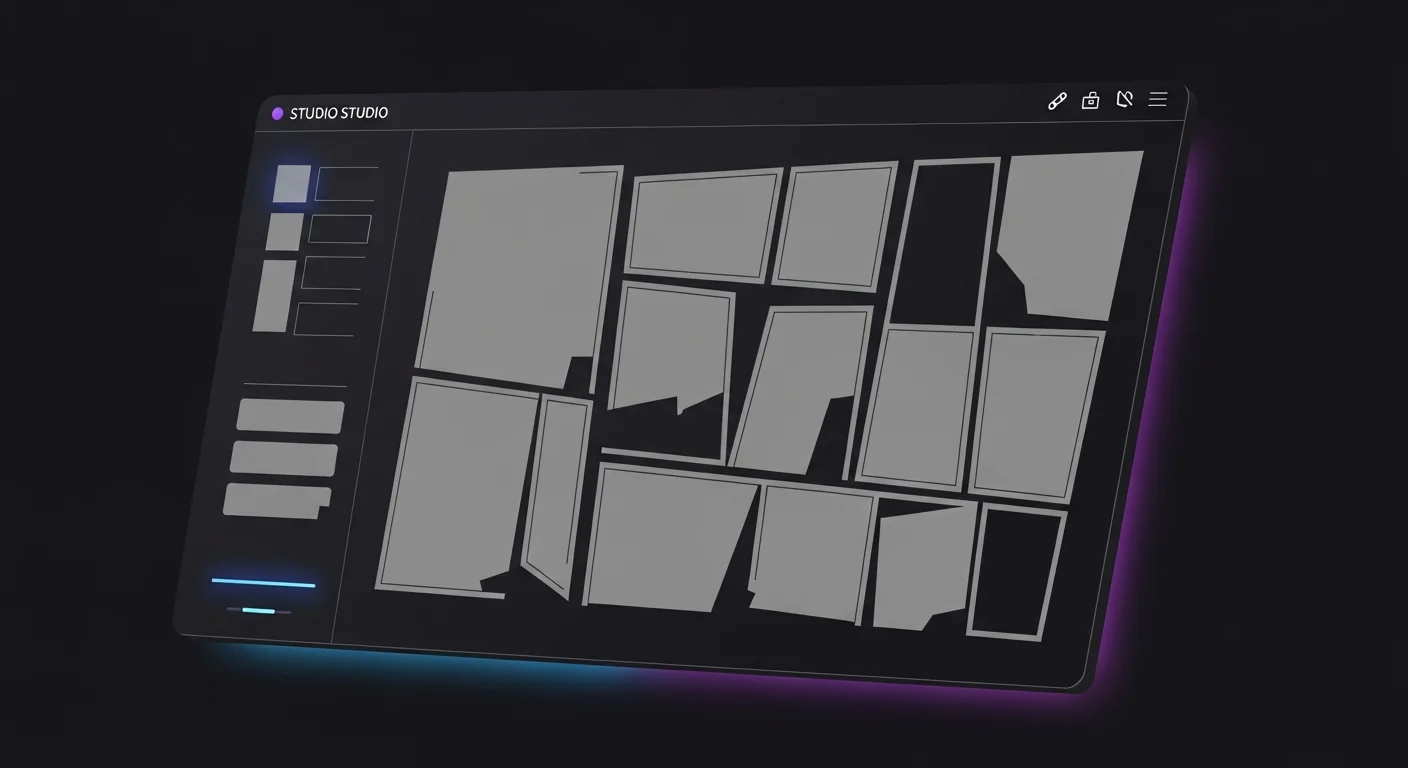
The first three parts of this diary built everything except the actual pages: Nightshore’s concept, Mercer City, and the scripted, thumbnailed Adler-case sequence. Part 4 generates the art. This is where the front-loaded discipline pays off — because the bibles and palette are locked, generating pages at volume is mechanical rather than a fight against drift.
The short answer: to generate noir comic pages with AI consistently, you prepend three fixed anchors — character, location, palette — to every panel prompt, lock the style seed, generate one beat at a time from your thumbnails, and audit each panel against the anchors, fixing any drift with a before-and-after pass. The anchors and the seed are what let a forty-page run read as one coherent book.
In short
- Prepend the three anchors (character, location, palette) to every panel prompt, unchanged
- Lock the style seed so the rendering register stays stable across pages
- Generate beat-by-beat from the Part 3 thumbnails, then assemble
- Audit every panel against the anchors; re-roll drift before moving on
- Fix drift with a before-and-after pass and keep the pair as project reference
- 2–5 minutes per painted page vs 12–30 hours hand-painted
What Is the Page-Generation Workflow?
The workflow is deliberately repetitive — repetition is what produces consistency. For each thumbnailed page:
- Assemble the prompt. Character anchor + location anchor + palette anchor + the scene beat from the script.
- Generate the panel. One beat at a time, in thumbnail order.
- Audit against anchors. Costume, city, palette, light direction — does this panel match the reference?
- Re-roll or accept. Drifted panels get a before-and-after pass; clean panels move on.
- Assemble the page. Place accepted panels into the thumbnailed layout.
A full Nightshore page prompt, generated from inside the builder, looks like this — note the three anchors stacked above the scene:
[Character anchor: worn male PI, medium height, slight slouch, square jaw,
two-day stubble, greying temples, charcoal trench coat collar up, fedora low.]
[Location anchor: Mercer City harbor warehouse interior, near-black shadow,
wet-stone grey, sodium amber from the doorway, low fog, wet floor.]
[Palette anchor: near-black, wet-stone grey, sodium amber, magenta-cyan neon,
defined lit and shadowed values.]
Scene: the detective crouches beside an open empty crate, seen from behind,
sodium light raking from the door, long shadow forward.
Panel: medium reveal, held composition, no text.
The builder handles the painted render and seed; you supply the stacked anchors and the beat. The deeper mechanics of why this prevents drift are in the AI comic character consistency guide.
In short: assemble (three anchors + beat), generate, audit, re-roll or accept, assemble the page. Repetition of the anchors is what produces consistency.
How Do You Lock the Seed for Consistency?
A style seed is the numeric handle on the rendering register — the texture, color response, and painted feel that should stay identical across panels. Locking it means the same prompt renders in the same style every time, rather than drifting subtly between generations.
The division of labor is clean: the seed handles the look, your anchors handle the content. Lock the seed once the concept-test frames from Part 1 confirmed the register, and keep it fixed for the whole book. When you change chapters or need a deliberately different mood, that is a conscious decision, not an accident of an unlocked seed. The Alex Ross painted technique covered in the Alex Ross painted realism step-by-step leans on the same seed-plus-anchor discipline for painted consistency.
In short: the locked seed holds the rendering register; the anchors hold the content. Lock it once the register is confirmed and keep it fixed across the book.
How Do You Fix Drift With Before/After Passes?
Even with anchors and a locked seed, the occasional panel drifts — a coat that lightens, a city that loses its fog, a palette that shifts warm. The fix is a before-and-after pass, and it is fast.
Before: keep the drifted panel and diagnose it. Compare against your anchor reference and name exactly what broke — “trench coat rendered mid-grey instead of charcoal,” “fog missing.”
After: regenerate with the anchor restated more precisely and the drifting attribute called out explicitly — “charcoal trench coat, near-black in shadow; low fog at ankle height, visible.”
Most drift traces to a paraphrased anchor or a missing descriptor, not to the AI being unreliable. Documenting the before-and-after pairs also builds a project style reference: you learn which descriptors this book needs spelled out, and later pages drift less. Keeping the Part 2 establishing views on hand makes city drift obvious at a glance.
In short: keep the drifted panel, diagnose what broke against the anchor, and regenerate with the fix called out. Most drift is a paraphrased anchor, not the AI.
How Do You Audit a Generated Page?
The per-panel audit is the quality gate, and noir demands a strict one because the genre is unforgiving about atmospheric breaks. For each Nightshore page, the audit checks four things panel-to-panel:
- Costume continuity — coat color, collar, fedora, carried items
- Location continuity — architecture, palette, signage abstraction
- Light continuity — the key stays the same direction and color within a scene
- Atmosphere continuity — rain does not dry up, fog does not vanish mid-scene
Noir pages run a moderate re-roll rate on first generation — higher than lighter styles — so budget a few minutes per page. The audit is cheap insurance: catching a drift on page 12 before building page 13 on it prevents compounding inconsistency.
In short: audit costume, location, light, and atmosphere continuity on every panel. Noir’s higher re-roll rate makes the per-panel gate essential insurance.
Generating at Volume vs One-Off: What Changes?
A single striking panel and a coherent forty-page book are different problems, and noir reveals the gap.
| One-off image | Generating at volume | |
|---|---|---|
| Priority | Maximum single-image flourish | Cross-page consistency |
| Anchors | Optional | Mandatory, restated every panel |
| Seed | Can vary for variety | Locked for the run |
| Audit | Eyeball once | Per-panel continuity gate |
| Failure mode | A weak image | A book that looks like many books |
A general image model excels at the one-off and has no mechanism for the volume case. The whole point of the build diary’s front-loaded bibles is to make the volume case stable. Volume amplifies small inconsistencies, so the discipline that feels excessive on page one is exactly what holds the book together by page forty.
In short: one-off generation optimizes a single image; volume generation optimizes consistency. Anchors, a locked seed, and a per-panel audit are what make volume hold together.
How Do You Batch-Generate a Whole Chapter?
Generating one page is a workflow; generating a chapter is a system. The difference is sequencing — the order you generate in protects consistency across a long run.
Generate establishing shots first. Before any character beats, generate the chapter’s establishing panels from the Part 2 location sheet. This sets the visual baseline for the chapter and gives you a fresh consistency reference for the pages that follow.
Generate by location, not by page order. Counterintuitive but powerful: generating all the warehouse panels together, then all the street panels, keeps each location’s look tightly consistent because you are working under one stable mental and prompt context. You assemble them back into page order afterward. Batching by location is the single biggest consistency win at chapter scale.
Audit in waves, not at the end. After each location batch, run the per-panel audit before moving to the next location. Drift caught at the batch level is cheap; drift discovered after a whole chapter exists compounds across pages.
Keep a running reference strip. As clean panels accumulate, keep a small strip of the best ones visible — the canonical coat, the canonical warehouse, the canonical street. Each new generation gets checked against the strip, so the chapter self-corrects as it grows.
For the Adler-case chapter, this batching turned a potentially drift-prone forty-panel run into four tight location batches of ten, each internally consistent and quickly audited. The throughput math is what makes a solo creator viable: a few minutes per panel, batched and audited, ships a chapter in an afternoon where hand-painting would take weeks. The deeper consistency theory behind batching by subject is in the AI comic character consistency guide.
In short: generate establishing shots first, batch by location rather than page order, audit in waves, and keep a running reference strip. Sequencing is what protects consistency at chapter scale.
What Generation Pitfalls Should You Avoid?
Three generation-stage mistakes undo the earlier discipline:
The paraphrase pitfall. Rewording the anchor “for variety” invites drift. Fix: paste anchors verbatim, every panel; variety lives in the scene line only.
The skip-audit pitfall. Generating ten pages before checking consistency lets drift compound. Fix: audit each page before building the next.
The unlocked-seed pitfall. Leaving the seed free makes the rendering register wander. Fix: lock it for the run and change it only deliberately.
Clear these and a long noir book generates as one coherent object. With the pages generated and audited, the final part publishes the book.
In short: never paraphrase anchors, never skip the audit, never leave the seed unlocked. These three keep a long run coherent.
Frequently Asked Questions
How do I generate consistent noir pages? Prepend fixed character, location, and palette anchors to every prompt, lock the seed, generate beat-by-beat, and audit each panel.
What does locking the seed do? It holds the rendering register stable so pages look like one book. The seed handles the look; anchors handle the content.
How do I fix drift? A before-and-after pass: diagnose against the anchor, restate it precisely, regenerate. Most drift is a paraphrased anchor.
How long does a page take? Two to five minutes including the audit, versus twelve to thirty hours hand-painted.
Why do pages drift over a long project? Paraphrased anchors, an unlocked seed, or missing atmospheric descriptors. The model has no memory between panels.
Which style is most consistent? Graphic Novel Painted (Pro) for serialized consistency; Hyperreal Painted (Elite) for prestige detail.
Next: Publishing the Book
The pages are generated, audited, and assembled. Part 5 publishes Nightshore — exporting for Webtoon, Tapas, and print, formatting vertical versus page, and launching the serial. Continue to Part 5 — Publishing and Export, or revisit Part 3 — Script and Paneling. Open Comistitch Studio → to generate your first page.