Manga storyboarding with AI converts a chapter script into rough panel thumbnails in minutes. Comistitch breaks your script into scenes and panels, frames each panel with a shot type (wide, medium, close-up, low angle, Dutch angle), and renders pages with the dialogue lettered in — the AI storyboard generator page walks through that script-to-panels flow.
In short: Paste 20 pages of beats into Comistitch storyboard mode. Ship a full chapter board in 25 minutes, then promote thumbnails to final pages.
What’s New in 2026: AI Storyboarding Gets Smarter
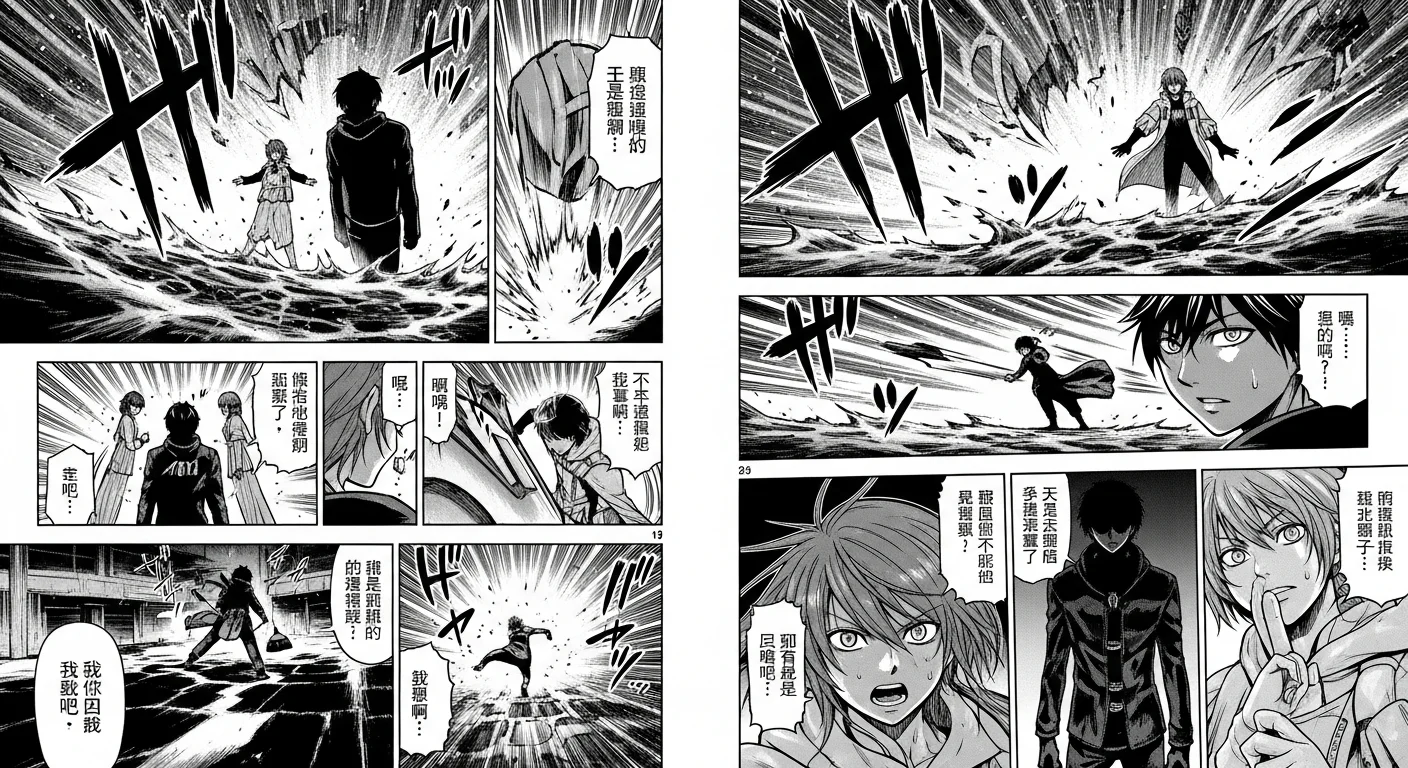
The 2026 update to AI manga storyboarding is primarily about the promotion-to-final step rather than the thumbnail step. Comistitch’s generation backend has moved to newer Gemini image models for final pages, so when you promote thumbnails to full panels, the output quality is markedly better than 2025 — richer screentones, sharper line weights, and more expressive character poses from the same beat inputs.
Nano Banana face-consistency technology means the character you established in your chapter’s first panel looks the same on the final page — without manual re-entry of character descriptions per panel. This makes the storyboard-to-final promotion genuinely reliable for serialized chapters that span 80+ panels.
Comistitch is an independent product and is not affiliated with or endorsed by Google. Model names mentioned here belong to their respective owners.
Related reading: comic stitching with AI · character consistency guide · webtoon pacing techniques
What is manga storyboarding (and why does it matter)?
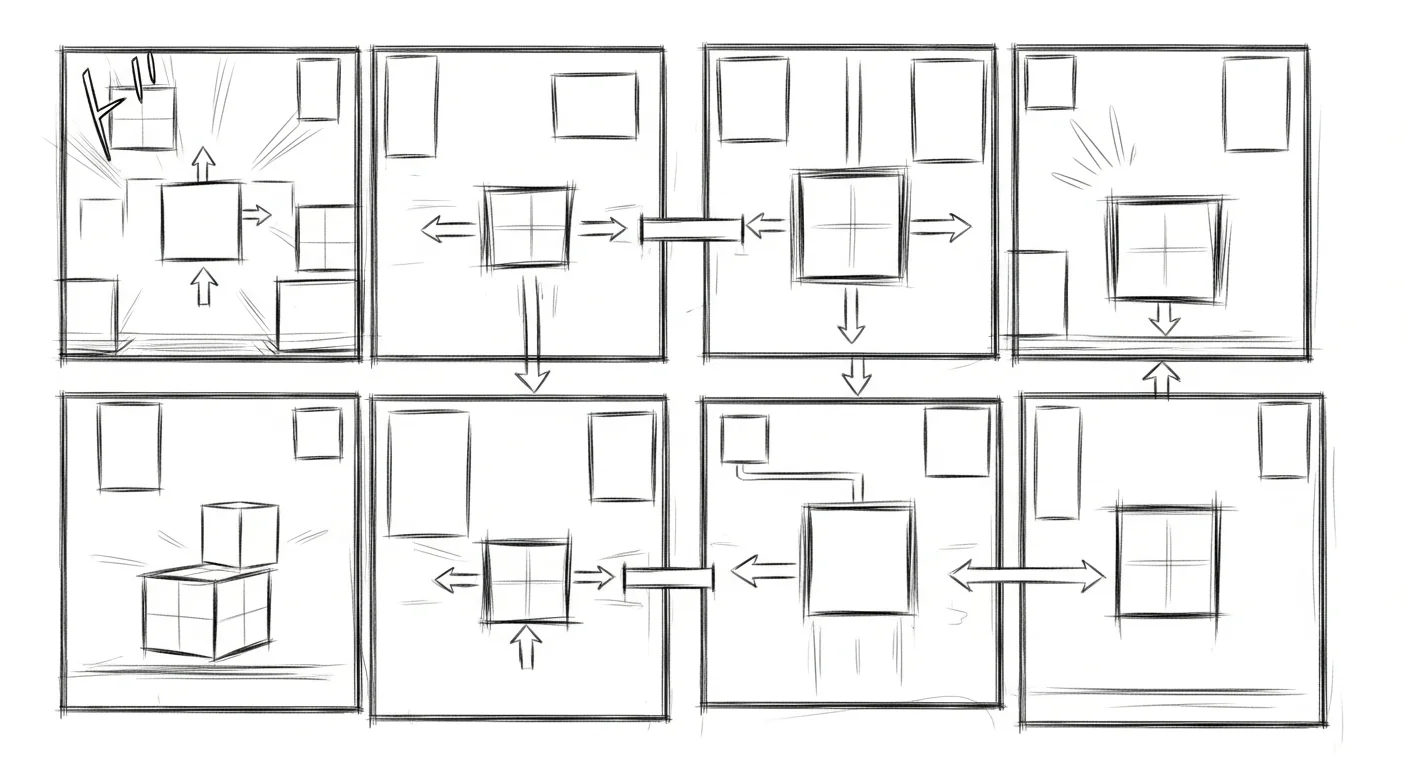
Manga storyboarding — called name (pronounced “nah-may”) in Japanese — is the rough chapter layout phase. Every working manga artist drafts thumbnails before committing to final pages. Thumbnails are tiny, ugly, and decisive: they lock panel count, reading order, dialogue placement, and emotional rhythm.
Skipping the storyboard is the most common reason indie manga reads flat. Without a thumbnail pass, action sequences sprawl, dialogue chunks pile up in the wrong panels, and impact beats lose their pause. The storyboard is where the chapter actually gets built — the finished pages are just dressed-up versions of the thumbnail decisions.
For AI manga, storyboarding matters even more. Generators that jump straight to finished panels skip the pacing-control phase entirely, which produces visually clean but emotionally inert pages. A proper storyboard mode keeps the human in the rhythm loop. Pair this with the AI manga generator for character art and you keep both pacing and visual consistency under your control.
How do I convert a script into AI storyboards?
Start with beats, not prose. The auto-paneling engine reads short, tagged beats — “action: protagonist sprints down alley”, “reaction: pause on shocked face”, “impact: door slams”. Long paragraphs confuse the panel sizer; short beats give it the emotional signal it needs.
Paste 4-6 beats per page into Comistitch’s storyboard mode. The builder typically returns thumbnail panels within about 30 seconds per page. Stick-figure placeholders mark where characters will go. Dialogue boxes are pre-positioned. The auto-paneling engine assigns large panels to high-weight beats (impact, splash) and stacks narrow panels for action runs.
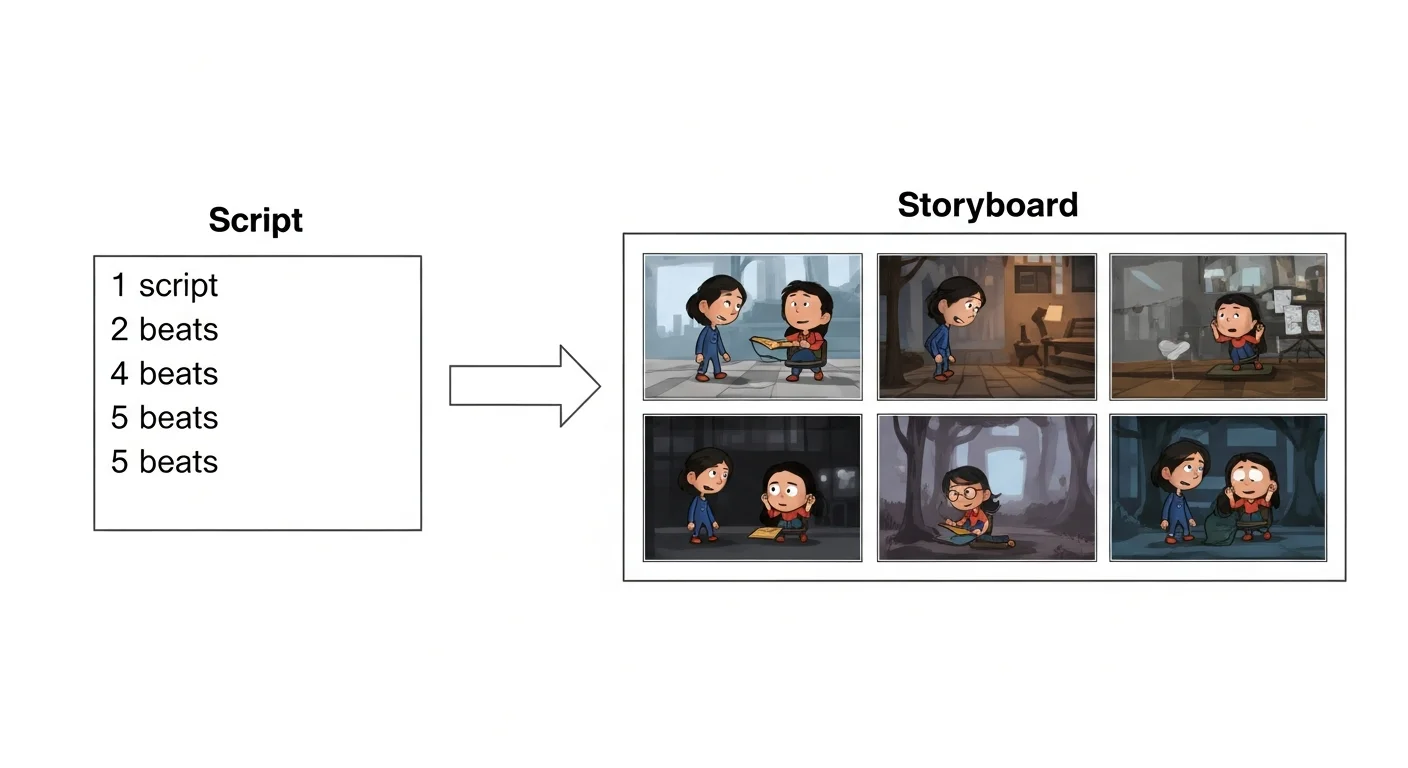
In our testing, beats with explicit emotional tags (“reaction”, “impact”) produce noticeably better pacing than untagged prose. The tags steer the sizer; without them, the engine defaults to uniform 6-panel grids that read mechanical.
What does the storyboard editor look like?
The editor is a draggable canvas. Each thumbnail has resize handles on all four corners and reorder grips on the panel borders. Click a thumbnail to expand it inline and edit beat text, then reroll — Comistitch rerolls the whole page rather than one thumbnail in isolation, and the previous version stays in your page history so you can revert if the new roll is worse.
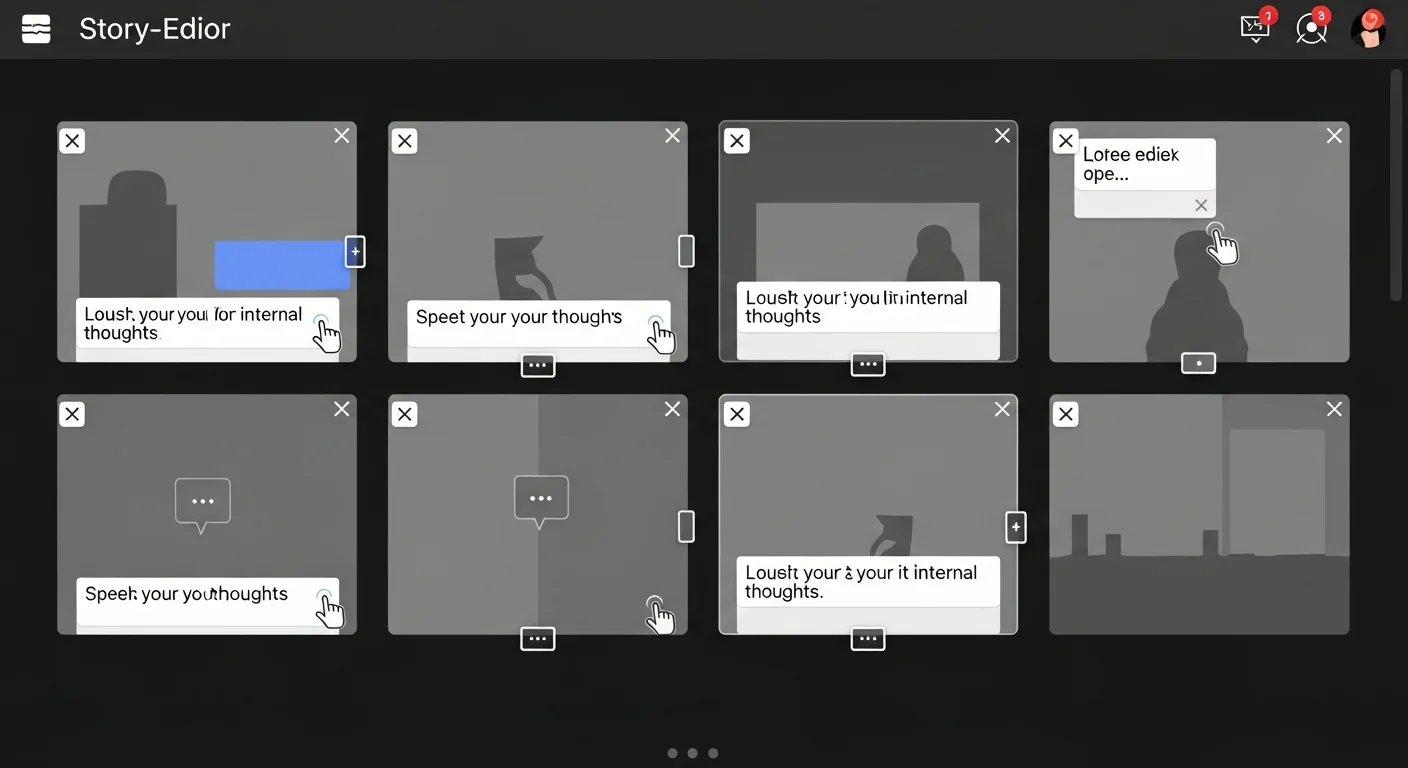
Live storyboard preview runs in a side pane. As you drag panels, the preview re-renders the reading flow with arrows showing eye path. From inside the builder, you can toggle between storyboard and final-page view to compare your thumbnail decisions against the rendered output at any time. This is where most beginners catch reading-order mistakes — a panel that looks fine in isolation often breaks the right-to-left flow when previewed at page scale. Open the full editor inside Comistitch Studio to try it.
The page-level navigator on the left sidebar lets you jump between chapter pages without losing your spot. Scroll through 20 pages of thumbnails as if flipping a paper sketchbook.
How do I tune manga pacing in the storyboard?
Pacing is panel size and panel count. Fast pacing uses many narrow panels stacked vertically — your eye crosses them quickly, time compresses. Slow pacing uses fewer, larger panels — your eye lingers, time stretches. Splash pages (one panel filling the entire page) hit the brakes completely.
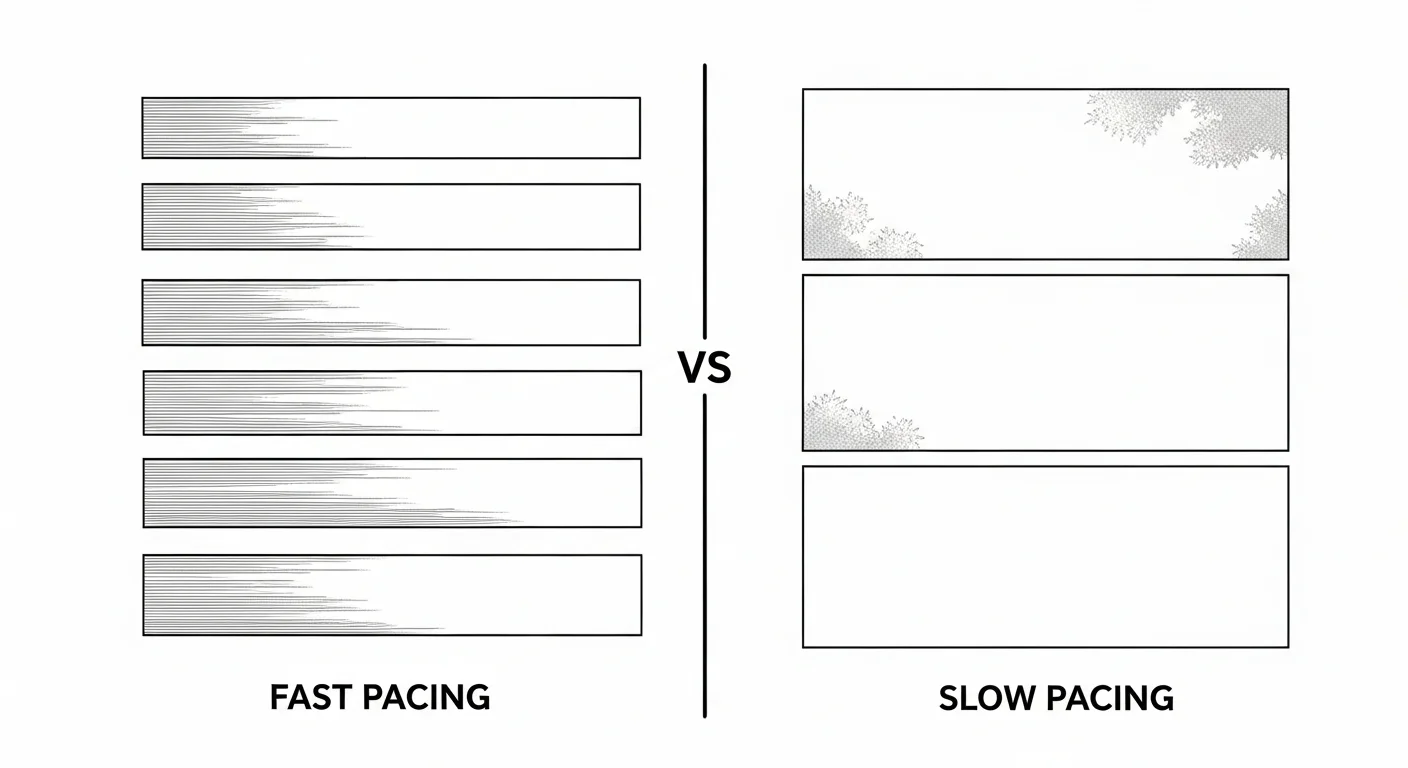
Inside the storyboard editor, drag panel handles to resize. The builder snaps to the underlying grid, so resizing one panel automatically reflows neighbors. Beginners often over-tighten action — every page becomes 6 narrow panels — which exhausts the reader. Mix it: a fast 6-panel page should pair with a slower 3-4 panel page so the reader gets a breath between sprints.
For deeper grid theory, panel break angles, and reading-order mechanics, see our pillar guide on manga paneling 101 with AI. The pacing decisions you make here transfer directly into final pages — get it right at thumbnail stage and the rest is execution.
How does the AI promote storyboards to final pages?
The “Promote to Final” button takes a locked storyboard and renders full pages. Three things happen in sequence. First, the character consistency engine reads each panel’s stick-figure placeholder and replaces it with your registered character — same face shape, hair, outfit, and proportions across every panel. Second, backgrounds generate based on the beat description plus chapter setting. Third, screentones and shading apply per the manga style preset.
The promotion pipeline runs each stage as a discrete pass so failures stay contained. The background pass is the heaviest — establishing shots, interior props, crowd scenes — and the engine batches panels that share a setting so the cafe in panels 4, 12, and 19 renders from the same background prompt and looks like the same physical room each time. The character-detail pass then composites your locked cast over those backgrounds, matching lighting direction so a sunset scene tints faces warm without breaking the fingerprint. The screentone pass is last and runs fastest because tone application is mostly mechanical — the engine reads the panel’s shadow map and applies the right dot density per the manga style preset (shonen, shojo, seinen). Dialogue placement happens in parallel with the screentone pass, since speech bubble positions were already locked in the storyboard phase.
Promotion runs about 10 minutes for a 20-page chapter. Each panel takes roughly 30 seconds to render. Dialogue and sound-effect placement transfers automatically — your storyboard typography decisions carry forward, you don’t re-type anything. From inside the builder, you can pause the pipeline mid-pass to review and adjust before committing the full chapter.
If a promoted page doesn’t match your intent, reroll the page — Comistitch rerolls at the page level, not one panel at a time. The storyboard mode preserves your locked pacing decisions, and the previous version stays in your page history, so you can revert if the new roll is worse. For character setup before promotion, our guide on manga character design with AI walks through the reference workflow.
Comparison: traditional vs AI manga storyboarding
| Factor | Traditional pencil thumbnails | Comistitch AI storyboard mode |
|---|---|---|
| Time per 20-page chapter | 4-8 hours | 25-30 minutes |
| Iterations before final | 1-2 (erasing is slow) | Unlimited (reroll pages, revert from history) |
| Skill required | Years of paneling instinct | Beat-writing only |
| Comistitch advantage | — | Auto-paneling + live storyboard preview + character consistency carryover |
Traditional thumbnails win on tactile feel — paper and pencil have no input lag. AI wins on iteration speed and seamless promotion to final art. Most working creators we hear from end up using both: paper for the first chapter to feel out series rhythm, then AI storyboard mode for production once the pacing language is set.
Try it now: storyboard a chapter in Comistitch
Paste this premise into a fresh Comistitch storyboard project to test the workflow:
Chapter premise:
A junior detective tracks a signal jammer through neon-lit streets at night.
Page 1: arrives at intersection, scans crowd, spots suspect on rooftop.
Page 2: chase across rooftops, suspect leaps to next building.
Page 3: cornered on water tower, suspect reveals device, screen flashes red.
Page 4: city-wide power cut, splash page of dark skyline.
Beats: action-heavy with one impact reveal on page 3 and one splash on page 4.
Expected output: a 4-page board with around 20 thumbnails total. Pages 1-2 should come back as 6-panel grids stacked for chase pacing. Page 3 should center a large reveal panel — the engine reads “device, screen flashes red” as an impact beat. Page 4 should be a single splash panel for the power-cut moment. Total generation time: roughly 90 seconds.
What’s next? Polish the manga workflow
Storyboarding is the spine of manga production. Once your thumbnails feel right, the next moves are paneling theory, shading, and publishing. Loop back to manga paneling 101 with AI to deepen grid construction and reading-order rules. Then advance to manga shading and screentones with AI for the texture pass that gives finished pages their published feel. When the chapter is ready, publish your AI manga from script to page walks through export and distribution.
Ready to draft your first storyboard? Open Comistitch Studio and paste your beats. Twenty-five minutes from now you’ll have a full chapter board.
Related read: Story-boarding horror manga? See our dread-craft guide.