This is the final part of the build diary. Across four parts, Nightshore went from a blank concept to a finished, audited set of pages: a worn PI, the Adler case, rain-locked Mercer City, scripted and paneled for tension, generated with locked anchors and a locked seed. Part 5 publishes it — exporting for the right platforms, formatting vertical versus page, and launching the serial.
The short answer: to publish a noir webcomic, you export from a single master project — vertical-scroll for Webtoon and Tapas, page spreads or a 300dpi PDF for GlobalComix and print — format to each platform’s dimensions, build a launch backlog, and serialize on a steady cadence with cliffhanger episode endings. The same locked artwork ships to every format; only the layout changes.
In short
- Export from one master project — vertical-scroll and page/PDF, no regeneration
- Webtoon and Tapas want vertical scroll; GlobalComix and print want page format
- Build a backlog before launch so a missed week never breaks the cadence
- Serialize on a steady schedule with cliffhanger episode endings
- Lead with one discovery platform, always keep your own mirror
- 100% AI-original, MoR-safe, commercial rights included — Nightshore ships clean
How Do You Export a Noir Comic for Each Platform?
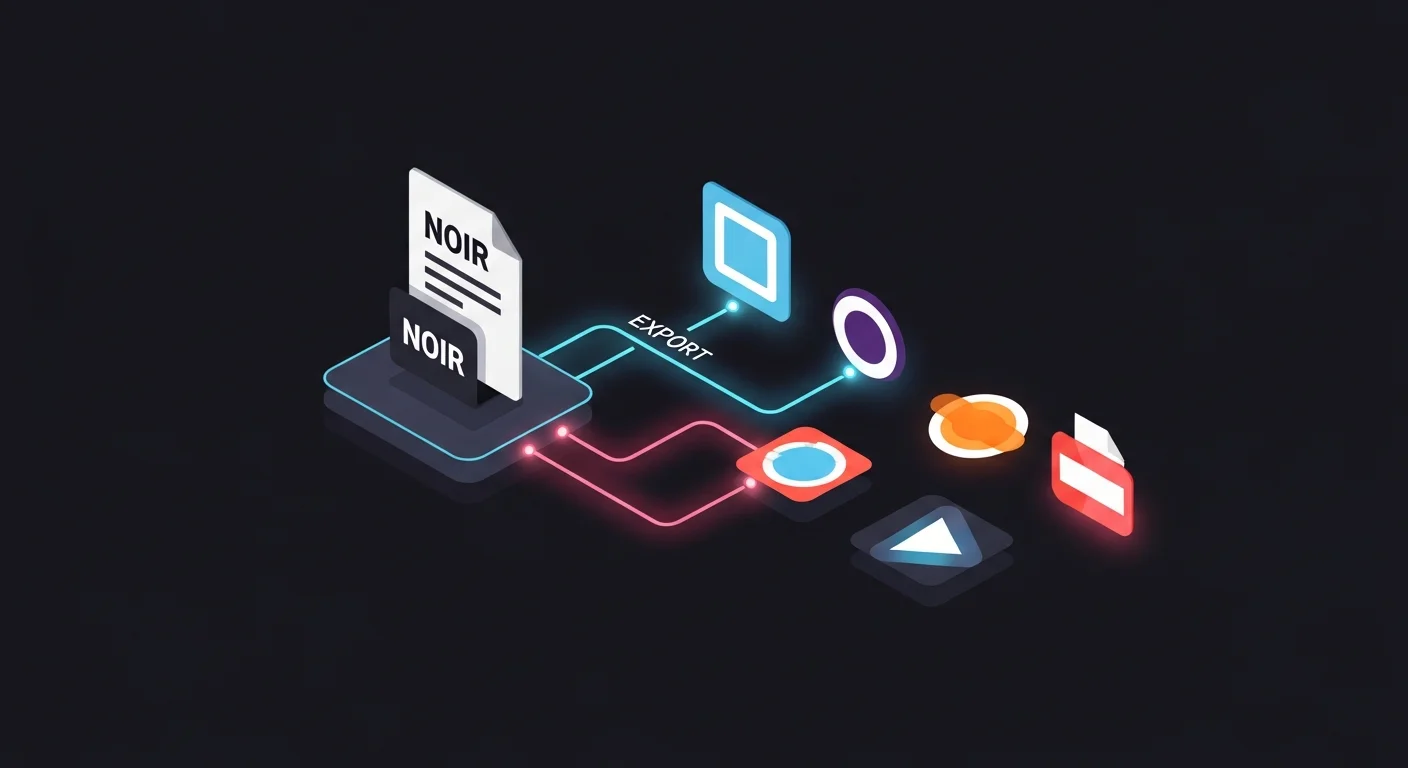
The master project is the key idea: you built Nightshore once, and every platform gets an export of it, never a separate build. The three target formats:
- Vertical scroll (Webtoon Canvas, Tapas) — pages re-flowed into an 800px-wide tall column with generous gutters
- Page spreads (GlobalComix, your own site) — the page-format layout the book was composed in
- Print PDF (PDF at 300dpi) — page spreads sized for print or high-resolution digital sale
Because the artwork is locked, the builder handles each export from the same project — formatting for Webtoon is a setting, not a redraw. The full cross-posting workflow, including metadata and platform quirks, is in the turn-your-AI-comic-into-a-webtoon publishing guide.
In short: export every format from one master project — vertical scroll, page spreads, and print PDF. Formatting for each platform is a setting, not a rebuild.
Vertical or Page Format: Which Should Nightshore Use?
Noir works in either format, but they create different reading experiences. Nightshore was composed page-format for a contemplative, prestige read — so its primary edition is page spreads — with a vertical-scroll edition for discovery platforms.
| Page format | Vertical scroll | |
|---|---|---|
| Reading device | Print, PDF, page reader | Phone, web |
| Best platform | GlobalComix, your own site, print | Webtoon Canvas, Tapas |
| Pacing tool | Page turn | Scroll gutter |
| Noir strength | Wide atmospheric spreads | Descending reveals |
| Nightshore role | Primary prestige edition | Discovery / serial edition |
Many creators ship both, and that is the recommendation: a page-format edition for print and ownership, a vertical-scroll edition for reach. Converting between them is a re-flow, not a redraw — the webtoon vertical-scroll paneling guide covers the scroll re-pacing if you serialize.
In short: page format for prestige and print, vertical scroll for discovery. Nightshore leads page-format with a vertical-scroll serial edition — ship both from one project.
How Do You Launch and Serialize a Noir Webcomic?
A serial lives on cadence. The launch plan that Nightshore follows:
Build a backlog first. Generate three to five episodes ahead before launching. The backlog is insurance — a busy week never breaks the streak, and platform algorithms punish gaps.
Pick a sustainable cadence. Weekly or biweekly, whatever you can hold. Consistency beats frequency; a reliable biweekly serial outperforms an erratic weekly one.
End every episode on a cliffhanger. Noir is built for this — a webcomic serial that ends each episode on an unresolved beat (a watcher in the dark, a door opening on the wrong person) pulls readers straight to the next.
Announce each drop. Social posts drive the first wave; the algorithm amplifies what already has momentum.
Lead with one discovery platform and mirror to your own site so you own a copy of the audience.
In short: build a backlog, hold a sustainable cadence, end every episode on a cliffhanger, and announce each drop. Consistency beats frequency.
How Do You Keep Rights to Your AI Noir Comic?
Ownership is the part creators most often give away by accident. The rules for Nightshore:
The story is original and the output is AI-original with no real-person likeness, so it is clear to sell. On self-publish platform tiers you keep ownership and license the platform to host — cross-posting is fine. Signing an exclusive Originals or featured deal can trade those rights for promotion, so read any contract before you sign. Your own mirror site is the one channel where you keep every right unconditionally.
When you generate a final cover or promotional establishing image, keep it faceless and atmospheric — it stays MoR-safe and on-brand:
[Location anchor: Mercer City harbor at night, rain, near-black shadow,
sodium amber, magenta-cyan neon, low fog.]
Scene: wide cover establishing shot of the rain-slick harbor under neon,
a single empty trench coat silhouette implied in deep shadow, no face,
strong negative space for a title.
Panel: cover composition, cinematic, no text.
The full rights, disclosure, and platform-policy breakdown is in the best platforms to publish webcomics ranking, which compares ownership terms across every option.
In short: original story plus a rights-granting generator means you can sell. Self-publish tiers keep your ownership; exclusive deals can trade it — read the contract, keep your own mirror.
How Do You Write Discovery Metadata for a Noir Serial?
A self-published serial lives or dies on whether readers can find it, and metadata is how they do. For a noir webcomic, three fields carry the discovery weight.
The title. Keep it evocative but searchable. A pure mood title (“Rain”) is memorable but invisible to search; a genre-anchored title (“a noir detective serial”) is findable. The sweet spot pairs an evocative name with a genre tag in the subtitle or description, so Nightshore reads as atmospheric while still surfacing for “noir detective comic” searches.
The description. Lead with the hook and the genre in the first sentence, because platforms and search engines weight the opening heavily. Name the genre (noir, detective, crime), the format (graphic novel, webcomic serial), and the premise (a missing-persons case in a rain-locked harbor city) in plain, searchable language. Save the literary flourishes for the body — the description’s job is to be found and to convert a browser into a first read.
The tags and thumbnail alt text. Genre tags (noir, mystery, crime, detective, thriller) put the serial into the right browse categories. Thumbnail alt text — descriptive, keyword-aware, never stuffed — makes the series legible to search crawlers and accessible to screen readers. A thumbnail itself should read at a glance: high-contrast noir art with strong negative space reads better at small sizes than a busy panel.
The same discovery discipline applies on your own mirror site, where you control the full metadata and can rank for long-tail noir searches that the platforms do not optimize for. The cross-platform metadata workflow — titles, descriptions, and tags per platform — is detailed in the turn-your-AI-comic-into-a-webtoon publishing guide, and the platform-by-platform reach comparison is in the best platforms ranking.
In short: pair an evocative title with a searchable genre tag, lead the description with hook plus genre, and use genre tags and descriptive alt text. Metadata is how a self-published noir serial gets found.
What Publishing Pitfalls Should You Avoid?
Three publishing mistakes undo a finished book:
The no-backlog pitfall. Launching with zero episodes in reserve means the first busy week breaks the cadence. Fix: build a backlog before launch.
The wrong-format pitfall. Forcing a contemplative page-format noir into vertical scroll without re-pacing flattens it. Fix: re-flow deliberately, or ship the format that fits the edition.
The accidental-exclusivity pitfall. Signing an exclusive deal early trades reach for rights you may want back. Fix: lead self-publish, keep your mirror, sign exclusivity only with steady reach to trade.
Clear these and Nightshore ships as a real, ownable, serialized book.
In short: build a backlog, match format to edition, and avoid early exclusivity. These three protect a finished noir book at launch.
What Did the Full Build Diary Cover?
Nightshore is published — here is the whole arc this five-part diary built:
- Concept — the project, the noir character bible, the locked palette
- World — Mercer City, its location bible, and pre-generated establishing views
- Script and paneling — the Adler case scripted and thumbnailed for tension
- Generation — pages produced at volume with locked anchors and seed, drift fixed by before-and-after passes
- Publishing — exported, formatted, and serialized across platforms
The through-line: front-load the decisions (concept, bibles, palette) and the production becomes mechanical. That is the whole reason a solo creator can ship a coherent noir graphic novel with AI. For the canonical reference on the noir look this project rendered in, return to the cinematic photoreal noir AI comic guide.
In short: concept → world → script → generation → publish. Front-loading the decisions is what makes a solo AI noir graphic novel achievable.
Frequently Asked Questions
How do I export an AI comic for Webtoon? Export a tall 800px-wide vertical-scroll layout with generous gutters. Comistitch exports it from the same project — a setting, not a redraw.
Vertical scroll or page format? Page format for prestige and print; vertical scroll for episodic web reach. Many creators ship both from one project.
Can I export a print PDF? Yes — page spreads at 300dpi. Photoreal noir reads best large, so print and PDF suit the genre.
How do I serialize a noir webcomic? A sustainable cadence with cliffhanger episode endings and a launch backlog so gaps never break the streak.
Do I keep the rights? Yes, with an original story and a rights-granting generator. Self-publish tiers keep ownership; exclusive deals can trade it.
Where should I publish first? One discovery platform — Webtoon Canvas or Tapas for vertical noir — mirrored to your own site.
Start Your Own Noir Build
That is the full build, concept to publish. The method transfers to any noir project: lock the concept, build the world, script and panel for tension, generate with anchors and a seed, then export and serialize. Open Comistitch Studio → and start your own diary — or revisit Part 4 — Generating the Pages to refine your workflow first.