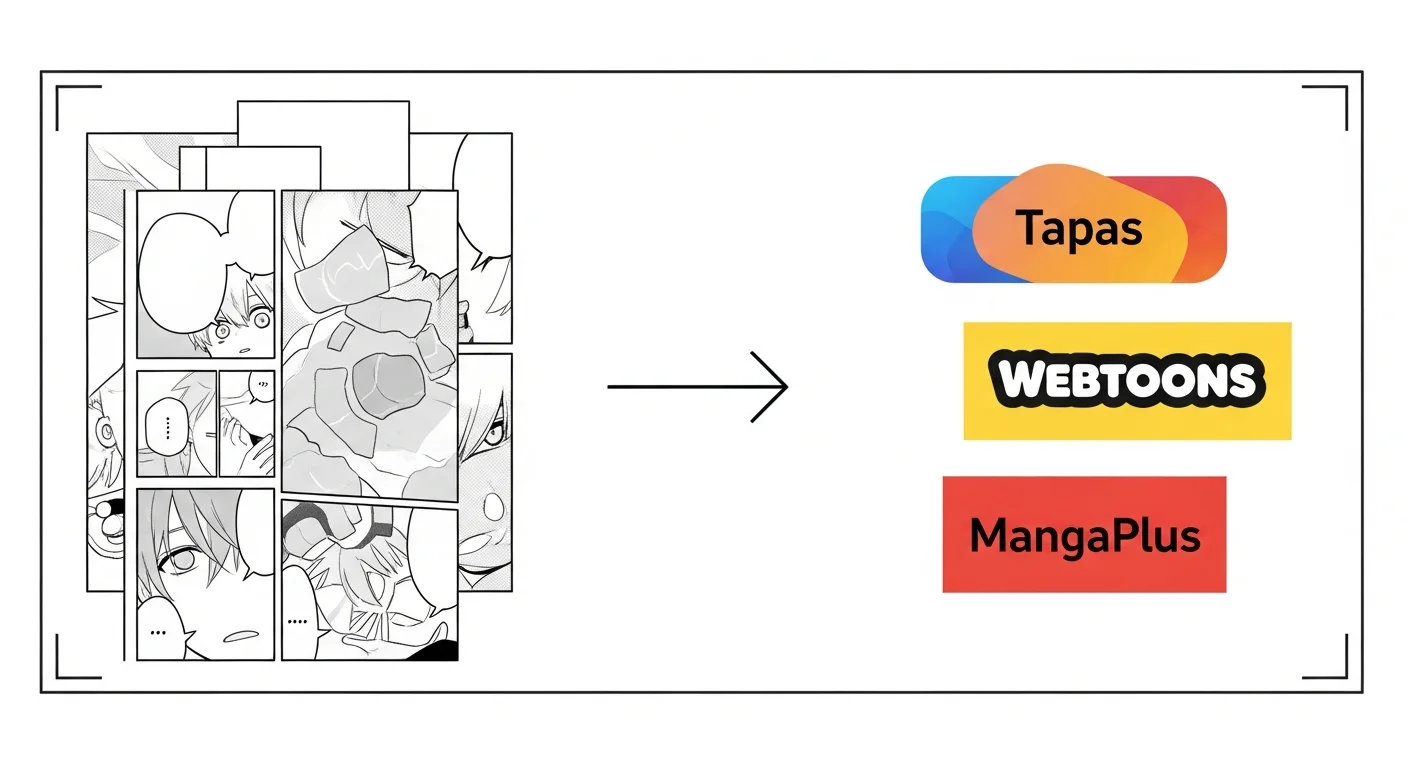
Publishing AI manga in 2026 means exporting your finished pages from Comistitch as PNG, WEBP, or PDF, adding metadata and AI disclosure if required, then uploading to your target platform. Tapas, Webtoons Canvas, and MangaPlus all accept AI-assisted manga; the submission itself takes well under an hour once your pages are finished.
In short: Export from Comistitch → add metadata → upload to Tapas/Webtoons/MangaPlus. Most platforms accept AI manga; some require disclosure.
Can I publish AI manga commercially in 2026?
Yes — and the policy landscape has stabilized over the last two years. Major manga and webcomic platforms now treat AI-assisted work the same as traditionally drawn comics, provided you hold the rights to the underlying script, character designs, and any reference material that fed the generator. Comistitch outputs ship royalty-free to the creator, with no platform attribution requirements baked into the export pipeline.
What still matters is human authorship. A panel sequence stitched together with no story, no character voice, and no editing rarely passes platform curation gates. Platforms reject low-effort floods, not AI itself. Your script, your pacing decisions, and your editorial taste are the human creative input that earns acceptance.
Commercial revenue is also unblocked. Tip jars, chapter unlocks, ad-share programs, print-on-demand books, and direct merch sales all work with AI-assisted manga in 2026. The one consistent legal asterisk is training data — if you reference a copyrighted character or a specific living artist’s style by name in prompts, that’s where takedowns originate. Comistitch’s character system avoids both pitfalls by keeping you inside an original character library that you author and own.
The AI manga generator overview walks through the legal and creative shape of this — how to keep rights clean, what to credit, and where AI assistance fits in your authorial chain. If you write the script and direct the panels, you are the author. The AI is the inker.
Which platforms work best for AI manga?
Four platforms dominate the AI-friendly manga publishing landscape today, and the right choice depends on audience and revenue model.
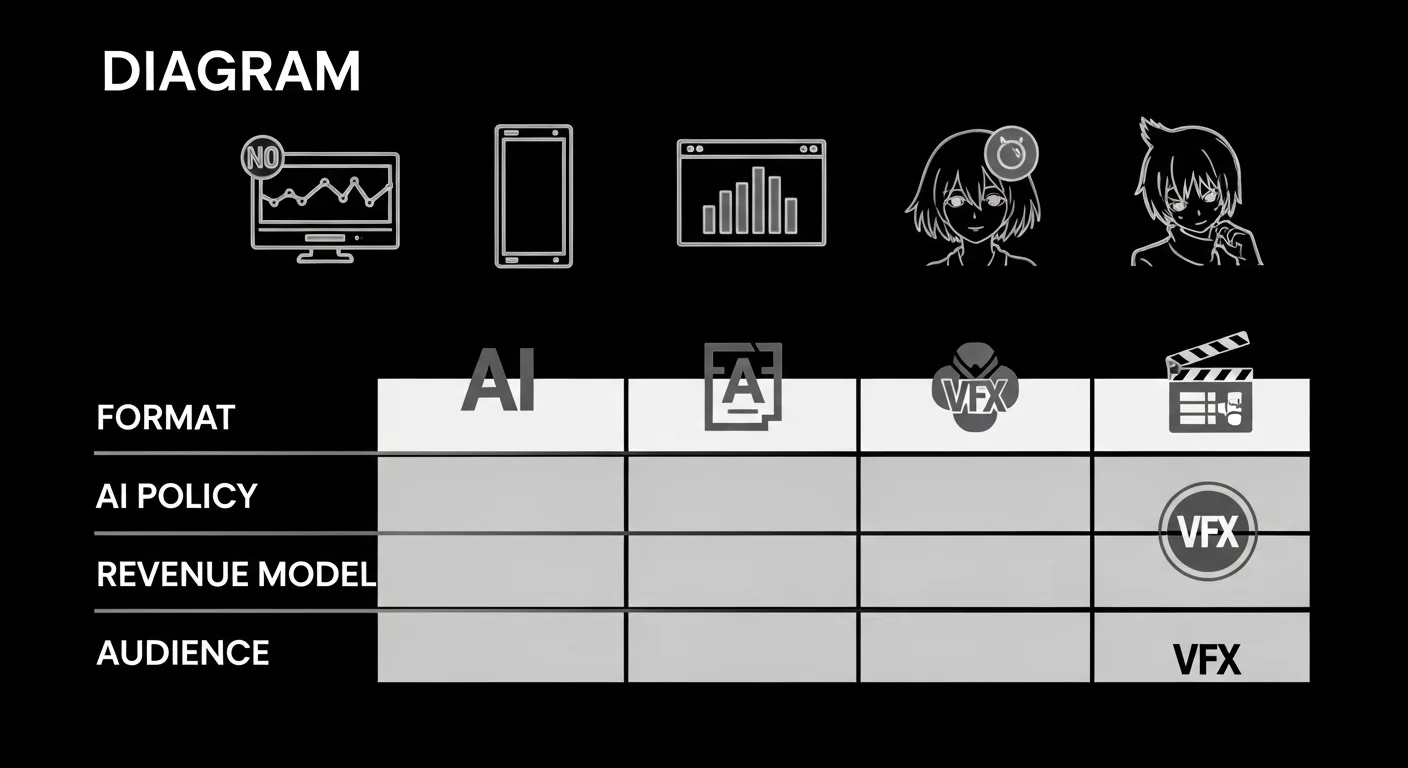
Tapas is the easiest entry point for English-language AI manga. Submission is open, AI policy is transparent (declare in your author bio), and the revenue model includes ad-share plus tips. The audience leans Western, late-teens-to-twenties, and accepts both vertical scroll and traditional page layouts.
Webtoons Canvas is the self-publish arm of Naver’s Webtoons. AI is permitted without explicit disclosure, but the format is strict: vertical scroll only, single tall PNG per chapter. Audience is enormous and global. Revenue requires hitting view thresholds before monetization unlocks.
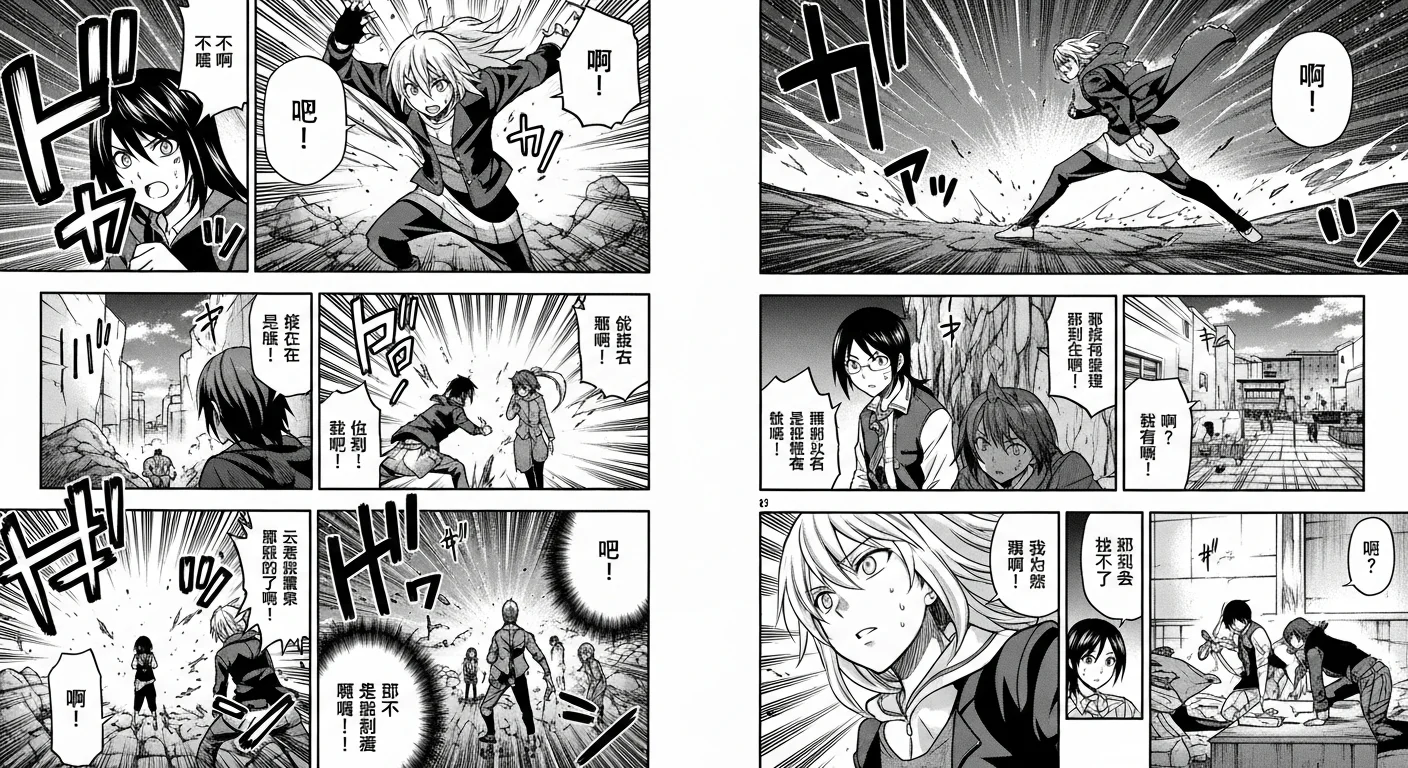
MangaPlus prefers traditional Japanese-style page manga. AI is accepted with submission-form disclosure. The audience is the most demanding for craft — uniform grids and lazy paneling get filtered fast.
Comistitch creator profile is the direct path: publish to your own page on Comistitch and share the link from your own tip jar, Patreon, or storefront if you want to monetize outside a platform’s ad-share model. No platform gating, no disclosure friction. For deeper comparisons across tools, see the best AI manga generators 2026 roundup.
What export formats do I need?
Each platform expects a specific export format, and getting this right on the first try saves a re-upload cycle.
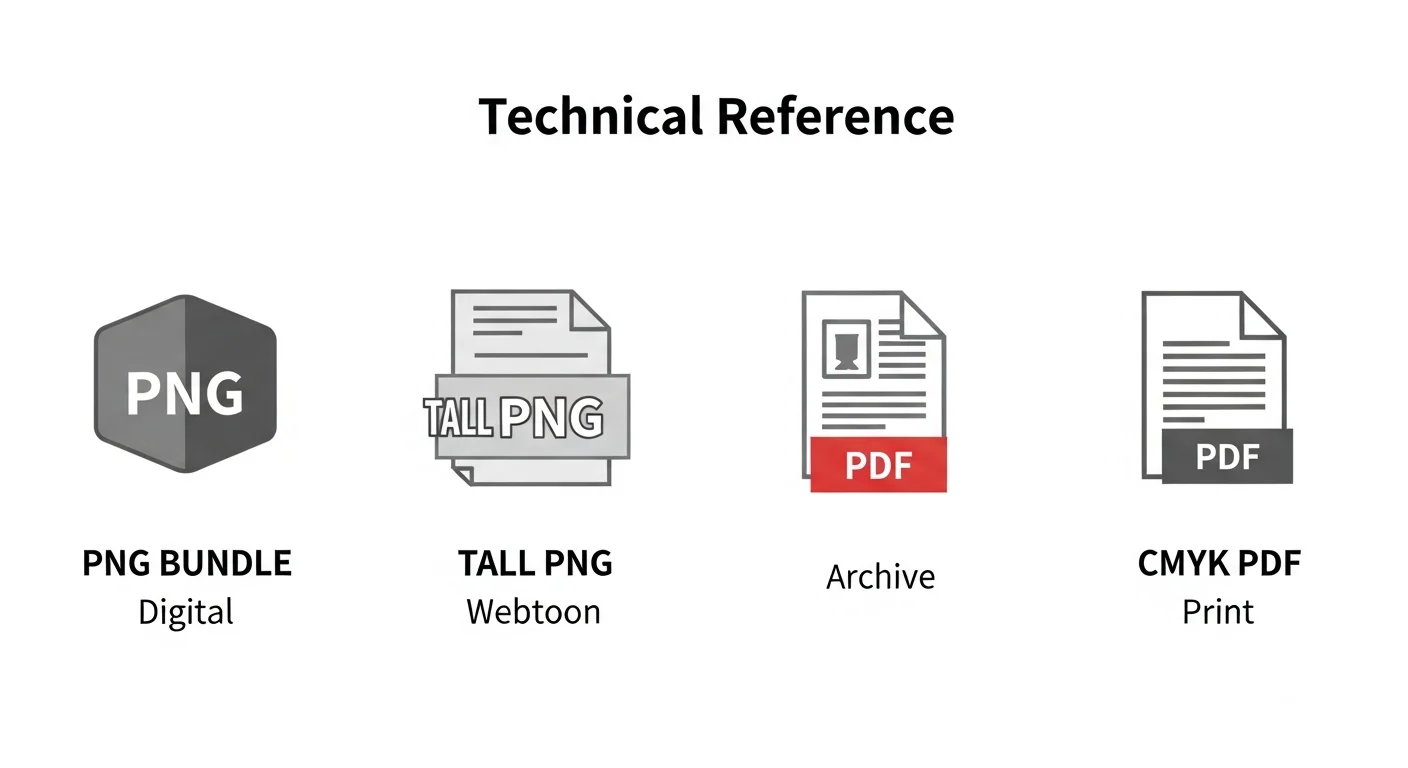
PNG or WEBP — each page as an individual file at web resolution. Tapas, MangaPlus, and most legacy reader platforms accept individual page images; export and upload each page yourself.
PDF — Comistitch Studio can build a PDF from your pages client-side. Use this for the Comistitch creator profile, Globalcomix, and most archival uses.
Print (CMYK, calibrated DPI) — Comistitch does not export print-ready files. If you want a physical run through Amazon KDP or Lulu, export your pages as PNG/WEBP first and run them through separate print-prep software to hit their CMYK and DPI requirements.
Re-exporting after an edit takes seconds — just hit Export again on the updated page.
How does AI disclosure work?
AI disclosure is platform-specific and worth getting right the first time. Misrepresenting your work risks takedown and account flagging.
Webtoons Canvas has no disclosure requirement as of 2026. AI-assisted work uploads with no special tags. Some creators voluntarily add an “AI-assisted” tag to filter for like-minded readers — this is optional.
Tapas requires AI disclosure in the author bio, not on individual chapters. A single line like “AI-assisted with Comistitch — script, paneling, and editorial direction by [your name]” satisfies the policy and reads as professional.
MangaPlus asks for a checkbox during submission and a brief description of the human creative contribution. Be specific: “I wrote the script, designed the characters, and directed every panel. AI rendered art and shading.”
Comistitch creator profile — since the platform is built for AI-assisted comics, no separate disclosure step is required; state your process in your profile bio if you want to be explicit.
The AI disclosure mindset is simple: be transparent, claim your authorship clearly, and don’t oversell or underplay the tool’s role. Readers respect honesty over perfection, and a clear creator narrative drives long-term audience trust.
What does the submission workflow look like?
A finished chapter from Comistitch ships in five clear steps, total time about 30 minutes from export to live.
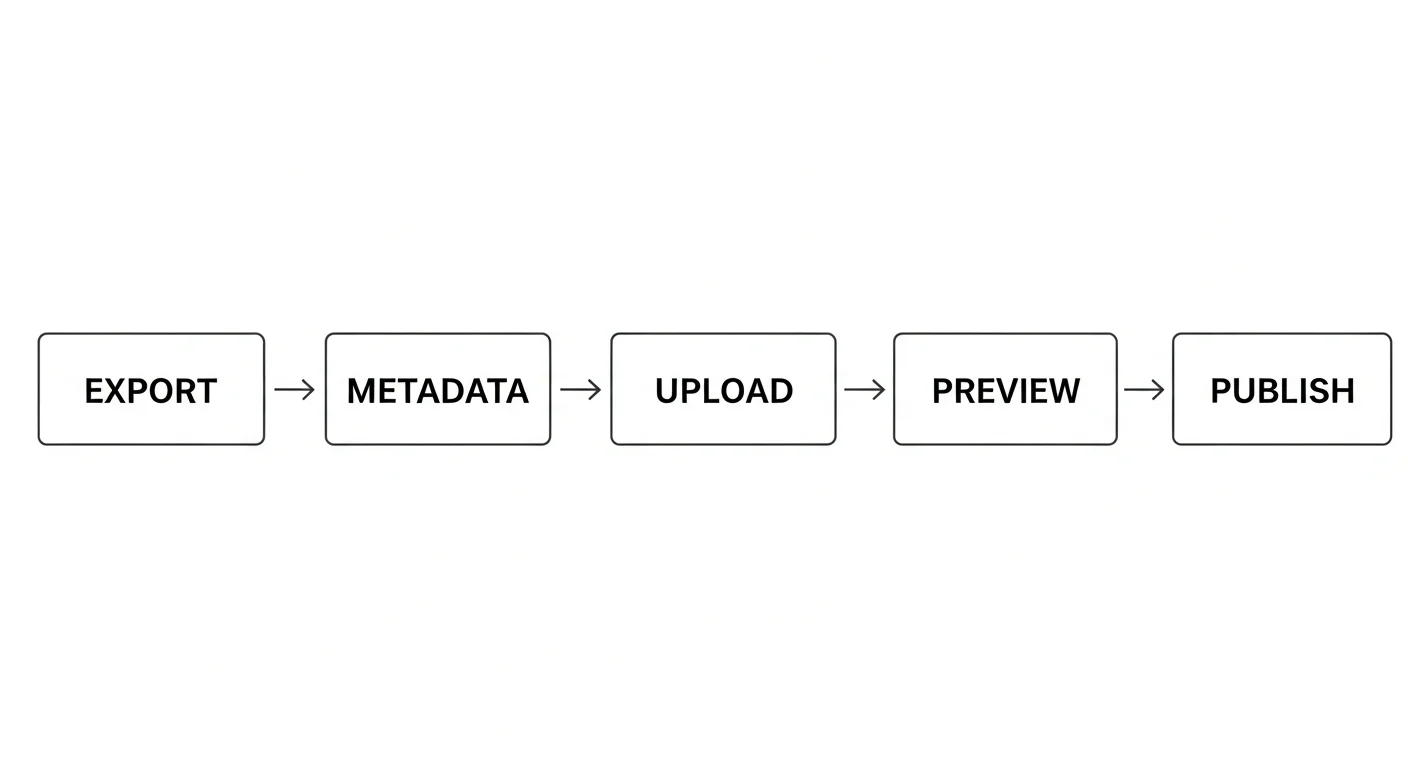
Step 1 — Export. From inside the builder, hit Export on each finished page and choose PNG, WEBP, or PDF.
Step 2 — Metadata. Fill in title, summary, genre tags, content warnings, and AI disclosure where required. The builder pre-fills tags from your script.
Step 3 — Upload. Add your exported pages to the platform’s chapter uploader. Requirements vary by platform — check each one’s page-count and format rules before you upload.
Step 4 — Preview. Every major platform offers a pre-publish preview. Always use it. Check page order, image clarity at mobile resolution, and dialogue legibility — these are where most rejection feedback lands.
Step 5 — Publish. Hit publish or schedule for a future drop time. Weekly cadence on Saturdays performs best across all platforms.
Comparison: traditional vs AI-assisted publishing speed
| Metric | Traditional manga | AI-assisted (general tools) | Comistitch |
|---|---|---|---|
| Time per 20-page chapter | 40–80 hours | Varies with iteration | No verified production-average benchmark |
| Cost per chapter | $50–200 in supplies | $30–60 in tool subscriptions | 30 credits/page — 100 free credits ≈ 2–3 pages at signup |
| Iteration speed | Re-draw, re-letter | Re-prompt, re-stitch | Page-level reroll (credit cost), with version revert |
| Export pipeline | Manual scan, color-correct, layout | Multi-tool stack, format conversion | PNG/WEBP/PDF export per page, web resolution |
The biggest unlock isn’t raw speed alone; it’s iteration. A traditional creator who decides chapter 3 needs a tone shift mid-cycle pays for the change in days of redraw work. With Comistitch, rerolling a page or editing the script and regenerating is measured in minutes, not days. This collapses the cost of editorial revisions and pushes creators toward better stories instead of locked-in mediocre ones.
Try it now: publish your first chapter
The fastest way to learn the export pipeline is to ship a 5-page test chapter. Open the builder, paste this minimal script, and walk through to publish.
Chapter 0 — Test publish — 5 pages

Page 1: Cold open, single splash panel.
Page 2: Two-character dialogue exchange.
Page 3: Action sequence, three panels.
Page 4: Reaction beat, full page.
Page 5: Cliffhanger, single impact panel.

Target platform: Comistitch creator profile (no audience yet,
internal preview only).
Export: PDF, web resolution.
Once exported, upload to your Comistitch creator profile as a draft, hit preview, and check end-to-end flow. For full cross-format publishing across multiple platforms, see turn AI comic into webtoon publishing guide — it covers reformatting the same chapter for vertical scroll without re-paneling from scratch.
What’s next? Scale your manga creator workflow
Publishing one chapter is the easy part. Scaling to a serialized release means systematizing every step before this one — script, character design, paneling, shading — so the export-and-upload phase becomes mechanical rather than artisanal.
Loop back to the manga paneling 101 with AI pillar to lock down page-level pacing across a full chapter. From there, the natural next read is publish webtoon on webtoons & tapas platforms for the vertical-scroll-specific submission flow, which differs meaningfully from page-format manga.
The successful AI manga creators of 2026 aren’t the ones with the best single page. They’re the ones who shipped 12 consecutive weekly chapters before their cohort caught up. Cadence beats craft polish on every platform we tested — readers reward consistency, the algorithm boosts active series, and your creator profile compounds with every drop.
Start free at Comistitch Studio — there’s no chapter cap on any plan, generation is credit-metered. The export pipeline is yours; the manga is yours; the audience is the next thing to build.