“Text to manga” sounds like one action: paste a story, receive a comic. In practice it is two, and understanding the split is the difference between usable pages and a folder of unrelated pictures.
What “text to manga” actually involves
A page of manga is not an illustration of a paragraph. It is a sequence of decisions: where to cut the scene, whose face the reader sees at the moment of impact, how much silence sits between two lines. Text does not contain those decisions — a script does.
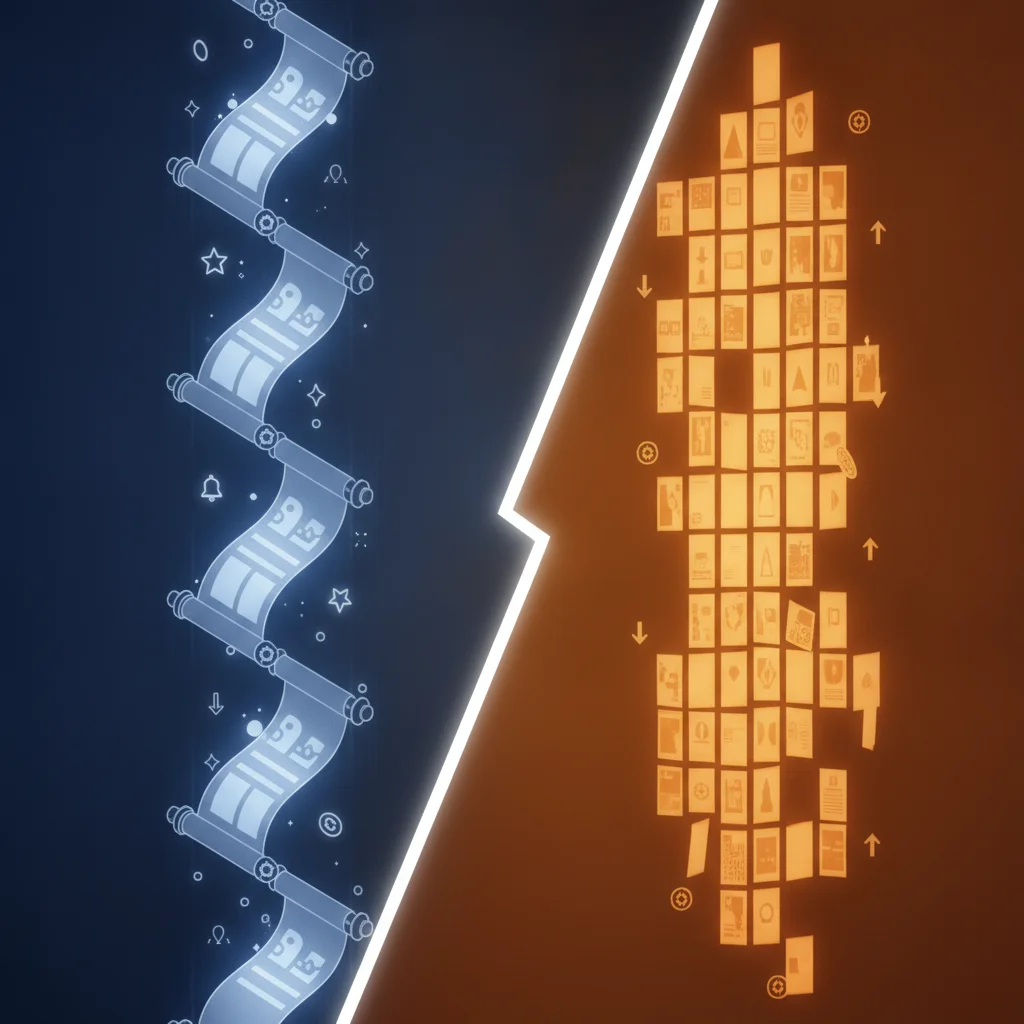
So the pipeline has two stages:
- Text → script. Your prose becomes a panel breakdown: shot type, who is present, what is said, what is deliberately not shown.
- Script → pages. Each panel becomes art, with characters held consistent across every frame.
Tools that collapse this into one step are the reason so much AI comic output looks like a mood board. The panels are individually fine and collectively meaningless, because nothing decided how they connect.
Step 1 — Write text the script stage can use
The most common mistake is writing more plot. Plot is the easy part for a model. What it cannot invent reliably is who your characters are, and that is what determines whether page four looks like page one.
A premise that works:
A duchess wakes on the morning of her execution — three years before it happened. She has to warn a younger version of herself without being called mad.
That is three sentences and it gives the script stage a situation, a stake, and an obstacle.
What to add beyond the premise, in order of usefulness:
- Character descriptions. Age, build, hair, one distinguishing feature, and how they carry themselves. Two lines per character.
- Tone. “Quiet and tense” produces different cutting than “loud and fast.”
- Length. A one-shot, a short scene, or a chapter. This changes panel count, not just word count.
Skip: camera angles, panel counts, and art direction. Those are the script stage’s job, and specifying them early tends to fight the pacing rather than help it.
Step 2 — Read the script before you generate art
This is the step people skip, and it is the cheapest place to catch problems. A script is text; regenerating it costs seconds. A page of art costs real time and, on most platforms, credits.
Read the generated script for three things:
- Does the scene cut where the tension is? If the reveal lands mid-panel instead of at a break, the page will read flat no matter how good the art is.
- Is anyone talking too much? A speech bubble holding three sentences is unreadable at phone size. Split it or cut it.
- Does each panel show something new? Two consecutive panels of the same two people talking is a sign the scene needs compression.
You can run this stage free and without an account using a comic script generator — or the manga-specific version, which paces for black-and-white printed spreads rather than vertical scroll.
Step 3 — Lock your characters before generating pages
Here is where most text-to-manga attempts fall apart. You generate page one, it looks great, you generate page two, and the protagonist has a different face.
This happens because each generation is independent. The model is not remembering your character; it is re-interpreting your description. “A tall woman with dark hair” describes thousands of faces, and you will get a different one every time.
The fix is a character reference — a fixed definition generated once and reused on every page, rather than re-described per generation. Any tool that promises consistent characters is doing some version of this under the hood. Tools that do not offer it cannot deliver consistency, no matter how carefully you word the prompt.
This matters more in manga than in Western comics, because manga leans on facial expression to carry emotion. If the face changes, the emotional throughline breaks.
Step 4 — Pick the style before the pages, not after
Style is not a filter applied at the end. It changes panel composition, contrast, and how much detail survives at reading size.
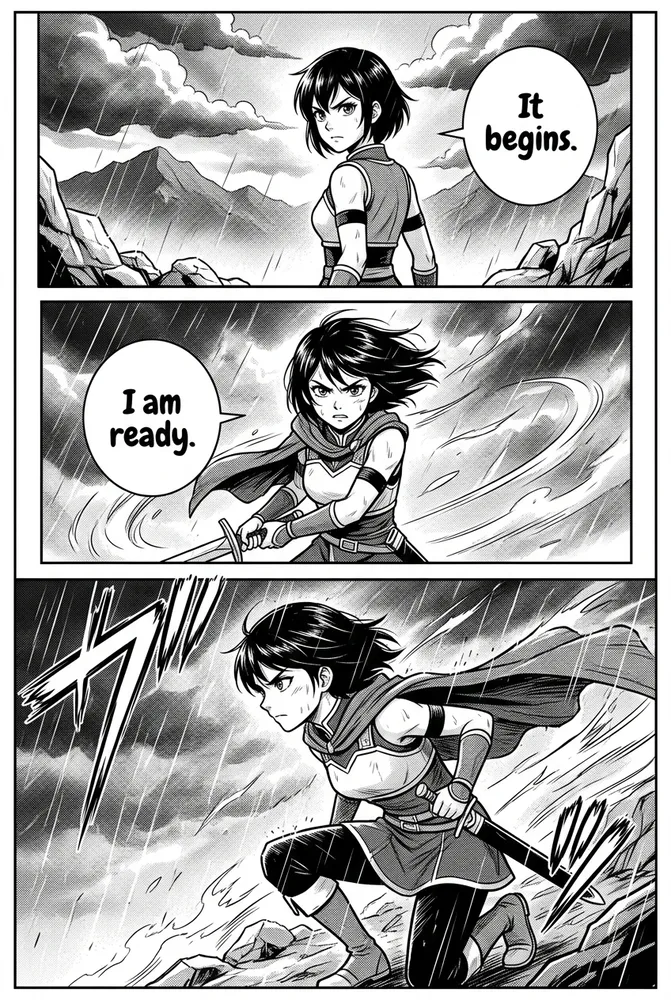
- Manga — black-and-white, screentone shading, tighter cutting, built for page-turn reading.
- Manhwa — full colour, vertical pacing, longer held emotional beats.
- Semi-realistic — detailed linework and painted washes, closer to Western graphic novels.
- Isekai — fantasy-world detail, designed for portal and reincarnation premises.
Switching style mid-project means regenerating pages, so decide before you commit.
Where text-to-manga still breaks
Worth knowing before you start:
- Text inside bubbles. Rendered lettering is unreliable in most languages. Many creators generate with empty or English bubbles and typeset afterwards.
- Hands and crowds. Still the weakest area across every model. Scripts that avoid crowd shots produce cleaner pages.
- Very long chapters. Consistency degrades over long runs. Generating in scene-sized chunks and stitching is more reliable than one 80-page pass.
- Specific likenesses. Asking for a real person’s face is both unreliable and, in most cases, against platform policy.
A realistic first attempt
If you have never done this, the shortest useful path:
- Write a three-sentence premise plus two lines per character.
- Generate a script and read it. Regenerate until the cuts land where you want.
- Define your characters once, as references.
- Generate a single scene — not a chapter.
- Look at it at phone size. Fix what is unreadable.
- Only then scale up.
The people who get good results are not writing better prompts. They are catching problems at the script stage, where fixing them is free.
Related reading
- How to create comics with AI — the broader workflow beyond manga
- AI comic character consistency — why faces drift, and what actually fixes it
- Manga paneling 101 — how panel layout carries pacing
- AI comic art styles compared — 20 styles on the same character