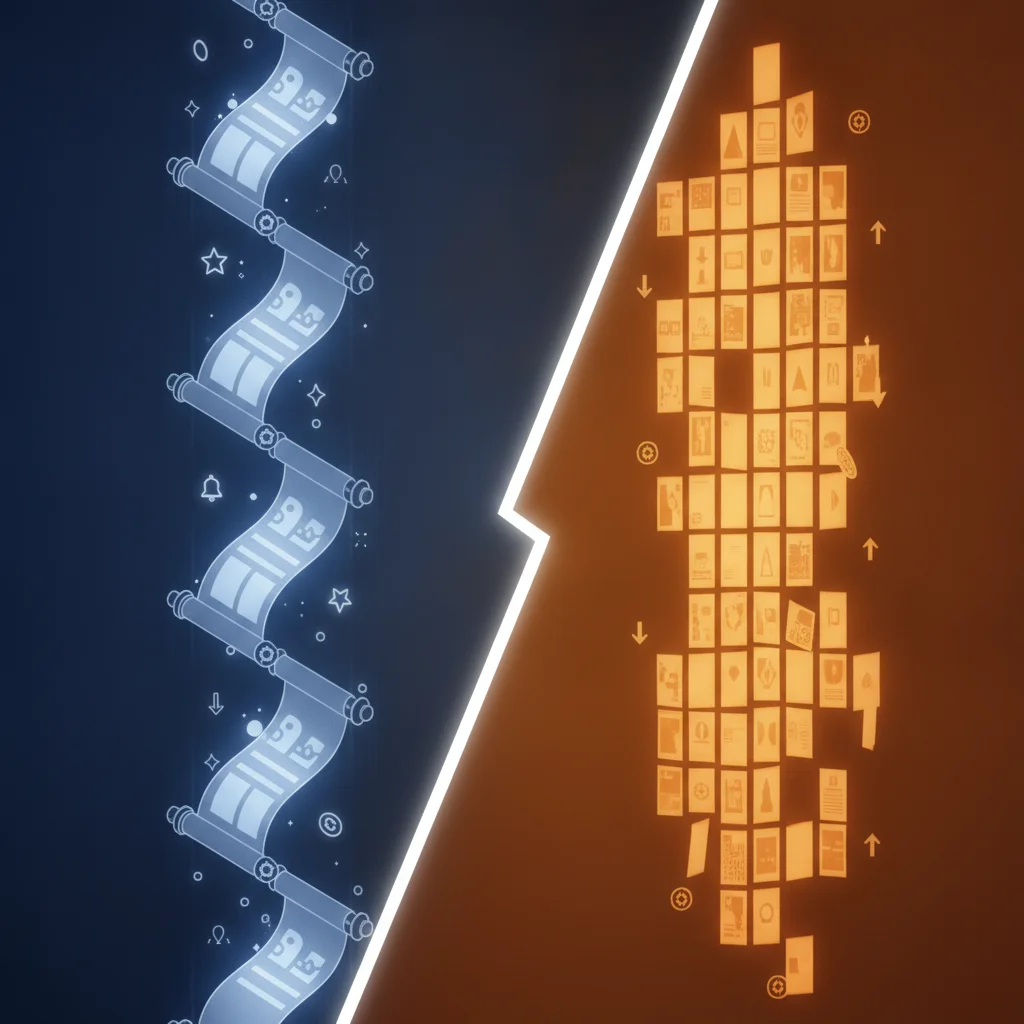
Most people searching for an “AI anime script writer” want one of two very different things: a scene they can film or storyboard, or a script that will become manga pages. The tools overlap, but the output should not — and picking the wrong one is why so many generated scripts feel unusable.
Anime script or manga script? They are not the same
An anime script is a timing document. It carries cuts, sound, motion, and how long a beat is held. A three-second silence is written down because it costs three seconds of screen time.
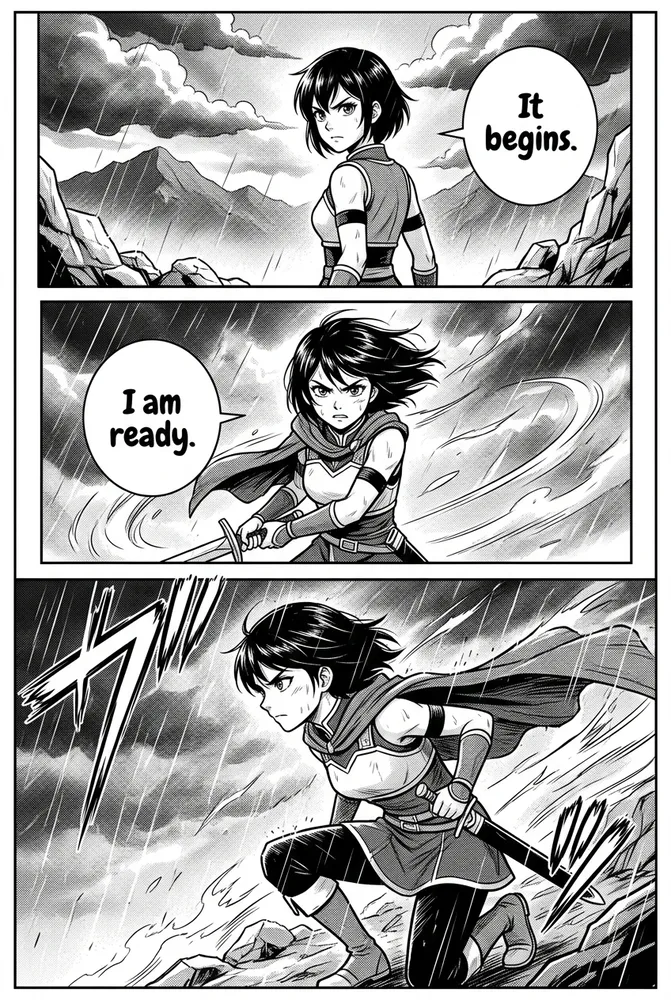
A manga script is a composition document. It carries what the reader sees on a still page, how panels break, and where the eye lands. Silence is not a duration — it is an empty panel.
Feeding a manga project an anime-formatted script produces panels that describe motion nothing can show. Feeding an anime project a manga script produces scenes with no sense of pace. Decide which you are making before you generate anything.
The rest of this guide focuses on scripts destined for pages, since that is what most people searching this term are actually building.
What free AI script tools do well
- Structure. Given a premise, they reliably produce a beginning, escalation, and a turn. This is the least interesting part to write and the part models handle most consistently.
- Volume. Twenty variations of an opening scene costs seconds. Reading them tells you which premise has legs before you invest in art.
- Panel breakdown. Converting prose into shot-by-shot description is mechanical work that models do quickly and humans find tedious.
What they consistently get wrong
- Voice collapse. Without explicit character descriptions, every character speaks in the same neutral register. This is the single most common failure and the easiest to fix.
- Bubble length. Models write dialogue for a page, not for a speech bubble. Lines come back at three or four sentences; readable bubbles hold roughly 8–15 words.
- Long-range setups. Something planted in scene one is quietly forgotten by scene six. Generating in short chunks and tracking your own setups avoids this.
- Genre defaults. Ask for “anime” with no genre and you tend to get high-school slice-of-life, because that is heavily represented in training data. Name the genre.
How to write the input
The quality of an AI script depends far more on character detail than on plot detail. Models are good at plot and bad at inventing people who stay themselves.
A workable input:
Premise: A retired swordsman takes a job guarding a merchant caravan and recognises the merchant as the person who burned his village.
Characters: KAEDE, 40s, heavy build, moves like it hurts, speaks in short flat sentences. TORU, 30s, immaculate, talks constantly and never says anything true.
Genre: Historical drama. Tone: Quiet, tense. Length: One scene.
Two lines per character does more work than two paragraphs of plot. “Talks constantly and never says anything true” gives every line that character speaks a shape.
Getting dialogue that fits the bubble
Script generators write prose-length dialogue by default. For pages, you want the opposite.
Two options:
- Generate the full script, then run the dialogue separately through a dialogue generator that targets bubble-friendly length.
- Use a format-specific generator from the start — the webtoon dialogue generator writes short exchanges with one idea per bubble, sized for a phone screen.
Either way, read the result at the size it will be read. A line that looks terse in a text editor can still overflow a bubble.
Free tools to try, and what each is for
All of these run without an account:
- Comic script generator — general purpose, format-neutral. Start here if you are unsure.
- Manga script generator — tighter cutting, paced for black-and-white printed spreads.
- Manhwa script generator — longer emotional beats, full-colour vertical pacing.
- Webtoon script generator — scroll-break structure and cliffhanger placement.
- Story idea generator — premise-stage help when you do not yet have a story.
From script to actual pages
A script is a plan, not a comic. When the script reads right, the next decision is style, because style changes how the script should have been cut:
- Manga — black-and-white with screentone, built for page-turn pacing.
- Isekai — fantasy-world detail for portal and reincarnation premises.
- Manhwa — full colour, vertical, emotionally paced.
- Romance manga — soft palette and close-up-heavy composition.
If you change style later, expect to regenerate pages. Choosing early is cheaper.
A practical workflow
- Write a premise and two lines per character.
- Generate a scene — not an episode.
- Read it for voice collapse. If everyone sounds the same, your character descriptions were too thin.
- Shorten the dialogue to bubble length.
- Pick a style, then generate pages.
- Repeat scene by scene, tracking your own setups.
The bottleneck is almost never the model’s writing. It is how much you told it about who these people are.
Related reading
- Text to manga with AI — the full pipeline from writing to finished pages
- How to write a manga script — the craft side, without tooling
- Manga storyboarding step by step — turning a script into layouts
- AI comic character consistency — keeping faces stable across pages