
Cartoon is the style people recognise before they can name it. Thick even outlines, flat bright color, shapes pushed well past anatomy, and a face that tells you the whole joke. It is the visual language of newspaper strips, animated series, and almost every explainer panel you have ever scrolled past — and it is the style that survives being shrunk to a thumbnail.
That readability is the point. A manga page rewards a reader who slows down. A cartoon strip has to land in the two seconds someone gives it on a phone.
Why Cartoon Style Is Its Own Discipline
The temptation with AI generation is to let cartoon drift toward painted illustration — softer lines, a little gradient, some ambient shadow. It looks more “finished” and it reads worse. Cartoon works because of what it leaves out.
Three constraints do the heavy lifting:
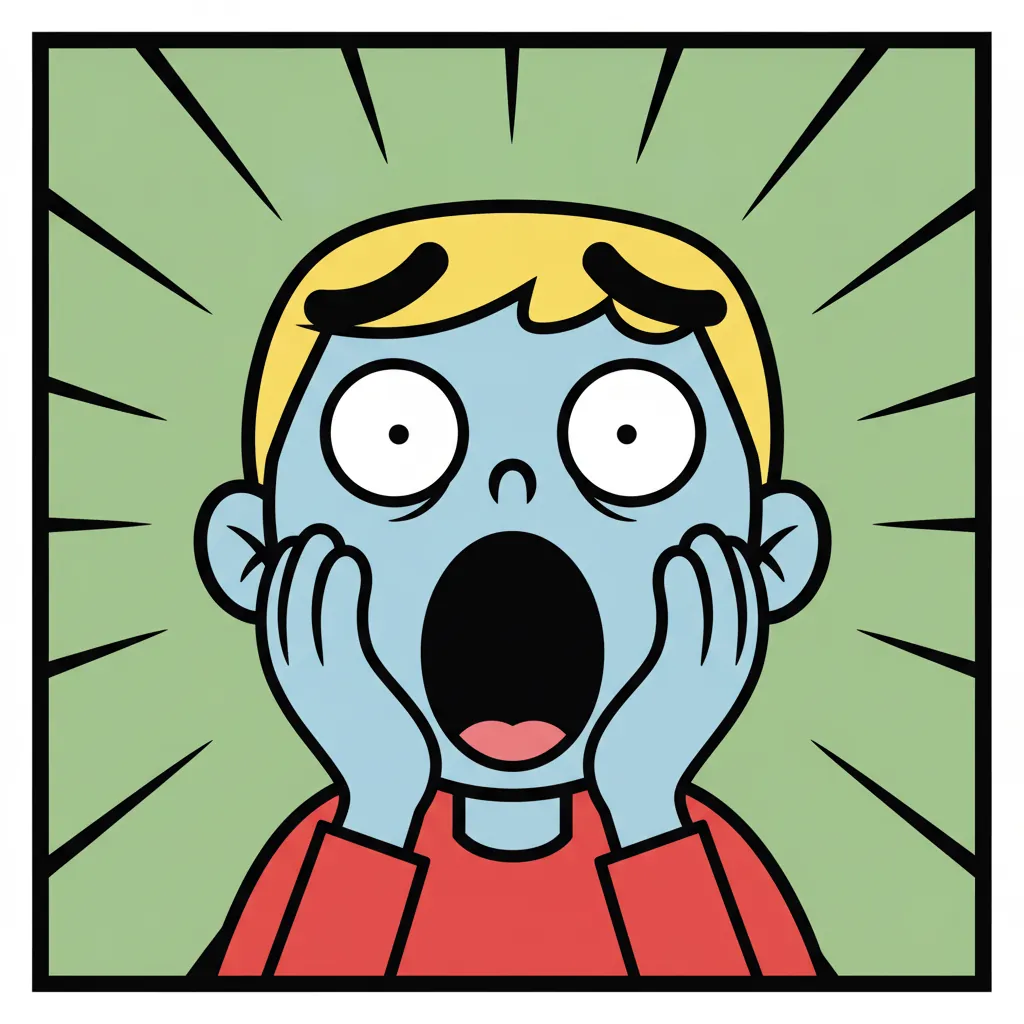
Uniform line weight. Outlines stay consistent rather than tapering expressively. This is what separates cartoon from comic-book inking, and it is what keeps a figure legible at small sizes.
Flat color. Fills are solid. No gradient, minimal shading, and where shadow exists it is a single flat darker shape rather than a rendered falloff. Fewer values means faster reading.
Simplification over accuracy. Hands become mitts, noses become a dot or a wedge, a crowd becomes a shape with three faces in front. Detail is spent only where the story needs it.
Break any of the three and you have an illustration that happens to be cheerful. Hold all three and you have a cartoon.
How Comistitch Generates Cartoon-Style Panels
You write the situation and the joke. The pipeline handles the rest:
1. Describe the Beat, Not Just the Scene
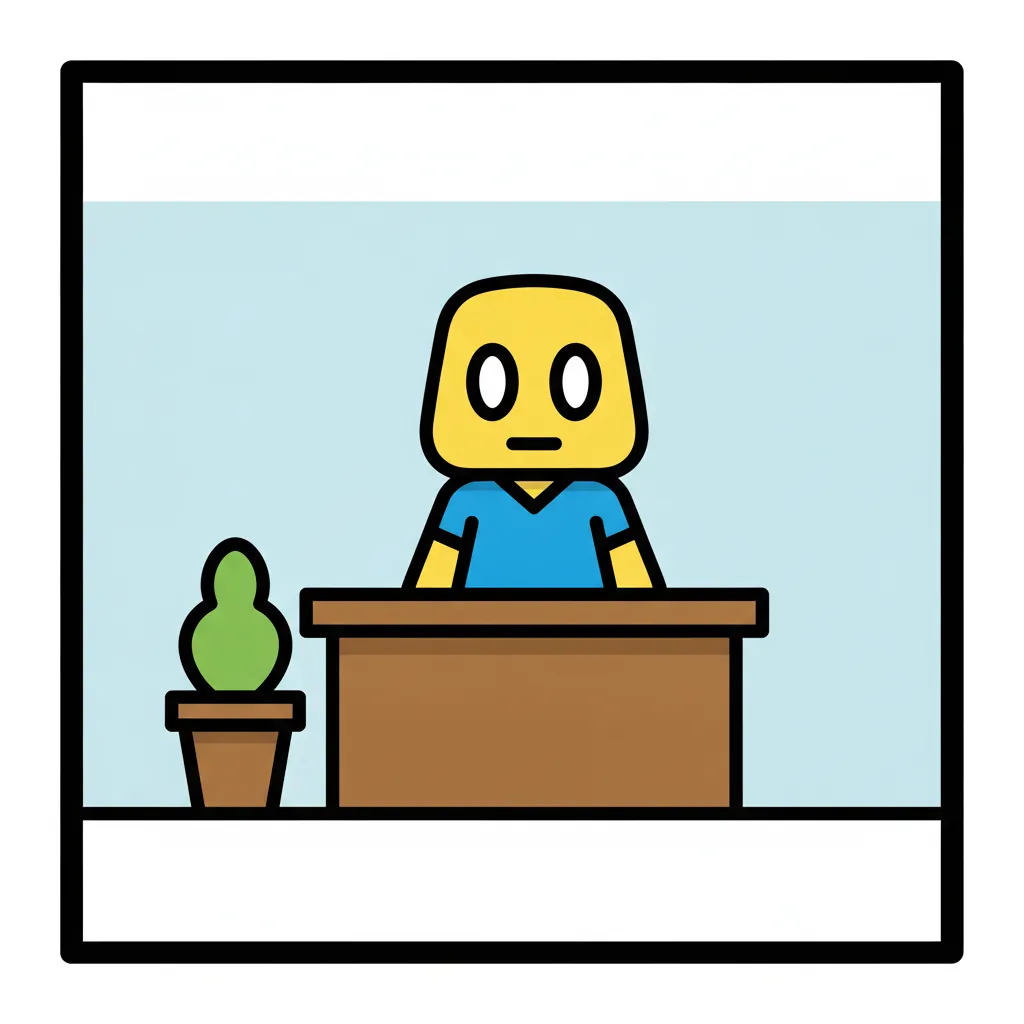
Cartoon panels are moments of change. “A man at a desk” is a drawing; “a man realising his coffee cup is empty mid-sip” is a panel. Write what shifts.
Include your character’s fixed traits — this is what keeps them consistent later:
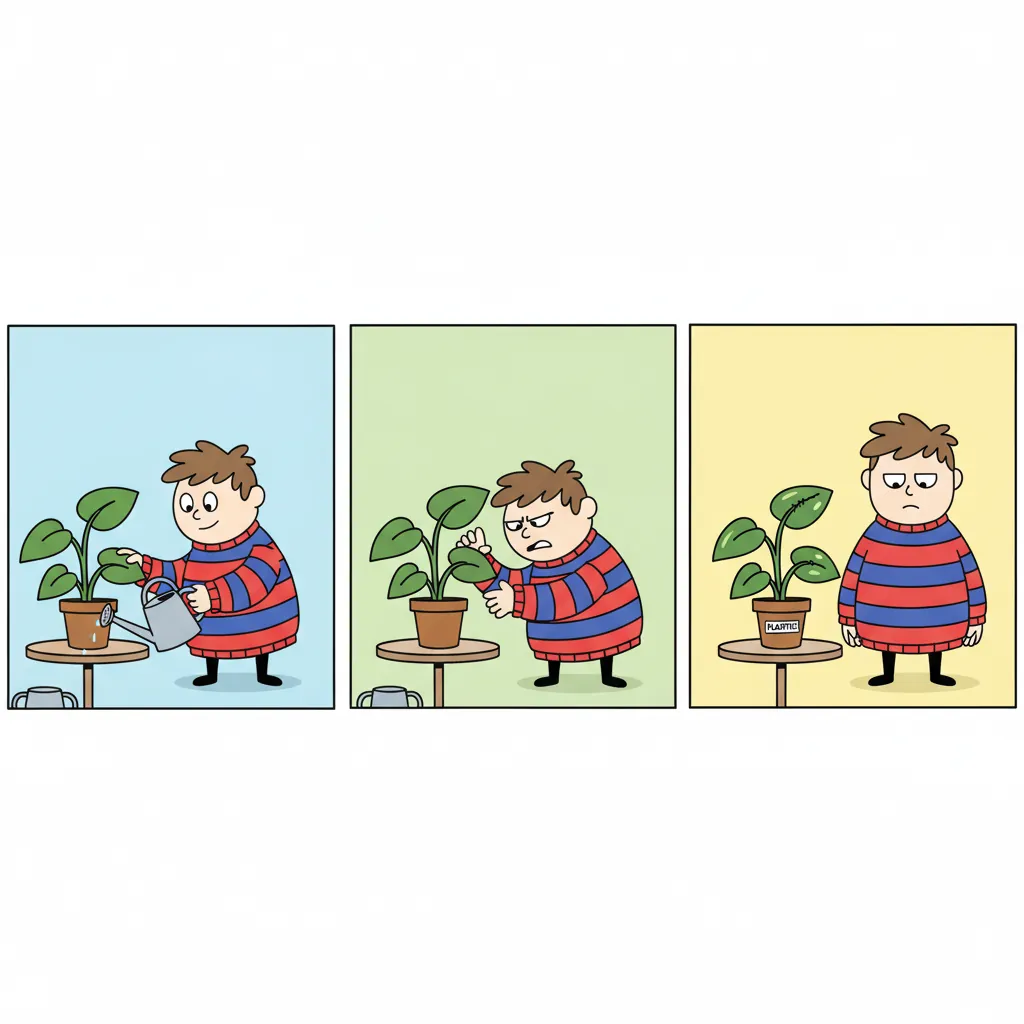
Example: “Milo, short and round, permanent bedhead, oversized striped sweater, perpetually unimpressed. He is watering a plant that is visibly plastic.”
2. Pick a Strip Layout
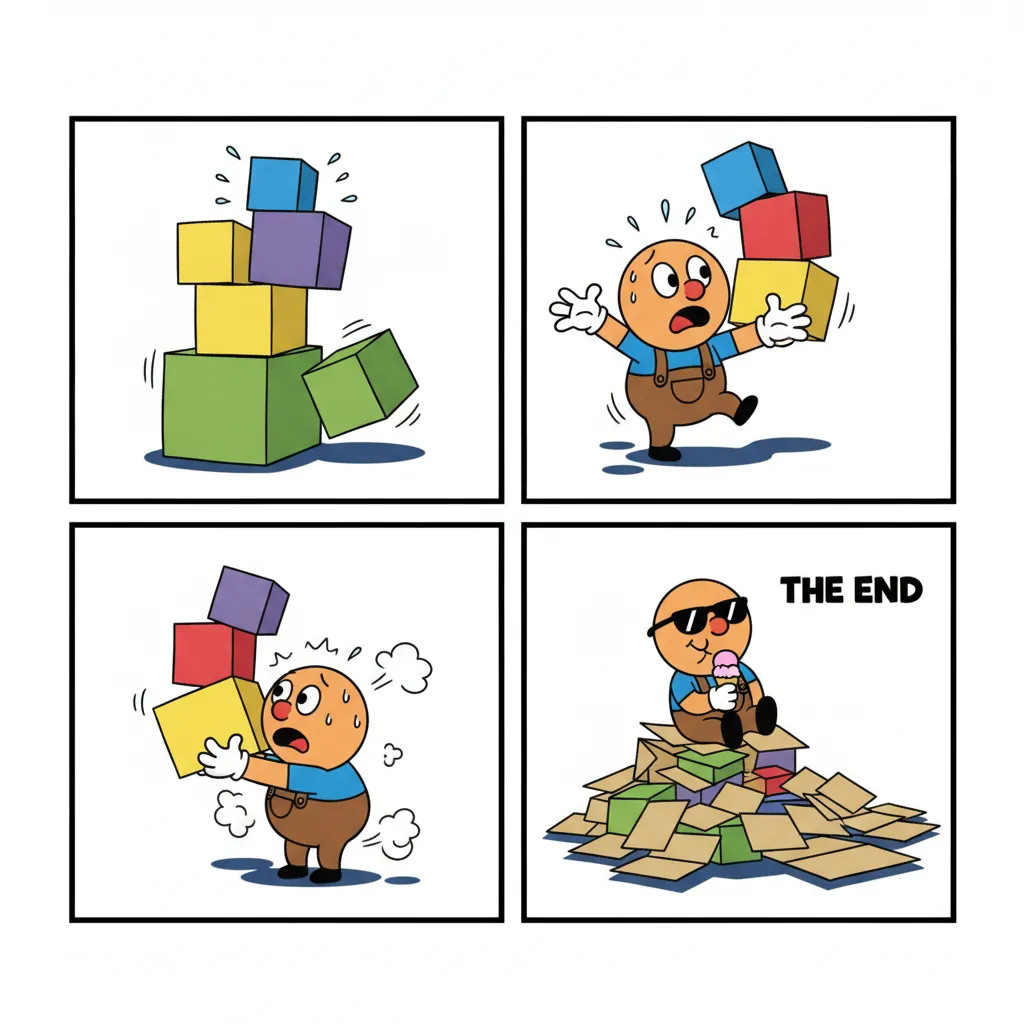
Three-panel for a clean setup-beat-punchline. Four-panel when the joke needs a false ending before the real one. Single panel for editorial or explainer work.
The layout matters more in cartoon than in any other style, because timing is the joke. The final panel needs breathing room.
3. Generate and Read It Cold
Generate the strip, then read it as a stranger would — fast, without the intent you had in your head. If the punchline needs explaining, the panel before it is doing too much work.
4. Fix Only What Failed
Expect a panel or two per strip to miss. Rewrite that panel’s description with sharper direction — “extreme close-up on his eye twitching” rather than “he is annoyed” — then reroll the strip. Comistitch rerolls the whole page, not a single panel in isolation, but the previous version stays in your page history, so you can revert if the new roll is worse. A sharper description gets a better reroll than a vague one.
What Cartoon Style Is Good For
| Use | Why cartoon fits |
|---|---|
| Gag strips | Timing and expression carry the humour; realism gets in the way |
| Explainer panels | Flat shapes stay legible when embedded small in a help doc |
| Onboarding and UI illustration | Reads instantly, no cognitive cost |
| Educational material | Simplification is the teaching tool, not a compromise |
| Mascot and brand content | A consistent simple design survives every size and crop |
| Social posts | Thumbnail legibility beats detail every time |
If your story wants atmosphere, dramatic lighting, or emotional weight carried by the art rather than the writing, cartoon is the wrong tool. Reach for manga or superhero comic style instead.
Cartoon vs the Other Comic Styles
| Line | Color | Proportion | Reads best at | |
|---|---|---|---|---|
| Cartoon | Thick, uniform | Flat, bright | Heavily simplified | Thumbnail |
| Manga | Varied, expressive | B&W + screentone | Stylised realistic | Full page |
| Manhwa | Clean, fine | Full color, warm | Realistic, tall | Vertical scroll |
| Superhero comic | Bold, tapering | Rich, shadowed | Idealised realistic | Print spread |
| Chibi | Soft, rounded | Pastel, flat | Extreme (head ≈ body) | Sticker, small |
Two neighbours worth knowing about. 4-koma is the Japanese four-panel gag format — same timing discipline, different visual tradition. Chibi shares cartoon’s flatness but pushes proportion much further for cuteness rather than comedy.
Getting Started
- Write one gag. Not a series, not a world — one joke with a setup and a turn. Two or three sentences.
- Fix your character in writing. Appearance, silhouette, one running trait. Reuse that text exactly on every future strip.
- Choose three panels. The simplest structure that can hold a joke, and the easiest to judge.
- Read the result cold. Does the punchline land without you explaining it?
- Reroll with a sharper description, not a vague one.
Start creating cartoons free → — no credit card required.
Tips That Actually Change the Output
Name the expression, don’t describe the emotion. “Eyebrows up, mouth a flat line, eyes half-closed” produces a readable face. “He is skeptical” produces a guess.
Say what is in frame and what is not. Cartoon backgrounds should be nearly empty. Say “plain wall, single potted plant” rather than leaving the room to be invented — an over-furnished background is the most common way a cartoon panel gets visually noisy.
Keep the cast small. Two characters per panel, three at most. Cartoon simplification means faces lose distinctiveness fast as they shrink.
Write the punchline panel first. Then work out what setup it needs. Strips written forward tend to explain; strips written backward tend to land.
Repeat the character description verbatim. Not paraphrased. This single habit prevents most drift, and it is covered in more depth in our character consistency guide.
How Comistitch Compares for Cartoon Work
Most tools marketed as cartoon generators produce a picture in cartoon style. That is a different job from producing a strip.
| Comistitch | Single-image AI tools | Photo-to-cartoon filters | |
|---|---|---|---|
| Multi-panel strip | Yes, composed as a sequence | No — loose images | No |
| Character consistency | Locked across strips | Prompt luck | N/A |
| Gag layout | 3 and 4-panel templates | Manual assembly | No |
| Flat-color discipline | Held by the style | Drifts to illustration | Depends on source |
| Starting point | A written gag | A prompt per image | An existing photo |
If you want one cartoon image, a general image generator will do. If you want a strip that reads — with the same character in panel three as in panel one — the pipeline matters more than the model.
For a fuller walkthrough of the story-to-comic workflow across every style, see how to create comics with AI.