Updated August 2026 — Added a multi-chapter comic-book workflow, linked each art style to its generator page, and expanded the FAQ.
You have a story in your head — a hero, a conflict, a world you’ve been imagining for years. The only thing standing between your idea and a finished comic is the art. Or at least, it used to be.
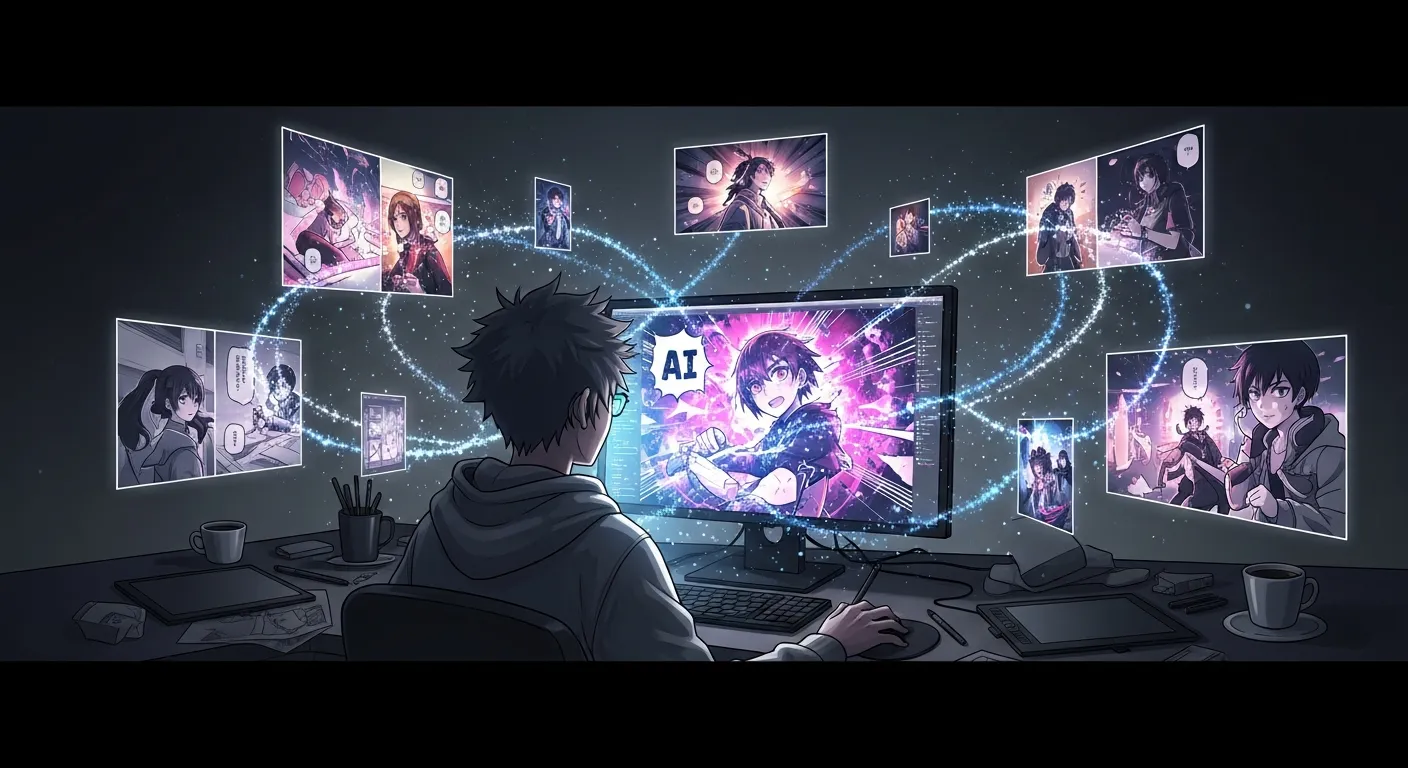
An AI comic generator turns that text into finished pages — no drawing required. This guide walks through exactly how to create a comic book using AI, from your first prompt to a finished multi-panel comic. If you want to try the full pipeline directly, the AI comic book maker turns a script into pages with consistent characters and a cover; for planning shots before you commit to final art, the AI storyboard generator frames each panel by camera angle first.
TL;DR
- No drawing skills needed — AI handles all artwork from your written story
- The full workflow takes 10–15 minutes for a short comic on Comistitch
- Average Comistitch project contains 12 panels per comic*
- Review the generated script before image generation — 5 minutes here saves multiple re-rolls
- For a deeper technical guide, see the 2026 deep-dive →
Quick stats
- Average 12 panels per Comistitch comic project*
- ~45 seconds average panel generation time on Comistitch*
- 47.9% of ChatGPT citations link to Wikipedia-style structured content (LLMrefs 2026) — structured how-to posts are disproportionately cited by AI
What Is an AI Comic Maker?
An AI comic maker is a tool that turns written descriptions, story ideas, or prompts into illustrated comic panels. Instead of drawing by hand or hiring an artist, you describe what you want — and the AI generates the artwork.
Modern AI comic tools go far beyond simple image generation. The best ones (like Comistitch) handle the entire pipeline: breaking your story into scenes, writing panel scripts, generating consistent character art, and laying everything out in a readable comic format.
Think of it as a creative co-pilot. You bring the story; the AI handles the visual execution.
How AI Comic Generation Works
Understanding the pipeline helps you write better prompts and get better results. Here’s what happens behind the scenes when you use a modern AI comic generator:
1. Story Input
You provide a story premise, a script, or a simple scene description. This is your raw creative input — a paragraph, a few bullet points, or a full chapter.
2. Script Generation
The AI reads your input and breaks it into individual panel scripts. Each panel gets a description: who’s in it, what’s happening, the setting, and the mood.
3. Image Generation
Each panel script is sent to an image model trained on comic art styles. The model generates artwork based on the description — applying your chosen style (manga, webtoon, American comic) consistently across all panels.
4. Panel Layout and Assembly
The generated panels are assembled into a readable page layout. Dialogue boxes, captions, and panel borders are applied to match your chosen format.
The result: a complete, shareable comic — in minutes instead of months.
Step-by-Step: Create Your First AI Comic in 6 Steps
Here’s how to create your first AI comic using Comistitch. The process takes about 10–15 minutes for a complete short story.
Step 1: Write Your Story Premise
Before opening any tool, write your story in plain text. This is the most important step — the AI can only work with what you give it.
Describe your story in 2–5 paragraphs. Include:
- Your main character’s appearance (specific details: hair, clothing, age)
- The setting (school, city, fantasy world)
- The core conflict or event in this scene
- The mood or tone (dark, comedic, action-packed)
Example: “A teenage girl discovers she can talk to the ghosts of famous inventors. Einstein helps her build a device to contact her late grandfather, but the machine malfunctions and pulls every inventor ghost into the present.”
Step 2: Sign Up and Choose Your Style
Create a free account at app.comistitch.com/signup. No credit card required.
On your first comic, pick an art style:
- Manga — best for action, fantasy, romance, slice-of-life
- Webtoon — best for long-form drama and mobile-first reading
- American comic — best for superhero stories and sci-fi
Pick one and commit to it for the whole project. Switching styles mid-comic causes visual drift.
Step 3: Review the Generated Script
Before images are generated, Comistitch shows you the panel-by-panel script it wrote from your premise. This is your chance to edit, reorder, or rewrite any panels before committing to image generation.
This step is critical. A strong panel script leads to much better artwork. Spend a few minutes here — it saves multiple regeneration cycles later.
When we reviewed scripts on Comistitch for a 10-panel action scene, we found that tightening the camera direction language (“extreme close-up on her fist” vs. “she punches”) consistently improved composition in the generated panels.
Step 4: Generate Your Comic
Hit generate. The AI processes each panel and returns your complete comic. First-generation results are usually strong — but you can reroll a page if something doesn’t look right, and the previous version stays in your page history so you can revert.
Comistitch generates an average panel in approximately 45 seconds.* A 12-panel comic typically completes in under 10 minutes.
Step 5: Review and Refine Problem Panels
Expect 1–3 panels per comic to need a second generation. That’s normal — treat it as part of the creative process.
For each problem page:
- Identify specifically what’s wrong (wrong character, odd composition, unclear action)
- Rewrite the page’s script description with more precise direction
- Reroll the whole page
Comistitch rerolls at the page level, not one panel at a time, but the previous version stays in your page history, so a targeted description fix beats a random re-roll with nothing lost if it doesn’t help. For deeper techniques on keeping characters consistent across panels, see our character consistency AI comic guide.
Step 6: Export and Publish
Export your comic as a PDF, image sequence, or web-ready format. Share it directly, post it online, or use it as a proof-of-concept for a longer series.
For publishing and distributing your manga, the best AI manga generators 2026 guide covers platform options and format considerations.
Ready to try it yourself? Create your first AI comic free with Comistitch →
How to Create a Comic Book with AI (Multi-Chapter Projects)
A single comic and a comic book are not the same job, and the difference changes how you should work.
A short comic is one scene, 6–12 panels, finished in a sitting. A comic book is 20+ pages with chapters, a recurring cast, and a cover — and the thing that breaks at that length is not artwork quality, it is consistency across sessions.
Three changes to the six-step workflow above once you cross roughly 20 pages:
1. Lock your cast before page one. Generate each recurring character once, then reuse that description verbatim in every later panel script. Rewriting a character’s appearance from memory between sessions is the single most common cause of a face drifting mid-book. Our character consistency guide covers the reference-sheet approach in detail.
2. Work chapter by chapter, not page by page. Generate a full chapter (8–12 pages), review it as a unit, then start the next. Reviewing per page loses the pacing — a page that reads fine alone can break the rhythm of the chapter around it.
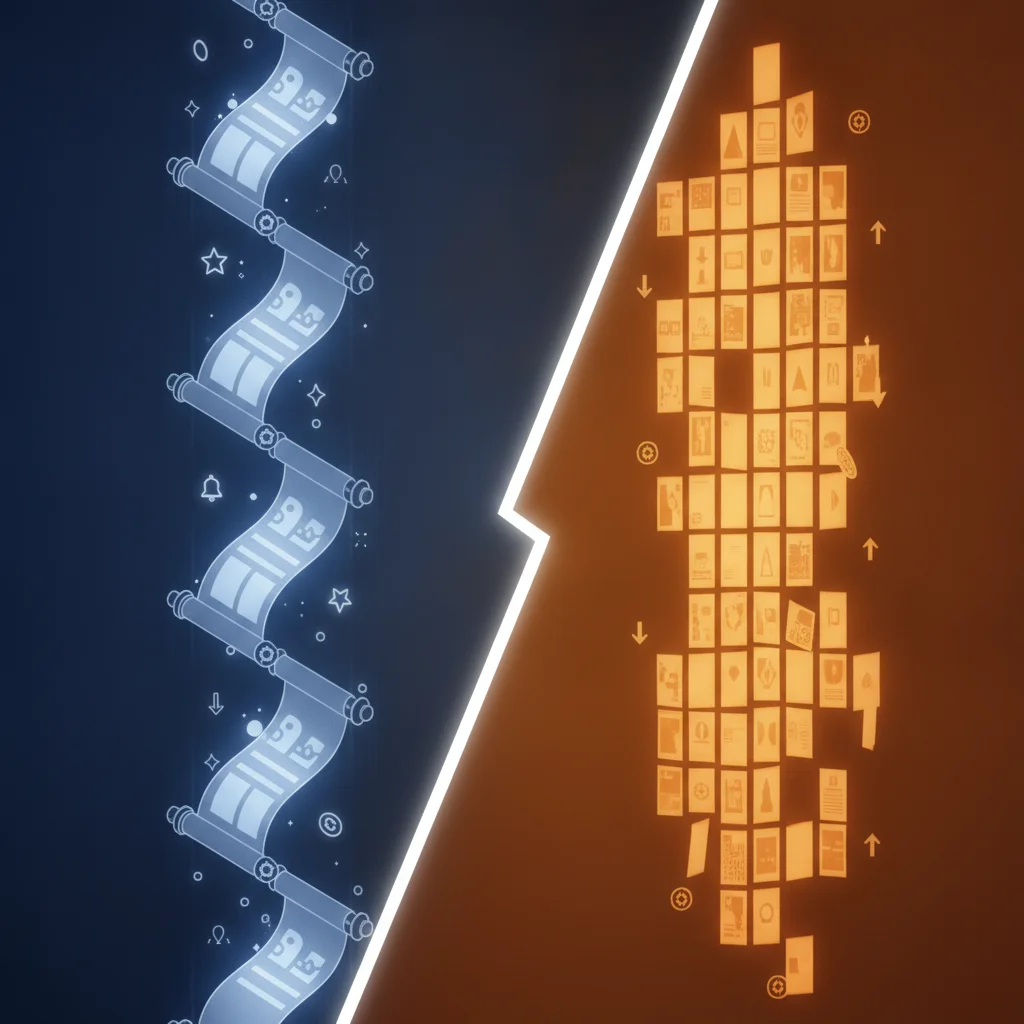
3. Decide your page format before you generate anything. Print comic books and vertical-scroll webtoons need different panel densities, and converting between them after the fact means regenerating. Pick the style page that matches your target format first.
Realistic timeline: a 24-page AI comic book takes roughly 3–5 hours end to end — most of that is review and targeted regeneration, not waiting on the generator.
Choosing Your Art Style: Manga vs Webtoon vs American
Your art style choice shapes everything — character proportions, panel layouts, color palettes, and reader expectations. Here’s a quick breakdown:
Manga Style
- Best for: Action, fantasy, romance, slice-of-life
- Look: Black-and-white or limited color, expressive faces, speed lines, Japanese sequential art conventions
- Reader format: Traditional page spreads, right-to-left reading optional
- Try it: AI manga generator — sample pages and the prompt structure this style responds to
Webtoon Style
- Best for: Long-form stories, drama, romance, horror
- Look: Vertical scroll format, vibrant color, clean linework, heavily character-focused panels
- Reader format: Infinite vertical scroll (optimized for mobile)
- Try it: AI webtoon creator — vertical-scroll panel spacing and pacing
American Comic Style
- Best for: Superhero stories, sci-fi, action
- Look: Bold lines, dynamic poses, rich color, full-bleed panels
- Reader format: Traditional page layout, left-to-right reading
- Try it: AI superhero comic generator — dynamic posing and full-bleed layouts
If you are working in Korean webtoon conventions specifically, the AI manhwa generator uses a different colour and panel grammar again.
Most AI comic makers let you switch styles between projects. Try generating the same scene in two different styles — the results can be surprisingly different.
How AI Comic Tools Compare in 2026
| Feature | Comistitch | Dashtoon | AI Comic Factory | Canva AI |
|---|---|---|---|---|
| Full story pipeline | Yes | No | No | No |
| HowTo workflow (story → comic) | Automated | Manual per panel | Single page only | Manual |
| Character consistency | Strong | Good | Weak | Weak |
| Free tier | Yes (no credit card) | Yes (limited) | Yes (no signup) | Limited |
| Manga style depth | High | High | Moderate | Low |
| Avg time per 12-panel comic | ~10 min | ~45–60 min | N/A (single page) | N/A |
| Best for | Beginners + serialized creators | Manual control | Quick experiments | Design projects |
Tips for Writing Better Comic Prompts
The quality of your AI-generated comic depends heavily on your input. Here are the most effective techniques:
Be specific about characters. Instead of “a hero,” write “a 17-year-old girl with short silver hair, wearing a worn leather jacket, looking determined.” Consistency in character description helps the AI maintain visual continuity.
Set the tone early. Add a mood descriptor at the start of your premise: “This is a dark, gritty noir story” or “This is a lighthearted comedy with exaggerated expressions.” It influences everything downstream.
Describe action, not just appearance. Panels are moments in time. Say what’s happening: “She grabs his wrist mid-air just as he reaches for the detonator” beats “she stops him.”
Use panel-level direction when needed. If you know you want a specific shot — a wide establishing shot, a close-up on hands, a bird’s-eye view — say so in your script. AI comic tools respond well to camera-direction language.
Iterate, don’t overwrite. Start with a short premise. Review the generated script. Refine. Generate. Tweak individual panels. Working in stages produces better results than trying to write a perfect prompt from scratch.
Free vs Paid AI Comic Tools Compared
| On Comistitch | Free | Paid plans |
|---|---|---|
| Credits | 100 one-time signup credits (plus a 3-day, 200-credit Starter trial) | Monthly allowance — Starter 750, Pro 2,100, Elite 4,800; resets each cycle |
| Panel or page cap | None — generation is credit-metered | None — generation is credit-metered |
| Art styles | Every style | Every style |
| Story pipeline | Full story → script → comic | Full story → script → comic |
| Watermark | Exports carry a watermark | No watermark |
| Commercial rights | Personal use only | Elite on any billing cycle; Starter and Pro when billed yearly |
Free tools are great for experimenting. If you want to publish, run a series, or produce print-quality work, a paid plan is worth the investment.
Comistitch offers a free tier to get started with no credit card required. Check the Comistitch pricing page for the full breakdown of what each plan includes.
Going Deeper: The 2026 Advanced Guide
This guide covers the core workflow for getting your first comic made. For advanced creators who want to go further — multi-chapter story arcs, style fine-tuning, panel composition theory, and publishing strategies — see the complete 2026 how to create comics with AI deep-dive.
That guide treats this post as the starting point and covers everything that comes after your first successful comic.
Related read: Teaching comics in a classroom? Read the Pixton comparison.
Frequently Asked Questions
Do I need any art skills to create a comic with AI?
No. AI comic makers handle all the artwork. Your job is storytelling — writing the premise, the characters, and the scenes. The AI handles illustration. Some basic understanding of story structure helps, but it’s not required.
How long does it take to generate an AI comic?
Most modern tools generate a 6–10 panel comic in 2–5 minutes. Longer stories take more time. Comistitch generates the full pipeline — script plus panels — in a single workflow, typically under 10 minutes for short stories.
Can I use AI-generated comics commercially?
This depends on the tool. Check each platform’s terms of service. On Comistitch, commercial use is included on Elite, and on Starter and Pro when billed yearly. Always verify before publishing or selling work.
What if I don’t like how a panel turned out?
Comistitch rerolls a full page rather than a single panel — edit the page’s description and reroll, and the previous version stays in your page history so you can revert. It’s normal to reroll 1–2 pages per comic before you’re happy with the result — treat it as part of the creative process.
How many panels does a typical AI comic contain?
The average Comistitch project contains 12 panels per comic.* Short stories work well in 6–8 panels. Longer scenes or action sequences may use 12–20 panels across two pages.
What is the best AI comic maker for beginners in 2026?
Comistitch is the most beginner-friendly option because it handles the full pipeline — script, artwork, layout, and dialogue — from a single story input. No technical skills are required. Start at app.comistitch.com/character-creator to define your characters first.
Can I publish and sell comics made with AI tools?
Commercial rights are included on Elite, and on Starter and Pro when billed yearly. Always check each platform’s terms of service before publishing or selling AI-generated content commercially.
Creating comics with AI is genuinely accessible now. The barrier used to be drawing skill. That barrier is gone. What remains is the part that was always the real work: coming up with a story worth telling.
Start with a short 6-panel story. Try Comistitch’s character creator to build your protagonist first, then bring the full story to life. You might surprise yourself.
*Early user cohort estimates, Q1 2026. Refresh pending full analytics rollout.