
Updated April 2026
Children’s comics have a specific visual job that adult-aimed comics don’t: every design decision must serve the dual audience of young readers navigating the page independently and adults potentially reading aloud alongside them. The color must be bright enough to hold a child’s attention. The characters must be expressive enough to be readable at a glance. The panel structure must be simple enough to teach comics grammar to a reader who may not have fully internalized it yet. Comistitch’s AI kids comic generator applies all of these design constraints as a coherent preset, not as a set of manual limitations you apply one by one.
Why Kids Comics Have Different Design Rules
Visual complexity in adult comics is a feature. The intricate linework of a noir panel, the environmental density of cyberpunk scene, the delicate screentone gradations of shojo manga — these reward close attention from readers who have the attention span and visual literacy to appreciate them.
Kids’ comics work in the opposite direction. Visual simplicity is the feature. A character’s emotional state must be readable in under a second, because young readers have not yet learned to slow down and examine. The color palette must use high-contrast combinations that are legible at small print sizes and on backlit tablet screens. Panel borders must be clear and unambiguous, because the left-to-right, top-to-bottom reading sequence is not yet automatic for early readers — they need clear visual cues to know which panel comes next.
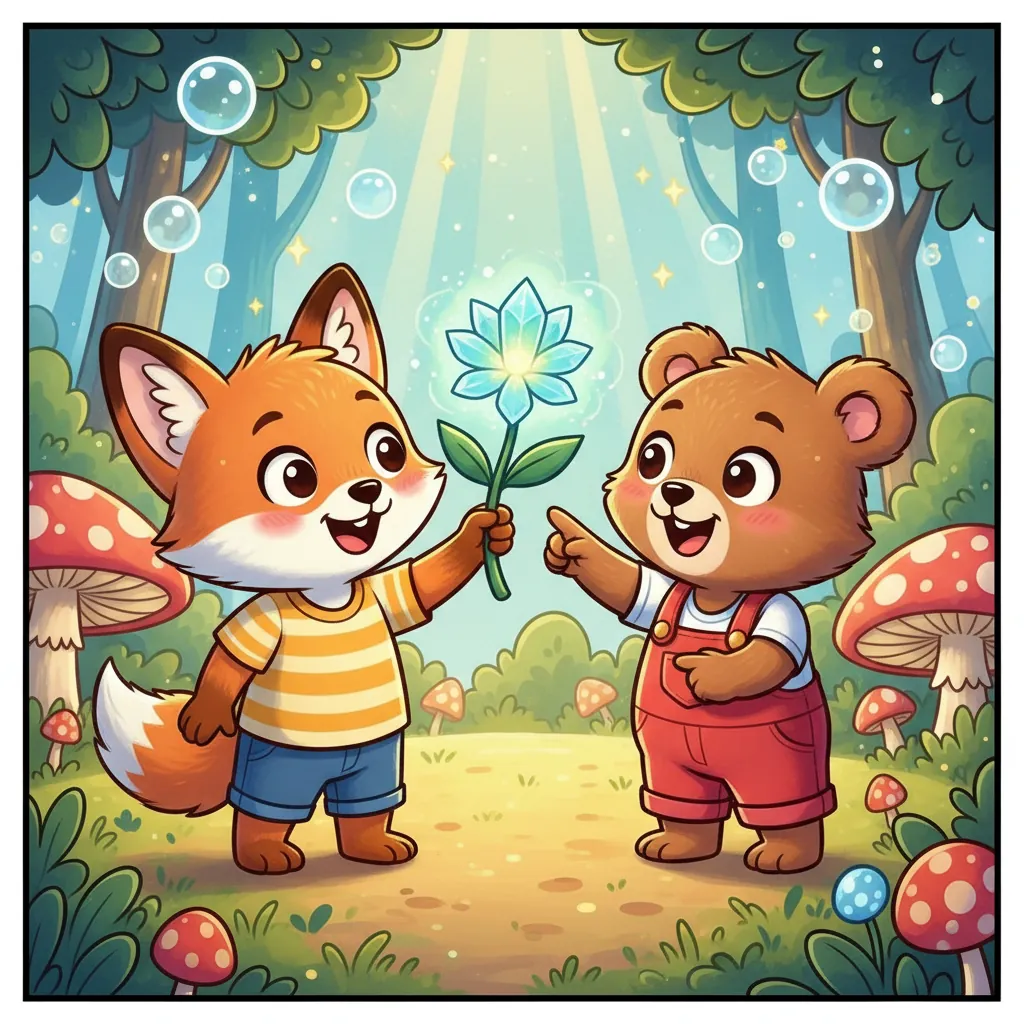
Character design in children’s comics prioritizes silhouette clarity and expression range over anatomical detail. Animal characters are popular precisely because they provide clear, iconic silhouettes — a rabbit’s ears, a bear’s round ears, a dog’s snout — that are recognizable even in small thumbnails. Human characters for young audiences tend toward rounded, simplified features with larger heads relative to bodies (approaching chibi proportions without being fully super-deformed).
Panel count per page is lower in kids’ comics than in adult-aimed work. Three to four panels per page is common for early readers; six to eight panels is the upper range for middle-grade comics. More panels create visual overwhelm and make the reading sequence harder to follow. Fewer, larger panels give young readers space to examine the art and process the narrative at their own pace.
How Comistitch Generates Kids Comic Panels
Comistitch’s kids comic preset encodes age-appropriate design principles across all generation parameters.
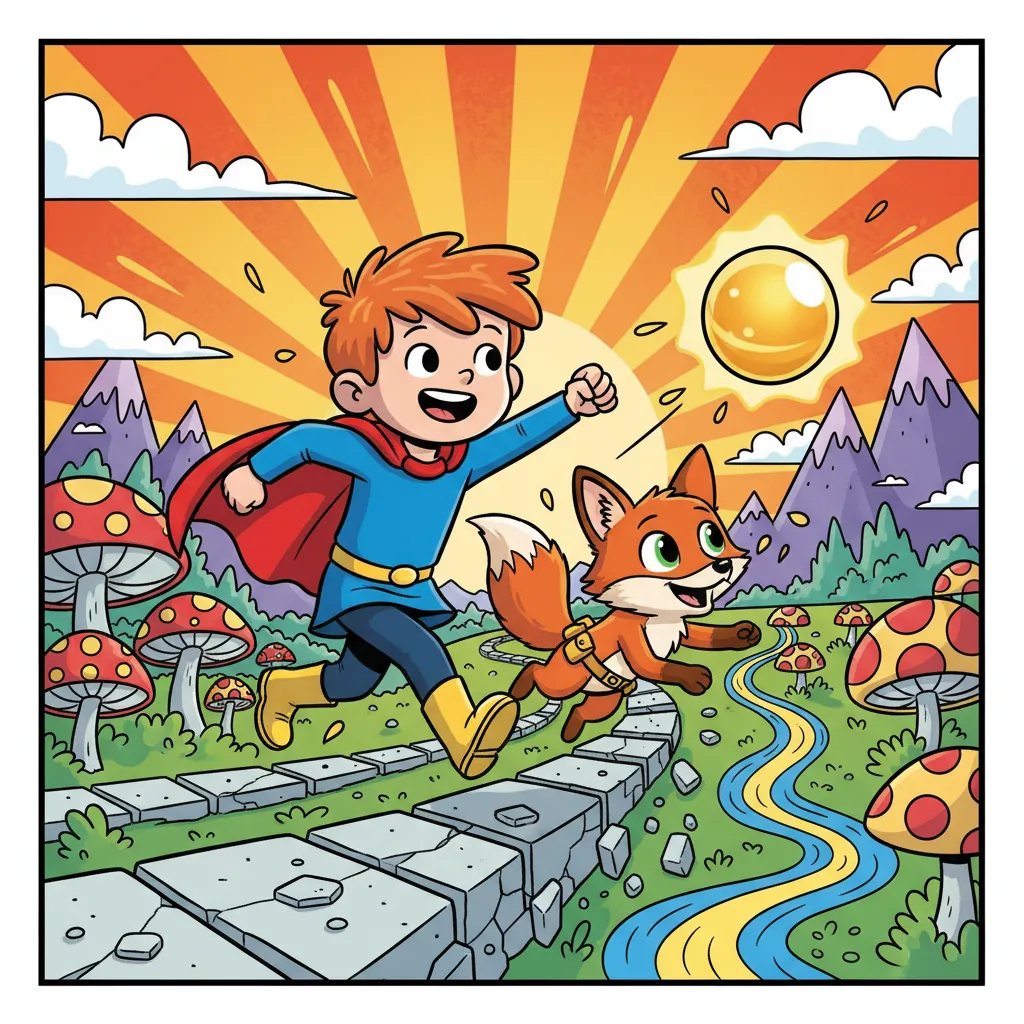
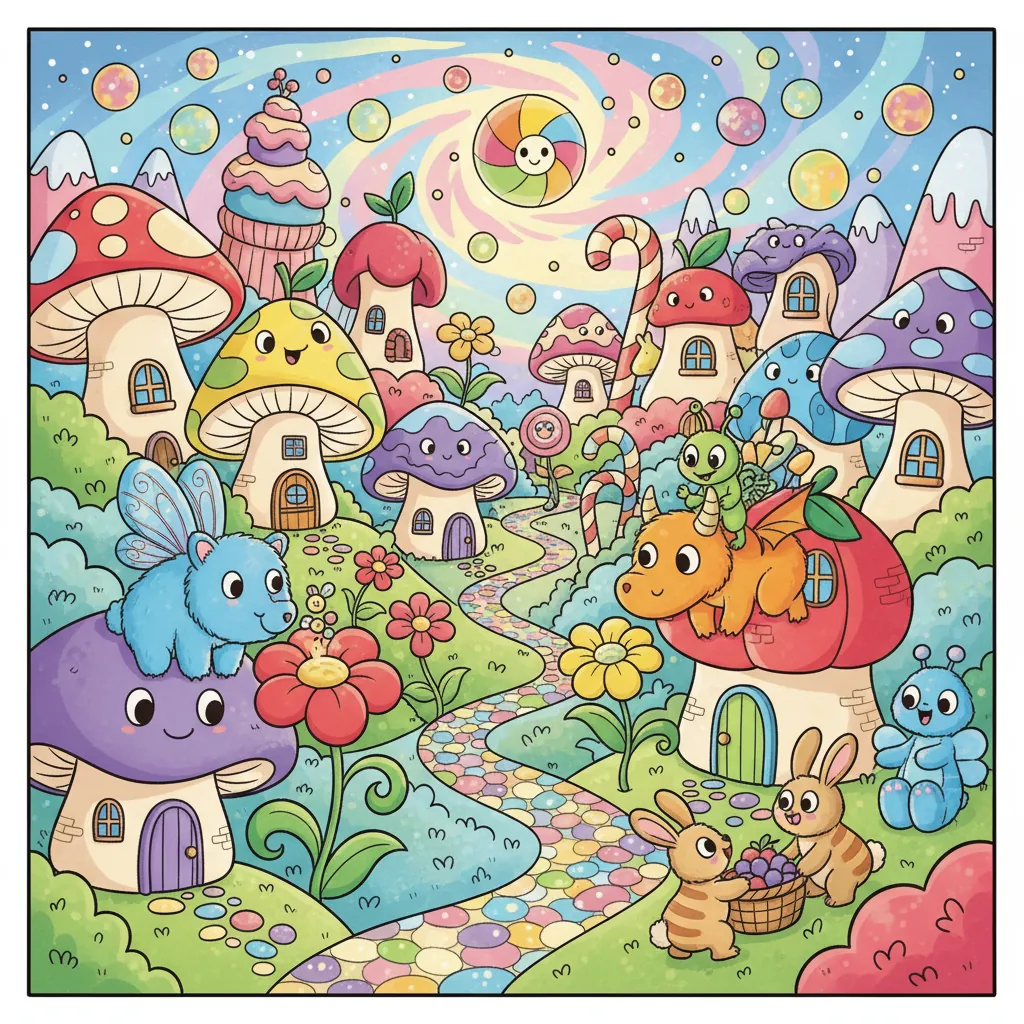
Color constraint application. The kids preset limits the color palette to high-saturation primary and secondary colors with strong contrast between foreground characters and backgrounds. When we compared identical scene descriptions generated in standard manga mode versus kids comic mode in Comistitch, the kids mode produced noticeably brighter backgrounds, cleaner character-to-background contrast, and more consistent application of primary color theory.* The result reads as immediately child-appropriate without any post-processing color adjustment.
Expression exaggeration calibrated for young readers. Kids comic character expressions are more exaggerated than adult manga but in a positive direction — bigger smiles, wider eyes of wonder, more dramatic surprised faces. The expression model for the kids preset amplifies the readable, emotionally positive range of expressions while removing the subtle ambiguity that adult character designs use for emotional complexity.
Simplified panel layout generation. The kids layout preset generates three-to-four-panel pages by default with larger panel borders and more space around each panel than standard manga layouts. Speech bubbles are sized generously relative to the panel, with larger implied font sizes. Scene descriptions that would generate a nine-panel action sequence in standard manga mode generate a three-panel simplified version in kids mode.
Age-appropriate narrative support. Scene descriptions are interpreted through a child-appropriate lens. Conflict scenes generate as non-threatening challenges with clear resolution. Adventure scenes emphasize discovery and wonder rather than danger. The kids preset does not generate frightening, violent, or ambiguous imagery regardless of how a scene description might be interpreted in another style mode.
Diverse character representation. Comistitch’s kids preset supports diverse character representation — different skin tones, hair types, body types, and cultural clothing details — from explicit character descriptions. Representing diverse characters helps children see themselves in stories, which is a recognized educational benefit of children’s media.
Popular Genres and Use Cases for Kids Comics
Children’s comics serve a wide range of purposes beyond entertainment.
Adventure and exploration stories. The most popular kids comic genre: a young protagonist (or group of young protagonists) discovers a mystery, explores an unknown place, or goes on a quest. The adventure genre allows for plot structure that teaches narrative comprehension — setup, complication, resolution — in an engaging format.
Animal and talking-animal stories. Animal protagonists lower the threshold for character identification — children who might not identify with human characters of a different age, gender, or background often readily identify with an animal character whose interior life is defined by the story. Talking-animal comics have a deep tradition in children’s publishing for this reason.
Humor and gag comics. Children appreciate slapstick humor and the logic of the comedic scenario — something going wrong in a predictable but funny way. Comistitch’s kids comic mode generates gag scenarios with clear cause-and-effect visual logic that supports the comedic beat.
Personalized family story comics. A significant use case for parent creators: building comics starring a child as the protagonist, with supporting characters based on family members, pets, or friends. These personalized comics are motivating reading material because children are invested in their own stories.
Classroom and library use. Teachers and librarians use Comistitch to create custom comics that illustrate curriculum content, school events, library reading challenges, or social-emotional learning topics — kindness, conflict resolution, perseverance — in visual narrative form.
Getting Started with Kids Comics on Comistitch
Creating a kids comic in Comistitch is one of the more straightforward workflows on the platform.
Step 1: Define your protagonist simply. Kids comic protagonists need a clear visual identity communicable in a single sentence: “a seven-year-old girl with curly red hair and a yellow raincoat” or “a round blue rabbit with a striped scarf.” Keep the design simple — this character will appear across many panels and must be recognizable at small sizes.
Step 2: Write your story in three-act structure. Even very short kids comics follow a simple story arc: something happens, the protagonist faces a challenge, the challenge resolves happily. Write your story outline in three to five scenes before generating panels. Clear structure makes generation more coherent.
Step 3: Generate with explicit mood descriptions. Kids comics depend on emotional clarity. For each scene, specify the emotional tone explicitly: “excited discovery,” “silly misunderstanding,” “satisfying solution.” The kids preset applies these mood signals to character expressions and color temperature throughout the scene.
Over 14,000 panels have been generated on Comistitch,* with kids and educational comics among the fastest-growing category as parents and teachers discover the platform as a tool for creating custom reading material for children.
Early user cohort estimates, Q1 2026. Refresh pending full analytics rollout.