
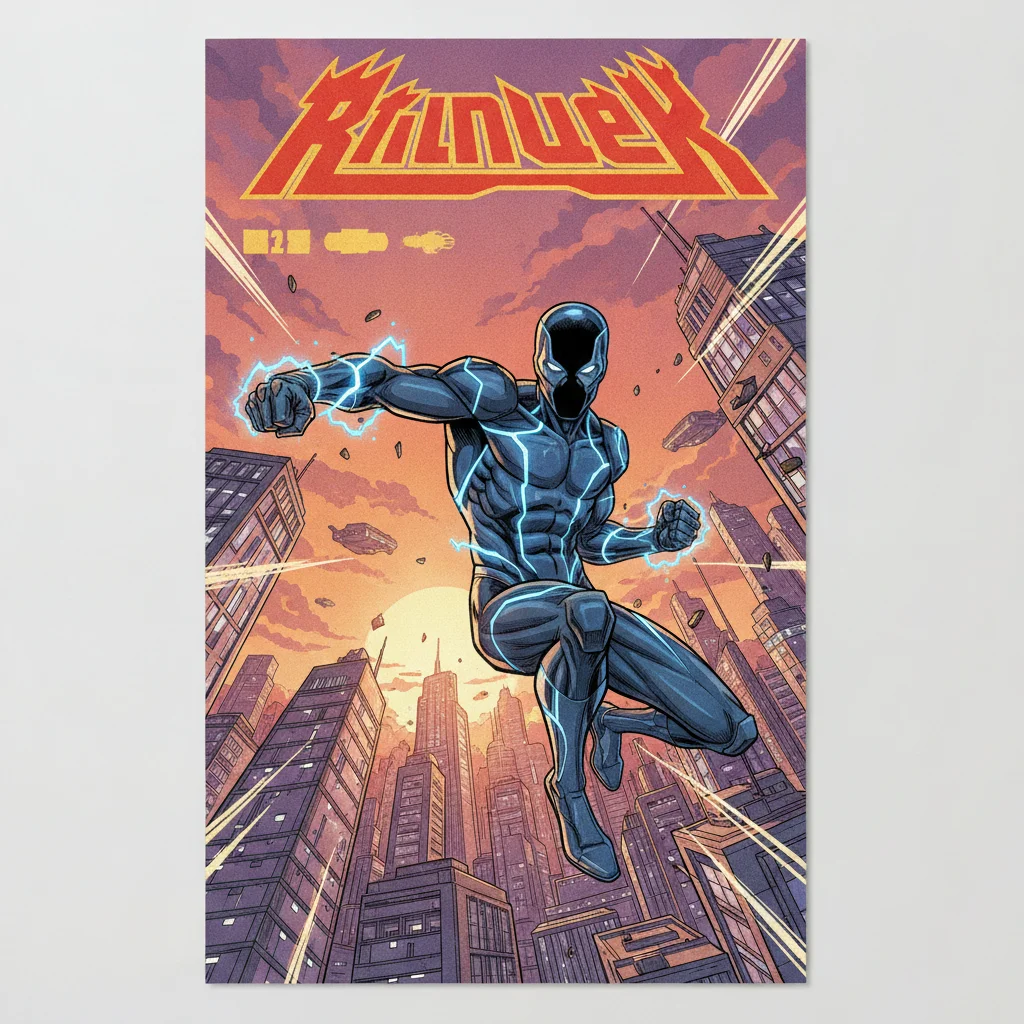
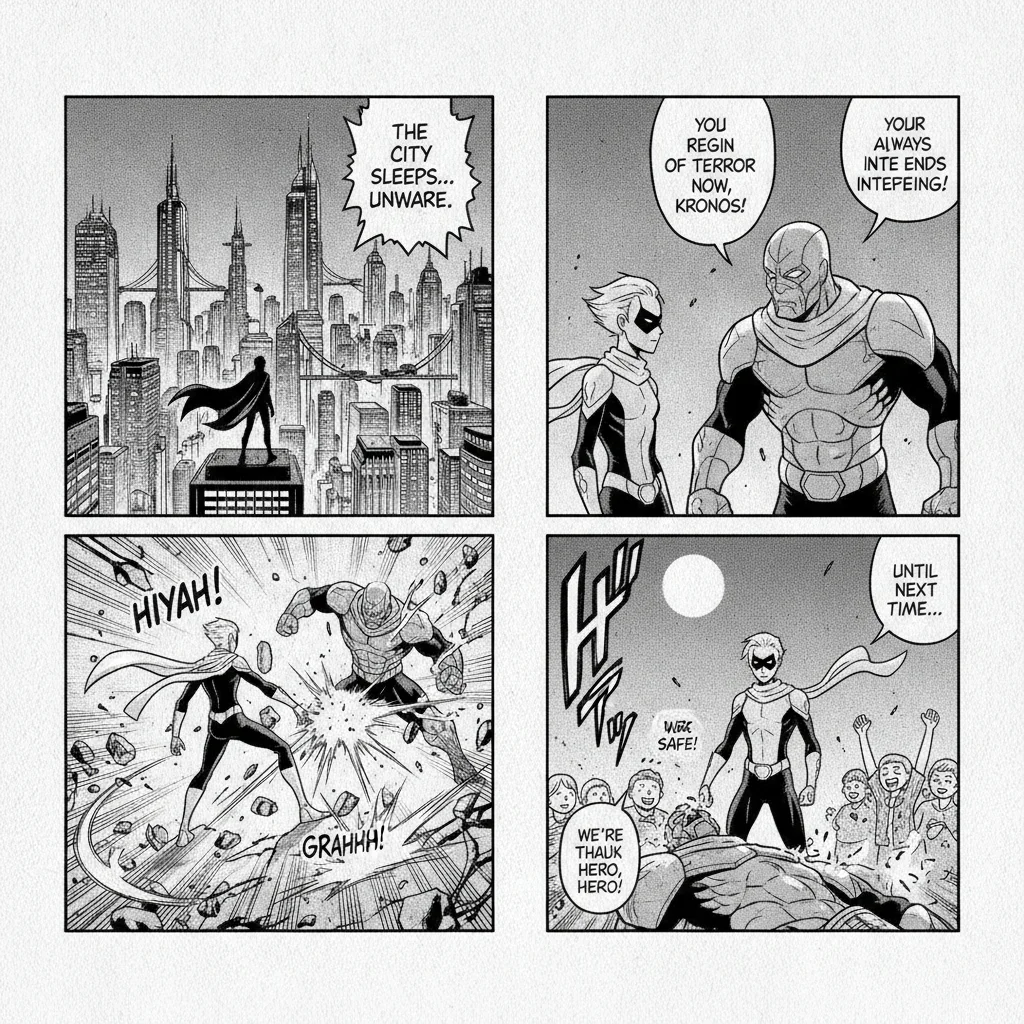
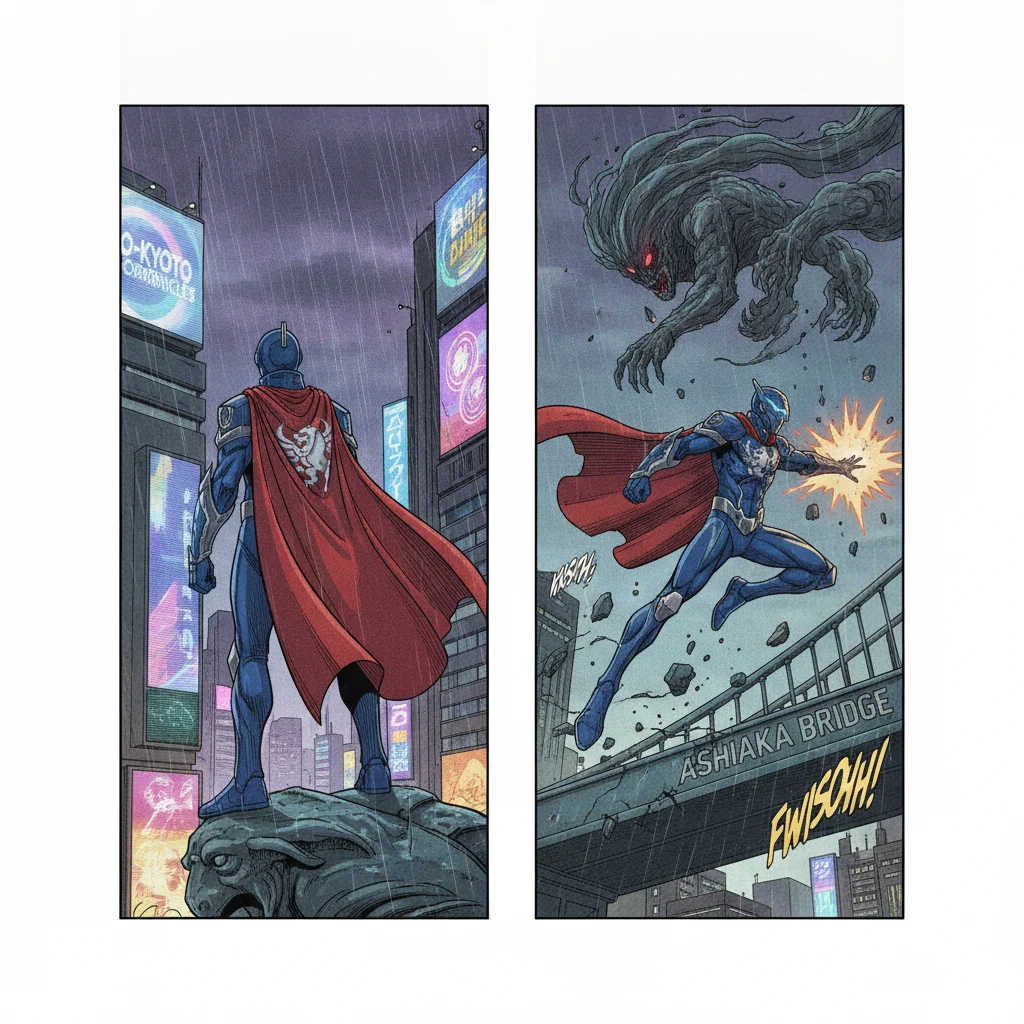
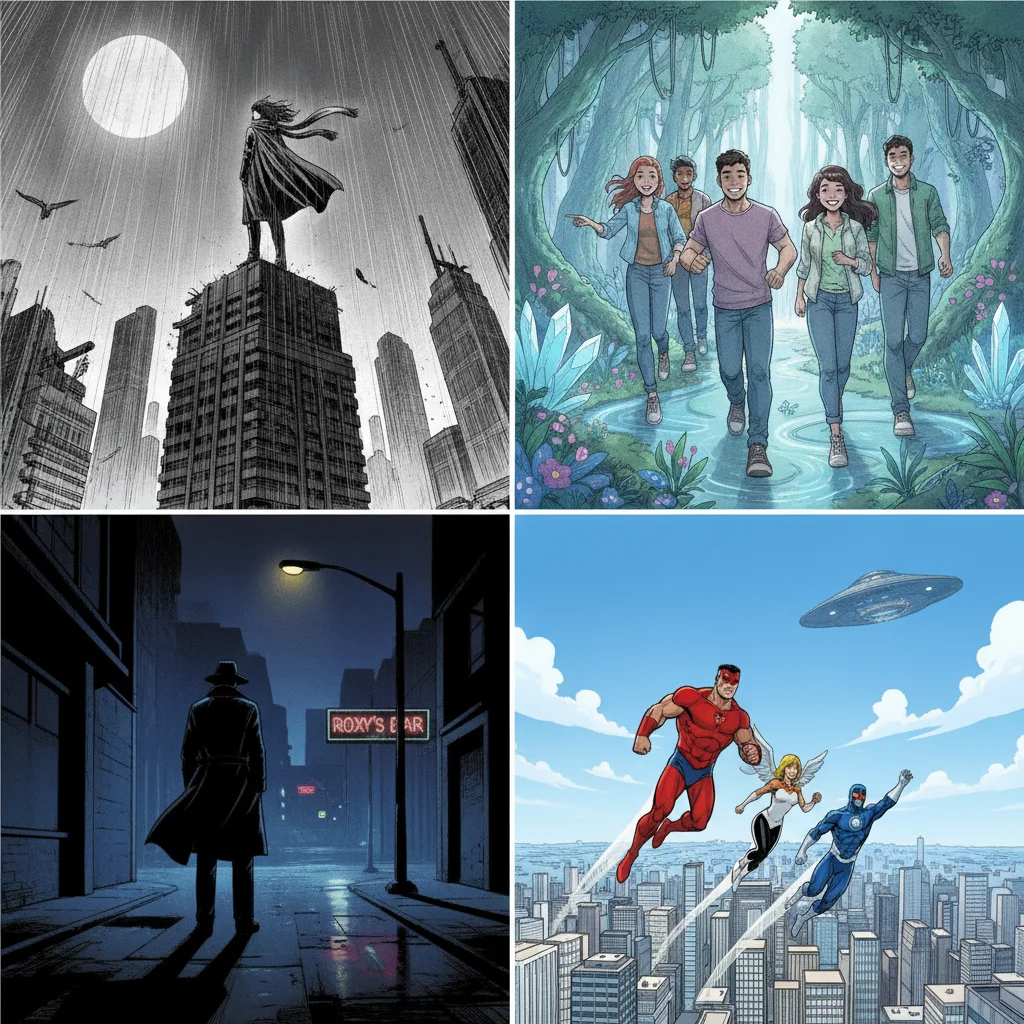
Comistitch’s AI comic book maker takes a written story or a pasted script and turns it into finished comic book pages — panels, rendered art, and lettered dialogue — in the style you choose. Write your premise, build your cast, pick a style, and the pipeline handles scene breakdown and panel layout so you’re editing a comic, not laying one out from a blank canvas. Signup is required; no credit card.
From Script to Pages, Not Prompt to Single Image
Most “AI comic” tools stop at one image per prompt. A comic book is a sequence — the same characters, recognizable from panel to panel, across a story that has a beginning, a complication, and an ending. That sequencing is the harder problem, and it’s the one Comistitch is built to solve.
Write or paste your script. A one-paragraph premise works to get started; a full script with scene-by-scene detail gives you more control over pacing. Comistitch’s script analysis step reads what you wrote and breaks it into discrete scenes.
Scenes become panels automatically. Each scene is split into panels — how many depends on the beat you’re describing — and every panel gets a scene description that drives the actual image generation, plus any dialogue you wrote for that moment.
Panels become lettered pages. The rendered art and the dialogue land together: speech bubbles are placed directly into the panel, not bolted on afterward as a caption. That’s what makes the output a comic page rather than an illustrated slideshow.
Characters That Don’t Redraw Themselves Every Panel
The single most common failure mode in AI-generated comics is a character whose face, hair, or outfit drifts between panels. Comistitch avoids this by anchoring each character to one hero reference image before any page gets generated.
Build that reference from a short text description — hair, face, signature outfit — or start from a reference photo and Comistitch’s character generation copies the face and outfit into a new character design. Either way, the result is a single portrait that gets reused as the visual anchor for every panel that character appears in, across every page of the book. You describe the character once; the pipeline is responsible for consistency after that.
This is also what makes long-running comic book series workable. A cast built on page one still looks like itself on page forty, because every generation call for that character points back to the same reference image rather than re-interpreting a text description from scratch.
One Script, Any Style From the Catalogue
Comistitch ships more than fifteen comic book art styles — manga, full-color webtoon, American superhero, gritty noir, painted graphic novel, chibi, isekai fantasy, and others. Style is a setting on the project, not a rewrite: the same script and the same character cast can be regenerated in a different style without touching your dialogue or scene descriptions.
This matters most before you’ve committed to a direction. A crime drama might read better in noir than in bright superhero color; a slice-of-life story usually reads better in manga or webtoon than in painted graphic-novel rendering. Trying a second style costs credits for regeneration, not a rewritten script.
Generating a Cover Separately From Your Pages
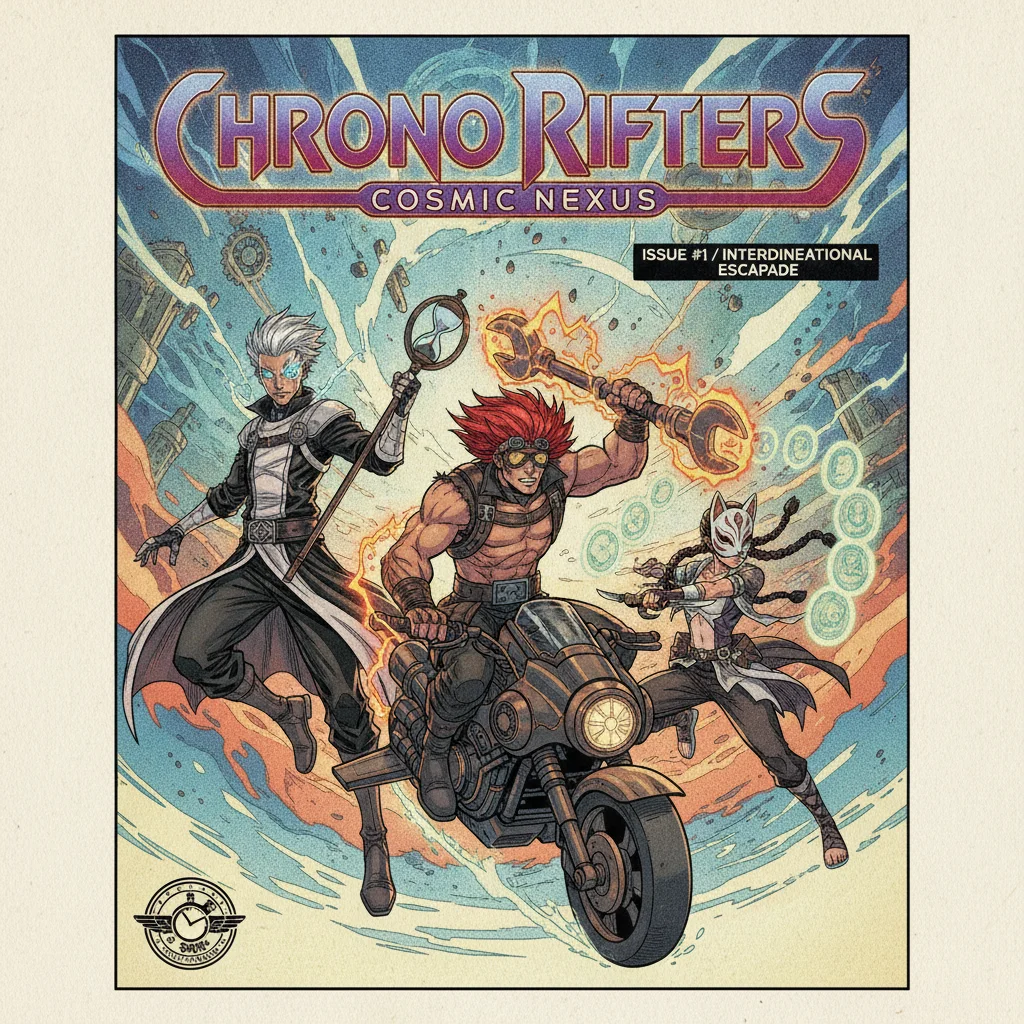
A comic book’s cover does a different job than its interior pages — it has to sell the book in a thumbnail, which interior pages don’t need to do. Comistitch treats cover generation as its own step: describe the cover concept, optionally pull in up to three of your cast members as visual references so the cover face matches the characters inside, and generate. Cover generation costs 20 credits, separate from your interior page credits.
The output is a digital cover image, sized for on-platform display and PDF export — not a print-ready file for a physical print run. If you want your comic printed, export the finished PDF and take it to a print-on-demand service yourself; Comistitch doesn’t handle print fulfillment.
Getting Started
Step 1: Cast your characters. Describe each one, or upload a reference photo to copy a face and outfit into a new character design. This is the reference every later panel will match.
Step 2: Write or paste your script. Scene by scene is more controllable than one big paragraph, but either works as a starting point.
Step 3: Pick a style and generate. Comistitch breaks your script into panels, renders each one in your chosen style with your cast’s reference images applied, and places dialogue directly into the art. Review each page, regenerate anything that missed the mark, then export.
If you already know you want a specific genre’s conventions — manhwa’s full-color drama, webtoon’s vertical scroll, or manga’s black-and-white paneling — the AI storyboard generator page covers how Comistitch breaks a script into shot-by-shot panels in more depth, and the individual style pages go deeper on genre-specific art direction.
Pricing and Commercial Use
Every plan includes a monthly credit allowance that pays for scene generation, panel rendering, and cover generation; there’s no separate page cap. Commercial licensing follows your plan: Elite includes commercial rights on any billing cycle, and Starter and Pro include commercial rights only when billed yearly. New signups get 100 free credits with no card required. A separate 3-day Starter trial unlocks 200 credits, but it requires a card and charges automatically when the trial ends unless you cancel first.