AI Storyboard Generator — Script to Shot-by-Shot Panels

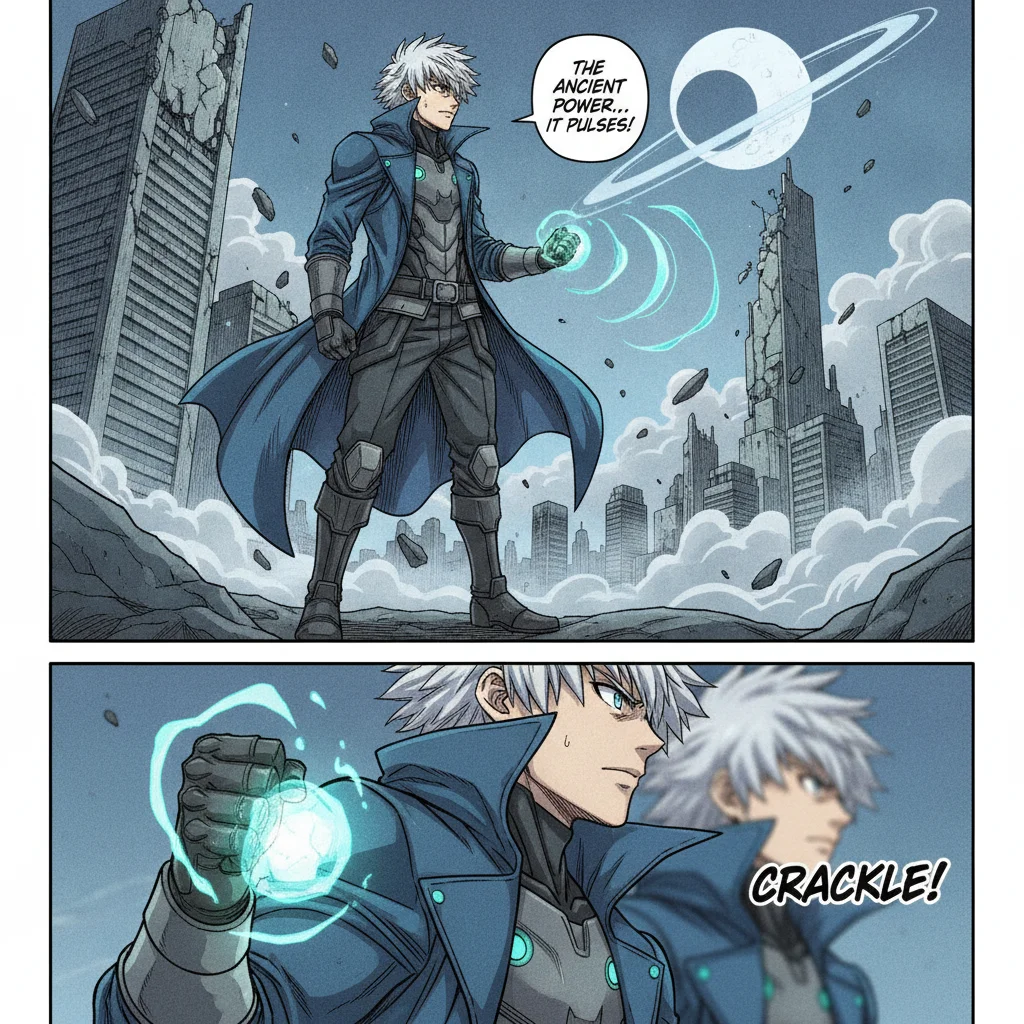
Paste a script and Comistitch breaks it into scenes, then panels — each one framed with a shot type, wide to close-up, with the same characters carried through. Built for comic, webtoon and manga storyboards and pitch boards.

Storyboard Your Script Free
AI Storyboard Generator From Script | Comistitch

Script to Shot-Framed Panels

Comistitch's screenplay-to-script step reads your script and assigns a shot type to every panel — wide, medium, close-up, low angle, Dutch angle, or extreme close-up.

Consistent Characters, Shot to Shot

The same character reference carries across every panel, so a wide establishing shot and the close-up two panels later still show the same face and outfit.

Rendered Panels, Not Rough Sketches

Output is full illustrated comic art in your chosen style, not stick-figure thumbnails — useful when you want to pitch or publish the sequence itself, not just plan for later art.

PDF Download for Sharing

Export your storyboard sequence as a PDF to share with collaborators or a client — download only, no print fulfillment.

AI Storyboard Generator From Script | Comistitch Comic Samples

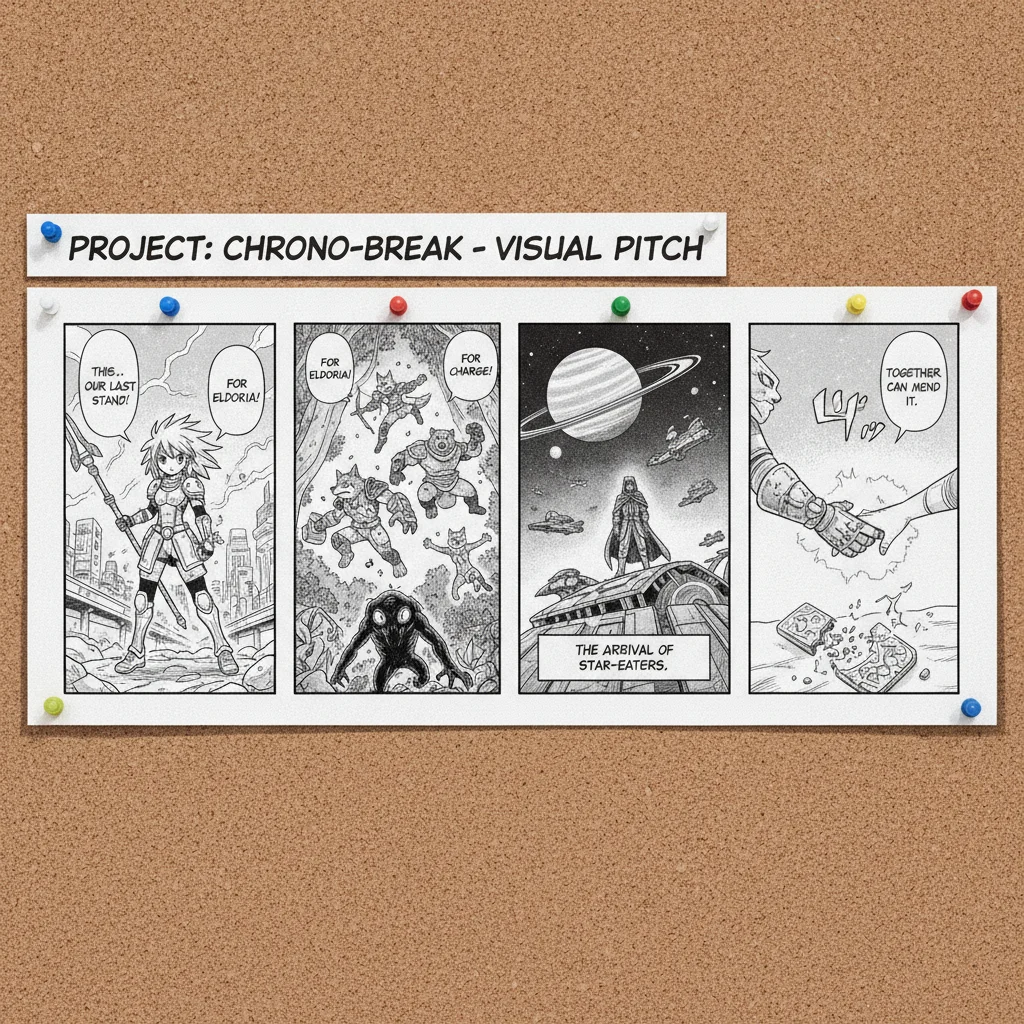
Storyboard sequence of three comic panels labeled with different camera shots, a wide establishing shot, a medium two-shot, and a low-angle dramatic shot
Three shot types generated from one script — wide, medium, low angle
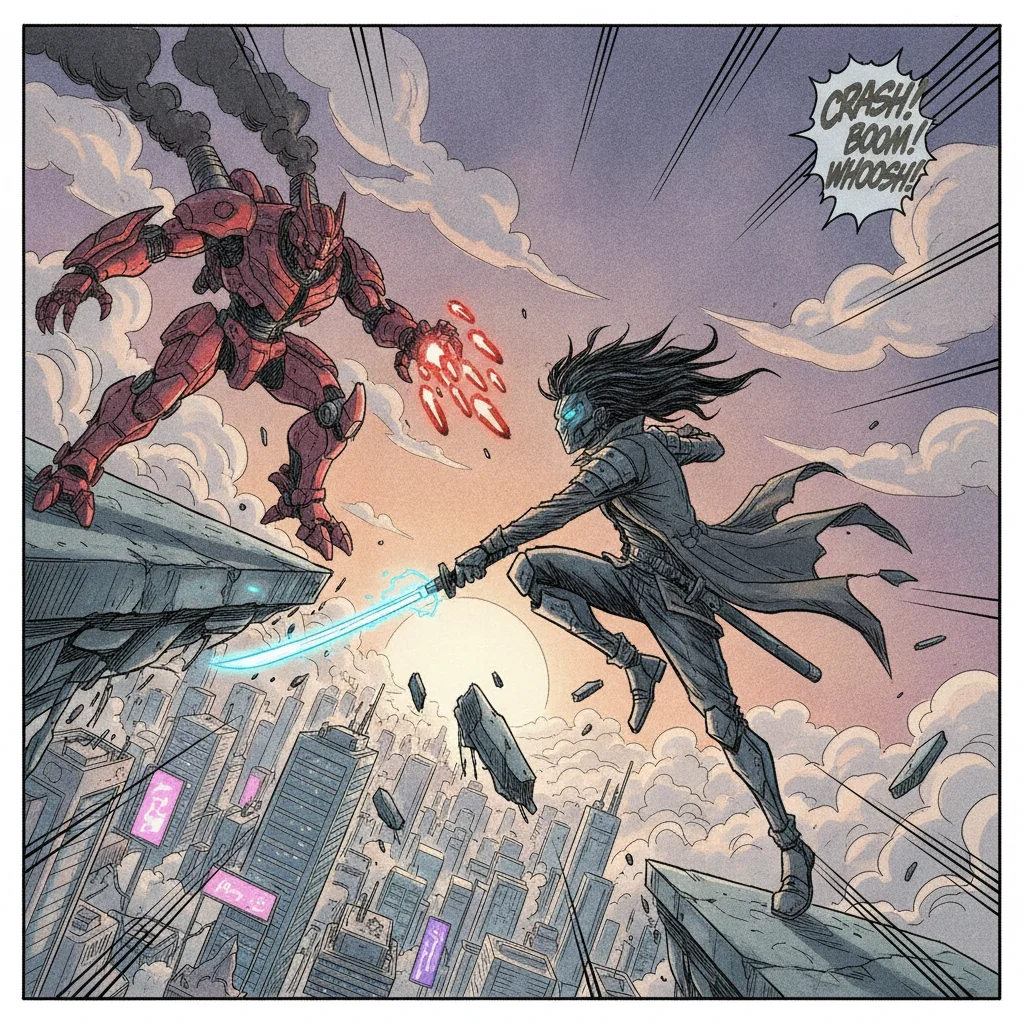
Comic storyboard panel using a tilted Dutch angle camera framing on an action scene
A Dutch angle panel for a tense or disorienting beat
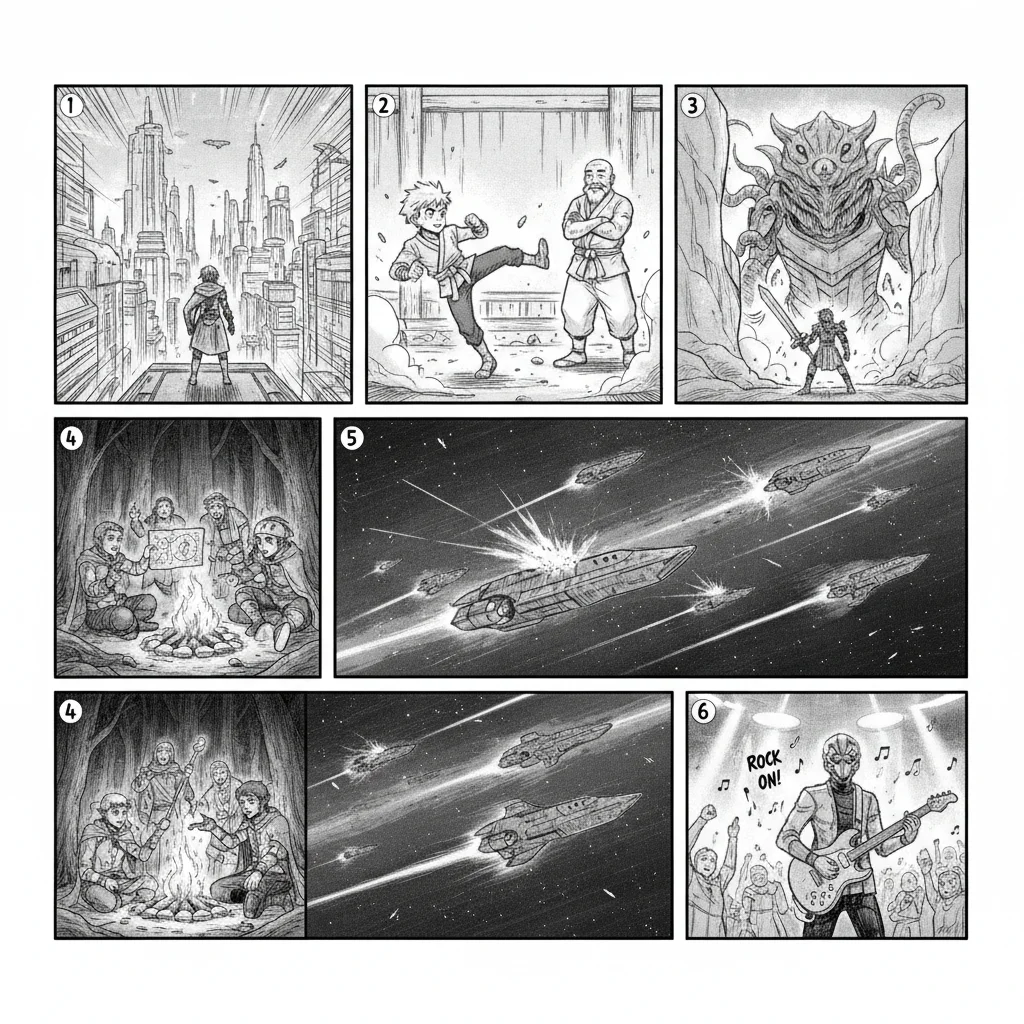
Pitch-board style layout with six small storyboard panels in a numbered grid, each a different comic scene
A full sequence laid out as a pitch board
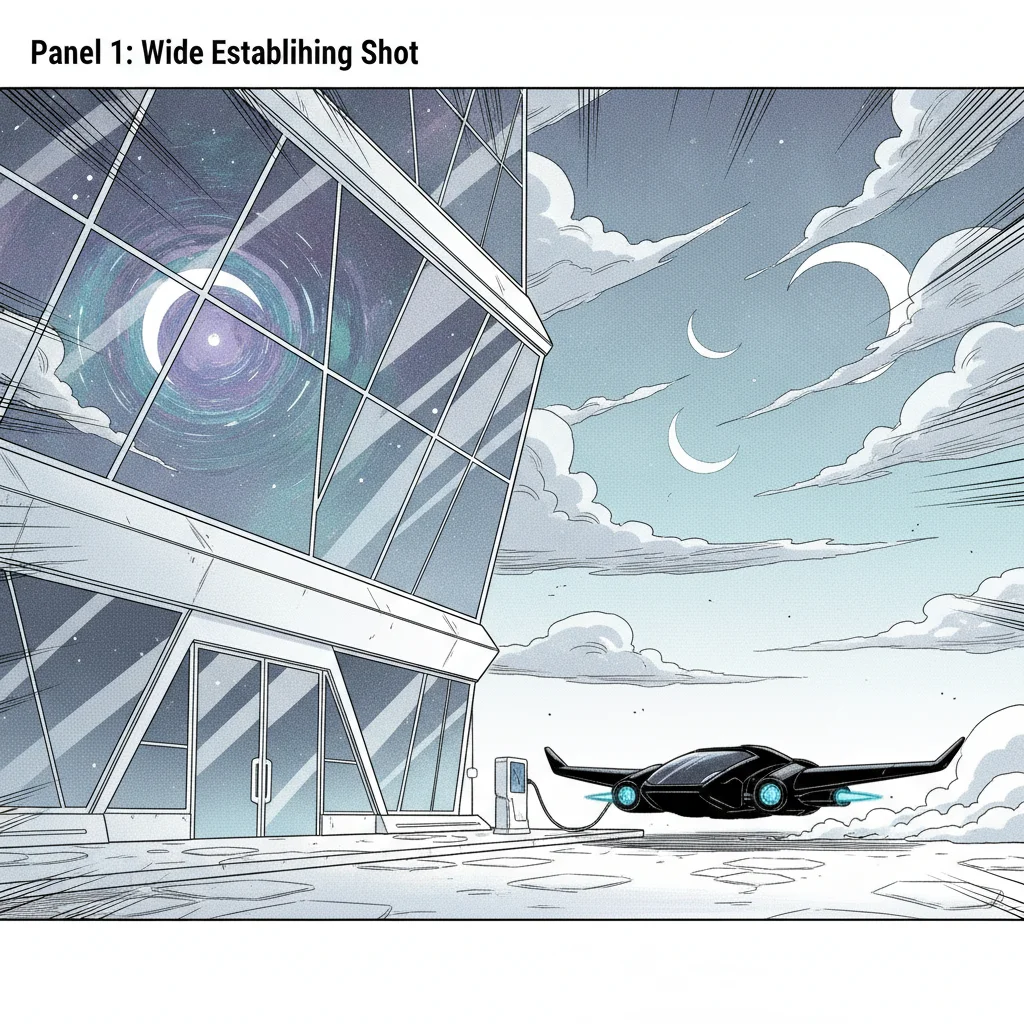
Storyboard panel showing a wide establishing shot of a futuristic building at night with a flying vehicle
A wide establishing shot opening a scene

Comistitch’s AI storyboard generator takes a script and breaks it into a shot-by-shot sequence of comic panels — each one framed with a specific camera angle, the same characters carried through from the first panel to the last. It’s built for planning or producing comic, webtoon, and manga sequences and pitch boards, not for film or animation production. Signup is required to try it; no credit card.

Script to Shot-Framed Panels

The core of this page’s feature is a conversion step: Comistitch reads a pasted script or screenplay and turns it into a structured sequence of panels, each carrying a shot type. That assignment isn’t manual — the same script-to-scene analysis that powers Comistitch’s general comic generation also tags each panel with the framing it needs.

Shot types available: wide shot, medium shot, close-up, low angle, Dutch angle, and extreme close-up. An establishing beat — a character arriving somewhere, a location being introduced — tends to get a wide shot. A dialogue beat gets a medium shot or two-shot. A dramatic reaction or a moment of tension gets a close-up, a low angle for something looming over the viewer, or a Dutch angle when a scene should feel off-balance.

Panel count follows your script, not a fixed template. A short, punchy scene generates fewer panels; a scene with more beats to hit generates more. You’re not filling in a fixed number of boxes.

Rendered Panels, Not Rough Sketches — a Real Trade-off

A traditional storyboard, in comics or film, is meant to be fast and disposable: stick figures, a box for a building, done in under a minute per frame, because the whole point is testing a sequence before investing in finished art. Comistitch’s storyboard generator does something different — it renders full illustrated panels in your chosen art style directly.

That’s worth being honest about both ways. If you want a quick, throwaway planning pass before drawing the real thing by hand, a rough sketch tool (or pen and paper) will get you there faster and cheaper. If you want a shot-planned sequence that’s already presentable — for a client pitch, a webtoon preview, or a comic you intend to publish as-is — generating finished panels directly skips the redraw step entirely. Comistitch is built for the second case.

What This Tool Doesn’t Do

Three things worth naming plainly, because “storyboard generator” gets used loosely across very different products:

No animatics. An animatic is a timed video cut of storyboard frames set to a rough audio track, used in film and animation to test pacing before a shoot. Comistitch outputs static comic panels as a downloadable PDF, not a video sequence.

No shot-list export. A production shot list is a separate document — camera, lens, blocking notes — generated for a film crew. This tool doesn’t produce one; the shot type lives as part of each panel’s framing, not as a separate spreadsheet or document.

No screenplay file import. You can’t upload a Final Draft (.fdx) or Fountain file directly. Paste your script or screenplay as plain text, and the conversion step reads it from there.

If any of those three is what you actually need, this isn’t the right tool — Comistitch’s storyboard generator is scoped to sequential-art production, not film pre-production.

Consistent Characters Across Very Different Shots

Shot variety is the whole point of a storyboard, and it’s also where character consistency is hardest to hold onto — a character has to look like themselves whether they’re a small figure in a wide establishing shot or filling the frame in an extreme close-up. Comistitch handles this the same way it does for full comic pages: each character is anchored to one hero reference image, and that reference is pulled into every panel regardless of shot type or framing distance.

Getting Started

Step 1: Cast your characters. Build a hero reference for anyone who appears in the sequence, so shot changes don’t cost you consistency.

Step 2: Paste your script. Scene-by-scene detail gives the shot-type assignment more to work with, but a shorter script still generates a reasonable sequence.

Step 3: Generate and review the sequence. Check the shot types Comistitch assigned — reroll any page where the framing doesn’t match the beat — then export the finished sequence as a PDF.

For the full script-to-comic pipeline beyond storyboarding — pages, covers, and a style catalogue — see the AI comic book maker. For the traditional definition of “storyboard” and how it differs from a comic thumbnail layout, see the storyboard glossary entry.

Frequently Asked Questions

What is an AI storyboard generator? +
An AI storyboard generator turns a written script into a sequence of framed panels that plan out a story shot by shot — camera angle, composition, and character staging — before or instead of finished art. Comistitch's version reads your script, breaks it into scenes and panels, and assigns each panel a shot type automatically.
What shot types does Comistitch use? +
Wide shot, medium shot, close-up, low angle, Dutch angle, and extreme close-up. The script-to-panel step assigns one to each panel based on the beat it's covering — an establishing moment gets a wide shot, a dramatic reaction gets a close-up, and so on.
Can I use this for free, or is there a paid-only storyboard tool? +
Signing up gives you 100 free credits, no card needed, enough to storyboard a real sequence and judge the shot variety. A separate 3-day Starter trial unlocks 200 credits — it requires a card and is charged automatically when the trial ends unless you cancel first. Beyond that, every plan runs on a monthly credit allowance.
Is the output rough sketches or finished art? +
Finished illustrated panels in whatever style you pick, not rough stick-figure thumbnails. That's a real difference from a traditional hand-drawn storyboard, which is meant to be quick and disposable — see the storyboard glossary entry for that distinction. Comistitch's output is closer to a fully rendered comic sequence than a planning sketch.
Does Comistitch export an animatic or a shot list? +
No. Comistitch generates the panels themselves as a PDF you can download and share. It does not produce an animatic (a timed video cut of the boards) or a separate shot-list export — those are film-production artifacts outside what this tool does.
Can I import a screenplay file — Final Draft (.fdx) or Fountain? +
No, not as a file import. Paste your script or screenplay as text and Comistitch's screenplay-to-script conversion handles the breakdown into scenes, panels, and shot types from there.
Is this for film production or for comics? +
For comic, webtoon, and manga storyboards and pitch boards — planning or producing a sequential-art story, not a film or animation production. If you need camera-move annotations, timing in seconds, or an animatic for a live-action or animated shoot, this isn't that tool.
How do characters stay consistent across a storyboard sequence? +
Each character is anchored to one hero reference image, and that reference is reused automatically across every panel — including panels with very different shot types. A character in a wide establishing shot and the same character in a close-up two panels later come from the same reference, not two separate descriptions.

AI Storyboard Generator — Script to Shot-by-Shot Panels

Paste a script and Comistitch breaks it into scenes, then panels — each one framed with a shot type, wide to close-up, with the same characters carried through. Built for comic, webtoon and manga storyboards and pitch boards.

Storyboard Your Script Free