Manga character design with AI starts with five traits — gender, age, build, hair, outfit — fed into Comistitch’s character creator, which generates one hero reference image of the character. Comistitch reuses that reference in every panel, so your character stays on-model mid-chapter — see the AI manga character generator for how the reference is built.
In short: Define five traits, generate, and lock a hero reference image in a few minutes. Comistitch reuses that one reference across every panel.
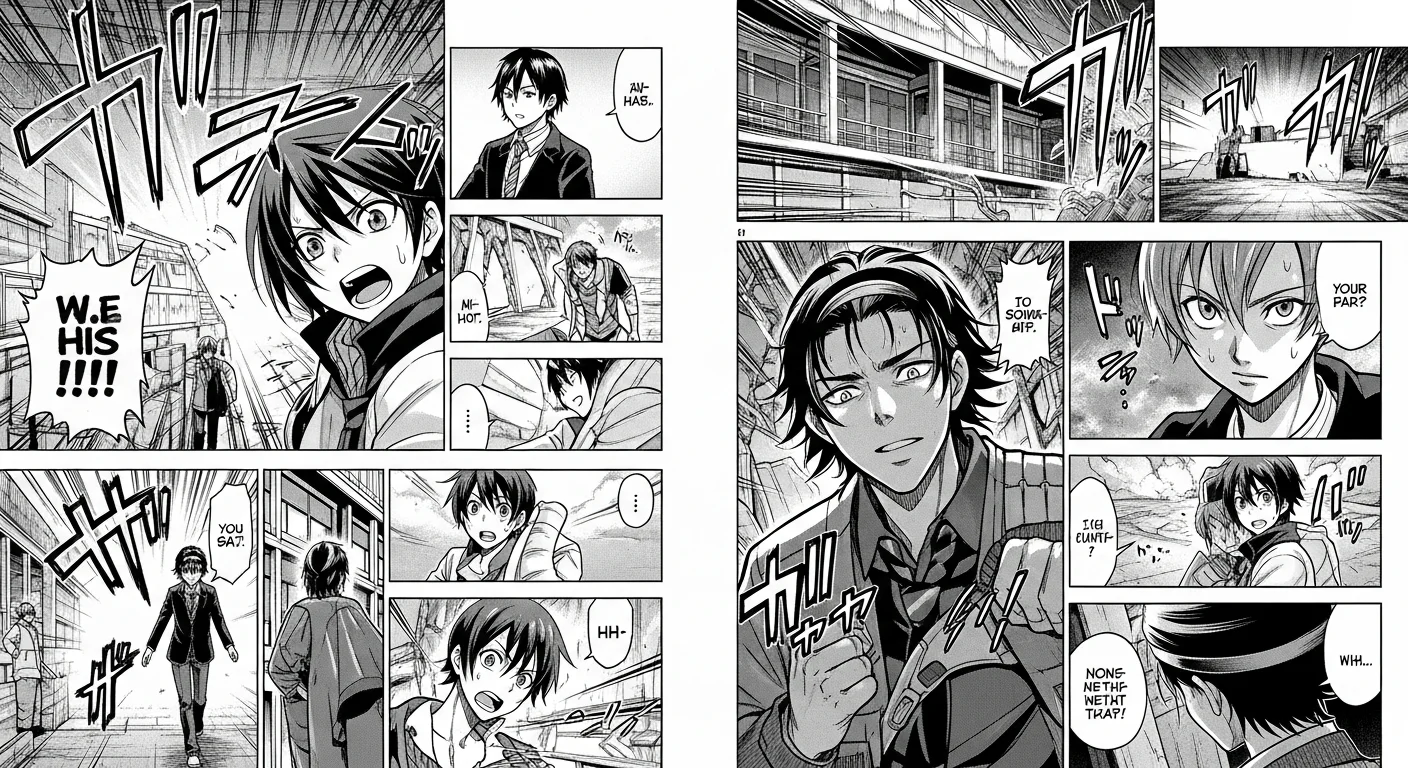
What is manga character design with AI?
Manga character design with AI is the process of describing a cast member in plain language — or uploading a reference photo — and letting a generative model produce one panel-ready hero reference portrait. Traditional design demands hours of pencil studies before a single panel ships. The AI workflow compresses that loop into minutes, then reuses the locked result so every future panel inherits the same face, hair, and outfit.
The benefit is not just speed. A locked reference eliminates the most common failure mode in indie manga: the protagonist whose hair color shifts between chapters or whose outfit silently mutates by page 30. Comistitch’s AI manga generator treats each character as a structured object — five traits in, one hero reference out — so anyone can produce broadcast-quality consistency without owning a lightbox or a tablet.
How do I describe a manga character to AI?
Use the five-trait formula: gender, age range, body build, hair, outfit. That is enough for the character creator to lock a unique silhouette without ambiguity. Skip flowery prose — short noun phrases work better than long sentences.
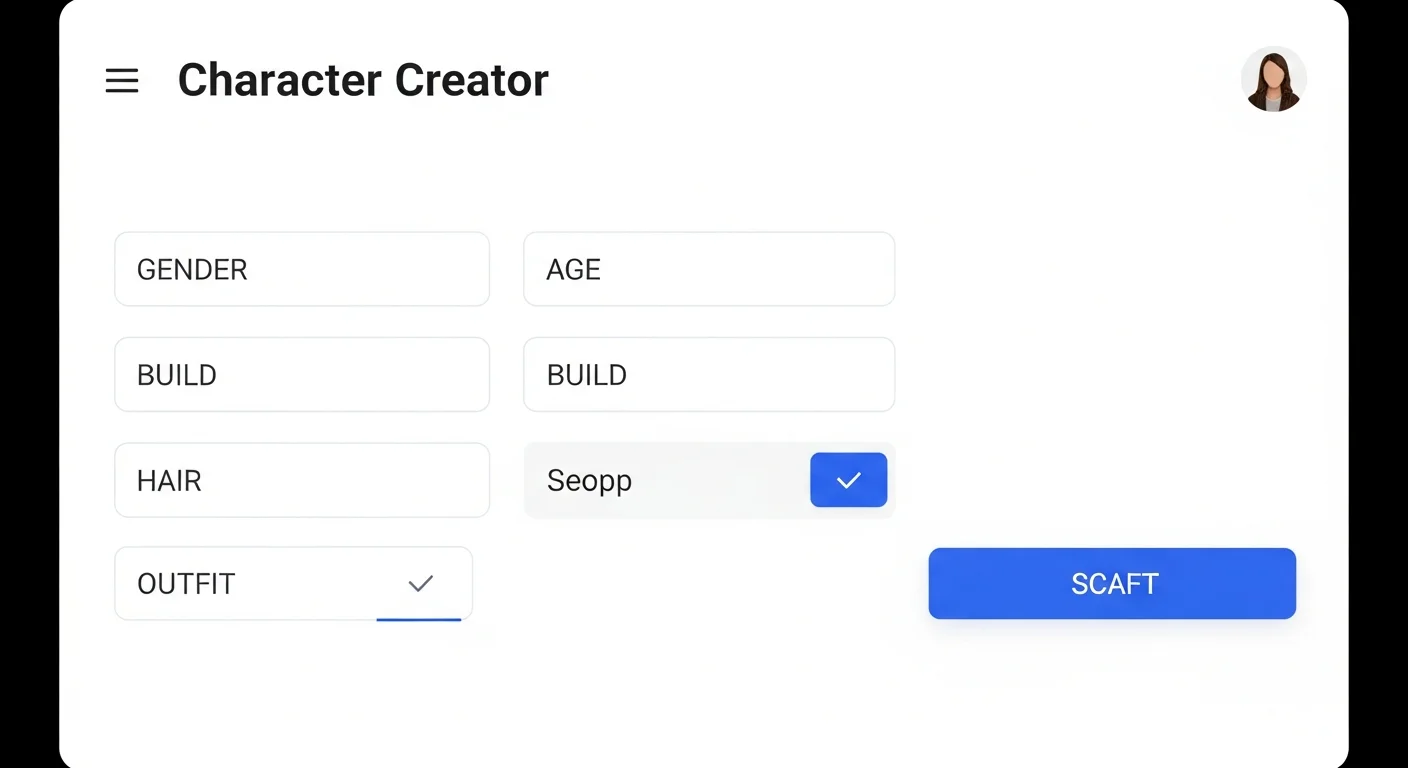
A clean example: gender “non-binary”, age “early twenties”, build “lean and tall”, hair “long platinum braid with undercut”, outfit “patched flight jacket over thermal layers”. Five lines, zero ambiguity. Optional fields — personality trait, weapon, era — sharpen the silhouette further but are not required. The AI defaults gracefully when you skip them. If you want to lean into a specific genre vocabulary, add one more line: “shonen action” or “slice-of-life melancholy”. The character creator weights that hint without overriding your traits. Already have a face in mind? Upload a reference photo instead of typing traits, and Comistitch copies the face and outfit into the new character design.
How does the hero reference image work?
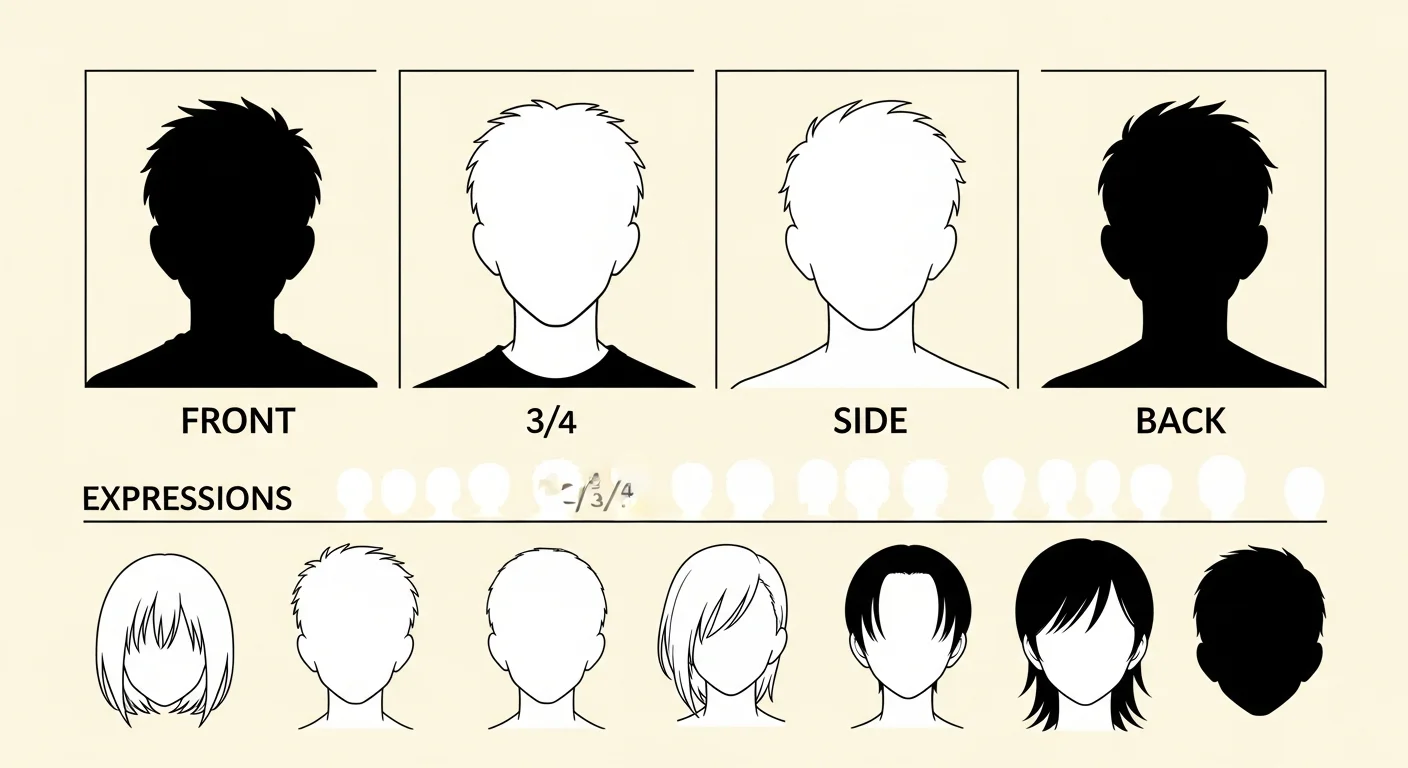
A hero reference is the bedrock of consistency. Comistitch generates one locked 3:2 portrait per character — not a multi-view turnaround sheet with front, side, and back angles. That single image captures face, hair, and outfit clearly enough to anchor every panel the character appears in.
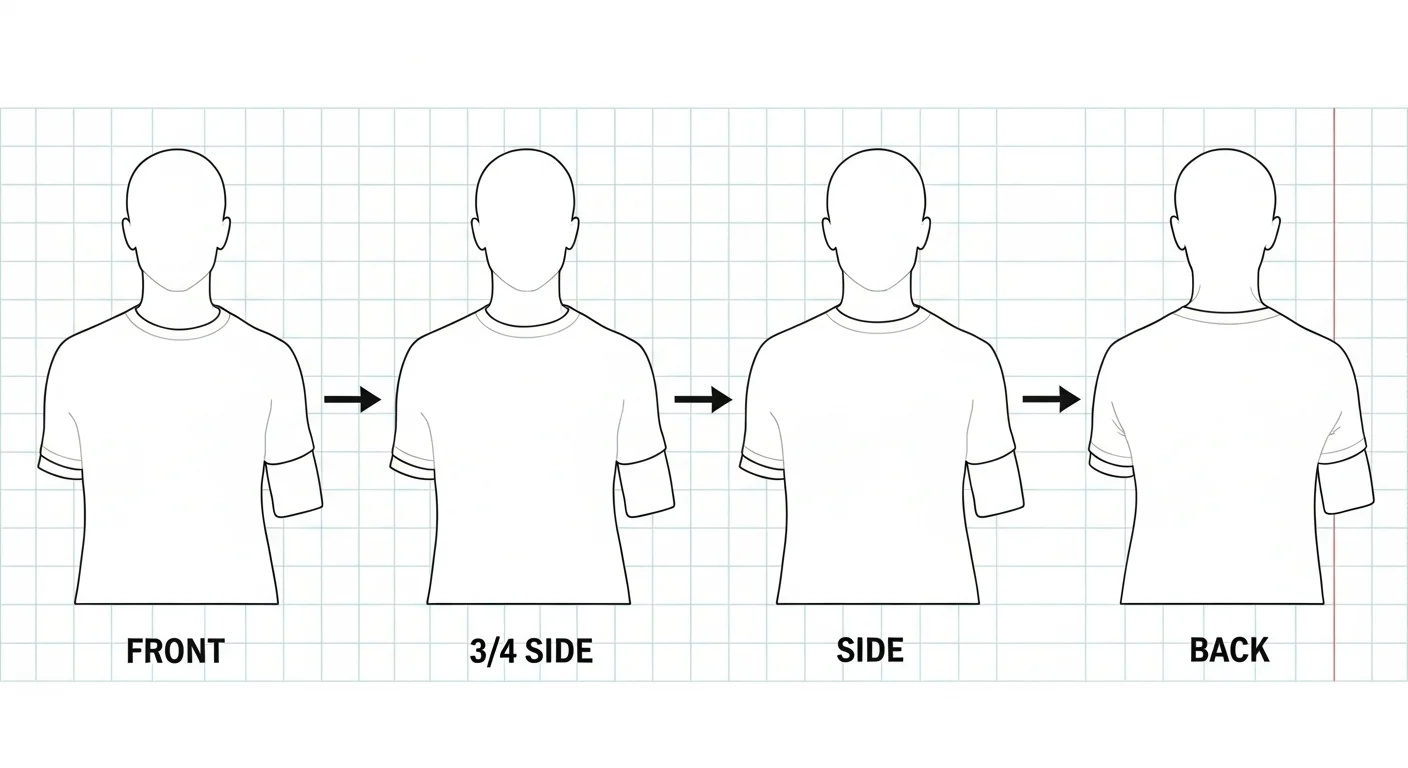
If the reference looks wrong — say the outfit detail is off — regenerate it before you lock it in and move on to panels. Once you’re happy with it, that portrait is the anchor the pipeline uses to keep the character on-model across every future panel, without a separate “canonical shot” step. This is the single biggest reason output stays consistent across an entire chapter.
How do expressions show up in panels?
Comistitch doesn’t generate a separate expression sheet up front. Instead, each panel’s AI-rendered pose and expression come from the scene and dialogue you write for that panel — an “angry” beat in your script produces an angry expression on the locked character, anchored to the same face, hair, and outfit as every other panel. You don’t need to pre-generate a set of expressions before you start on pages.
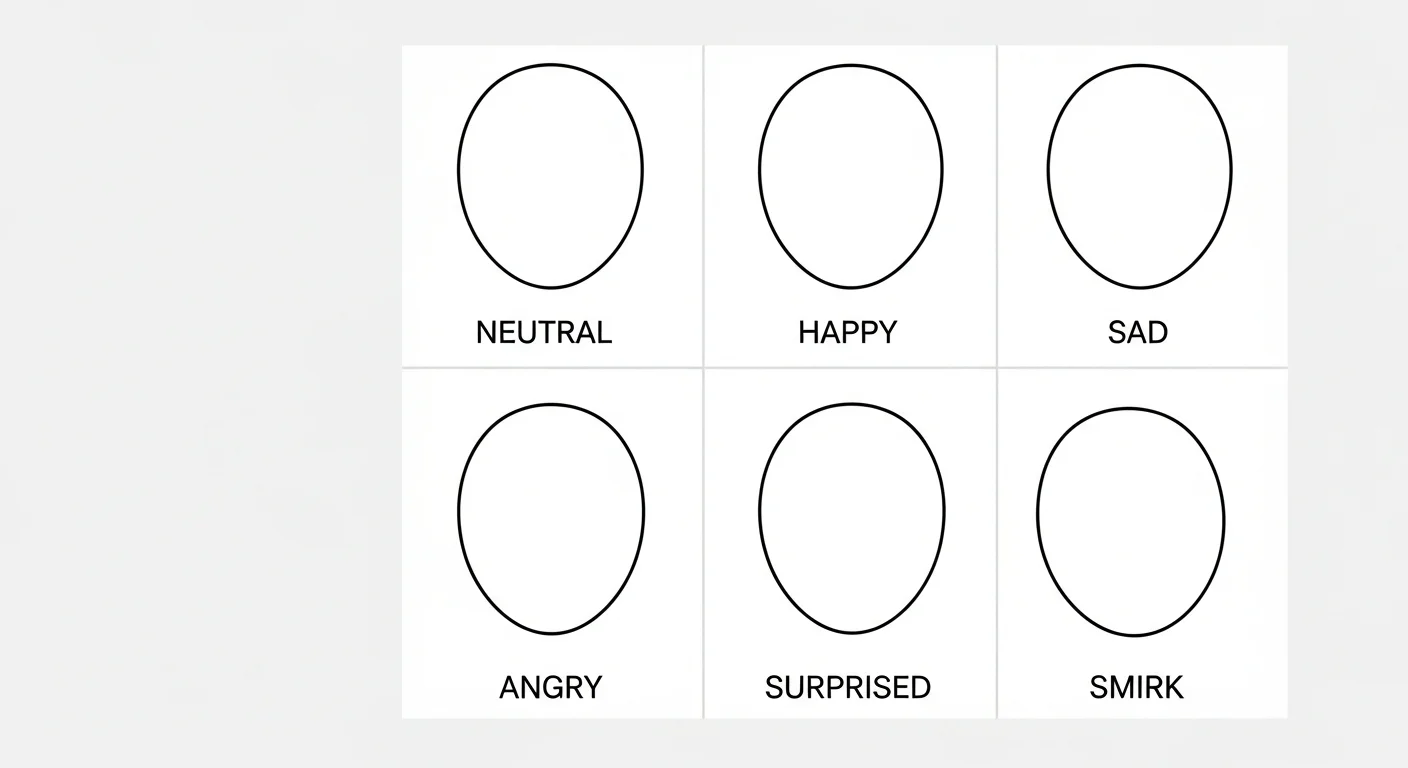
Write the emotional beat directly into your scene description or dialogue tag — “tearful relief” for a reunion, “cold fury” for a betrayal, “manic glee” for a villain reveal — and the AI renders that expression on your locked character for that panel. Manga storytelling convention favors restraint in how many distinct expressions a character shows per chapter, so lean on a handful of core emotional states rather than an exhaustive catalogue.
How does character consistency stay locked across panels?
Comistitch stores your hero reference as the anchor for that character. When you reference a character by name in any panel script, the pipeline conditions the panel render on that stored reference image. Face shape, hair color, eye color, outfit silhouette, and proportions all carry forward, because every render is anchored to the same source image rather than a fresh text description.
The reference is keyed to the character, not to prompt text, so even radically different panel descriptions resolve to the same locked design. Multi-character panels — two friends arguing across a table, a four-person group shot at a festival — apply each character’s own reference independently, then composite the results into a single panel without bleeding traits between cast members. If two characters share a hair color, the render still keeps their face, outfit colors, and proportions distinct, because each is anchored to its own reference image.
For a deeper dive into how this works under the hood, see our character consistency ultimate guide. The short version: a locked reference image beats re-typing a description every panel. Tools that ask you to paste the same character description into every panel are gambling with stochastic prompts instead of anchoring to a real image.
Comparison: AI character design vs traditional drawing
| Dimension | Traditional drawing | AI character design (Comistitch) |
|---|---|---|
| Time per character | Hours, often a full study session | A few minutes per hero reference |
| Iterations per session | A handful | Many, since each regenerate is fast |
| Consistency across panels | Depends on artist skill | Anchored to one locked reference image |
| Cost | Commission fees or self-time | Free tier available |
Traditional drawing wins on raw expressive freedom and one-off splash pages, but loses on iteration speed and consistency across long chapters. For indie creators shipping weekly, the math favors AI — a hand-drawn reference sheet often eats an entire session, while the same time budget on Comistitch can produce a full cast of locked characters.
For a broader market scan, see our roundup of the best AI manga generators in 2026 — Comistitch leads on automatic character locking, which most competitors still miss. Most rival tools force you to re-prompt the character description from scratch every panel, which is exactly the workflow that bleeds your evening into a consistency-debugging session.
Try it now: design a character in Comistitch Studio
Here is a complete five-trait input you can paste into the character creator right now to see the workflow end-to-end:
gender: female
age: late teens
build: athletic, medium height
hair: short bob, dark with crimson streaks, side bangs
outfit: modified school uniform — black blazer over gray hoodie, tactical skirt, combat boots
personality: stoic with dry humor (optional)
era: contemporary urban fantasy (optional)
Paste those seven lines and generate — the AI returns one locked hero reference portrait. Save the character, head to Studio, open a new manga page, and reference your protagonist by name in the first panel — the pipeline applies the locked reference automatically.
Where to next? Build the full manga workflow
Character design is one pillar of a complete manga workflow. The companion pillar covers page layout: head to manga paneling 101 with AI to learn how to size panels, handle reading order, and pace emotional beats across a six-panel grid. From there, manga storyboarding step by step shows how to thread characters and panels into a chapter-length narrative, while manga shading and screentones with AI handles the finishing pass that gives your pages that authentic ink-on-paper feel.
Ready to ship? Browse your existing roster on the Characters page, then jump into Studio to start a new project. Free-tier users get full access to the character creator — no credit card required, with 100 free signup credits (roughly two to three pages, a one-time allowance, not weekly); exports carry a watermark until you upgrade. Design once, lock the look, and let the pipeline carry your cast through every chapter you publish. Still hunting for a name? The free anime character name generator pairs well with the seven-line prompt format above.