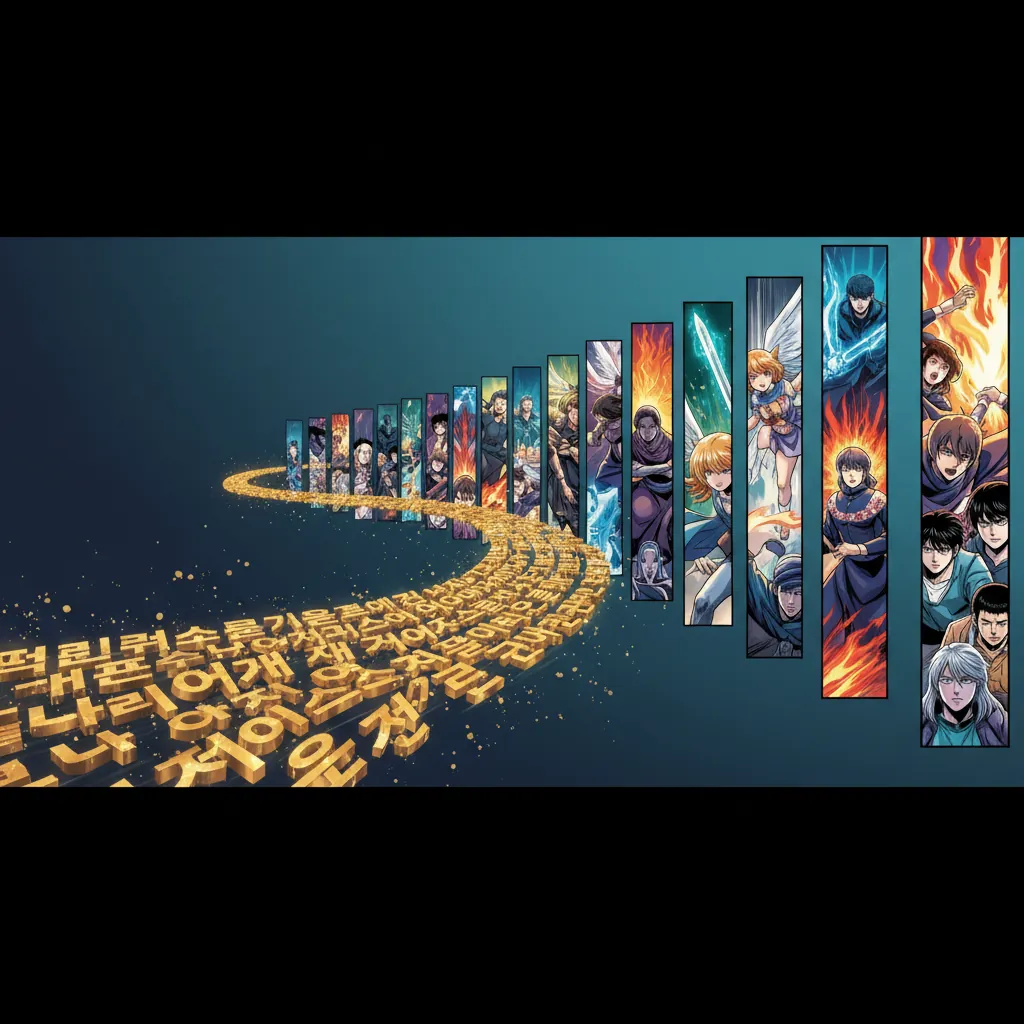
Text to webtoon AI turns a written story or script into a vertical-scroll episode: you supply the text, the AI draws full-color panels stacked for phone reading, and you export one strip. This guide walks the whole workflow, compares four tools, and lists the pitfalls. For the tool itself, see Comistitch’s AI webtoon generator.
You built a story. Now you want it scrolling on someone’s phone as a webtoon — vertical panels, mobile-first, the format that gets millions of daily readers on LINE Webtoon and Tapas. The problem: every guide you find is either about general comic creation or requires Photoshop-level layout work just to get the panels oriented correctly.
This guide covers the full text to webtoon AI workflow — from raw script to published vertical episode — using tools available in 2026.
TL;DR
- Webtoon requires vertical-scroll layout — not all AI comic tools support this natively
- Full workflow: script → style select → character sheet → panel generation → vertical assembly → export
- Comistitch auto-generates vertical webtoon format; competitors output grid layouts needing manual reformatting
- A 12-panel episode takes ~9 minutes to generate; script prep adds 10-15 minutes
- Free tiers exist across all 4 major tools — enough for a complete episode test
Quick Stats
- Webtoon style chosen by ~22% of Comistitch creators — the third most popular format on the platform*
- Over 14,000 panels generated on Comistitch, with an average panel generation time of ~45 seconds*
- Global manga/webtoon market projected at USD 23.12B in 2026 (Statista)
- Webtoon platform LINE Webtoon reports over 89 million monthly active users (LINE Webtoon 2024 Annual Report)
What Makes Webtoon Different from Traditional Comics
Webtoon is not just a comic in a different aspect ratio. The format has its own pacing, visual grammar, and reader expectations built around vertical mobile scrolling.
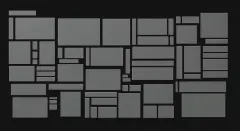
Traditional comics use a grid of panels arranged horizontally across a page. Readers scan left to right, then drop to the next row. Page turns create natural dramatic beats. Print constraints shaped every convention.
Webtoon strips that entirely. Panels stack vertically, full-width on a phone screen. Readers scroll down continuously — no page turns, no horizontal jumps. The pacing tool is the gap between panels: a long gap before a reveal creates suspense; tight panels stacked quickly create speed and action.
This difference has real production consequences. A panel layout designed for print will look wrong as a webtoon. Wide establishing shots lose detail on a narrow vertical screen. Speech bubbles need repositioning. Transition logic changes. If you want authentic webtoon output, you need a tool that understands the format natively — not one that outputs a grid comic you then manually rotate and crop.
The Text-to-Webtoon Workflow (Step by Step)
This is the six-step process we use and recommend. Steps 1-3 are preparation; steps 4-6 are generation and output.
Step 1: Write a Scene-Level Script
Do not feed the AI an entire chapter. Break your story into scenes — one location, one continuous sequence of events. Each scene becomes one webtoon episode or a segment within one.
Write with visual intention. Instead of “She was nervous,” write “Her hands gripped the railing, knuckles pale.” What will the reader see in the panel? Describe that. Include short dialogue lines — webtoon panels have limited bubble space, so keep exchanges under 15 words per bubble.
Aim for 6-15 panels per episode. This is the standard webtoon pacing. Under 6 feels rushed; over 15 becomes hard to scroll through without losing story thread.
Step 2: Select Webtoon Style Explicitly
When setting up your generation, select Webtoon style — not Manga, not Manhwa, not a generic comic style. Each style triggers different visual conventions: line weight, color palette defaults, panel border style, and crucially, output aspect ratio.
Webtoon style in Comistitch outputs panels pre-formatted for vertical mobile viewing. Selecting Manga style and hoping for webtoon output will not work — you will get horizontal-grid panels that need manual reformatting.
Step 3: Create Your Character Sheet
Before generating a single panel, lock in your recurring characters. Use Comistitch’s character creator to build a character sheet: full-body reference, face close-up, and defined color palette for each main character.
This sheet is the consistency anchor across your entire series. When we ran a 6-episode serial test through Comistitch’s pipeline, characters generated with a pre-built sheet showed noticeably more consistent face and outfit details across episodes compared to characters described only in text prompts.
Step 4: Generate Panels
Feed your scene script and character references into the pipeline. Comistitch processes these together — it does not require you to describe the character in every panel prompt, because the character sheet reference carries through automatically.
Generation runs at approximately 45 seconds per panel on average.* A 12-panel episode completes in roughly 9-10 minutes. Watch the queue — if a page misses character details or composition, flag it for a reroll before moving to assembly.
Step 5: Assemble the Vertical Layout
In Comistitch, panels output already arranged vertically — they stack in generation order, ready for export. Check the assembled layout end to end: does the scroll pacing feel right? Is any panel so wide it loses impact at phone width? Are speech bubbles readable without zooming?
For more complex panel arrangements — split panels, full-width splash panels, close-up inserts — see the comic stitching AI panel assembly guide. That guide covers manual assembly techniques for episodes that need custom layout work beyond the automatic vertical stack.
Step 6: Export for Publishing
Export as PNG strips (standard for webtoon platform uploads) or as a PDF. LINE Webtoon and Tapas both accept PNG uploads. Check each platform’s maximum image width (Webtoon Canvas requires 800px width) before exporting. Comistitch’s export dialog includes preset sizes for major webtoon platforms.
Tools Compared: Text-to-Webtoon Support in 2026
When we tested these four tools specifically for webtoon output — not general comic generation — these were the results:
| Feature | Comistitch | Dashtoon | AI Comic Factory | Anifusion |
|---|---|---|---|---|
| Webtoon native vertical output | Yes | No (grid, manual reformat needed) | No (single-strip only) | Partial (aspect ratio option) |
| Automatic vertical assembly | Yes | No | No | No |
| Story-to-comic AI pipeline | Yes | Partial (scene-by-scene manual) | No | No |
| Free tier available | Yes | Yes | Yes | Yes (limited) |
| Character consistency (cross-episode) | Automatic via character sheet | Manual profile setup | None | Basic prompt reference |
| Export ePub / PNG | PNG, PDF | PNG | PNG only | PNG |
Dashtoon gives artists more granular panel control — useful if you are an illustrator directing each panel precisely. AI Comic Factory is fast for single-image comic strips but is not built for serial webtoon production. Anifusion offers an anime-focused art style that suits specific webtoon genres.
For pure text-to-webtoon workflow — paste script, get vertical episode — Comistitch is the only tool in this comparison with end-to-end automation.
Common Pitfalls When Generating Webtoons from Text
Pitfall 1: Using a Non-Webtoon Style and Reformatting Manually
Generating in Manga or generic comic style and then rotating/cropping panels in Photoshop adds 30+ minutes per episode. Fix: select Webtoon style at step one. Reformatting after the fact never produces clean vertical spacing.
Pitfall 2: Scripts That Are Too Dense
Feeding a full prose chapter into a single generation produces inconsistent panel pacing — some panels are overcrowded with action, others are blank-ish transitions. Fix: pre-segment your script into 6-15 panel beats before submitting. One beat = one panel = one action or moment.
Pitfall 3: Skipping the Character Sheet
Describing your character in every prompt (“red-haired girl with a scar on her left cheek, wearing a blue jacket…”) wastes tokens and still produces drift across panels. Fix: build the character sheet once, reference it every time. Character drift is the top quality complaint we hear from webtoon creators testing AI tools for the first time.
Pitfall 4: Ignoring Mobile-Width Readability
A panel that looks fine at 1200px desktop width may lose critical detail at 800px webtoon canvas width — especially establishing shots with multiple characters. Fix: preview every panel at 800px width before finalizing. Cut complex establishing shots to close-up or medium framing that reads clearly at narrow width.
Why Comistitch Wins for Serial Webtoon Creators
Serial production is the stress test. A one-shot comic can forgive inconsistency. A 20-episode webtoon series cannot — readers notice when a character’s face changes between episodes, when the panel pacing feels different, or when the style drifts.
Comistitch is built for serial volume. Four specific reasons it outperforms alternatives for ongoing webtoon production:
Automatic character carryover. The character sheet system means you do not re-describe your cast every session. Build once, reference everywhere. In our webtoon test runs across six consecutive episodes, character face and outfit consistency was maintained without any per-episode prompt adjustment.
Webtoon-native output. Panels generate in vertical format, assembled in scroll order. No post-processing layout work between generation and upload.
Speed at scale. Over 14,000 panels generated across the Comistitch creator base, with an average of 45 seconds per panel.* For a 12-panel episode, that is a complete episode in under 10 minutes of generation time.
Story pipeline over prompt-by-prompt. You submit a scene script. The AI breaks it into panel beats, assigns dialogue, and generates in sequence. Compared to tools where you manually prompt each panel, this saves approximately 25-40 minutes per episode on script-to-panel translation.
When to Use Alternatives
Comistitch is not the right choice for every creator. Be honest about your workflow:
Use Dashtoon if you are an experienced illustrator who wants pixel-level control over each panel composition and does not mind manual vertical assembly. Dashtoon’s panel editor gives you more precise placement options.
Use AI Comic Factory if you need a fast, shareable single-strip comic and are not building a serial. It is free, instant, and requires no account setup — ideal for social media one-offs.
Use Anifusion if your webtoon targets anime aesthetics specifically (shōnen, isekai visual style) and you prioritize art style fidelity over automation. The vertical layout requires manual assembly, but the style output is distinctive.
For a detailed head-to-head breakdown of Comistitch and Dashtoon feature matrices and pricing, see the full Dashtoon vs Comistitch comparison.
Pricing and Free-Tier Webtoon Generation
All four major text-to-webtoon tools have free tiers as of Q1 2026. Here is what you actually get without paying:
Comistitch free tier: Full workflow access including character creator, story pipeline, and webtoon vertical export. Panel generation credits reset monthly. Sufficient to produce one complete webtoon episode per week on the free plan.
Dashtoon free tier: Limited to a set number of panels per month with watermarked export on the free plan. Vertical assembly is manual regardless of plan.
AI Comic Factory: Fully free, no account required, unlimited generation. Single-strip output only; no character consistency or multi-episode continuity.
Anifusion: Free tier with daily generation caps. Export resolution limited on free plan.
For a full breakdown of free-tier limits and what each plan unlocks for serious webtoon production, see our best AI manga generators guide which covers pricing across all major tools.
Frequently Asked Questions
What is text-to-webtoon AI?
Text-to-webtoon AI converts written story text into vertically formatted, scrollable webtoon episodes. You input a script or scene description; the AI generates illustrated panels arranged in webtoon’s signature vertical-scroll layout for mobile reading.
What is the best text-to-webtoon AI tool in 2026?
Comistitch leads for serial webtoon creators needing automatic vertical layout, character consistency across episodes, and story pipeline support. Dashtoon suits artists who prefer manual panel control. AI Comic Factory works for quick single-image strips.
Are there free text-to-webtoon AI options?
Yes. Comistitch, Dashtoon, and AI Comic Factory all offer free tiers. Free tiers typically limit monthly panel generation or export resolution. Comistitch’s free tier is sufficient to produce a complete webtoon episode.
Can AI automatically format webtoon vertical layout?
Yes. Comistitch generates panels pre-assembled in vertical scroll format. Most other tools output standard grid layouts that require manual reformatting in an image editor before publishing to webtoon platforms.
How long does it take to generate one webtoon episode with AI?
With Comistitch, a 12-panel webtoon episode generates in approximately 9 minutes total — around 45 seconds per panel on average.* Script-writing prep adds 10-15 minutes for a new episode in an ongoing series.
How do I keep characters consistent across webtoon episodes?
Use a character sheet system. Build your character once in Comistitch’s character creator, then reference that sheet in every episode generation. Comistitch carries the character reference automatically through its story pipeline.
Can I use AI-generated webtoons commercially?
Generally yes, for tools like Comistitch, where commercial rights are included on Elite, and on Starter and Pro when billed yearly. Always verify the specific tool’s terms of service. Webtoon platform policies (LINE Webtoon, Tapas) also apply — most now permit AI-assisted content with disclosure.
Try Comistitch’s text-to-webtoon workflow free →
If you are starting from raw story text rather than a webtoon-specific script, the story-to-comic AI guide covers prose-to-panel conversion in more detail. For character consistency across a long-running series, the character consistency AI comic ultimate guide goes deep on the techniques that keep your cast recognizable across dozens of episodes. To skip straight to a scene-by-scene draft, try the free webtoon script generator.
*Early user cohort estimates, Q1 2026. Refresh pending full analytics rollout.