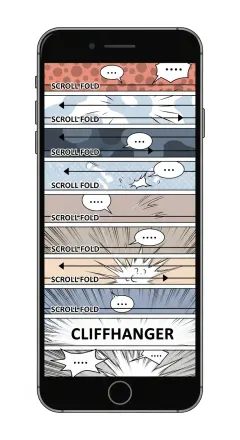
Webtoon character consistency with AI works by locking each character to one hero reference image instead of regenerating from a text prompt every time. Comistitch reuses that same reference for face and outfit whenever you write the character’s name into a scene, leaving pose, expression, and camera angle free to vary.
In short: Create a character once — Comistitch saves a hero reference portrait for it. Reference the character by name in every scene, and that same face and outfit carry forward automatically. If a page still drifts, reroll it (same cost as a fresh page) or revert to the previous version for free.
What is character drift and why does it kill webtoons?
Character drift is the slow shift of a character’s appearance across panels — eye color creeping warmer, jawline sharpening, hair length wandering, outfit details mutating. It happens because most AI image tools generate each panel from scratch, anchoring only on text prompts. Two prompts that read identical to a human can produce visually different characters.
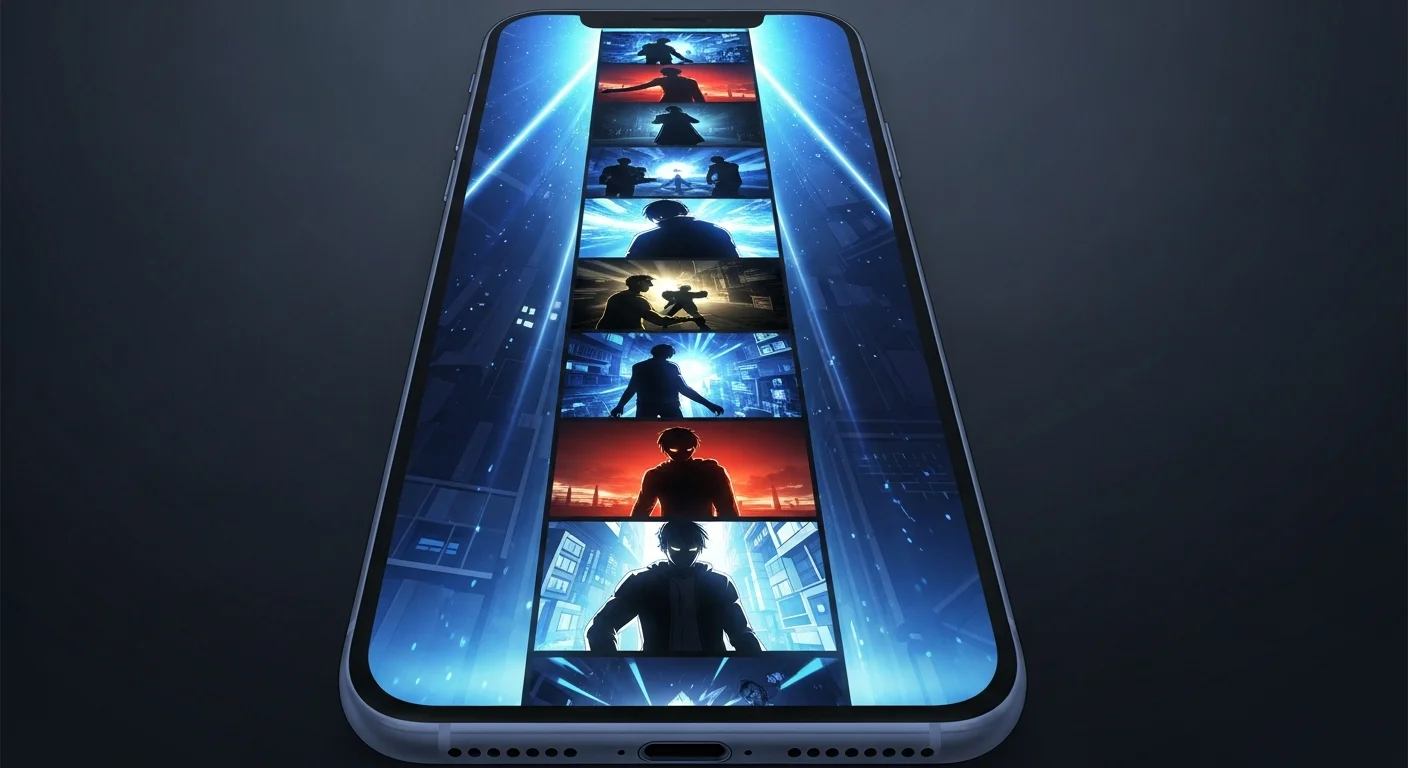
Webtoons amplify the problem. Vertical-scroll comics chain dozens of panels in a single chapter, and readers see them sequentially within seconds. The eye picks up inconsistency instantly, even when individual panels look beautiful. Creator surveys consistently point to drift as a top reason AI webtoons lose readers in the first few chapters. Worse, the comments shift from plot discussion to “is that the same girl?” — a signal that breaks compounding word-of-mouth.
The fix isn’t better prompts — it’s not regenerating from a blank text description at all. A prompt read by the model on one call can render differently than the same prompt read on the next call, because of seed variation, sampler entropy, and tokenization quirks. You need a system that saves a real reference image once and reuses it for every scene. That’s the foundation of Comistitch’s AI webtoon creator.
How does AI lock webtoon characters?
The technique that works in 2026 is reference-based locking: create the character once, save a hero reference image for it, then reuse that same image’s face and outfit in every scene where the character is named. Pose, expression, and camera angle stay free to change; the underlying likeness does not.
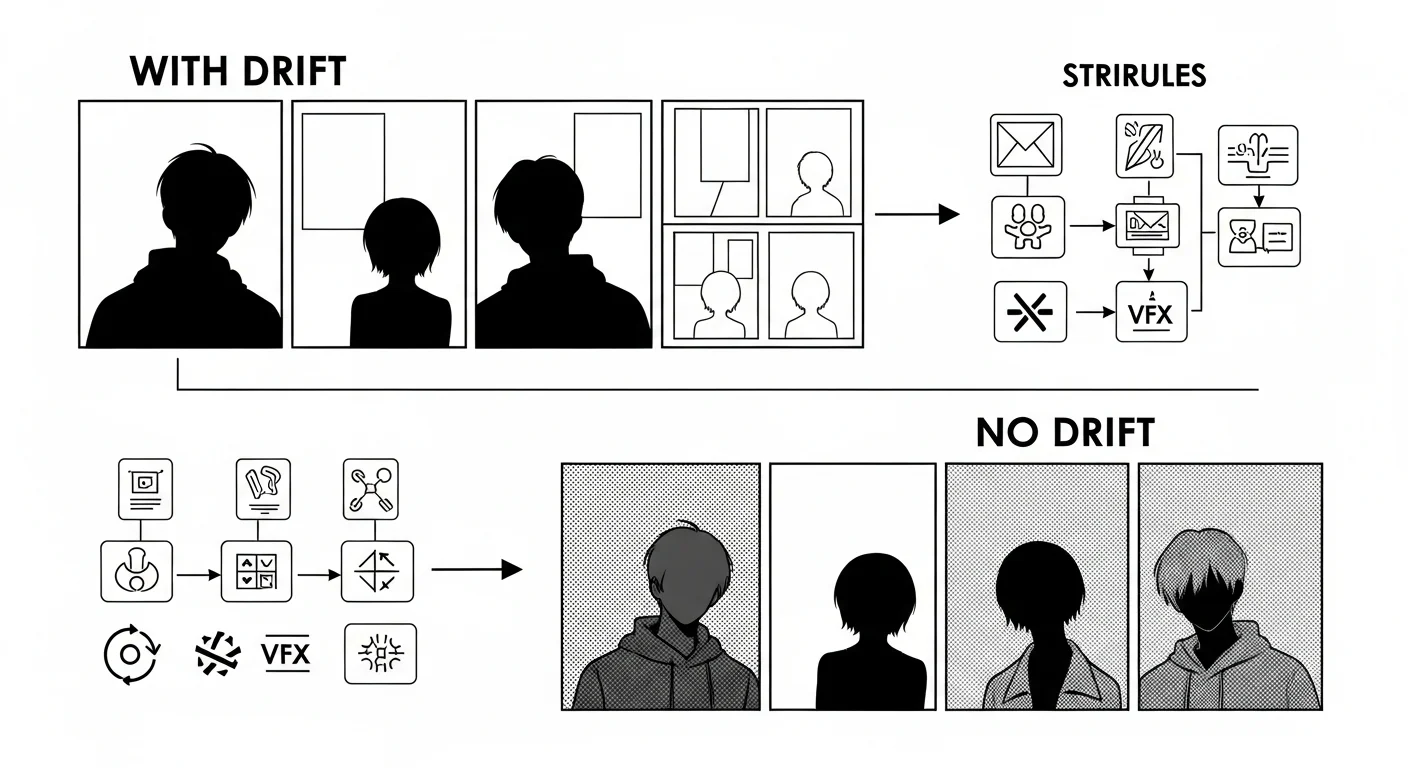
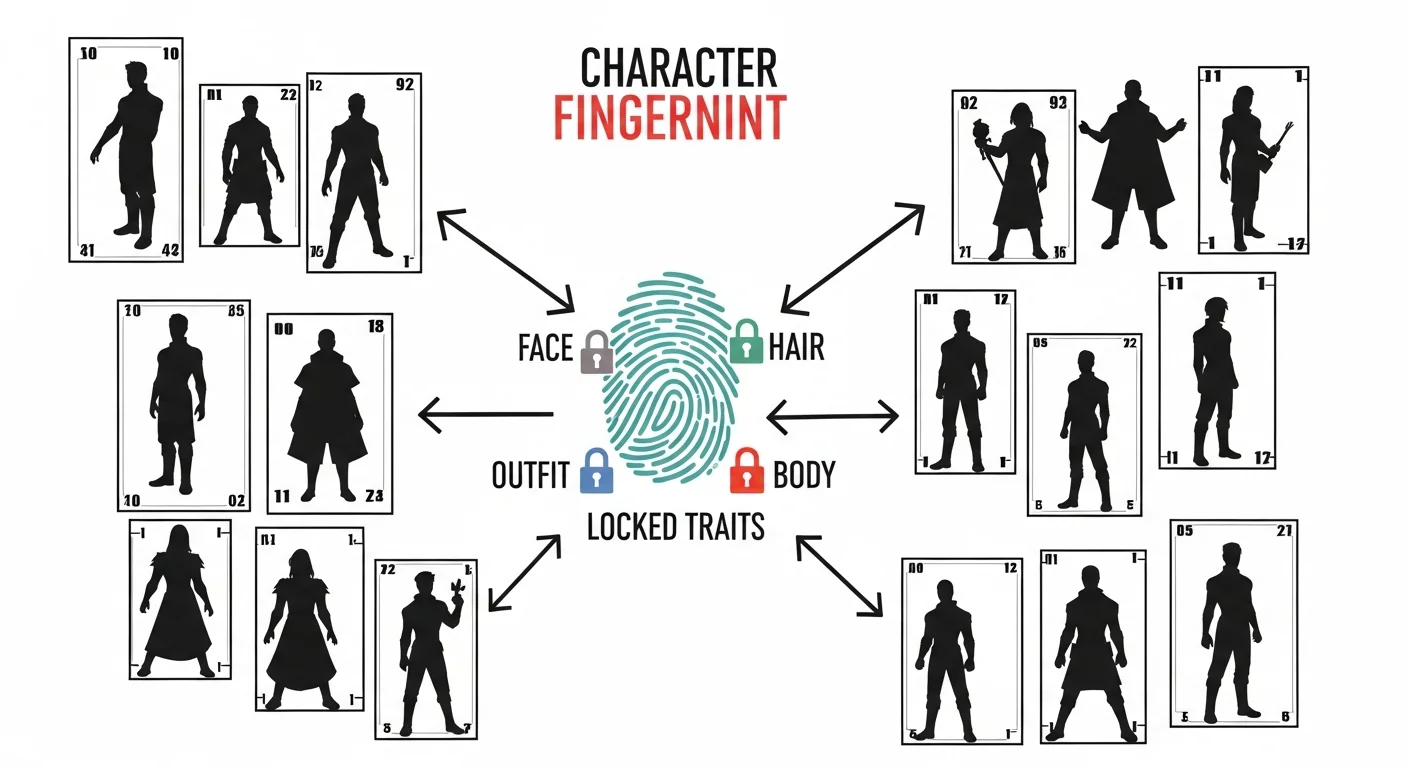
Without a locked reference, every new panel is a fresh roll of the dice on likeness — you get the top row above, silhouettes that should match but don’t. With a locked hero reference, the model has an actual image to match against instead of reinterpreting a text description each time, which is what keeps the bottom row consistent. This is also why pose reference or image-to-image tricks alone don’t fully solve drift: they constrain only what’s visible in a single reference frame, so anything that frame doesn’t show — the back of an outfit, a three-quarter angle — is still open to drift the moment the camera angle changes.
What’s a character reference?
It’s simpler than it sounds: one hero portrait per character, created either from a written description or an uploaded reference photo. That single image carries the face and outfit forward into every scene where you write the character’s name. Comistitch doesn’t track a separate database of measurements or color codes behind the scenes — it reuses the actual reference image itself, so the likeness that comes out is exactly the one you saved. For a deeper view of how this generalizes beyond webtoons, see our character consistency ultimate guide.
How does the character library work?
The library is where your characters live. Every project gets one, and you can build a character from a written description or from an uploaded reference photo — either way, Comistitch generates one locked hero portrait for it.
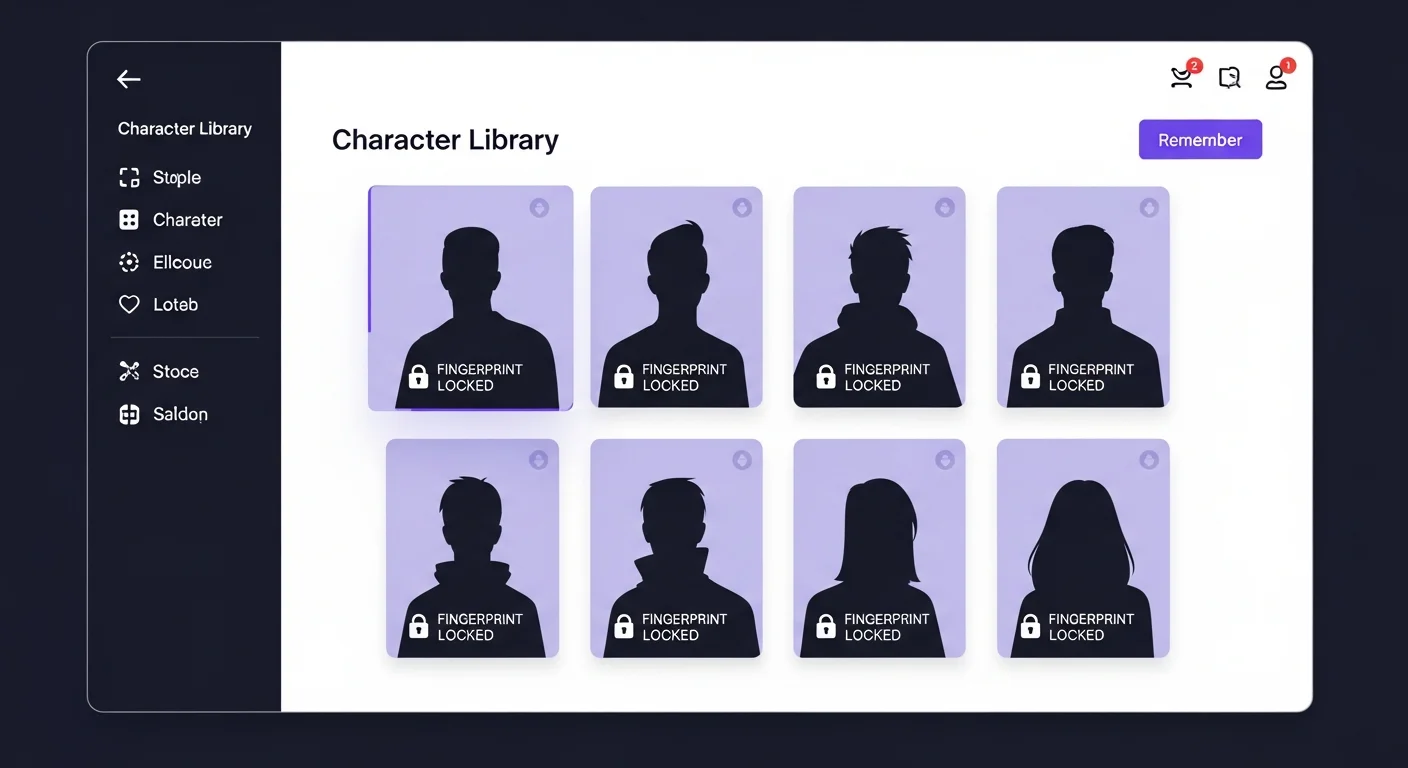
Each card in the library shows its locked hero portrait once the character is saved. Multi-character webtoons benefit most: reference any character by name from any scene, and Comistitch pulls in the matching reference for each one you mention — including group scenes with several named characters at once. See the full characters workspace for the live UI.
How do I catch drift across chapters?
Locking a reference in advance handles most of the work, but the rare page still drifts — maybe a busy scene pulled the model’s attention away from the reference, or a crowded group shot stretched it thin. Comistitch doesn’t run an automated drift score across your pages; you catch this the same way you’d proofread dialogue — by reading through a chapter before you publish it.
When you do spot a page where a character’s face or outfit has drifted, the fix is a page reroll, not a manual touch-up of one panel: reroll the whole page and Comistitch regenerates it against the same locked references, for the same credit cost as generating a fresh page. The version you’re replacing doesn’t disappear — it stays in that page’s history, so if the reroll comes out worse, you revert to the previous version for free instead of spending credits again.
Veteran creators build a short read-through into their workflow at the end of each chapter, page by page, checking faces and outfits against the locked reference before publishing. It’s slower than an automated scan would be, but it also means you catch pacing and dialogue issues in the same pass, not just character drift.
Comparison: prompt-only vs reference-locked consistency
| Capability | Prompt-Only Tools | Reference-Locked (Comistitch) |
|---|---|---|
| Drift after 20 panels | Visible to readers | Locked hero reference constrains face + outfit on every scene |
| Multi-character support | One character described at a time, drifts independently | Unlimited named characters per project, each with its own locked reference |
| Fixing a drifted page | Re-prompt and hope, no history kept | Page reroll (same cost as a fresh page) + free revert to the previous version |
| Verification | Manual read-through | Manual read-through — no automated drift score in either case |
Prompt-only workflows can pass for short strips but break on long-form. Once you commit to a webtoon series, a locked reference image per character is the sustainable path.
Try it now: lock a character in Comistitch
Open Studio, jump to the character creator, and use this template to define a character in under a minute. Starting from a blank concept instead of a name? Run it through the free OC generator first — it drafts appearance, backstory, and personality traits you can drop straight into the description below.
Name: Maya
Gender: female
Age: 17
Build: slim, average height
Hair: shoulder-length, jet black, side-parted
Outfit: navy blazer over white tee, denim shorts
Accents: small silver hoop earrings, freckles across nose
Save it, then open any scene and write Maya leans against the locker, smirking. Comistitch resolves the name, reuses Maya’s locked hero reference for face and outfit, and generates a page that matches every previous Maya scene in the project. Repeat for every character in your cast and you’re set up to scale to a long-running webtoon — the same pacing principles from our vertical-scroll paneling pillar apply once your cast is locked.
What’s next? Polish your webtoon design
With characters locked, the next levers are visual atmosphere and reader pacing. Color carries mood across vertical scrolls — see our guide on webtoon color palette and mood design for palette systems that pair cleanly with a locked cast. Then layer in beat structure with webtoon pacing and cliffhanger techniques so each chapter ends with a hook.
Ready to ship? Open Comistitch Studio, build your first locked character, and start your webtoon today. A locked hero reference per character, a multi-character cast, and a free revert safety net when a reroll doesn’t land are all part of the default workflow — no plugin, no add-on required.