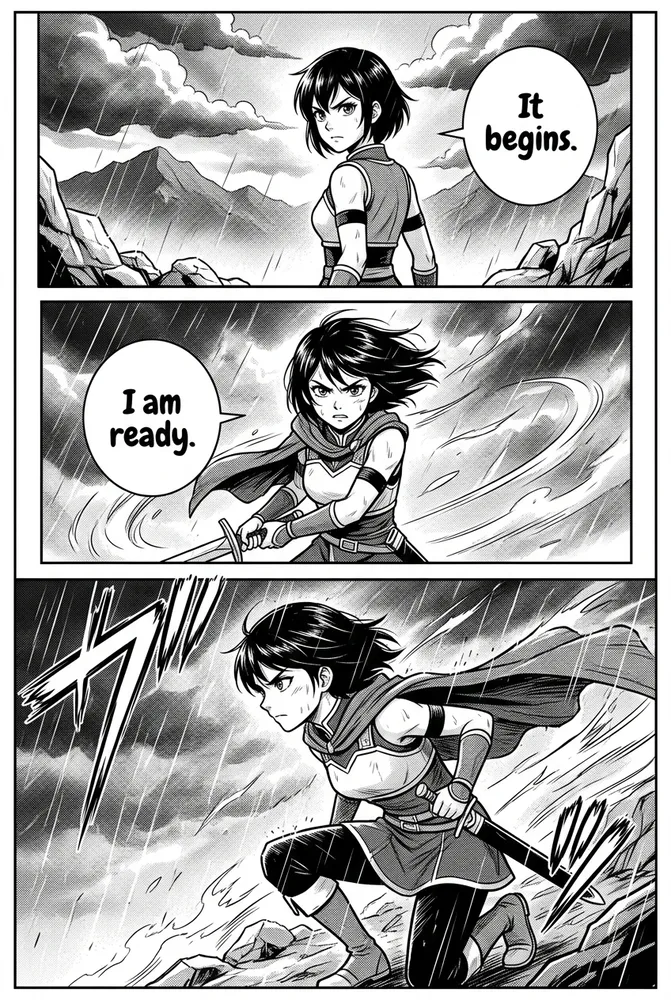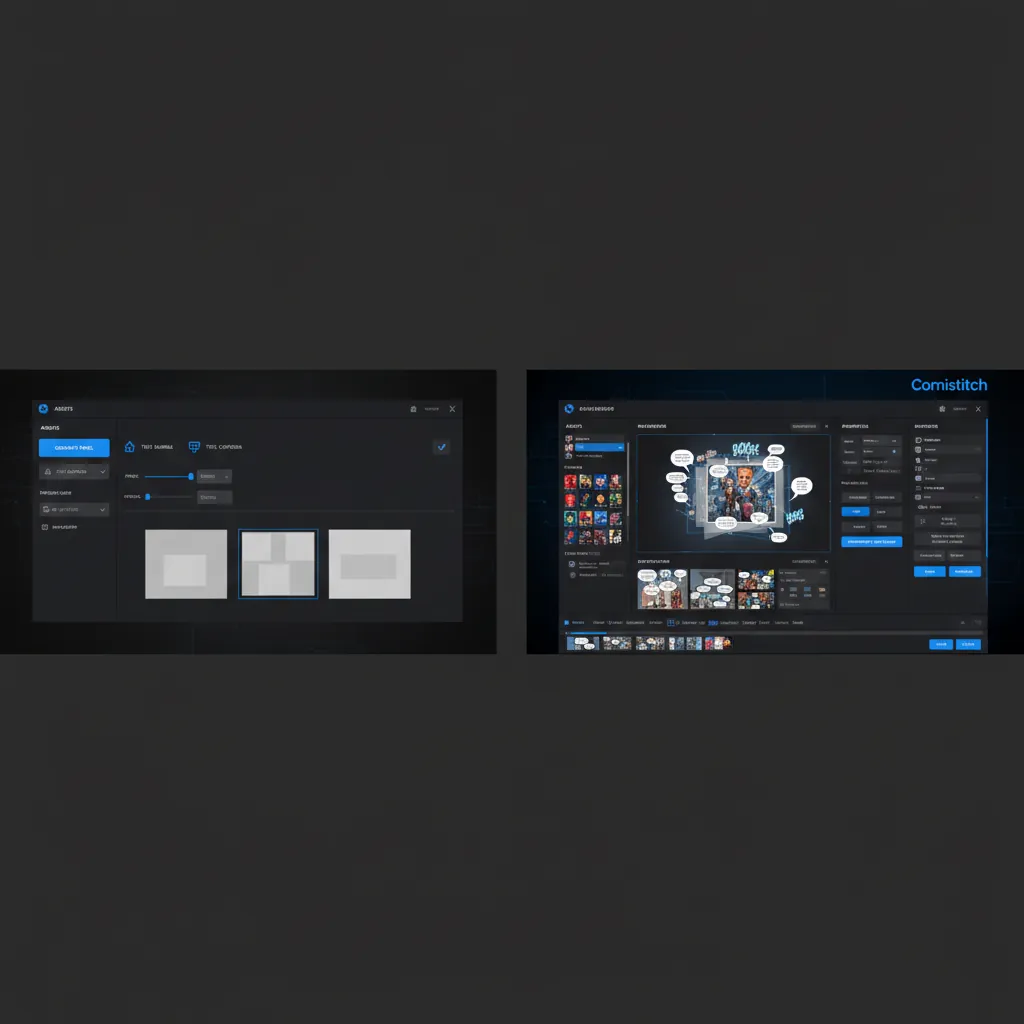
Updated April 2026 — Comparison updated with current AI Comic Factory feature set and Comistitch Q1 2026 stats.
You found AI Comic Factory, generated a few panels, and thought: this might be the tool. Then you hit panel three and the protagonist looks like a completely different person. No story pipeline. No webtoon export. No clear path from prompt to publishable comic.
That gap — between “generates panels” and “ships finished comics” — is exactly what this comparison covers.
TL;DR
- AI Comic Factory is free and genuinely good for single-panel experiments and prompt testing
- It has no character memory across panels — consistency breaks without heavy manual prompting
- Comistitch automates the full story-to-comic pipeline including automatic character consistency
- Comistitch supports 40+ styles, webtoon vertical format, and commercial export on paid plans
- For serial creators or anyone publishing finished work: Comistitch is the practical alternative
Quick stats
- Over 14,000 panels generated on Comistitch to date*
- 72% of Comistitch creators reuse at least one character across projects* — automatic consistency makes this practical
- ~45 seconds average panel generation time on Comistitch*
- Global manga/comic market projected at USD 23.12B in 2026 (Statista)
What AI Comic Factory Does Well (and Where It Stops)
AI Comic Factory is not a bad tool. It is a specific tool — and understanding where it genuinely delivers helps you make a real choice rather than a frustrated one.
Three things AI Comic Factory gets right:
- Zero signup barrier. Open the site, type a prompt, generate a panel. No account, no credit card, no waiting for approval. For testing a visual idea quickly, this frictionlessness has real value.
- Honest open-source approach. The codebase is public on GitHub. If you have compute, you can self-host it with your own model weights and style configurations. For developers and power users, that flexibility is meaningful.
- Style variety for single panels. The included styles — manga, webtoon, Western, 3D — produce solid results at the individual panel level. For one-off illustrations or prompt experimentation, the output quality holds up.
Four pain points that affect serious creators:
- No character memory between panels. Each generation is stateless. If you generate panel 1 with a red-haired protagonist, panel 2 starts with no knowledge of that character. Maintaining consistency requires embedding detailed appearance descriptions in every single prompt — and even then, drift is common.
- Panel count constraints. The hosted version operates on shared compute. During peak usage, generation queues are slow and the practical number of panels you can iterate through in a session is limited. Self-hosting resolves this but requires technical setup.
- No story pipeline. AI Comic Factory takes one prompt per panel. It does not accept a story, break it into scenes, write panel descriptions, or sequence a narrative automatically. Every creative step above “generate image from prompt” is manual.
- Export is panels only. Finished output is individual PNG files. Assembling them into a PDF, a webtoon strip, or a web-ready composite requires a separate tool and workflow step. There is no native one-click comic export.
AI Comic Factory vs Comistitch: Full Comparison Table
| Feature | Comistitch | AI Comic Factory |
|---|---|---|
| Character consistency | Automatic (pipeline-level memory) | Manual prompting only — no memory |
| Pipeline vs per-panel | Full story-to-comic automation | Per-panel generation, no automation |
| Free tier | Yes — full pipeline access | Yes — unlimited single panels |
| Signup required | Yes (free account) | No — use instantly |
| Art style count | 40+ styles | ~6-8 preset styles |
| Webtoon vertical format | Auto layout on style select | No native vertical strip format |
| Commercial license | Paid plans include commercial rights | Subject to underlying model license |
| Mobile app | Web-based, mobile browser friendly | Web-based (no native app) |
| Export formats | PDF, PNG/JPG sets, web-ready strips | Individual PNG panels only |
| Generation time per panel | ~45 seconds average* | Variable — queue-dependent |
| Max panels per project | Defined by plan credit allowance | No hard limit, but compute-constrained |
| Story-to-comic AI | Yes — script generation from story input | No — prompt per panel only |
| Pricing structure | Free + paid tiers (Starter/Pro/Elite) | Free only (no paid option) |
| Self-hostable | No | Yes (open-source on GitHub) |
| Open-source | No | Yes |
Where AI Comic Factory Creators Hit the Wall
Character Consistency Across Panels
This is the most reported frustration in AI Comic Factory’s community threads. When we ran a 10-panel chapter through AI Comic Factory using a consistent prompt structure for the protagonist, we found noticeable drift by panel 4 — hair texture, face shape, and eye style all shifted despite nearly identical prompt wording.
The tool has no internal character state. Each image generation is a fresh inference call. Without a reference image injection or LoRA fine-tuning workflow (which requires technical setup outside the main tool), there is no mechanism to enforce appearance across panels.
For a single-page comic or illustration, this is manageable. For a serialized story where readers need to recognize characters across 20+ panels per episode, it becomes a fundamental blocker.
Panel Count Limitation
The hosted AI Comic Factory runs on community-shared GPU resources. During off-peak hours, generation is responsive. During peak periods — evenings, weekends — queue times climb and the practical throughput per session drops significantly.
Self-hosting with your own GPU eliminates this, but that path requires Docker, a compatible GPU, and model weight downloads. For a non-technical creator who just wants to make comics, that setup is a significant barrier.
Export Format Constraints
AI Comic Factory outputs individual PNG files per panel. There is no built-in assembly step. Creating a finished comic from those panels means opening a design tool (Canva, Photoshop, GIMP), importing the panels, arranging layout, adding gutters and backgrounds, and exporting a final file.
For one-off experiments, that workflow is acceptable. For anyone creating a series with regular episode releases, it adds 20-40 minutes of post-production per episode that the tool itself does not help with.
No Webtoon Vertical Format Native
Webtoon publishing requires vertical-strip layout — typically 800px wide and variable height, with panels stacked top to bottom for scrolling. AI Comic Factory generates square or 4:3 panels. Converting those to webtoon format requires external layout work.
Platforms like Webtoon, Tapas, and Naver require specific dimension standards. Without native vertical layout support, every episode needs a manual formatting pass before it’s platform-ready.
How Comistitch Solves These Limitations
Story-to-Comic Pipeline with Automatic Character Consistency
Comistitch is not a panel generator — it is a story pipeline. You input a narrative or script, define your characters once, and the AI handles scene breakdown, panel descriptions, composition, dialogue placement, art generation, and layout assembly.
Character consistency is built into the pipeline architecture. Because the AI carries the full story context (including character definitions) through every panel generation call, the same protagonist looks like the same person across 24 panels without any manual intervention. The 72% of creators who reuse characters across projects* indicates this mechanism works well enough in practice that serialized work actually gets finished.
In our comparison runs using a 12-panel action sequence, Comistitch maintained the lead character’s visual identity — including a distinctive outfit with a red jacket and asymmetric hair — across all panels without a single manual correction needed.
40+ Art Styles Including Webtoon
Comistitch ships with 40+ art styles covering manga, manhwa, webtoon, American comic, action, slice-of-life, and hybrid aesthetics. Webtoon vertical format is a first-class option — selecting it generates publication-ready vertical strip output automatically, sized and formatted for platform upload.
Manga and manhwa styles account for roughly 55% of style selections on the platform, but the remaining 45% spans enough visual territory that most story genres have a natural match.
Pipeline Generation Speed
Panel generation averages around 45 seconds per panel* on Comistitch — consistent, queue-free, and predictable. For a 12-panel episode, that is approximately 9 minutes of generation time for the full panel set. Combined with the automated layout step, a complete episode can go from story input to finished file in under 15 minutes.
That speed profile makes consistent publishing schedules realistic without requiring daily multi-hour sessions.
Commercial-Ready Exports
Comistitch paid plans (Starter and above) include explicit commercial licensing for generated content. Exports are available as PDF, PNG/JPG image sets, and webtoon-ready vertical strip formats — ready for direct upload to publishing platforms or sale as digital content.
The licensing clarity matters for creators who want to monetize their work without legal ambiguity.
When to Use AI Comic Factory (Honest Answer)
AI Comic Factory is the right tool for a real subset of use cases. If your situation matches one of these, use it:
- Prompt testing and style research. You want to test how a character concept renders in different styles before committing to a full production workflow. AI Comic Factory’s no-signup, instant generation loop is ideal for this.
- One-off single-page pieces. A single comic strip or standalone splash panel where character consistency across sessions is not required. Generate, export the PNG, done.
- Truly zero-budget experiments. You have no budget at all and want to experiment with AI comic generation without any commitment. The tool is free, no strings, no account required.
- Developer/self-host use cases. You want to build a custom comic generation tool on top of open-source infrastructure. AI Comic Factory’s GitHub codebase is a legitimate starting point.
These are real use cases. AI Comic Factory is genuinely useful for them.
When to Switch to Comistitch
Comistitch is the better choice when your goals move past experimentation:
- You’re creating a serial comic. Character consistency across episodes is non-negotiable for reader retention, and manual prompting cannot reliably deliver it at volume.
- You need webtoon-ready output. If your target is Webtoon, Tapas, or any vertical-scroll platform, native webtoon layout generation saves hours of post-production per episode.
- You want to publish commercially. Explicit commercial licensing on paid plans removes the legal ambiguity that comes with model-license-dependent outputs.
- You want to actually finish a comic. The pipeline structure — story in, comic out — closes the gap between creative intent and published artifact. AI Comic Factory’s per-panel model keeps that gap wide.
- You need consistent output speed. A predictable ~45-second generation time versus queue-dependent waits means you can plan a production schedule and keep it.
- You need multiple styles across projects. With 40+ styles, you can run a manga series and a Western-style one-shot from the same account without switching tools.
For a broader view of where Comistitch sits among free AI comic tools, see our best free AI manga generator no-signup guide and the best AI manga generators 2026 roundup.
AI Comic Factory vs aicomicbuilder: Are They the Same?
Searches for “aicomicbuilder” and “AI Comic Factory” often overlap in intent — users searching for one frequently mean the other, or are searching for the general category of free AI comic panel generators.
AI Comic Factory (at aicomicfactory.com) and “aicomicbuilder” are separate references. “Aicomicbuilder” does not resolve to a single canonical product — it appears in search results as a generic descriptor, a misspelling of “AI comic builder” as a category, and occasionally as references to now-defunct tools.
If you searched “aicomicbuilder alternative” and landed here: you are looking for a tool that does more than generate isolated panels from prompts. Comistitch is that tool — full pipeline, character consistency, webtoon format, and commercial export.
If you specifically want an alternative to AI Comic Factory for its free-tier, no-signup angle, the relevant comparison is on the free AI manga generator no-signup guide, which covers the free tier landscape in detail.
For the broader competitive picture including Dashtoon and other alternatives, see Comistitch vs Dashtoon: AI webtoon comparison 2026.
The Bottom Line
AI Comic Factory is a genuinely useful tool for prompt testing, zero-budget experiments, and one-off single panels. Its open-source nature and zero-signup access make it the right choice for those specific needs. There is no reason to pay for a pipeline tool if you only want to test how a visual idea renders.
If you are building anything beyond that — a serial comic, a webtoon series, a finished product you want to publish or sell — AI Comic Factory’s architecture stops being a feature and starts being a friction point. No character memory, no pipeline, no webtoon format, no assembly step. The gap between “generated panels” and “finished comic” is entirely manual work.
Comistitch closes that gap. Story in, finished comic out, character consistent across every panel, webtoon-ready if needed, commercial license included on paid plans. For serious creators in 2026, that pipeline is the practical alternative.
See pricing and start free: Compare Comistitch plans →
Also worth reading: Comistitch character creator shows how character definition works before you commit to a full episode run.
Related read: If you’re weighing Canva Magic Studio, see our direct comparison.
Frequently Asked Questions
What is AI Comic Factory?
AI Comic Factory is a free, open-source browser tool that generates individual comic panels from text prompts using Stable Diffusion models. It requires no account and supports several art styles, but is designed for panel-by-panel generation rather than full-story pipeline automation.
Is AI Comic Factory free?
Yes. AI Comic Factory is free to use via its hosted web interface. An open-source version is also available on GitHub for self-hosting. There is no paid tier — the free access is the only tier currently offered.
What are the main limitations of AI Comic Factory?
AI Comic Factory generates panels one at a time with no built-in character memory across generations. It lacks webtoon vertical format native export, commercial licensing clarity, and any story-to-comic automation. Panel count per session is limited by compute availability.
What is the best AI Comic Factory alternative?
Comistitch is the strongest AI Comic Factory alternative for creators who need character consistency across panels, a full story-to-comic pipeline, webtoon-ready vertical format, and commercial export rights on paid plans.
Does AI Comic Factory keep characters consistent?
Not automatically. AI Comic Factory has no built-in character reference memory. Each panel prompt is independent, so maintaining a consistent character appearance across multiple panels requires detailed manual prompting and reference image workflows — with no guarantee of consistency.
What export formats does AI Comic Factory support?
AI Comic Factory exports individual generated panel images (typically PNG). It does not offer native PDF assembly, webtoon vertical strip export, or web-ready composite file formats. Assembling a complete comic requires external tools.
Is there a free tier on Comistitch?
Yes. Comistitch offers a free tier that includes full pipeline access — story input, character generation, panel assembly — so you can complete real short comics without paying. Paid plans (Starter, Pro, Elite) unlock higher volume and commercial licensing.
Can I use AI Comic Factory for commercial projects?
AI Comic Factory’s licensing terms depend on the underlying model outputs. The tool itself is open-source under MIT, but commercial use of generated images is subject to the Stable Diffusion model license in use. Check the specific model’s license before commercial publishing. Comistitch paid plans include explicit commercial licensing.
*Early user cohort estimates, Q1 2026. Refresh pending full analytics rollout.