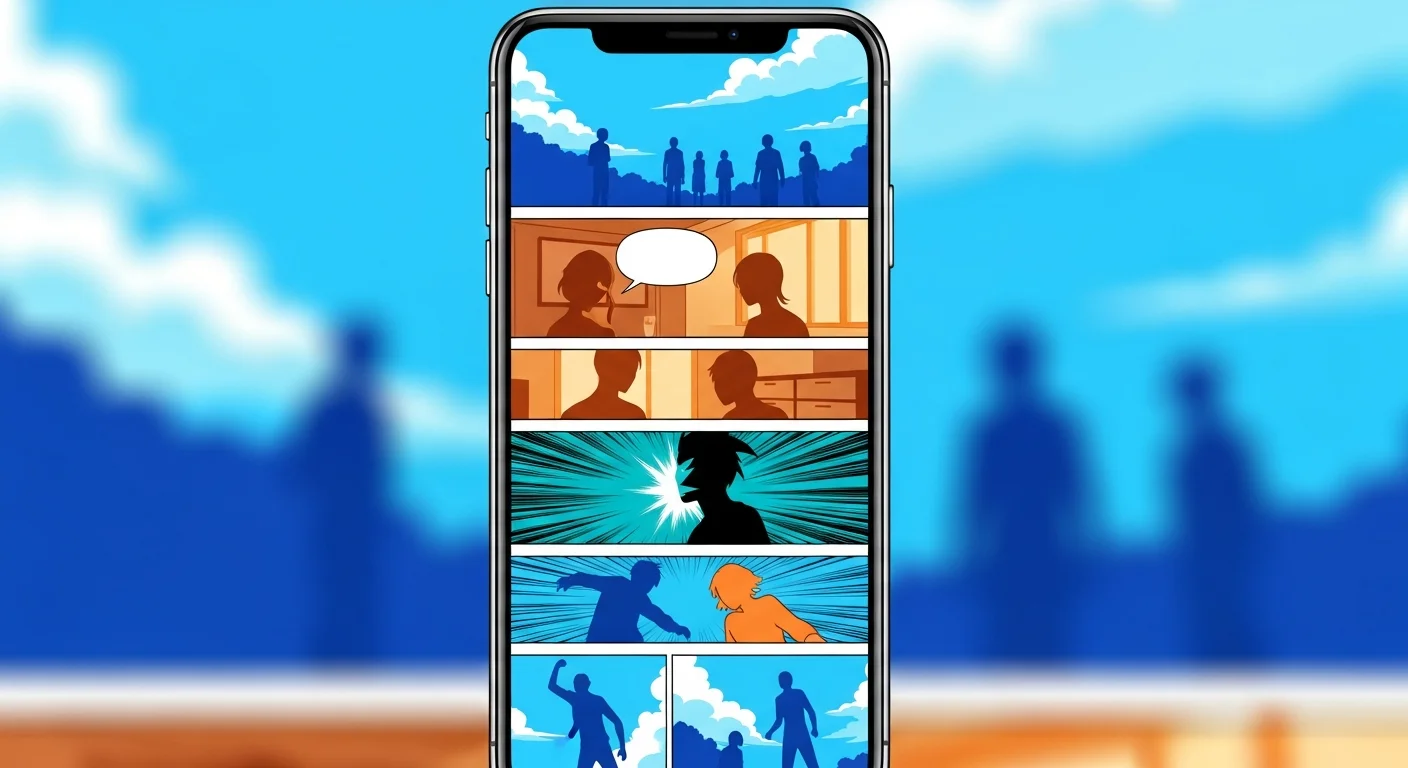
A free AI webtoon maker site lets you generate full-color vertical-scroll comics from plain text descriptions — no drawing skills, no software installation, no upfront cost. You describe your characters and scenes, the AI renders each panel in webtoon style, and you export a mobile-ready strip. This walkthrough uses Comistitch’s AI webtoon maker throughout — see that page for the full feature rundown, free-tier details, and the wider webtoon tool workflow.
In short: Describe your story in text, generate full-color vertical panels on a free AI webtoon site, and export a ready-to-publish episode in about 30 minutes — no art skills required.
What is a free AI webtoon maker site?
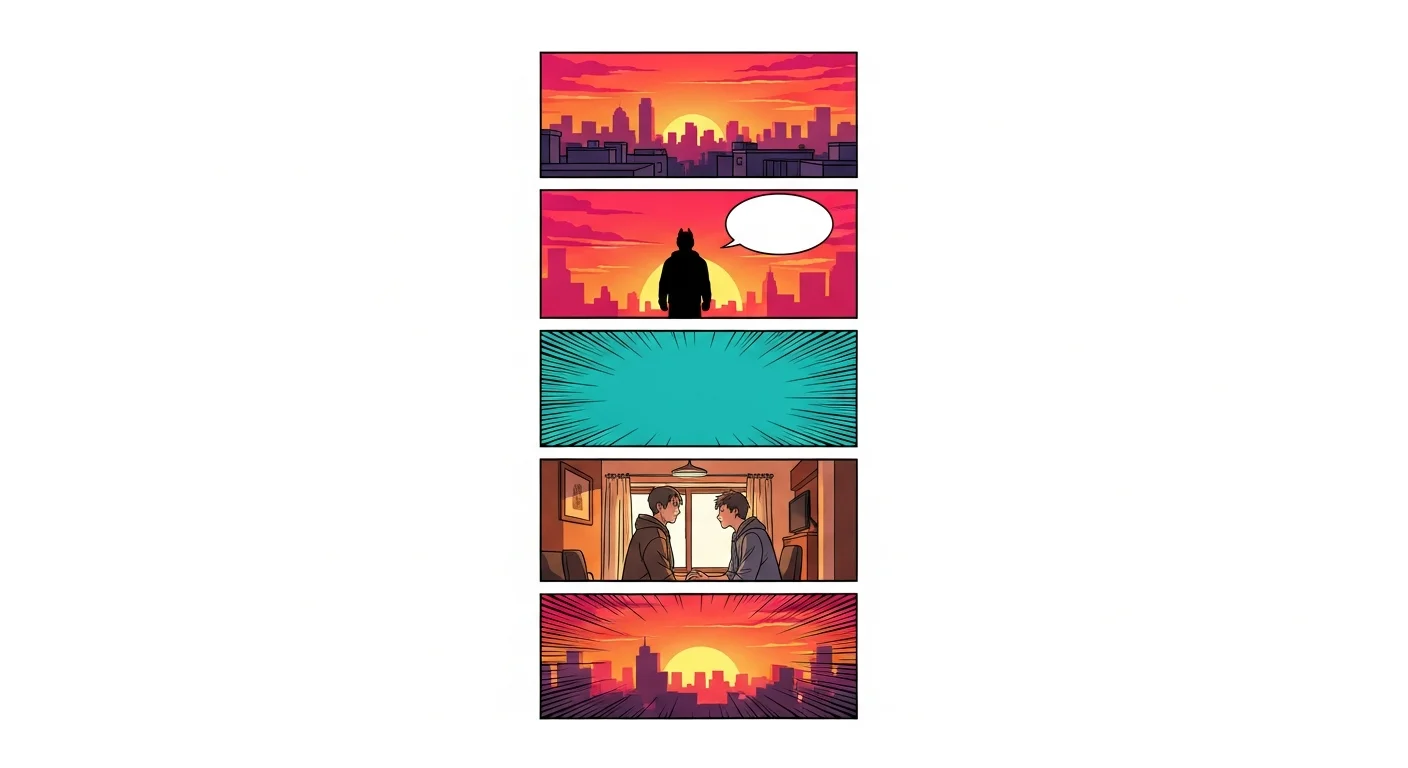
A free AI webtoon maker site is a browser-based platform that combines a text-to-image AI engine with a vertical-scroll canvas and a publishing pipeline — all available at no cost on a starter tier. You write scene descriptions, the AI generates full-color panel artwork, the canvas stacks panels top-to-bottom in mobile-optimized format, and an export button produces the finished strip.
The “site” framing matters. Unlike desktop software that requires installation and a capable GPU, a web-based webtoon maker runs entirely in your browser. You can start creating on any device, save progress in the cloud, and export without managing local files. The AI engine lives on the server — your machine only needs a modern browser.
Free tiers across these platforms vary significantly. Some limit the number of panels per month. Others add watermarks to exports. The best free AI webtoon makers give you a complete workflow — character consistency, vertical canvas, and clean export — with a panel count that is generous enough to produce a real first episode. Comistitch’s free tier fits this description: full pipeline access, no credit card required — though exports are watermarked until you upgrade to a paid plan.
What is 웹툰 만들기 사이트 — the webtoon-making site concept?
웹툰 만들기 사이트 (webtoon-making site) is the Korean search phrase for exactly this type of tool. Korean webtoon culture pioneered the vertical-scroll format — infinite canvas, episode-based storytelling, full color, phone-first reading experience. The 웹툰 만들기 사이트 concept refers to a site where creators complete the entire production pipeline: story writing, image generation, panel arrangement, and publication.
Korean webtoon creators using 웹툰 만들기 사이트 typically expect the tool to handle: setting up a persistent story project (not just one-off images), maintaining character appearance across episodes (ai 웹툰 만들기 / ai로 웹툰 만들기), and exporting strips in the format accepted by Korean and global platforms. AI 만화 만들기 (AI comics creation) tools that do not handle character consistency fail at the series level even if single panels look good.
Comistitch was built with these expectations in mind. The character creator generates a reference that persists across your entire story. The canvas is vertical-scroll native. Export targets the width and format that Webtoons and Tapas accept without resizing.
How do I create a webtoon online for free with AI?
The core workflow has five stages. Each stage is browser-based — no downloads needed.
Stage 1: Set up your story project. Create a new project in Comistitch Studio and give it a series name. Setting a project context allows the AI to maintain visual consistency across multiple episodes.
Stage 2: Create your character. Use the character creator to describe your protagonist in text. The AI generates a reference image. This reference locks the character’s appearance — face, hair, outfit — across every panel you generate in the project. This is the single step most new creators skip, and it causes the character-drift problem they blame on AI limitations.
Stage 3: Write panel descriptions. Type one sentence per panel, describing the scene: location, character action, mood, and any dialogue. Six to ten panels per episode is the standard for webtoon platforms. Mark dialogue panels so the builder adds speech bubbles.
Stage 4: Generate and review. Click Generate. The builder renders all panels in full color, stacked in vertical format, and shows a preview. Reroll the page by editing its description if it doesn’t match intent — the builder handles gutter spacing automatically, and the previous version stays in your page history so you can revert.
Stage 5: Export. Click Export to get a vertical PNG strip ready for upload to Webtoons, Tapas, or your own site. Publish directly to your Comistitch creator profile from inside the builder with one additional click.
For a more detailed breakdown of the full webtoon creation process, see the complete guide to creating webtoons with AI.
What features matter most in a free AI webtoon maker?
Not all free AI webtoon sites deliver the same capabilities. These five features separate tools that produce real webtoons from tools that produce isolated panel images.
-
Character consistency engine. The ability to lock a character’s appearance across panels and episodes. Without this, characters look like different people from panel to panel — the defining quality problem in AI-generated webtoons.
-
Vertical canvas with correct panel sizing. Webtoon panels are tall, narrow, and stacked for mobile reading — not the square or landscape panels that general AI image tools produce. The canvas should output at the dimensions platforms accept (typically 800px wide, variable height).
-
Speech bubble integration. Dialogue needs to be placed inside panels without obscuring character faces. A dedicated bubble layer that the creator types into — rather than burned into the image — allows edits without regenerating the entire panel.
-
Project-level memory. A webtoon is a serial. The tool needs to remember your characters, setting, and visual style from episode to episode. Single-image generators cannot serve this need.
-
Clean export. The output should be a properly formatted vertical strip at a resolution accepted by major platforms without conversion (Comistitch’s free tier watermarks exports; paid plans don’t).
Comistitch covers all five. The AI webtoon creator style guide shows the visual output quality the builder achieves.
How do free AI webtoon sites compare in 2026?
| Tool | Free tier limit | Character consistency | Vertical canvas | Watermark |
|---|---|---|---|---|
| Comistitch | ~3–5 pages | Yes — locked reference | Native | Yes (removed on paid plans) |
| AI Comic Factory | Unlimited single panels | None | No (landscape) | None |
| Canva AI | Limited generations | Basic | Manual arrangement | None |
| General image AI | Varies | None | No | Varies |
The critical differentiator is character consistency. General-purpose AI image tools generate visually appealing panels, but the protagonist looks different in every frame unless you invest significant prompt engineering effort. Purpose-built webtoon tools solve this at the architecture level — the character reference is stored per-project and applied automatically.
Canva’s AI image generation is convenient for creators already in that ecosystem, but it requires manual panel arrangement and does not natively produce vertical-scroll webtoon format. AI Comic Factory is genuinely unlimited and requires no account, but produces landscape comic panels, not webtoon-format vertical strips.
How do I build my first webtoon panel strip — step by step?
Here is a concrete workflow for your first complete episode.
Step 1 — Choose your premise. Write two sentences: who is the protagonist and what happens in episode one? Keep it focused — one location, one conflict, one emotional beat landing at the end.
Step 2 — Create your character. Open the character creator and describe the protagonist’s look. Generate the reference image. This takes about 5 minutes and prevents character drift across all future panels.
Step 3 — Write 6–8 panel descriptions. One sentence per panel. Start with a wide establishing shot, build through action and dialogue, and end on a hook that pulls the reader into episode two.
Step 4 — Generate panels. Click Generate. Review the preview strip. Edit descriptions for any panel that does not match intent, then reroll the page — the builder handles alignment automatically.
Step 5 — Add dialogue and export. Type speech bubble text for dialogue panels. Export the vertical strip as PNG. Upload to your target platform.
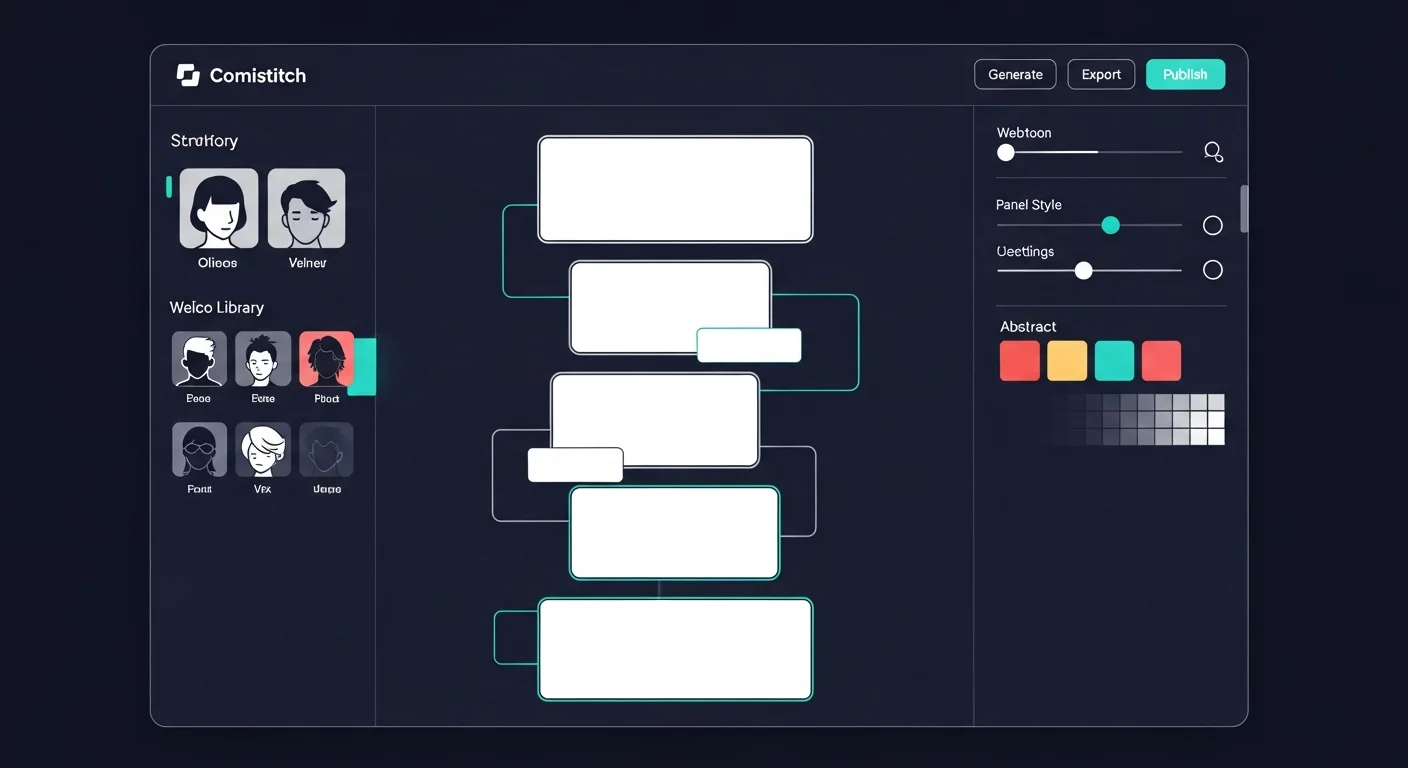
Paste this prompt into Comistitch Studio to generate your first webtoon strip:
Episode 1 — Transfer student, first morning

Panel 1: Wide exterior of a school entrance, cherry blossoms falling, students streaming in.
Panel 2 (dialogue): New student stands at the gate, holding a map, looking uncertain.
Panel 3 (dialogue): A cheerful classmate leans into frame with a wave. "You look completely lost!"
Panel 4 (reaction): New student blinks in surprise, then slowly smiles — relieved.
Panel 5: The two walk through the gate together, sunlight bright at their backs.
Panel 6 (impact): Close on the new student's face, eyes bright. Full-page title card: "A New Chapter."
What are the real limits of free AI webtoon tools?
Free tiers are designed to let you test the workflow, not to support a professional publishing schedule. Understanding the real constraints prevents frustration.
Panel count limits. Free credits run out. A Comistitch free account covers approximately 2–3 pages — enough to validate your story concept and learn the workflow, but not enough for a multi-month serial without upgrading.
Resolution caps. Free export typically delivers panels at 800px wide — sufficient for Webtoons and Tapas, but not for high-resolution print or merchandise. Pro plans unlock higher resolutions.
Commercial rights. Free tiers often do not include commercial use rights. If you plan to monetize through Patreon, platform ad revenue, or print sales, check the terms of service for the commercial tier before publishing.
Generation speed. Free tier users may encounter slower generation times during peak hours. Pro tiers typically prioritize queue position.
For webtoon-specific layout techniques that make your free-tier panels look more professional, see the webtoon vertical scroll paneling guide.
How do I publish my webtoon after making it online?
Exporting the strip is step one. Publishing involves choosing a platform, meeting its upload requirements, and setting a release schedule.
Webtoons (LINE Webtoon): The largest English-language webtoon platform. Accepts PNG strips at 800px wide. New creators publish under Canvas (community section). Consistent weekly or bi-weekly updates build the algorithm ranking that drives reader discovery.
Tapas: Creator-friendly platform with monetization via coins. Accepts PNG and JPEG strips. Smaller community than Webtoons but higher engagement per reader.
Your own site: Export strips and host them on a personal site or newsletter. Full control, no platform algorithm dependency, slower audience growth.
Comistitch creator profile: Publish directly from inside the builder. Your episodes appear on your Comistitch public profile, discoverable by the Comistitch reader community. One-click from the export menu — no separate upload process.
The best platforms to publish AI webcomics guide covers upload specifications, community expectations, and monetization options for each platform in detail — read it before you commit to a home for your series.
Start your first episode free at Comistitch Studio — no credit card, no install, browser-ready.