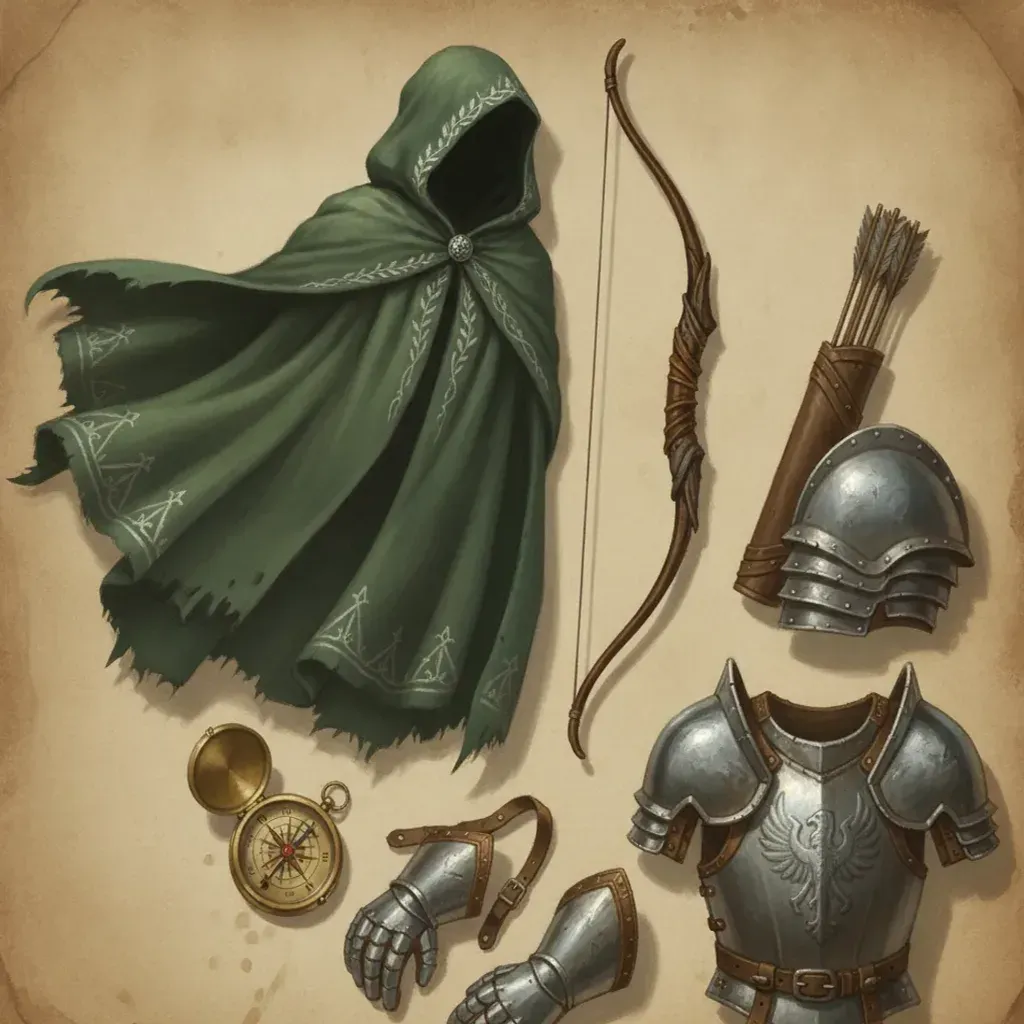
The first session you generate looks great. By session six, your ranger has quietly become a different person — the cloak drifted from dark green to grey, the scar moved, the hair got longer.
This is the failure mode that kills campaign comics, and it is almost entirely preventable at the setup stage.
Why this matters more here than anywhere else
In an ordinary comic, the reader meets the cast on page one and accepts whatever they are shown. In a campaign comic, your players already have a fixed image in their head — they made that character, they have described them at the table a hundred times, and some of them have commissioned art.
They will notice. And once a reader starts checking whether the character is consistent, they have stopped reading the story.
What a character lock should contain
A good lock is roughly 25–40 words and covers eight things:
| Element | Weak | Strong |
|---|---|---|
| Species + build | half-elf | half-elf, lean, tall |
| Hair | dark hair | silver hair, tied back, shoulder length |
| Eyes | — | pale grey eyes |
| Face marker | — | scar through left eyebrow |
| Clothing + material | armour | dark green hooded cloak over leather brigandine |
| Colour | — | forest green and worn brown |
| Weapon | bow | longbow, quiver at right hip |
| Signature item | — | brass compass on a cord |
“Half-elf ranger” generates a different person every time. The version on the right generates the same person every time.
The signature item does disproportionate work. A single distinctive object — a compass, a red scarf, a cracked shield boss — gives both the model and the reader a fast identity anchor, especially in panels where the face is small or turned away.
What actually breaks consistency
Re-describing the character every prompt. Once locked, repeating the description in each scene prompt can pull the model away from the lock, because your paraphrase differs slightly each time. Reference the character; do not re-specify them.
Wide shots with a face-only lock. At distance the face is a few pixels, so identity has to be carried by silhouette — hair shape, cloak line, weapon, colour blocking. If your lock only describes facial details, every establishing shot will drift. Include at least two silhouette-level traits.
Similar party members. Two human fighters with brown hair in plate armour will blur together regardless of how carefully each is described. Differentiate on the axes that survive distance and motion: silhouette, then colour, then detail.
Lighting extremes. A character rendered in torchlight, then daylight, then magical blue light will read as three different colour schemes. Name the light source explicitly so the shift is understood as lighting rather than a costume change.
Handling change over a campaign
Characters are supposed to change. The trick is making change read as progression rather than error.
Treat every visual change as a deliberate version bump:
- Update the lock with the new element — plate instead of leather, a new cloak, a scar.
- Note which session it changed in, so the comic has a visible before and after.
- Keep the unchanged traits identical. Face, hair, and signature item should carry across the change. If everything updates at once, the character reads as replaced rather than upgraded.
A useful habit: when a character gains something significant, generate one panel that shows the transition — putting on the new armour, the scar being taken. It makes the change part of the story rather than a continuity break.
Party composition on the page
Beyond individual locks, a party needs to work as a group image.
- Silhouette variety — different heights, one cloaked, one bulky, one lean. If all four are the same shape, group panels turn to mush.
- Colour separation — assign each character a dominant colour and keep it. Readers track colour faster than faces.
- Consistent relative height — decide it once. Height that changes panel to panel is subtle but unsettling.
A quick test: render one group panel early and look at it at thumbnail size. If you cannot tell who is who, fix silhouette and colour before generating a single chapter.
NPCs: lock the ones who return
Lock the patron, the rival, the recurring villain — anyone who appears in more than two sessions. Everyone else gets a sentence in the scene prompt.
Building full character cards for one-scene NPCs is the most common way to waste an evening on a campaign comic.
A practical starting order
- Write locks for all party members before generating anything.
- Generate one group panel; check silhouette and colour at thumbnail size.
- Fix any two characters who blur together.
- Only then start on session one.
Twenty minutes at step one saves rebuilding chapters later.
Ready to set up your party? The AI D&D comic generator keeps locked characters consistent across sessions, and the character consistency guide covers the underlying technique in more depth.