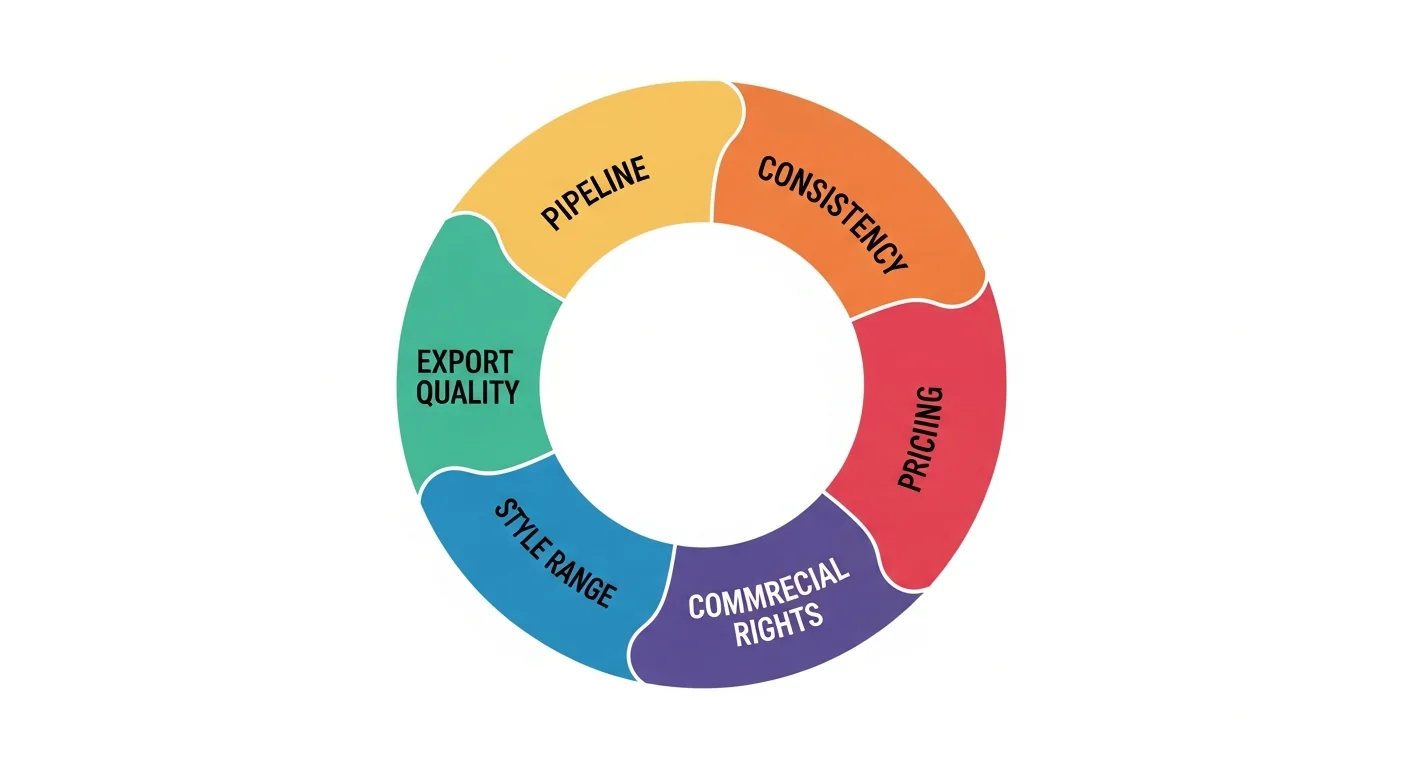
Choosing an AI manga generator comes down to six criteria: full story-to-comic pipeline depth, character consistency across panels, manga style range, honest free-tier terms, commercial licensing, and export quality. Weigh these against your actual project — a one-shot illustration has different needs than a serialized chapter you plan to publish.
In short: Don’t choose on price or art-quality screenshots alone. Test character consistency across two generated pages and confirm commercial licensing terms before committing a serialized project to any single AI manga generator.
This checklist complements the how AI manga generators work guide — read that first if you want to understand the underlying pipeline before evaluating tools against it.
What Should You Look for in an AI Manga Generator?
Marketing pages tend to lead with art-quality screenshots, which is the single worst way to evaluate an AI manga generator. A gorgeous single panel tells you nothing about whether the tool can hold a character’s face steady across 20 panels, whether the free tier is a real allocation or a disguised trial, or whether you’re even allowed to sell what you make. Six criteria actually predict whether a tool will work for your project:
- Story-to-comic pipeline depth
- Character consistency across panels
- Manga style range
- Free-tier honesty
- Commercial licensing
- Export quality
Does It Have a Full Story-to-Comic Pipeline or Just Single-Panel Prompts?
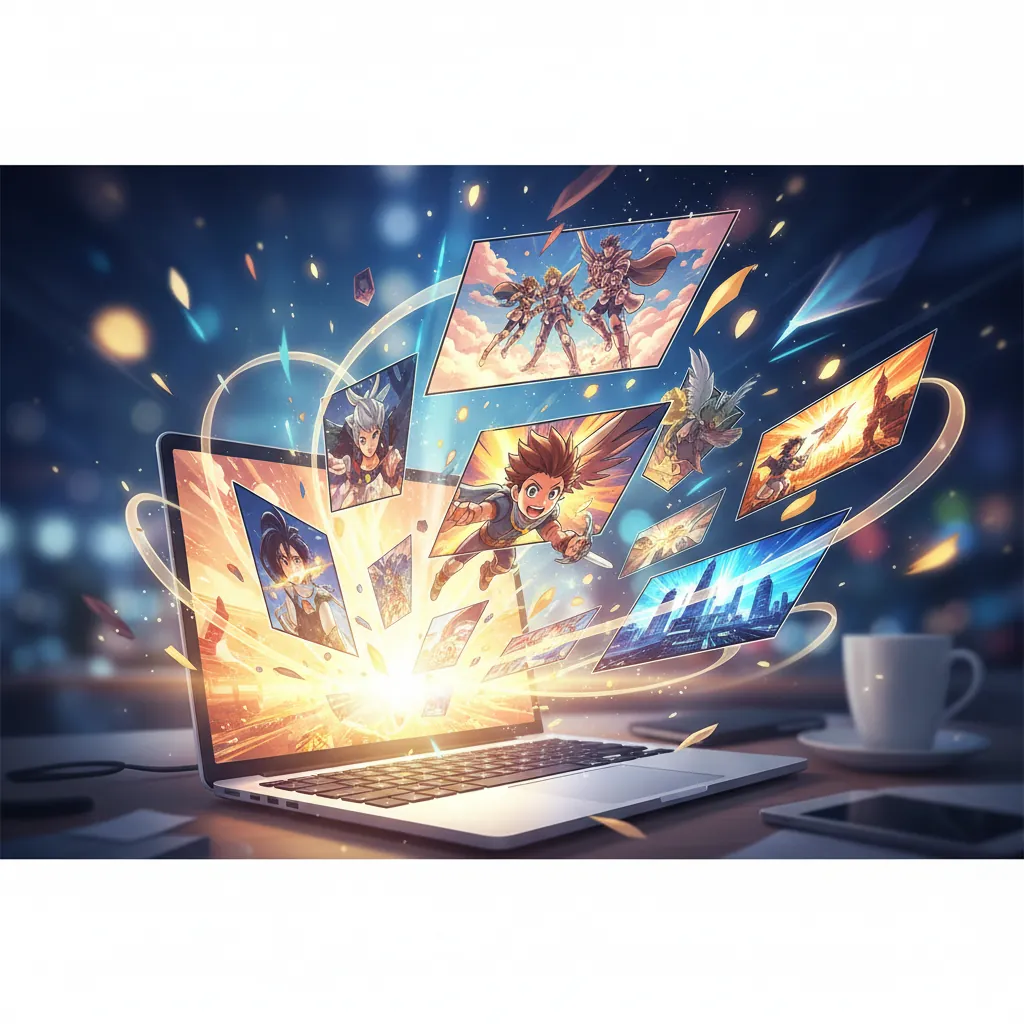
This is the first filter, because it determines how much manual assembly work falls on you. A full pipeline tool takes a scene description and produces layout, panel art, and dialogue placement automatically. A single-panel tool produces one image per prompt, leaving you to manually plan panel sequence, crop and arrange images, and add speech bubbles yourself in a separate editor.
For a one-off illustration, single-panel generation is fine. For anything resembling a comic page or chapter, pipeline depth is the difference between a 5-minute page and a 45-minute manual assembly job. How AI manga generators work breaks down exactly what a full pipeline includes stage by stage.
How Good Is Character Consistency Across Panels?
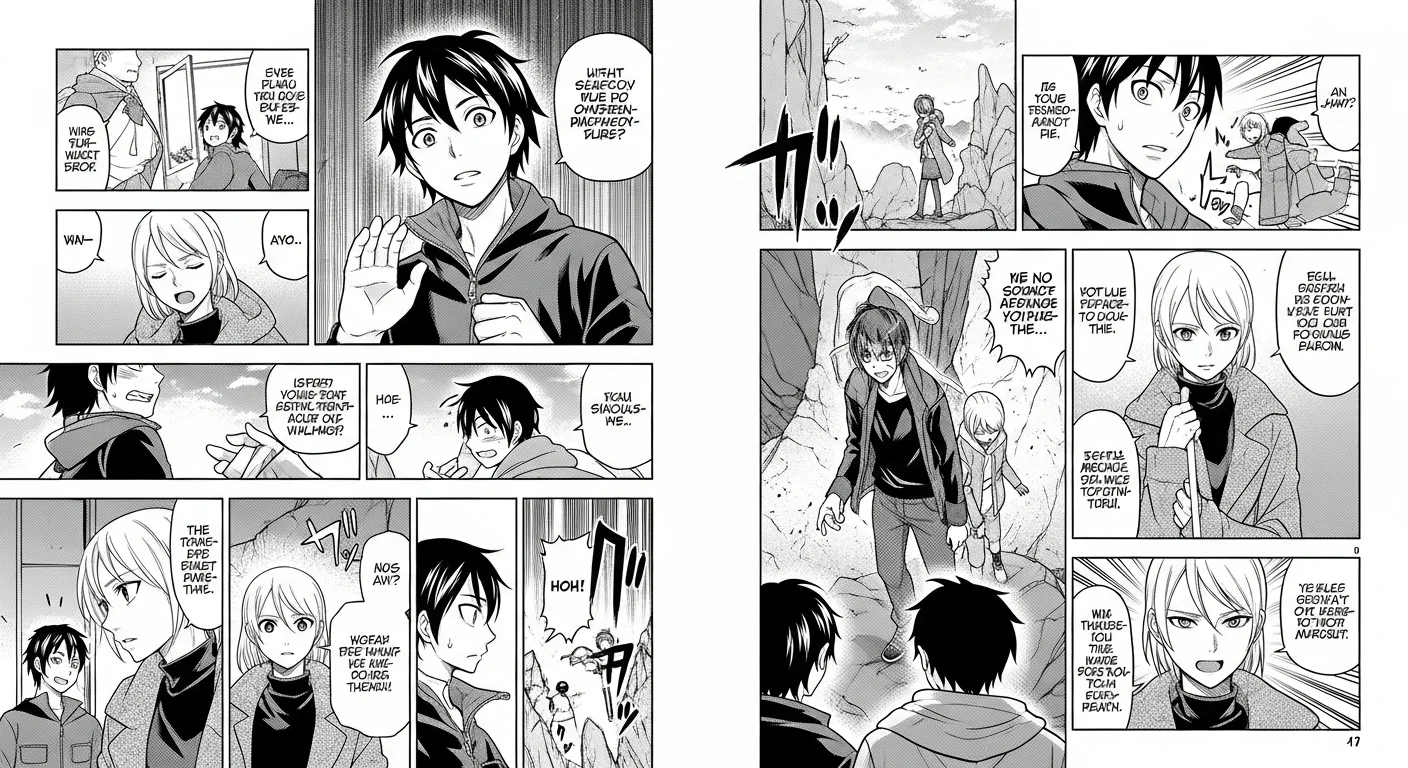
Character drift — where a protagonist’s face, hair, or outfit subtly shifts across panels — is still the most common complaint about AI manga tools. Tools that rely purely on repeating a text description tend to drift noticeably after 3 to 5 generations. Tools that anchor a character reference at the embedding level (Comistitch’s approach) hold up far longer, often across an entire chapter.
Don’t take a tool’s consistency claims at face value — test it yourself before committing. The character consistency ultimate guide explains how to evaluate this properly, including what drift actually looks like when it happens.
What Does the Free Tier Actually Offer?
Free-tier terms vary enormously — some are a genuine permanent allocation, others are a time-limited trial dressed up as “free.” Before you invest time learning a new tool’s interface, confirm exactly how many pages you get, whether output is watermarked, and whether the credits expire. We cover this in detail, tool-agnostic, in the AI manga generator free tier guide.
Checklist Comparison: What Separates a Strong Tool From a Weak One
| Criterion | Weak signal | Strong signal | Comistitch |
|---|---|---|---|
| Pipeline | Single panel only, manual assembly required | Full script-to-page pipeline | Full pipeline, one text input |
| Consistency | Drifts after 2–3 panels | Holds across a full chapter | Embedding-level character reference |
| Style range | One fixed “manga” look | Shonen, shojo, seinen, chibi, and genre mashups | All four families supported |
| Free tier | Time-limited trial, watermarked | Permanent credits, no watermark | ~2–3 pages, watermarked, no expiry |
| Commercial rights | Unclear or restricted at every tier | Clear paid-tier licensing | Full commercial rights on Elite; Starter/Pro on yearly billing |
| Export | Low-res, web-only | Print-ready HD, multiple formats | PNG, WEBP, multi-page PDF (800px web resolution, not DPI-calibrated) |
Can You Use the Output Commercially?
Check this before you fall in love with a tool’s art quality. Most providers, Comistitch included, restrict free-tier output to personal use and reserve commercial licensing (self-publishing, Webtoon uploads, merchandise, client work) for paid plans. If your end goal is publishing and monetizing a series, confirm the exact commercial terms of the plan you’ll actually be paying for — not just the free tier you’re testing with.
How Do I Test a Generator Before Committing?
- Generate one full page using the free tier with a realistic scene from your actual story, not a generic demo prompt.
- Attach a character reference if the tool supports one, and note how the process feels — is it one click, or a multi-step configuration?
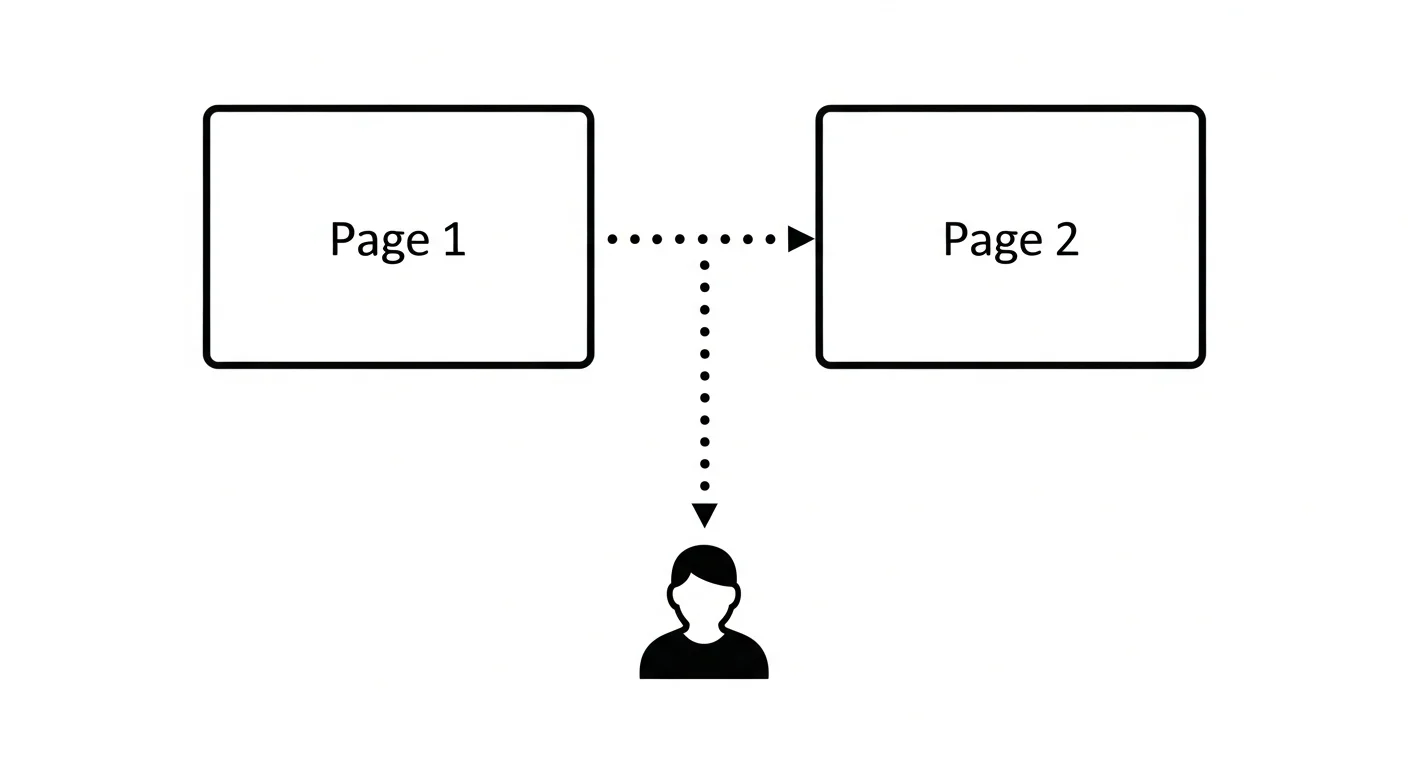
- Generate a second page with the same character and compare faces, hair, and outfit side by side.
- Check the export options — resolution, file formats, and whether Webtoon/Tapas-ready sizing is available.
- Read the commercial-use terms for the paid tier you’d actually need, not just the free tier’s terms.
Try It: Comistitch Prompt Example
Use this two-page test prompt to evaluate consistency on any tool, including Comistitch:
Page 1, Panel 1: A young detective in a long coat examines a clue under a streetlamp, rain falling, noir atmosphere, seinen style, detailed linework.

Page 2, Panel 1: The same detective, now walking down a narrow alley at dusk, same coat, same face, tense expression, seinen style, detailed linework, consistent with the character established on page 1.
If the detective’s face, coat, and proportions hold steady between the two generations, the tool’s consistency system is production-ready for a longer project.
Which AI Manga Generator Ranks Best in 2026?
Based on the six criteria above, tested across art quality, character consistency, story pipeline, style range, and pricing, our full comparison ranks 11 tools head-to-head. Comistitch leads for full-pipeline story-to-comic generation with strong consistency; Dashtoon leads for manual per-panel control; AI Comic Factory leads for genuinely free, no-signup single-page experiments. See the complete tested ranking in best AI manga generators 2026 — it’s the natural next read once you know which criteria matter most to your project.
According to Statista, the global manga market reached USD 23.12 billion in 2026, and the broader AI-generated art tooling market is projected to grow from USD 25M in 2024 to USD 102.1M by 2030 — meaning tool quality and competition in this space is only going to intensify, which favors creators who evaluate carefully rather than picking the first result. For background on manga’s visual conventions referenced throughout this checklist, see Wikipedia’s overview of screentone shading.
Where to Next?
- Best AI manga generators 2026 — the full ranked comparison
- AI manga generator free tier guide — confirm free-tier terms before you test
- How AI manga generators work — understand the pipeline behind every criterion on this checklist
- AI manga generator style page — run your own two-page consistency test right now
Test the checklist yourself. Start free at Comistitch — no credit card, no installs. The builder handles pipeline, layout, and consistency so you can judge the output on its actual merits.