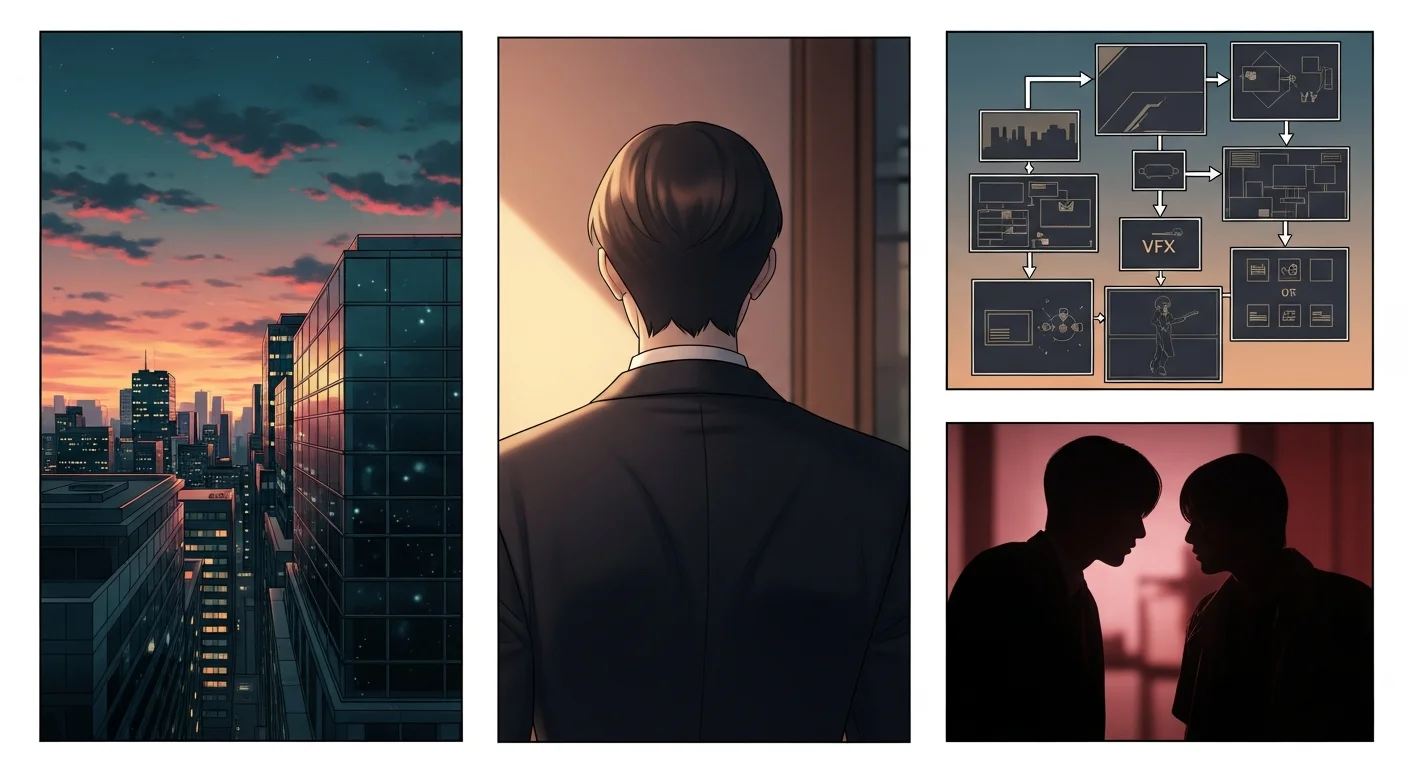
An AI manhwa maker online generates full-color Korean-style comics from plain text descriptions, entirely in a browser. You describe your characters and scenes, the AI renders each panel in the semi-realistic manhwa visual style — soft cel shading, vertical scroll format, full color — and you export a ready-to-publish strip. Comistitch runs this as its dedicated AI manhwa generator, which is what this guide is built around.
In short: Describe your scenes in plain text, select manhwa style in Comistitch Studio, and get full-color Korean comic panels online in under 30 minutes — no art skills or software installs required.
What is an AI manhwa maker online?
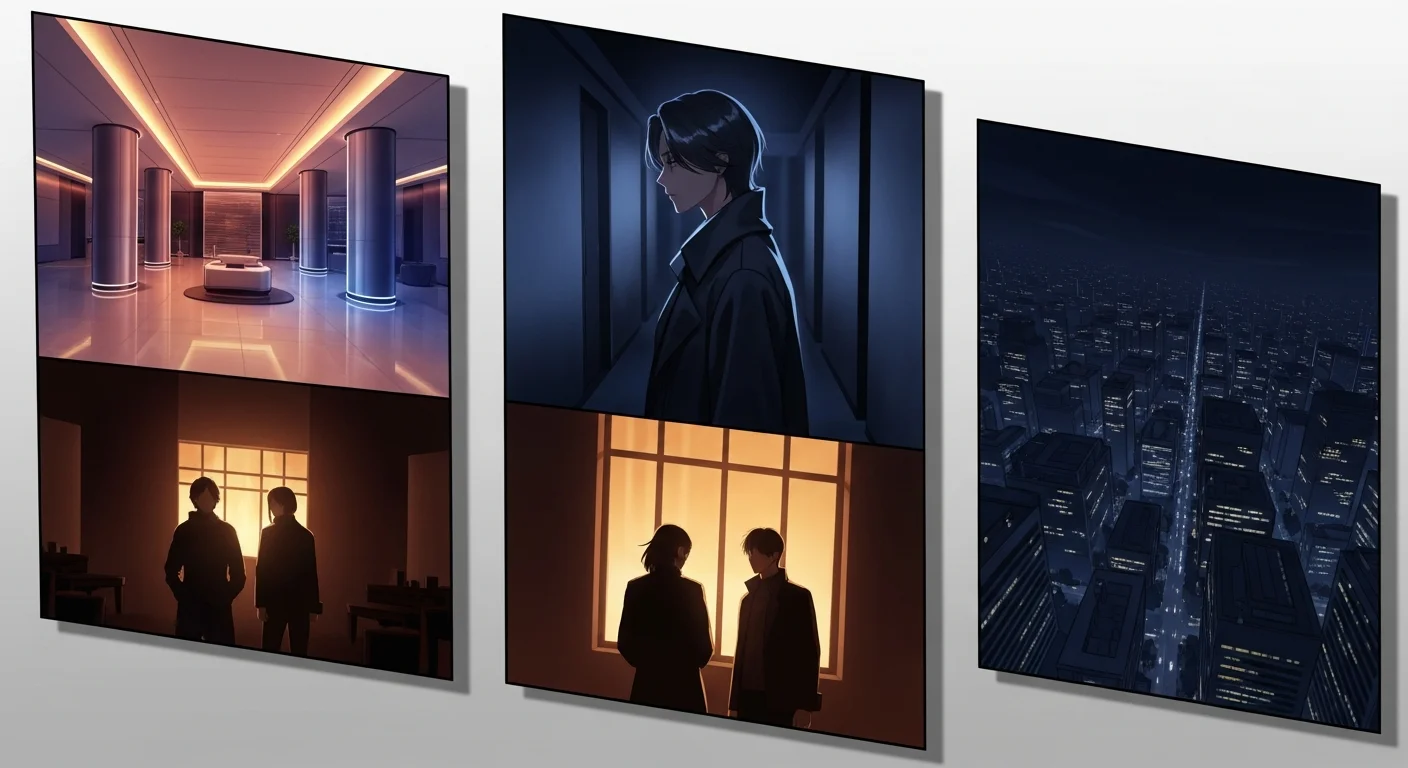
An AI manhwa maker online is a browser-based platform that combines a text-to-image AI engine tuned for Korean comic aesthetics with a vertical-scroll canvas and an export pipeline. You open the tool in a browser, describe your story and characters in text, and the AI generates full-color panel artwork in manhwa style. The canvas arranges panels in top-to-bottom vertical format — the reading orientation that Korean webtoon platforms use — and an export button produces a strip ready for upload.
The “online” aspect is functionally important. Traditional comic creation required expensive software, a powerful computer, a drawing tablet, and illustration skills. An online AI manhwa maker removes all four barriers. The AI runs on the platform’s servers; your device only needs a modern browser. You can create from a laptop, a tablet, or even a phone. Work saves automatically to the cloud, so switching devices mid-project does not break continuity.
This accessibility is what drives the search volume behind terms like ai漫画在线 (AI comics online) and ai 漫画 在线 — creators want the power of a full production pipeline without the infrastructure overhead of desktop creative software.
What makes manhwa (韩漫) unique — and why does the online format matter?
韩漫 (hánmàn) is the Chinese term for Korean manhwa comics. It refers specifically to comics produced in Korea — distinct from Japanese manga (日漫) and Chinese manhua (国漫) in both visual style and reading format. The term ai韩漫 and 韩漫ai describe the use of AI tools to generate content in this Korean style.
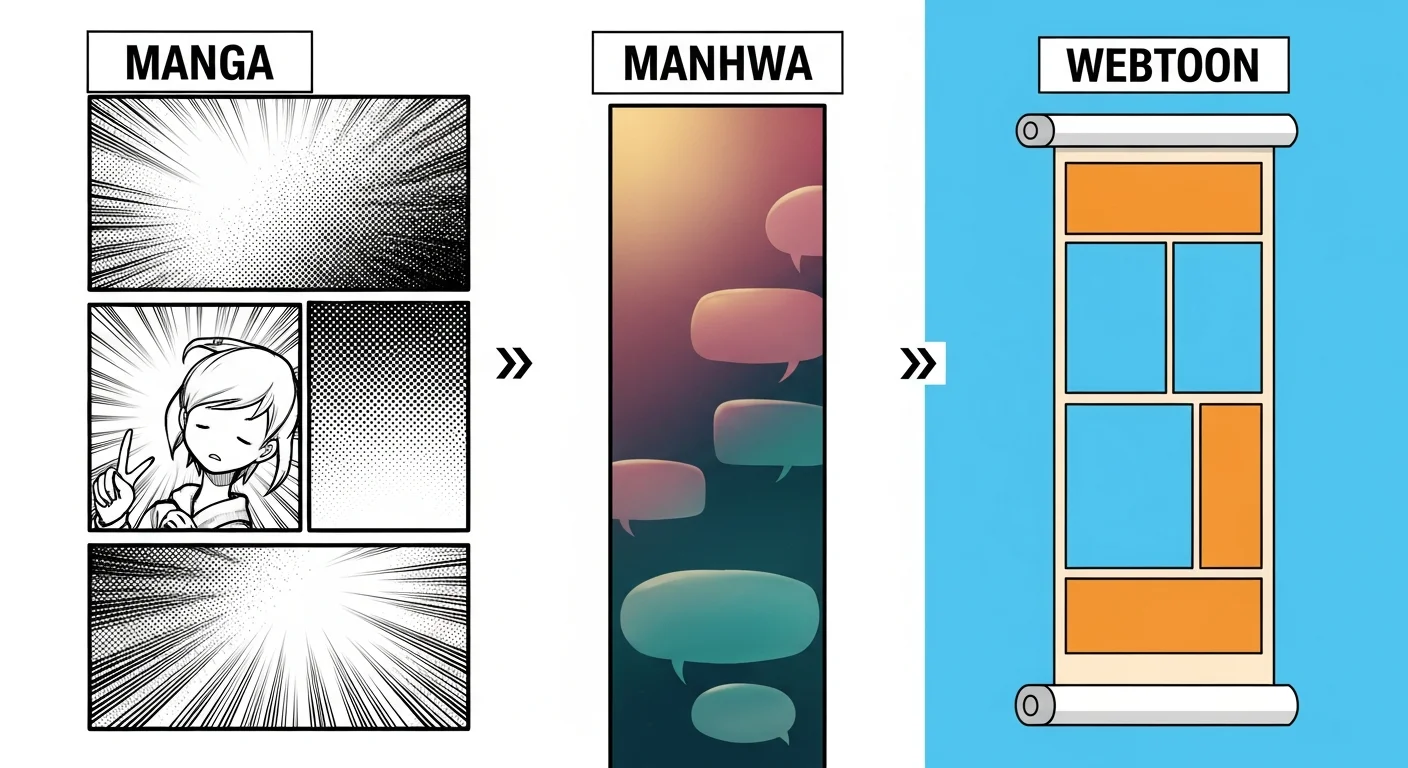
Manhwa has three defining visual characteristics that separate it from manga and general webtoon art:
Full color throughout. Unlike manga’s black-and-white screentone tradition, manhwa is produced in full color for every episode. Color is not optional or for special releases — it is the baseline expectation.
Semi-realistic proportions. Manhwa characters tend toward longer limbs, softer facial features, and more detailed clothing compared to the exaggerated or stylized proportions of shonen manga. The aesthetic sits between realism and stylization — sometimes described as “Korean glamour realism.”
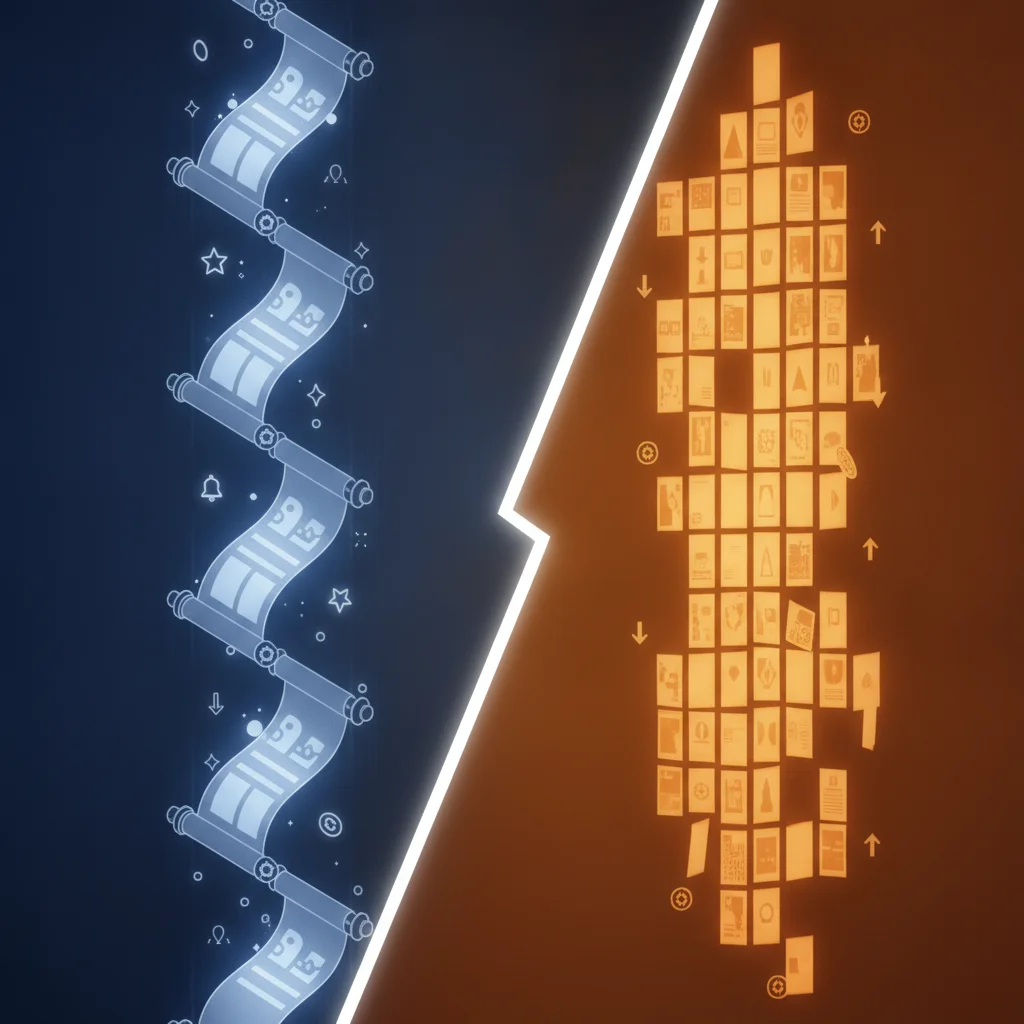
Vertical scroll format. Manhwa pioneered the infinite canvas model — panels are read top to bottom in one continuous scroll, optimized for mobile screens. This is distinct from the page-based right-to-left format of traditional manga.
Online AI tools that support manhwa must render full color (not black-and-white), produce semi-realistic proportions (not chibi or exaggerated shonen), and output vertical strips (not landscape pages). General AI image generators fail at least one of these criteria without significant manual adjustment.
For a direct comparison of all three formats, see the manhwa vs manga vs webtoon guide.
How does the AI manhwa online generation workflow run?
The workflow in a purpose-built online manhwa maker has four steps.
Step 1 — Project setup. Create a project and select manhwa as your visual style. This configures the AI engine for full-color, semi-realistic rendering and sets the canvas to vertical scroll format. Setting style at the project level means every panel you generate inherits the same aesthetic baseline.
Step 2 — Character creation. Describe your protagonist’s appearance in text. The character creator generates a reference image. Locking this reference to the project means the AI applies it automatically to every subsequent panel — maintaining consistent face, hair, and outfit without re-prompting each time. This is the step that separates a coherent comic series from a collection of unrelated AI images.
Step 3 — Panel generation. Type one description per panel: location, character action, mood, and dialogue. The AI renders each panel in full-color manhwa style and stacks them vertically. Review the preview and reroll the page if it does not match intent — the builder handles gutter spacing and panel alignment automatically, and your previous version stays in the page history so you can revert.
Step 4 — Export and publish. Download the vertical PNG strip or publish directly from inside the builder to your Comistitch creator profile. The builder formats the strip for mobile reading and optimizes file size for platform upload requirements.
What visual style does AI manhwa generation target?
Understanding the manhwa visual style helps you write better scene descriptions — the more specific your text input, the closer the AI output matches your intent.
| Style element | Manhwa default | Manga default | Key difference |
|---|---|---|---|
| Color | Full color, every panel | Black and white + screentone | Manhwa is always in color |
| Shading | Soft cel shading, smooth gradients | Ink line + screentone dots | Manhwa looks rendered, manga looks inked |
| Proportions | Semi-realistic, elongated | Stylized, variable by genre | Manhwa closer to realism |
| Layout | Vertical scroll | Right-to-left page | Reading direction and format differ |
| Backgrounds | Detailed, painterly | Variable, sometimes sparse | Manhwa backgrounds are typically rich |
When writing panel descriptions for manhwa, use setting and mood language that signals the rendered aesthetic: “golden hour light through apartment windows, soft shadows on the protagonist’s face, detailed interior visible behind them.” Concrete environmental detail drives the painterly background quality that distinguishes manhwa from other comic styles.
For a deeper guide to the manhwa visual language, see the manhwa art style best practices guide.
Make it in Comistitch. The manhwa generator style page shows the full visual output quality the builder achieves — try it free before committing to a first episode.
How do online AI manhwa tools compare in 2026?
| Tool | Manhwa-specific style | Character consistency | Online / no install | Free tier |
|---|---|---|---|---|
| Comistitch | Yes — native manhwa mode | Yes — locked reference per project | Yes | Yes — ~3–5 episodes |
| General image AI | No — requires prompt engineering | No | Yes (web) | Varies |
| Desktop comic software | Depends on plugin | Manual | No — install required | Rarely |
| AI Comic Factory | No — fixed Western comic style | No | Yes | Yes — unlimited single panels |
The critical gap in non-specialist tools is the combination of manhwa-specific rendering and character consistency. A general AI image tool can produce a single panel that looks vaguely like manhwa with careful prompting, but it cannot maintain consistent character appearance from panel to panel, let alone from episode to episode. Purpose-built tools solve this at the infrastructure level — the character reference is stored and retrieved automatically.
The AI manhwa generator complete guide covers the full capability comparison in depth, including more tools and advanced techniques for experienced creators.
How do I make my first manhwa page online — step by step?
Here is a concrete workflow for a first complete manhwa episode — from idea to exported strip.
Step 1 — Define your premise. Write two sentences: who is the protagonist and what happens in this episode? Keep scope tight — one location and one core emotional beat. First episodes that try to cover too much ground produce unfocused panel sequences.
Step 2 — Build your character reference. Open the character creator in Comistitch Studio — it is the tool to reach for when you want an original character (OC) designed and locked before any panel is drawn. Describe physical appearance in specific text: “early 20s, dark shoulder-length hair, grey blazer over white shirt, composed expression with a hint of tension.” Generate the reference and lock it to the project.
Step 3 — Write 6–8 panel descriptions. Start with a wide establishing shot of the location. Build through action, dialogue, and reaction panels. End on an emotional hook. One sentence per panel. Use concrete nouns and verbs — “protagonist grips the railing” gives more signal than “protagonist is nervous.”
Step 4 — Generate and review. Click Generate. Review the vertical strip in the preview. If it does not match intent, edit the description and reroll the page — the builder handles alignment automatically, and the previous version stays in your page history so you can revert.
Step 5 — Add dialogue and export. Type speech bubble text for dialogue panels. Click Export for a vertical PNG strip. Click Publish to push directly to your Comistitch creator profile from inside the builder.
Paste this prompt into Comistitch Studio to generate your first manhwa episode:
Chapter 1 — The contract

Panel 1: Wide interior — cold executive office, tall windows, city skyline at dusk, minimal furniture.
Panel 2 (dialogue): Executive slides a document across a marble desk. "Sign this. Your debt disappears."
Panel 3 (reaction): Protagonist reads the contract, expression unreadable, soft light catching their eyes.
Panel 4 (impact): A hand reaches for the pen — full-color close on the fingers, dramatic shadow across the page.
Panel 5 (dialogue): "And if I refuse?" Voiced without looking up. Quiet but firm.
Panel 6 (impact): Executive smiles — polished, controlled, chilling. City lights glitter behind them.
What mistakes should I avoid with online AI manhwa tools?
Three mistakes account for most of the gap between expected and actual output quality.
Skipping character setup. Jumping straight to panel generation without creating a character reference means each panel renders a slightly different protagonist. The result looks like a cast of similar strangers, not a cohesive story with a consistent lead. Fix: always create and lock a character reference before generating your first panel.
Writing vague panel descriptions. “Character feels emotional” produces inconsistent output. “Protagonist presses both palms against a rain-streaked window, head bowed, shoulders tense” produces a specific, directable result. The AI generates what it can visualize from the text. Specific descriptions are better descriptions.
Mismatching style expectations. Manhwa’s semi-realistic style looks different from manga’s inked screentone look and from the bold flat colors of some Western comics. If your reference images are manga or Western comics, your panel descriptions may inadvertently signal the wrong visual register. Use manhwa-specific language — “soft cel shading,” “semi-realistic proportions,” “painterly backgrounds” — to reinforce the style target.
How do I share my AI manhwa online after finishing?
The export step is the start of the publication workflow, not the end.
Platform upload. Webtoons (LINE Webtoon) and Tapas are the two largest English-language platforms. Both accept PNG vertical strips at 800px wide — the standard Comistitch free-tier export width. New creators publish under community or Canvas sections while building an audience.
Creator profile. Publishing from inside the builder to your Comistitch creator profile creates a public page for your series. Readers can follow the series and receive update notifications. The profile link is shareable directly to social media.
Social distribution. Webtoon audiences on Instagram and TikTok respond strongly to panel previews — typically the episode’s most dramatic or funny panel — with a “read full episode” link. Short-form video showing the vertical scroll of a full episode also performs well.
Series cadence. Platform algorithms favor consistent update schedules. Weekly or bi-weekly episode releases outperform sporadic bursts followed by long gaps. The Comistitch free tier’s signup credits cover roughly three to five full pages before requiring an upgrade — enough to establish a cadence and validate audience response before committing to a paid plan.
Start your first manhwa episode free at Comistitch Studio. No credit card, no software install — open in your browser and create your first panel in minutes.