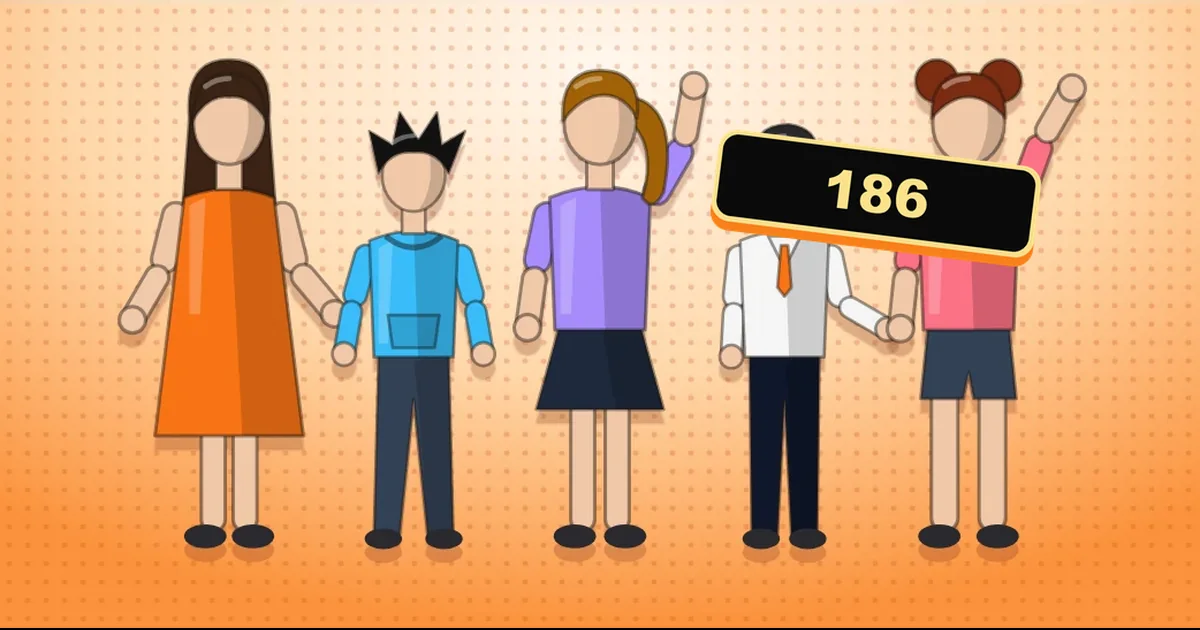
The Comistitch character library is a free collection of 186 original characters you can add to your own comic in one click. Each one comes with a portrait, a short bio, personality traits and a story idea to start from. Adding a character costs nothing. You pay the usual credits only when you generate pages. Figures as of October 6, 2026.
What is in the character library?
The library opened on October 5, 2026 with 186 characters written and illustrated by the Comistitch team. None of them come from an existing manga, webtoon or game, so you can build a story around them without borrowing someone else’s cast.
Every character page shows:
- A portrait: the reference image the studio uses to keep the character looking the same across panels.
- A one-line hook and an About paragraph covering who they are, what they want and what they are hiding.
- Three to five traits, such as remorseful, earnest or persistent, which tell the script writer how the character talks and acts.
- “Try a story like…”: a one-sentence premise you can use as is or change.
- Tags for the kind of story the character fits, like second chance, rivals to lovers or rainy night.
Which categories can you browse?
| Category | Characters | Good for |
|---|---|---|
| Everyday Life | 37 | Slice-of-life, workplace, family stories |
| Male Lead | 34 | Romance and drama leads in a manhwa style |
| Romance | 30 | Love interests, rivals, second chances |
| Action | 18 | Fights, chases, missions |
| Anime | 19 | Classic anime-style casts |
| Fantasy | 17 | Magic, other worlds, court intrigue |
| Emotional | 11 | Grief, healing, quiet character studies |
| Drama | 9 | Family secrets, betrayals |
| Campus | 6 | School and university settings |
| Comedy | 5 | Gag strips and light stories |
The six largest categories each have their own page with filters, starting from the character library home. Fantasy, Romance and Male Lead are the quickest way in if you already know your genre.
How do you add a character to your comic?
- Open a character page in the library and read the bio and traits to check the character fits your story.
- Click “Use this character — free”. This opens Comistitch. Sign in, or create a free account, which comes with 100 credits and needs no card.
- The character is copied into your cast. It now sits in your character list next to any characters you made yourself.
- Pick it in the studio when you set up your story. The studio uses the portrait as a reference, so the character keeps the same face and outfit from panel to panel.
- Generate your pages. A page costs 30 credits, the same as with any other character, so the 100 free credits cover about three pages.
Because you get a copy, you can rename the character, adjust the description, or give them a different backstory. Your edits stay in your account and never change the library page.
What are the limits?
- 20 library characters at a time. Characters you create yourself never count. Remove one you no longer use and the slot opens up again.
- One portrait per character. The reference is a single portrait, not a full turnaround sheet. It is enough to keep a face and outfit consistent, but it does not lock exact poses.
- Free exports carry a watermark, as they do for every comic made on the free tier. See what the free tier includes for the full list.
Why we built it
The hardest moment in a new comic is the empty character sheet. Many people who sign up have a story in mind but no cast yet, so they stall before the first page. A library of finished characters with real backstories lets you start from a premise instead of a blank form, and you can still design your own characters whenever you want.
If you are still shaping the plot, the free story idea generator can give you a premise to pair with a character. When you are ready to write, the guide on turning a story into a comic walks through the studio from script to finished page.
What comes next?
We will keep adding characters and categories. When a batch lands, it shows up on What’s New, and the counts on this page get updated rather than replaced. If you want a character type the library does not have yet, send a note through the Help Center inside the app.