Comistitch now has two fixed places for information: the What’s New page for every release, and the Help Center for guides and answers. What’s New tells you what changed. The Help Center tells you how things work today. Both are public and available in 17 languages. Counts as of October 6, 2026.
What is on the What’s New page?
What’s New is the release log for Comistitch. Each release is a short card with a list of items, and each item has a label:
| Label | Meaning |
|---|---|
| New | A feature that did not exist before |
| Improved | Something existing that works better now |
| Fixed | A bug that is gone |
| Coming soon | On the roadmap, not live yet |
The first release on the page, from October 5, 2026, covers four new things: the character library with 186 free characters, the Help Center, the invite program where you and a friend each get 100 credits, and a new profile page. Its roadmap listed three more: a daily check-in with streak credits, XP and levels, and a new set of badges. The daily check-in and levels arrived in the next release on October 6, together with Community, a place to share your pages and characters and ask other creators for feedback.
The page is public and needs no account, so you can see what changed before you sign up. It is available in 17 languages. Pick yours from the language menu, or jump straight to the Spanish, Japanese or German version.
How does the app tell you about updates?
If you already use Comistitch, you do not need to check the page. Inside the app:
- A short announcement appears once when a release ships. It waits until no other dialog or tour is open, and never shows inside the studio while you are generating.
- A dashboard card keeps the release visible for a few days after you close the announcement.
- The notification bell pins the release for the same period.
- Notify me on coming-soon items sends one notification, in your language, the day that feature ships.
The in-app page and the public page show the same releases. Some releases are aimed at specific accounts, such as one plan tier. Those appear only in the app, for the accounts they apply to.
What does the Help Center cover?
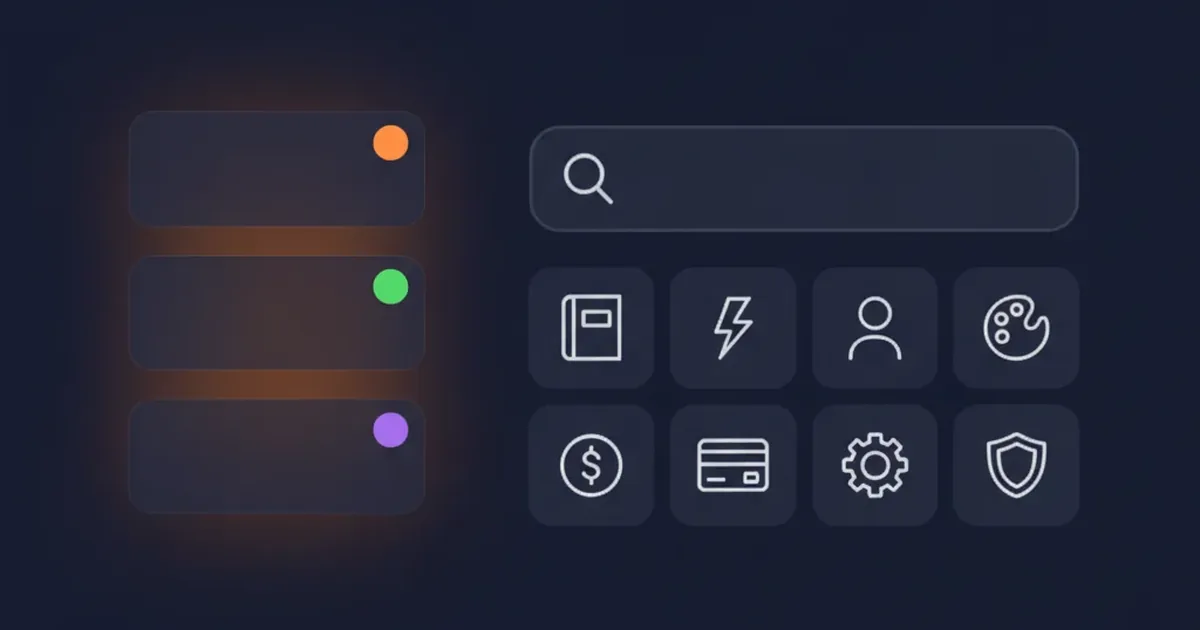
The Help Center answers the questions people ask us most. It has 25 answers in 8 topics, and a search box to find them:
| Topic | Answers | Covers |
|---|---|---|
| Getting started | 4 | Your first comic in five minutes, trying it for free |
| Studio & story | 4 | Scripts, panels, rerolls, pasting your own script |
| Characters | 3 | Consistency, creating characters, limits |
| Styles & pages | 4 | The 21 styles, the image model, export |
| Credits | 3 | Costs, resets, failed runs |
| Billing & plans | 3 | Starter, Pro and Elite, refunds |
| Account | 2 | Logging in, deleting your account |
| Rights & policy | 2 | Who owns your comics, allowed content |
Two longer guides sit next to the topics: Getting started, which walks from creating an account to exporting your first comic, and Troubleshooting for slow generations, missing pages and other common problems. The Help Center is available in the same 17 languages as What’s New.
The most-read questions right now are about credits per page, character consistency, cancelling a plan, and pasting your own script. If you are new, the short version: a page costs 30 credits, new accounts get 100 free credits with no card, and free exports carry a watermark.
How do you reach support?
Inside the app, use the help button. It opens the Help Center and has a Contact support option for reaching the team. For billing or credit questions, include the date of the payment or generation so we can find it quickly.
Why put this in one place?
Before these two pages, there was no single place to check what changed or how a feature works today. What’s New and the Help Center are kept current, and this news column covers each larger release in more depth. When a feature changes, its Help Center article gets edited, and older news posts keep their as of date, so you can always tell when a number was last checked.
Want to make something with the new features? How to create comics with AI walks through the studio from idea to finished page.