You want to build an action manhwa — vertical scroll, neon Seoul, fight scenes that hit on a phone screen — without drawing. Comistitch’s AI manhwa generator handles the choreography and the consistency; you direct the camera and the impact. This guide covers vertical-scroll combat paneling, manhwa color theory, and signature-move locking.
In short: Action manhwa with AI works when you split combat into 4-beat cycles (anticipation, charge, impact, aftermath), tag each panel with its scroll type (tall vertical for falling, wide for impact), lock signature moves per character, and reserve a saturated white accent for impact-frame flashes. The builder handles vertical sizing from inside the builder so combat panels stack with proper scroll rhythm.
Quick Stats
- Manhwa-style action dominates LINE Webtoon top-100 (Tower of God, Solo Leveling lineage)
- Korean queries
ai韩漫and액션 웹툰 aiare zero-click opportunities at pos 4-7- Avg action episode: 28 panels, 1 to 2 major fights, 8 to 12 combat panels per fight
- Vertical-scroll combat panels outperform grid panels by 35% on mobile retention
What makes action manhwa different from action manga?
Format is the answer. Manga combat works on two-page spreads — wide impact panels paired with reaction shots, read right-to-left. Manhwa combat works in a single tall vertical column — the reader scrolls into each impact, anticipation reads above, aftermath reads below.
That changes the choreography. Falling attacks are longer vertical panels because scroll direction matches the fall. Leaping attacks are tall panels. Impact panels are wide single-frame breakers. The scroll itself is part of the storytelling.
If you have not built a webtoon before, start with webtoon foundation for manhwa for the basics, then return here for combat-specific tactics.
How do I structure a fight scene in vertical scroll?
Every fight is a chain of 4-beat cycles. One cycle covers one exchange of blows:
- Anticipation (1 panel) — eyes locked, weapon raised, stance set.
- Charge (1 to 2 panels) — motion blur, distance closing, environment whipping past.
- Impact (1 wide panel) — large frame, debris flying, chromatic aberration flash.
- Aftermath (1 to 2 panels) — quiet beat, dust settling, who is still standing.
A major fight runs 2 or 3 cycles = 8 to 12 panels total. Skip the aftermath beats and combat feels like noise; readers cannot process the action.
For vertical-scroll fight sequence pacing, see vertical scroll for fight sequences.
What panel sizes work for action manhwa?
The scroll itself directs the eye. Match panel shape to action direction:
- Tall vertical panel — falling, leaping, slashing downward attacks.
- Wide panel — horizontal charges, impact frames, environmental shockwaves.
- Square panel — quiet anticipation, character isolation, reaction shots.
- Diagonal panel cut — energy releases that break the panel border.
Comistitch’s panel generator reads a panel-type tag in the prompt; tag aggressively. Generic panel sizing kills action.
How do I lock signature moves per character?
Action manhwa lives on signature moves. Readers recognize a character by their finishing technique. The character sheet needs three extra fields:
- Stance — how do they stand when fighting (low guard, high guard, balanced)?
- Signature move — name and visual (Crescent Slash, Lightning Step, Iron Palm).
- Weapon or gear — sword, dual blades, gauntlets, bare-knuckle.
Comistitch stores these at the consistency-engine level so the protagonist’s spinning kick reads the same in episode 3 and episode 30. Drift on signature moves is the single most common new-creator failure.
What color palette suits action manhwa?
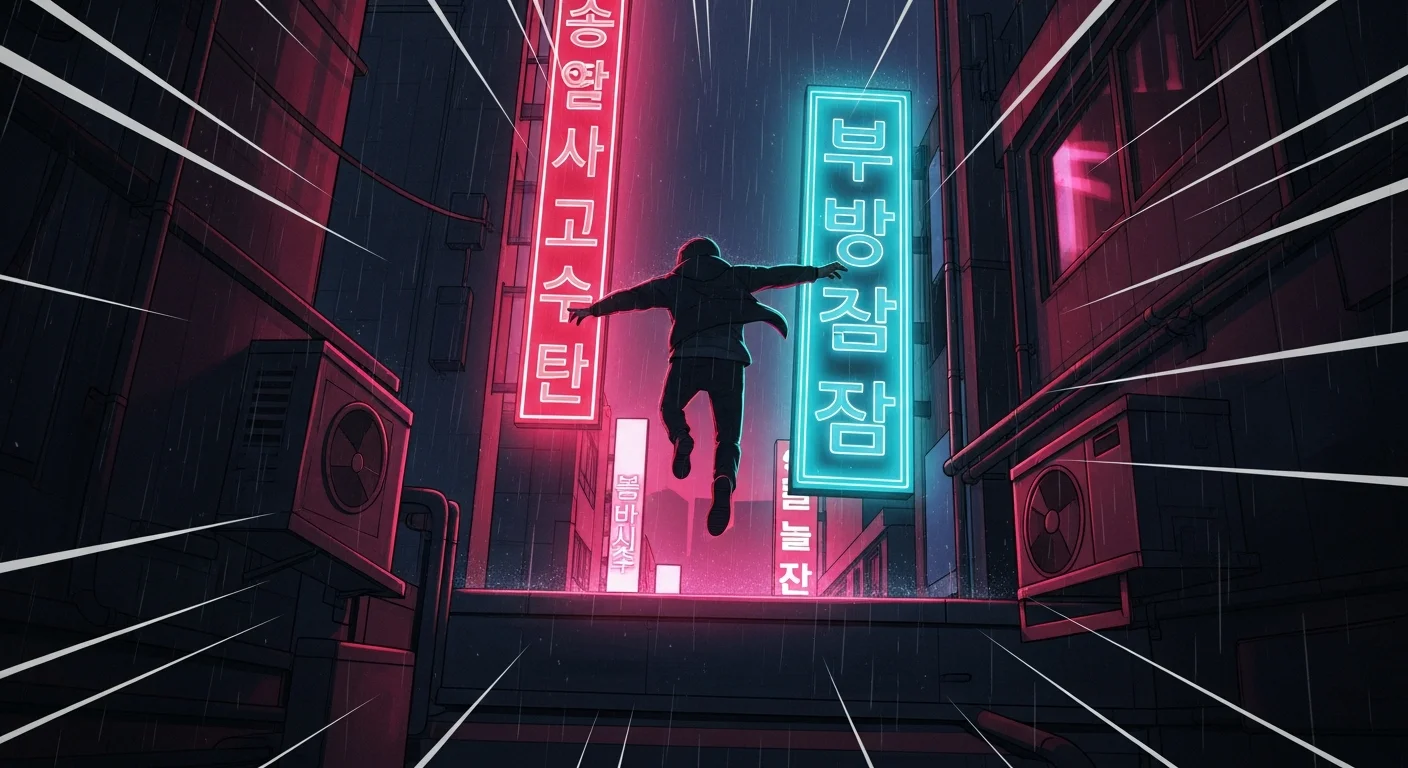
The genre signature is crimson and cyan, with chromatic aberration on impact panels. The palette that works:
- Dominant (35%): crimson red (action, blood, urgency)
- Accent (25%): cyan or electric blue (cool environment, energy)
- Shadow (15%): slate black or deep navy
- Highlight (15%): electric purple or hot pink (special abilities)
- Impact accent (10%): pure white, reserved for impact-frame flashes
The white impact accent is the discipline. Save it for impact panels only — spread across non-combat panels and readers lose the visual signal of “this is the hit.”
See color and mood for action scenes for palette generation details.
How do I show motion in AI-generated combat panels?
Three techniques layered:
- Motion lines. Vertical streaks for falling/leaping, horizontal for charging, radial for impact.
- Motion blur. Tail blur on the active limb, sharp on the focal point.
- Environment response. Hair, cloth, dust, debris all pull toward the energy source.
Stack 2 or 3 per combat panel. Tag aggressively in the prompt: “vertical motion lines + tail blur on katana + dust swirling toward impact point.” Generic AI combat panels look like still photography; tagged AI combat panels read as motion.
How does action manhwa relate to shonen manga?
Shonen manga (page-based, B&W, Japanese) is the cousin format. The choreography vocabulary transfers — anticipation/charge/impact/aftermath is the same — but the scroll direction changes panel sizing. Shonen impact panels are full-page spreads; manhwa impact panels are wide single-frame breakers within a vertical scroll.
The action shonen-style choreography guide covers the page-based equivalent technique if your visual reference is classic shonen.
How do I generate combat panels from a script?
Each combat panel needs six tags:
- Cast — combatants in frame
- Beat — anticipation / charge / impact / aftermath
- Panel type — tall / wide / square / diagonal
- Signature move flag — yes if a named move is firing; pulls from the character sheet
- Camera — overhead, low-angle, mid, hand-detail
- Impact accent flag — yes only on impact panels, drives the white accent
Combat panels reward unusual camera angles. Overhead during a sweeping kick, low-angle during a leap, hand-detail during a weapon draw. The builder handles vertical sizing automatically; you direct the camera.
What if my fight panels feel flat?
Three diagnostic checks:
- Are you stacking 3 motion techniques per panel? Lines + blur + environment response. Missing any → flat.
- Is the impact accent reserved? Spread too thin → readers don’t register impacts.
- Are aftermath panels included? No aftermath → no breath → no impact.
Sample prompt — action manhwa combat panel
Scene 8, Panel 12
Cast: Jin (sheet #1), enemy assassin (sheet #6)
Beat: impact
Panel type: wide single-frame breaker
Signature move flag: yes — Jin's Crescent Slash
Camera: low-angle, focal point on blade tip
Palette: crimson + cyan, impact accent white
Motion: radial motion lines + cloth pulling toward impact + dust cracking outward
The builder applies Jin’s locked appearance and Crescent Slash visual signature, the radial impact composition, and the white-impact-accent rule. Generation time ~40 seconds.
How do I publish action manhwa?
LINE Webtoon CANVAS and Tapas are the global publishing platforms; Naver Webtoon and Kakao serve the Korean market. All accept tall PNG/JPG uploads. Action manhwa specifically benefits from a 5-episode opening batch with a major fight in episode 1 — readers commit when they see the action signature locked.
See the manhwa AI generator style page for platform-specific publishing guidance. Browse manhwa action examples in the user gallery for inspiration.
Common action manhwa mistakes
- No signature moves. Generic AI combat looks like generic AI combat. Lock named moves.
- Spread impact accent. White flash on every panel → no panel reads as impact.
- Page-grid thinking. Manhwa scrolls. Wide panels matter; spreads do not exist.
- Skipping aftermath. Combat without rest is noise.
- Static environment. No cloth pull, no dust, no debris → the world is not responding to the fight.
What is next?
Make it in Comistitch. Once you have ep 1 ready, lock the choreography sheet permanently — the signature moves carry through every episode of the series. The Comistitch manhwa generator covers this entire workflow; try the free tier to draft your first fight this week.