To turn a novel into a webtoon with AI, take one scene of about 500 words and either paste it as prose or mark it up as a light script: “Page 1”, “Panel 1”, then each line as Name: “dialogue”. A script keeps your dialogue word for word. Review the panel breakdown, then generate up to five vertical pages.
In short: Pasted prose gets adapted, and the AI may rephrase it. A light Page and Panel script keeps your lines exactly as written. Either way, you review and edit the panel breakdown before any page credits are spent.
Here is what follows: what novel to webtoon AI means, which approach to pick, what to cut, how long an episode run is, the step-by-step workflow, dialogue and characters, pacing, and costs.
If you are starting from a general story rather than finished chapters, the broader story-to-comic guide is the better entry point. This post is for writers who already have prose and want it as scrolling episodes.
What does novel to webtoon AI actually mean?
It means using an AI studio to draw the pictures while you supply the story. You bring prose, a web novel chapter or a short story, and the tool produces illustrated pages in a tall, vertical layout meant for thumb scrolling. You do not draw, and you do not commission an artist.
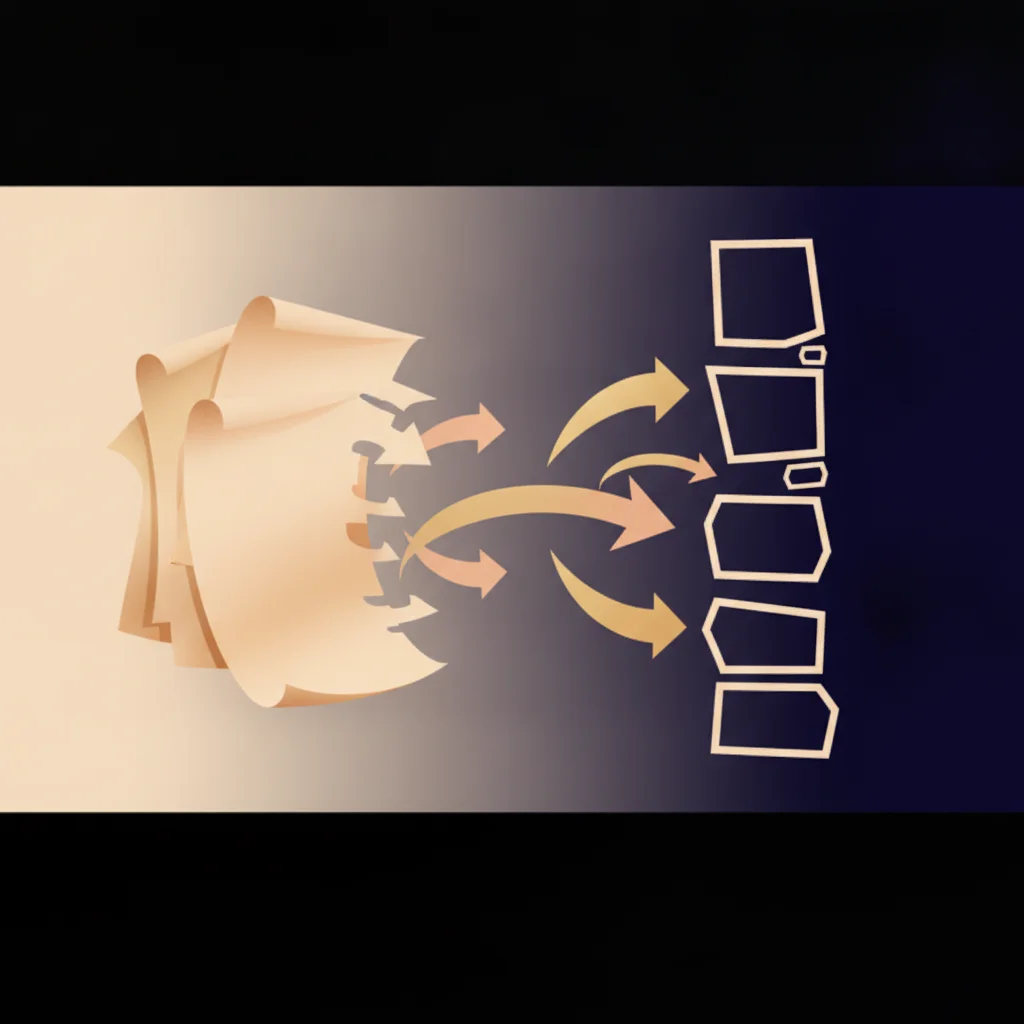
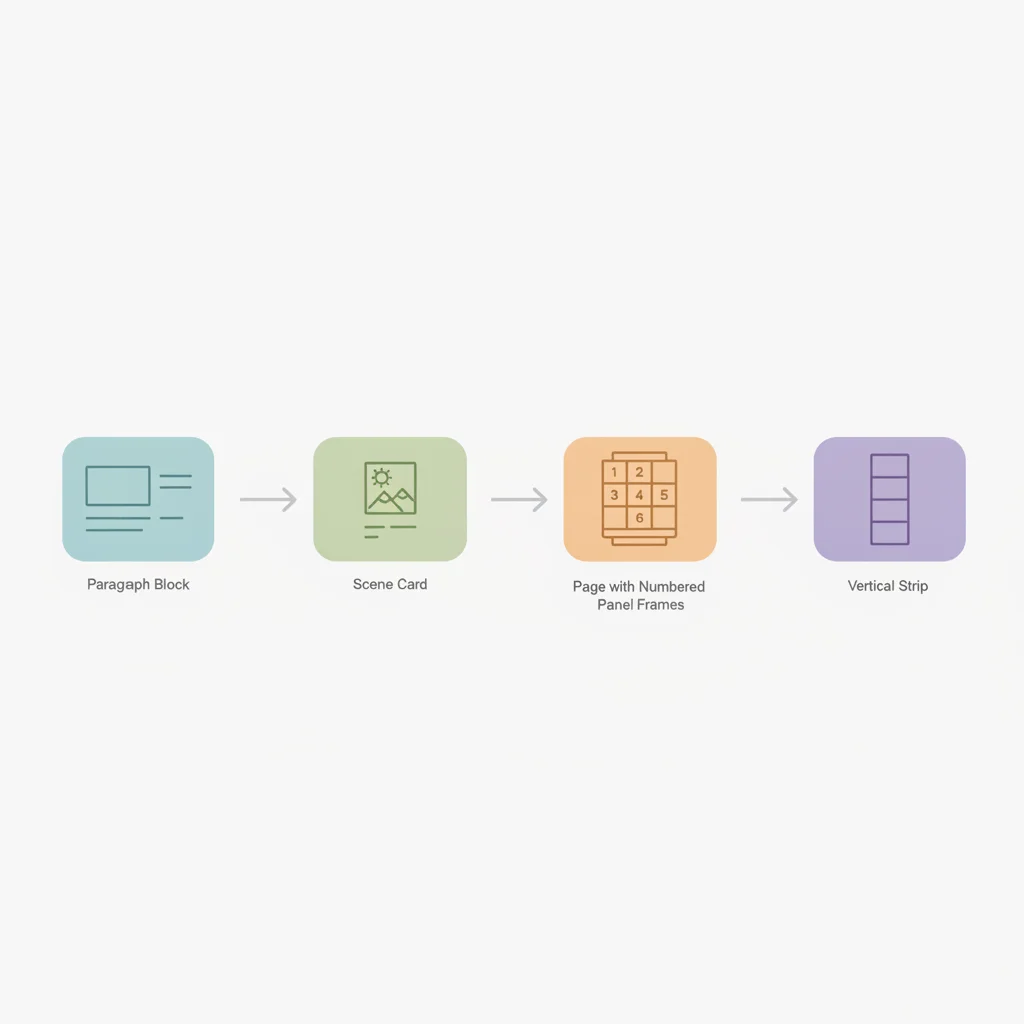
The word “adapt” matters. A web novel is built from narration, inner thought, and long paragraphs. A webtoon is built from images, short dialogue, and the gaps between panels. Moving from one to the other is a translation job, not a copy-paste job. The AI handles the drawing; the translation of pacing is still yours to steer.
For a wider look at the format itself, see our complete text-to-webtoon workflow. Here we stay on the prose-specific problems: what to cut, how to split chapters, and how to keep your own sentences intact.
Should I paste prose or write a page script?
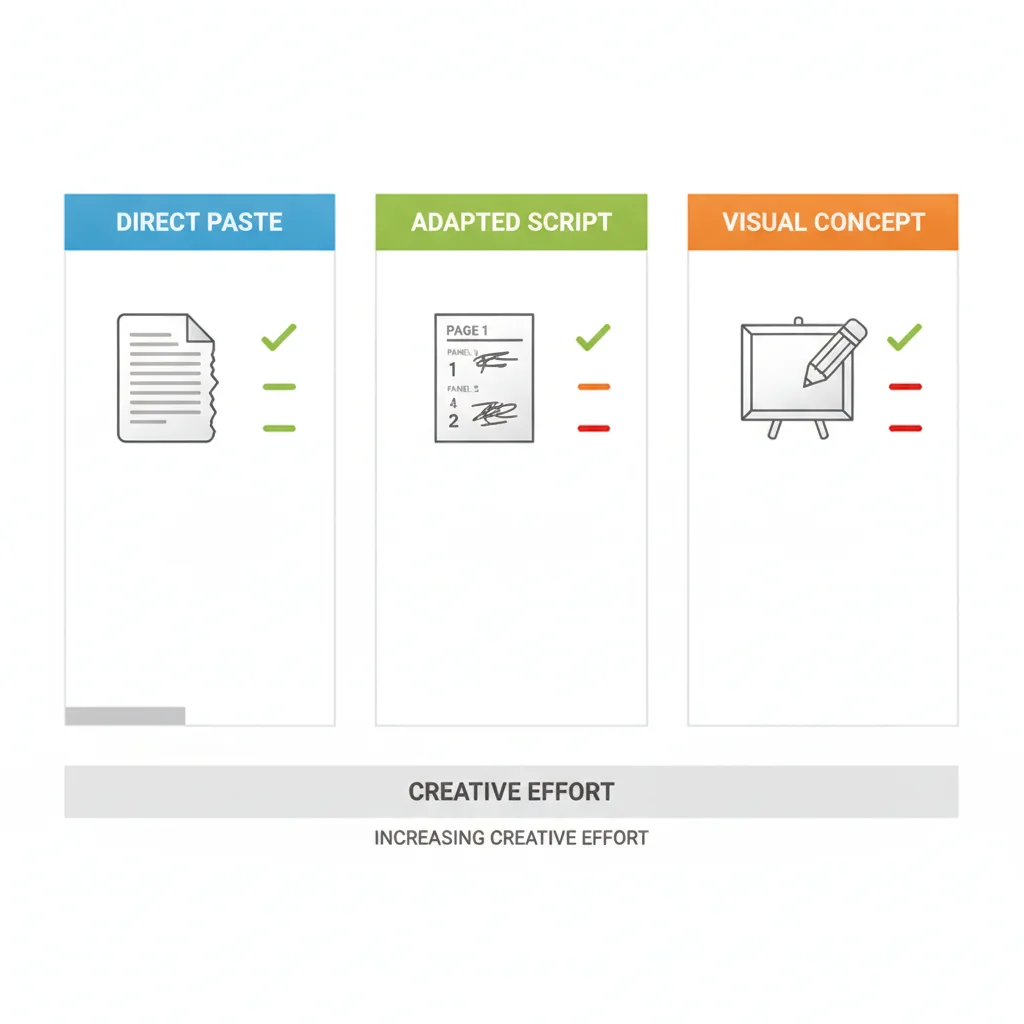
Both work, and they give different results. Pasting plain prose lets the AI write the panel breakdown and the dialogue from your text, and it may condense or rephrase while doing so. Writing a light script with Page and Panel markers keeps your structure and your dialogue lines as written. Drawing it yourself or hiring an artist is the third route.
| Approach | Your effort | Dialogue fidelity | Best for | Comistitch angle |
|---|---|---|---|---|
| Paste prose and let AI adapt | Lowest: paste and review | Condensed or rephrased | Fast first look at a chapter | Step 3 shows the panel breakdown to edit |
| Write a light page and panel script | Medium: one editing pass per chapter slice | Kept word for word | Serials where voice matters | Structure and dialogue are kept, shot notes added |
| One-click converter tools | Lowest: paste and wait | Usually rewritten by the tool | Instant previews | Comistitch adds a review step and verbatim mode |
| Draw it or commission an artist | Highest: your own art time or an artist’s fee | Whatever you brief | Fully custom art direction | Test pacing with AI pages before you brief an artist |
A practical rule: paste prose when you are testing whether a chapter works visually, and write a script once you know it does. A mix often works well: script the scenes where the exact wording matters, and paste the connective scenes as prose.
What should I keep and what should I cut from my prose?
Keep anything a reader could see or hear: actions, entrances, objects, decisions, and spoken lines. Cut or compress anything that only lives inside a head, such as long reflection, backstory dumps, and paragraphs of scenery that never change the plot.
A quick filter for each paragraph:
- Keep if it changes a relationship, reveals information, or moves a character to a new place.
- Show instead if it describes a feeling. “She dreaded the door” becomes one panel of a hand hovering over a handle.
- Cut if it repeats information the previous panel already carried.
- Move to a caption if it is one line of narration that really cannot be drawn, such as “Three days earlier.”
A web novel chapter is often a few thousand words, which is several episodes of material, so cutting is not a loss. It is how the story survives the format. Cut narration first, dialogue last.
Another habit worth borrowing from serial prose: if a chapter ends on a line of dialogue or a sudden event, that is probably your episode boundary. Chapters written for weekly releases often already end on a cliffhanger, which is exactly what a webtoon episode needs.
How many words fill one webtoon episode run?
About 3,000 characters, roughly 500 words, fills one five-page run. A run builds up to five pages with up to six panels each, so a single run is a short but complete episode segment.
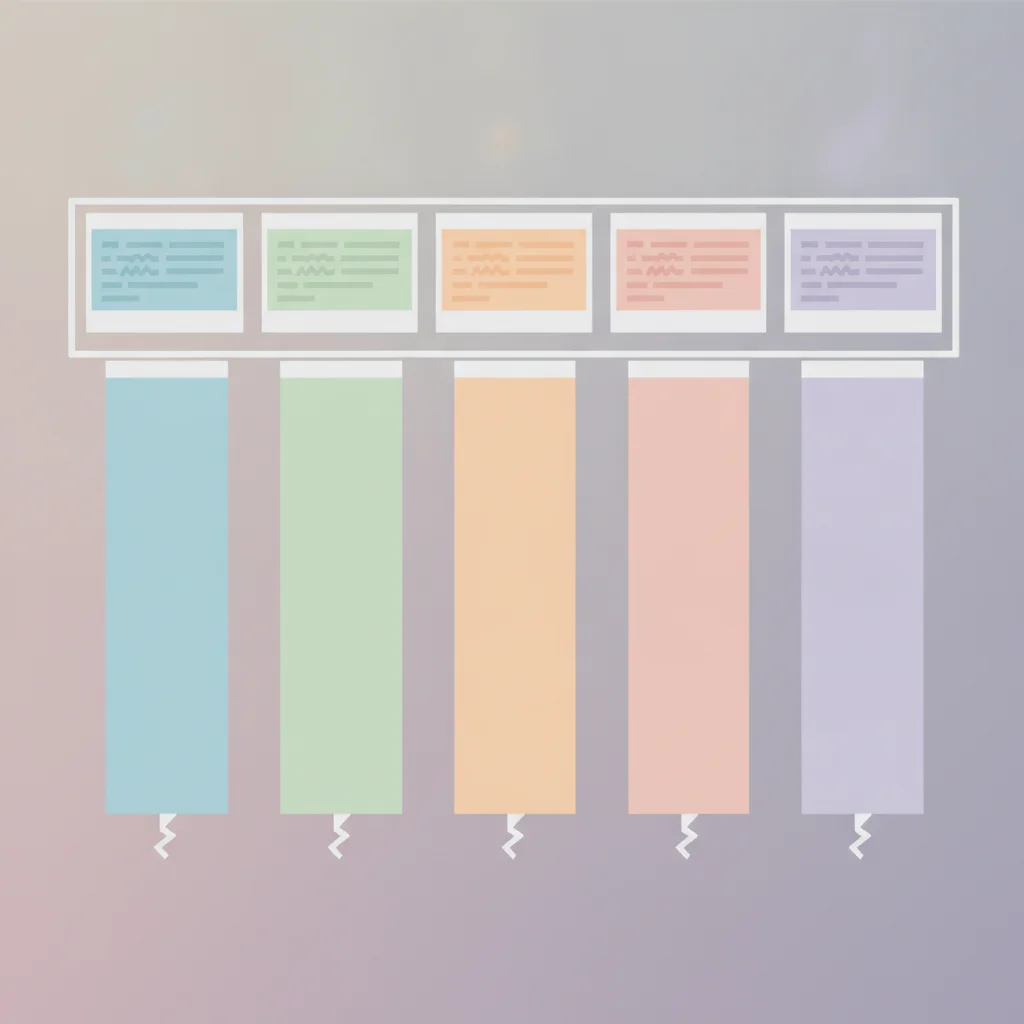
Longer chapters are not refused. They are built across several runs, so a 2,000-word chapter becomes about four runs and a 4,000-word chapter about eight. That is a pacing note, not a limit: the studio accepts long manuscripts, and splitting is something you choose for story reasons.
Where to cut the chapter into runs:
- At scene changes. A new location or time jump is a natural breath.
- At a reveal. End the run one beat after the new information lands.
- Never mid-dialogue. A back-and-forth exchange should stay in one run so the rhythm survives.
Dense action scenes may need fewer words per run, because each beat wants its own panel. Quiet conversation scenes can carry more words, because several lines can share a panel.
How do I turn a novel chapter into a webtoon, step by step?
The studio has four steps: cast, story, script analysis, generation. Work through them in order for each episode, and reuse your cast every time. This is the loop that works for serials.
- Choose the scenes. Mark the beats worth drawing and cut the rest, as described above.
- Build the cast (step 1). Create or add one portrait per recurring character.
- Write or paste the story (step 2). Add Page and Panel markers where the dialogue matters.
- Review the analysis (step 3). The AI turns your text into pages and panels you can read and edit.
- Generate (step 4). Pick a webtoon style, set dialogue language, and run.
- Export and continue. Take the vertical strip, then start the next slice.
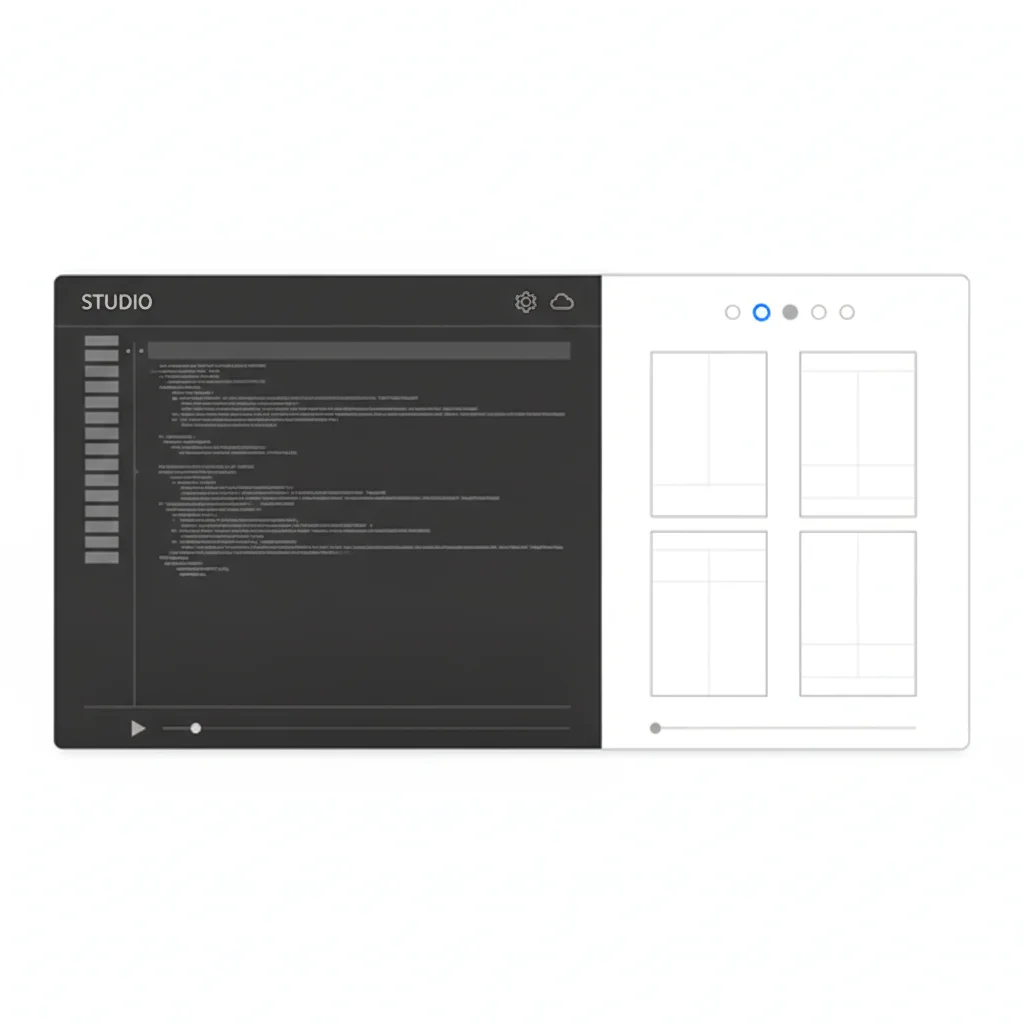
Step 3 is where this approach earns its keep. Because you see the pages and panels before generation, you catch a dropped line or a wrong ending before you spend any page credits. From inside the builder you can edit the breakdown directly, so the first image run is closer to what you meant. Open the Comistitch studio to see the four steps for yourself.
How do I keep my dialogue word for word?
Write a light script. Put “Page 1” and “Panel 1” markers in your text, and put each spoken line on its own row as a name, a colon, and the line in quotation marks. When the studio sees that structure, it keeps your pages, panels, and dialogue and only adds what is missing, such as shot notes.
The markers also work in other languages: “Khung” in Vietnamese, “コマ” in Japanese, and “컷” in Korean. Set dialogue language to auto and the speech follows the language of your manuscript, which suits writers adapting a web novel in their own language.
Here is a short, original excerpt, first as prose and then as the script you would paste into the studio.
The prose version (83 words):
The archive smelled of dust and lamp oil. Mira had come for one ledger, the one nobody asked for anymore, and she found it on the bottom shelf where the light barely reached. She opened it to the middle. In the margin, in ink that was not quite dry, someone had written a note in her own handwriting. She did not remember writing it. She had never opened this book. At the end of the aisle, the east door’s handle began to turn.
What changed on the way to the script: the smells and the “nobody asked for anymore” backstory were cut. “In her own handwriting” became a spoken line, so the reader hears it instead of being told. The thought “She had never opened this book” also became dialogue, and the turning handle became the closing panel plus a caption.
Page 1
Panel 1: A narrow archive aisle at dusk, a lantern on a shelf. Wide shot, Mira holds a dusty ledger.
Mira: "This margin note is in my handwriting."

Panel 2: Close on the ledger page, a date three days ahead circled in ink.
Mira: "But I have never opened this book."

Panel 3: Mira looks up toward a tall east door at the end of the aisle, its handle shaking. CAPTION: Someone was already inside.
Mira: "Who else has the key?"
Notice what the script does. Each panel holds one beat, the dialogue is short, and the last panel ends on a hook rather than an answer. “Mira” is an original name used only as an example. Replace it with your own cast.
How do I keep characters consistent across episodes?
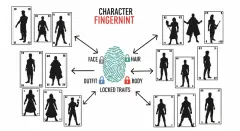
Create each recurring character once and reuse that character in every episode. Each character is one portrait reference image that keeps face and outfit consistent from panel to panel and episode to episode. It is a single reference, not a multi-view turnaround sheet, so choose a portrait that shows the outfit clearly.
You have two options. Create your own character from your novel’s description, or browse the free character library, which holds 186 free original characters as of 2026-10-06, and add one to your cast. The character library launch post explains how the library works.
Three habits keep a cast steady over a long serial:
- Fix the outfit early. Decide the signature clothing and colors before episode one, then do not redescribe them in later scripts.
- Use the same name in every script. Tag dialogue with the exact name from your cast list, and avoid switching between a name and a nickname, so every line stays attached to the right speaker.
- Keep the cast small per run. Two or three speaking characters per five-page run reads better on a phone.
If a genre sets the look you want, explore the romance webtoon style for slice-of-life and love stories, or the isekai generator style for portal-fantasy and reincarnation chapters. Both genres are well represented among web novels.
How do I pace a vertical scroll and end on a cliffhanger?
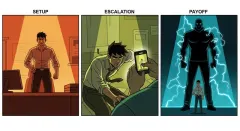
Pace by the white space and the size of the beat, and spend your best beat on the last panel. A webtoon has no page turn, so the end of the strip is the only moment you control what the reader feels before they decide to continue. Make it count.
Pacing rules that translate well from prose:
- One beat per panel. A paragraph with three actions becomes three panels, or one panel and two lines of dialogue.
- Slow the reveal. Put a quiet, wide establishing panel before a surprise, so the scroll itself builds tension.
- Speed the argument. Short, stacked panels with brief dialogue make a fast exchange feel fast.
- End on a question or a change. A door opening, a name read aloud, or a decision made works better than a summary.
Platform guidelines such as those on WEBTOON also expect episodes sized for vertical reading, so check the current width and length notes before you upload. The vertical-pacing ideas above apply regardless of platform.
A good test: read only the last panel of each episode in order. If each one makes you want the next, your hooks are working.
What does it cost to adapt one chapter?
Signup gives 100 free credits with no card, and a page costs 30 credits whatever its panel count, so free credits cover about three pages. A full five-page run costs 150 credits, which means testing one scene is free, and a whole serial needs paid credits.
Whole-page reroll costs 30 credits, and there is no per-panel regeneration, so reviewing the script in step 3 before generating is the cheapest quality control you have. Free exports carry a watermark. A commercial licence comes with Elite on any billing cycle, or with Starter and Pro when billed yearly. For the full breakdown, read the free tier explained.
Exports fit the format: PNG stacks all pages into one vertical strip that matches webtoon scroll, ZIP gives separate pages, and PDF is at web resolution.
Where do I publish the finished episodes?
You can publish on Comistitch by chapter or episode, so a serial keeps its order and readers can follow along. You can also export the PNG strip and upload it elsewhere, subject to that platform’s rules on AI-assisted work and image sizes.
Consider releasing a few episodes at once, so a new reader can get past the first hook in one sitting. Keep the episode length consistent, keep the cast the same, and keep the release rhythm regular. Once the loop of choosing scenes, scripting, reviewing and generating feels familiar, each slice is a short session rather than a drawing project.
Ready to try it on your own chapter? Start in the studio, paste the first 500 words, and see what the panel breakdown looks like.