Making a children’s picture book with AI comes down to three decisions that have nothing to do with drawing: the shape of the story, whether the same child appears on every page, and which illustration style matches the age you are writing for. Get those right and the generation is the easy part — Comistitch’s AI kids comic style renders the pages from your written descriptions. Get them wrong and you end up with twelve beautiful, unrelated pictures.
In short:
- Write to a four-beat shape: ordinary world, small problem, the brave thing, settled ending
- Save one character description and reference it by name on every page — never paraphrase it
- Use two or three large panels per page, not the six or nine a comic would use
- Bright and high-contrast for early readers; painterly and warm for read-aloud
- Finished pages download as a single PDF; binding it into a printed book is a separate job
What Makes a Picture Book Different From a Comic?
Both put pictures in sequence, so the tooling overlaps almost completely. The differences are in density and in who is doing the reading.
A comic page carries five to nine panels and expects the reader to move between them unaided. A picture-book page carries one or two pictures and a line or two of text, because the reader is either four years old or is an adult reading out loud to one. The gutter — the white space between panels — does real work here: young readers use it to know that time has passed, and a crowded page removes that signal entirely.
The second difference is who holds the words. Comics put dialogue inside a speech bubble attached to the speaker. Picture books mostly use narration in a caption box or as text set beneath the image, because an adult reading aloud needs to find the line without hunting around the page for the next bubble. Use speech bubbles sparingly — for the one line a character actually says — and keep the rest as narration.
In short: fewer panels, wider gutters, narration over dialogue. Everything else transfers straight across from comic craft.
How Do You Structure a Story for a Three-to-Seven-Year-Old?
The shape that works is four beats, and it is short enough to hold in your head.
- The ordinary world. One page. Who the child is, where they are, what they like. No problem yet — the reader needs a normal to measure the trouble against.
- The small problem. Something goes wrong at child scale: the new house makes strange noises, the class hamster is missing, the tower keeps falling over. It has to be something a small child could plausibly do something about.
- The brave thing. The child tries. Ideally they try, fail once, and try differently — that single failure is what turns a sequence of events into a story.
- The settled ending. The problem is mended and the child is safe. Not a twist, not a cliffhanger, not a bigger problem revealed on the last page.

The beat most first drafts get wrong is the fourth. Adult story instinct wants the ending to open something — and for a children’s book, particularly one read at bedtime, that is exactly backwards. The last page should lower the reader’s heart rate.
The beat most first drafts get missing is the second half of the third. Skipping straight from problem to solution gives you a book where nothing is at stake for four pages. One honest failure fixes it.
If you want the beats generated rather than written from scratch, the kids story idea generator is tuned to this shape specifically — it returns a gentle problem, the child, the small brave thing, and a warm ending, with peril and menace kept out by design. Seed it with an age and a situation (“age 4, first night in a new house”) and you get a usable spine in one pass. Treat the result as a draft and read it aloud before you commit to it.
In short: ordinary world, small problem, a try that fails, a try that works, a settled ending. Five pages of structure carrying twelve pages of book.
How Do You Keep the Same Child on Every Page?
This is the difference between a book and a slideshow, and it is a writing problem more than a technical one.
Write the character once, in the register a costume designer would use: fixed, physical, repeatable.
Nia, a small girl of about four. Short black hair in two short
plaits, dark brown eyes, warm brown skin. Wears a mustard-yellow
raincoat over a green jumper and red wellington boots. Always
carrying a small grey cloth elephant with one ear missing.
Every phrase in that block is checkable from a finished picture. “Short black hair in two short plaits” regenerates; “cute hair” does not. The grey elephant is doing more work than it looks: a single distinctive object is the fastest thing for a young reader to re-find on each page, and it is the easiest thing for you to spot when a page has drifted.
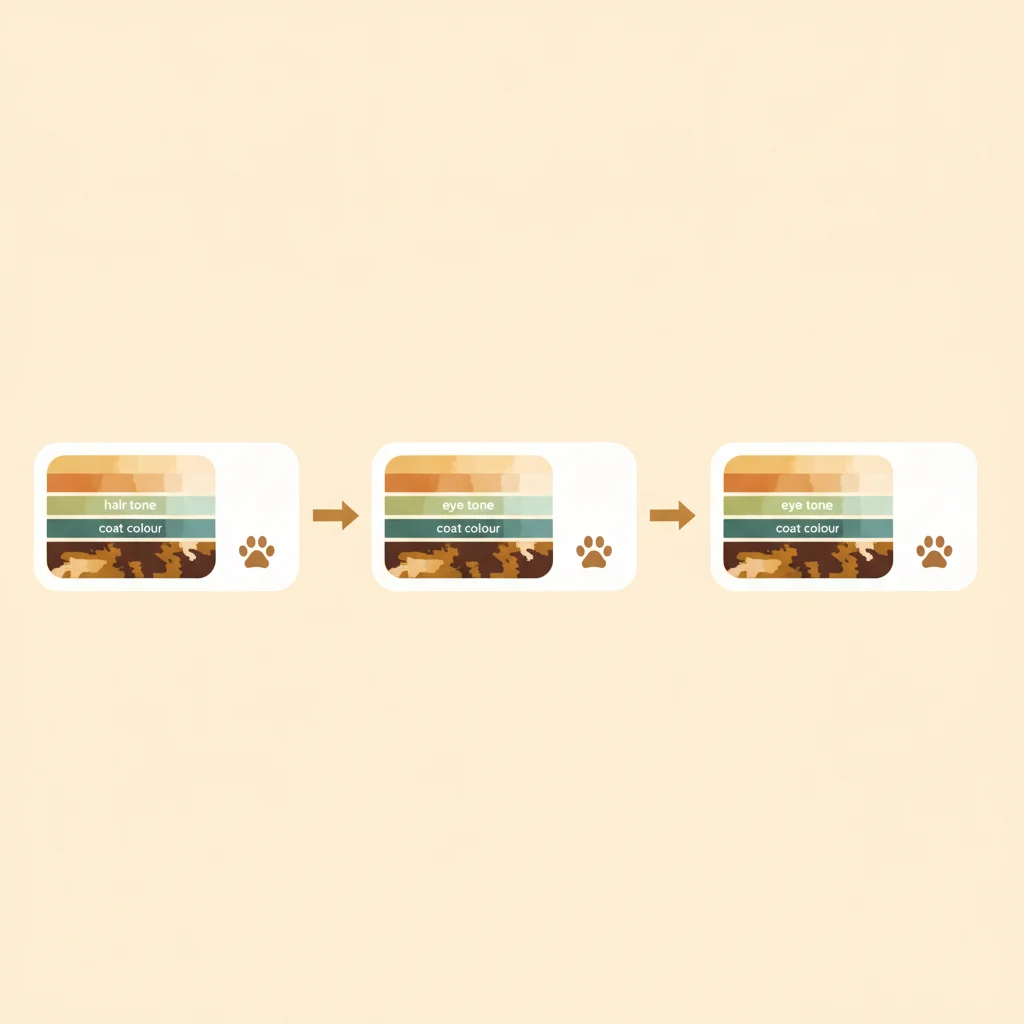
Save that description once in the characters workspace and reference the character by name when you describe each page. The saved description is injected into every generation, so the same child is built from the same words every time. The failure mode to avoid is retyping the description from memory on page seven — a paraphrase is a different prompt, and a different prompt is a different child.
Two more practices that pay for themselves on a short book:
- Keep the wardrobe fixed for the whole story. Picture-book characters famously wear the same thing on every page. It is not laziness; it is a recognition aid for a reader who cannot yet read the name.
- Write a character sheet for the secondary cast too, even the dog, even the grandmother who appears twice. The cast members who appear rarely are the ones who drift most, because you have written them least.
In short: one precise written description, saved once, referenced by name. One signature object. Same clothes throughout.
How Many Panels Should a Picture-Book Page Have?
Two or three. Occasionally one.
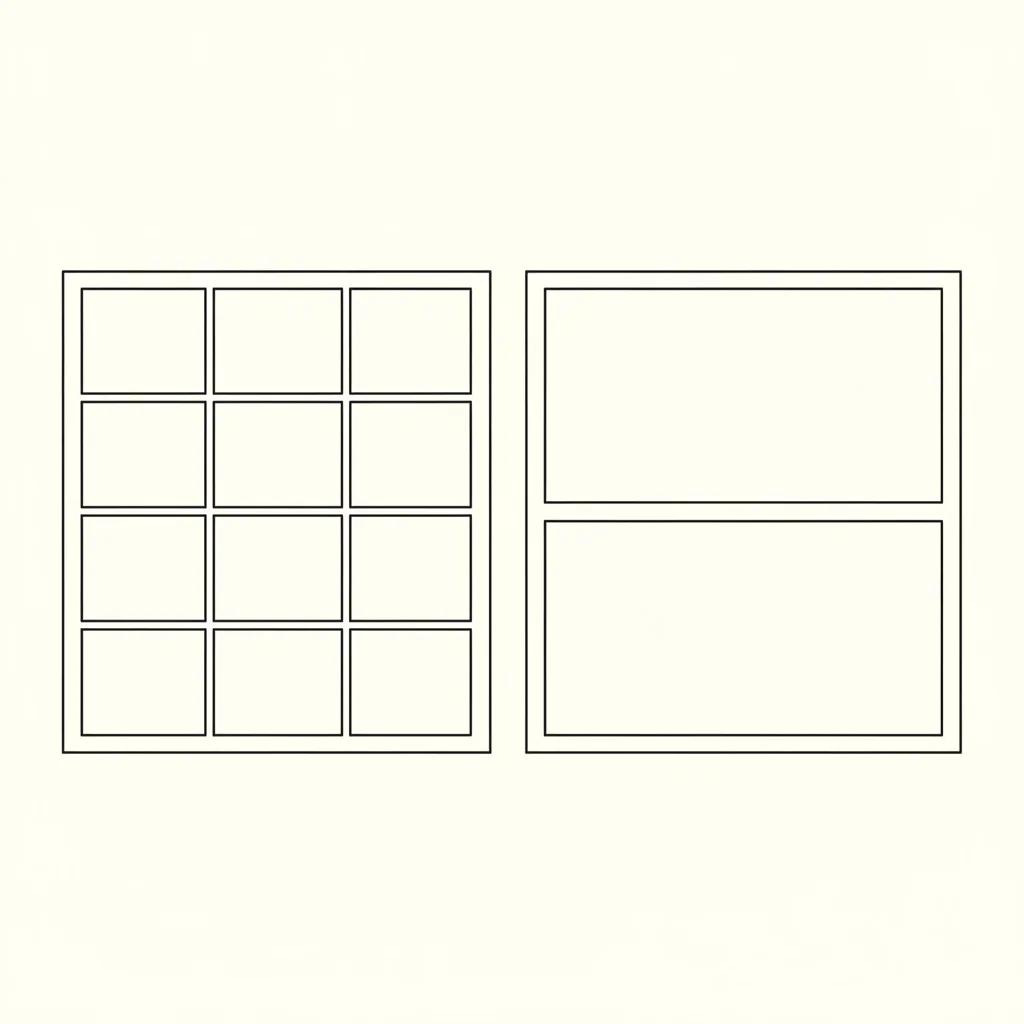
A page with nine panels asks the reader to make eight decisions about where to look next. A page with two asks for one. For a reader who is still learning that pictures are read left to right, that difference decides whether the book works.
Use a full-page image — a splash page — for the two moments that deserve it: the first page, which establishes the world, and the page where the brave thing happens. Saving the technique for exactly two pages is what makes it land.
When you describe a page for generation, describe it as a whole: how many panels, what is in each, and where the child is standing. An establishing shot for the wide opening, then closer views as the problem narrows. If you have not worked this way before, sketching a rough storyboard — boxes and stick figures on one sheet — before you generate anything will save you more time than it costs.
In short: two or three panels per page, one full-page image at the opening and one at the turning point. Plan the whole page before generating it.
Which Illustration Style Should You Choose?
The choice is mostly about who is holding the book.

Bright and high-contrast, for a child reading it themselves. The kids comic style uses saturated colour, simple silhouettes and clear separation between figure and background. Everything in it is tuned for legibility at arm’s length by someone who is decoding the picture as much as looking at it. This is the safer default for ages four to eight.
Warm and painterly, for a child being read to. The storybook oil painting style has visible brushwork and golden, lamp-lit warmth — the register of classical illustrated storybooks. It rewards a slower look, which is what happens when a book is read aloud and the listening child studies the picture while the adult reads. It also ages upward well, so it holds for a six-to-nine-year-old where a brighter style can start to feel babyish.
Pick one and stay in it. A book that switches illustration style halfway reads as an error to an adult and as two different books to a child.
One practical note on colour: whichever style you choose, write a short palette line into each page description — two or three base colours plus a shadow tone — and reuse it unchanged. It is the same discipline as the character description, applied to the world instead of the cast.
In short: bright and simple for independent readers, painterly and warm for read-aloud. Choose once, then do not switch.
Putting It Together: A Page-by-Page Workflow
- Write or generate the four beats. Read them aloud. Cut any sentence you ran out of breath on.
- Break the beats into pages — twelve to sixteen is a comfortable first book. Write one line of narration per page.
- Write the character description. Save it. Write descriptions for any secondary cast.
- Sketch the page layouts as boxes. Mark which two pages get a full-page image.
- Generate page by page in Comistitch Studio, referencing your saved character by name and pasting your palette line into each page description.
- Regenerate any page where the child has drifted — check the signature object first, it drifts before the face does.
- Export the finished pages as a PDF.
The PDF export lets you choose which pages go in and whether the output is portrait or landscape, so you can drop a page that did not work and re-add it later.
In short: structure, then cast, then layout, then generation, then export. Generation is step five of seven for a reason.
What This Workflow Does Not Do
Worth stating plainly, because a lot of writing about AI books is vague here.
- It does not produce a printed book. You get generated pages and a PDF of them. Turning that into a physical object — trim sizes, bleed, spine width, a printer’s file specification — is a separate job with separate tools.
- It does not handle publishing. There is no ISBN, no store listing, no distribution step in the workflow above.
- It does not typeset your text. Narration written into the page description is rendered as part of the illustration. If you want typographic control over the words, plan to lay the text over the images yourself afterwards.
- It does not replace reading the book out loud before you share it. Generated children’s prose drifts long, and the only reliable detector is your own breath.
What it does do is remove the illustration bottleneck, which for most people is the reason the picture book in their head has stayed in their head.
If your book is specifically a bedtime story, the pacing rules change in ways worth knowing before you start — our guide to AI bedtime stories covers the wind-down structure, age banding, and the prompt wording that produces a calm result instead of an exciting one. For a broader look at how panels, scripts and generation fit together across any comic format, the AI comic style cookbook is the reference version.